I’m migrating to Volumio 4.xxx. Since the 2aCD version of PeppyMeter isn’t working and the developer seems inactive, I’ve switched to PeppyMeterBasic.
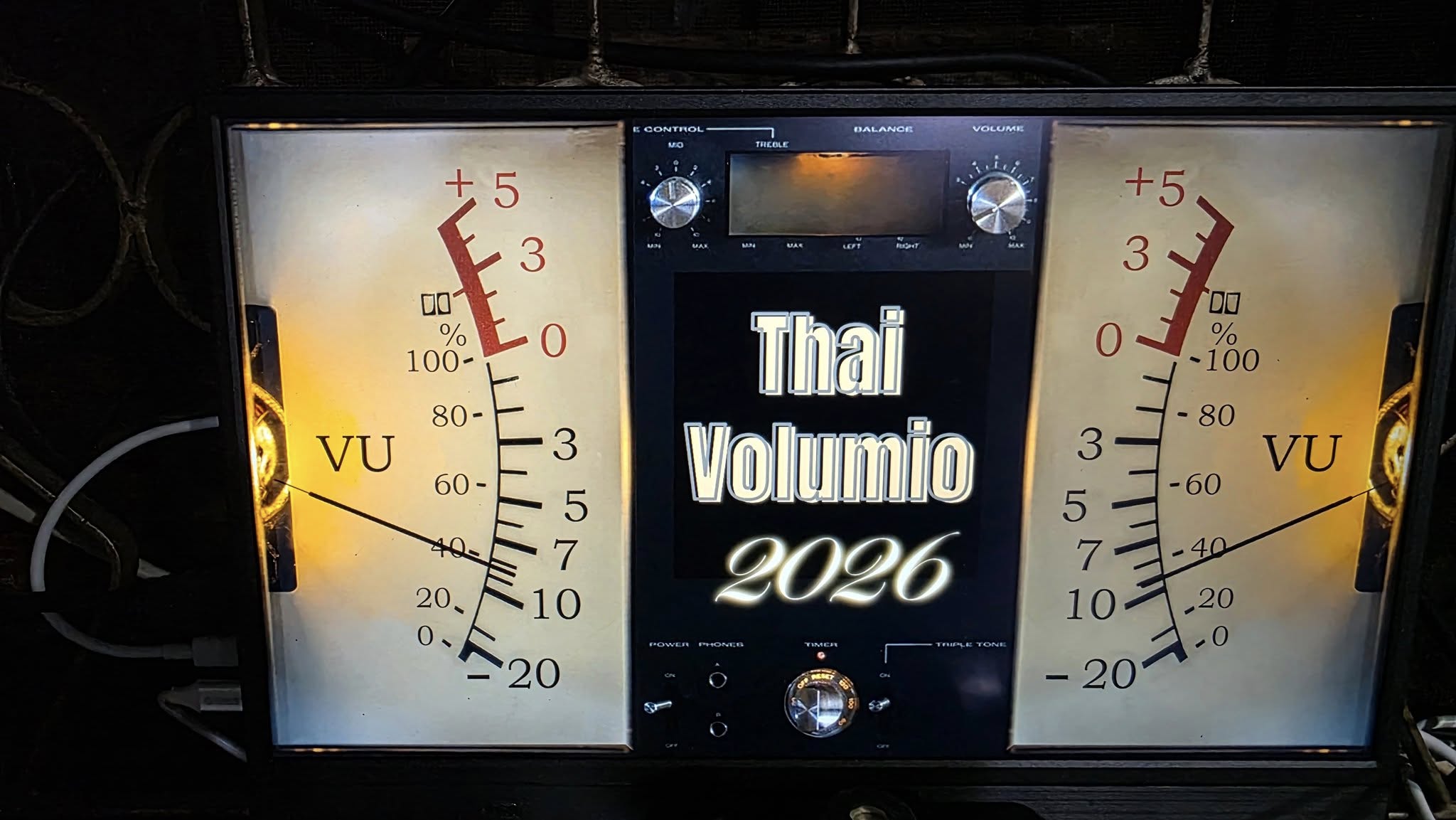
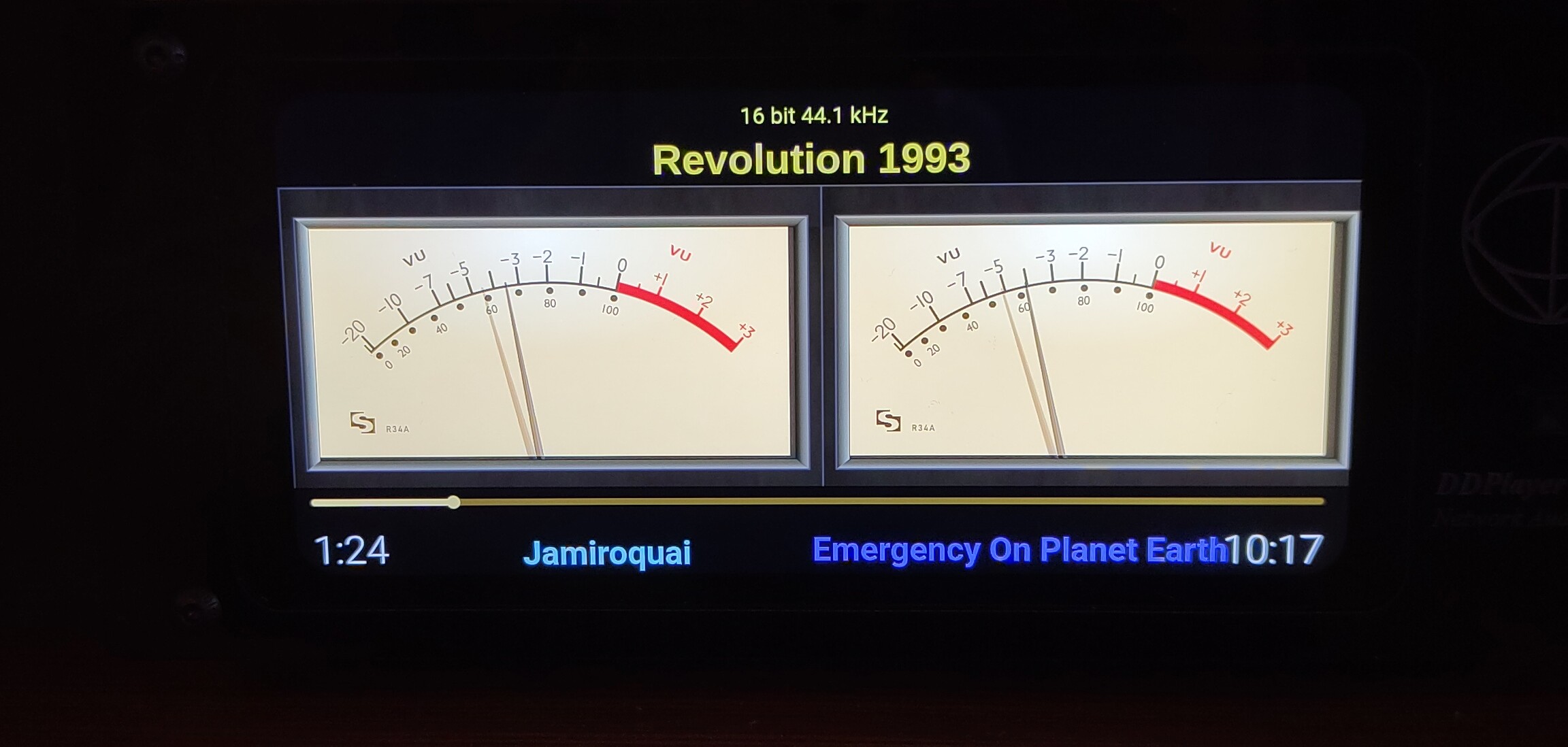
I managed to get the Gelo5 skins (for 2aCD version) working on the Basic version. They animate correctly, and while I’m missing the track info/album art, I can accept that trade-off.
My question is regarding the “Random” feature. Could we get an option to change the skin automatically upon a track change, or set a specific time duration? (The current random interval seems fixed at >20 seconds, and I’d like more control).
The plugin requires a deep work to make it compatible with volumio plugin requests.
As this, it modifies some system files that prevent volumio updatssible e. Not acceptable!
And plugins are maitened for free, by community members on their free time…
So everything is possible… But no idea if yes and when. .
I am asking this , be cause I have observed that a lot of people like Volumio because of that plug-in or peppy spectrum …and the work should continue in that plug-in or at least transfer it to your plug-in … Here @volumio should take care … thx
I would rather have the Volumio core team taking care of implementing and improving core functions and leave this sort of (though much appreciated) plugin work to community developers. Lots of people like the plugin, but I guess a lot more have no interest at all.
Of course, my opinion.
Please remember that these plugins are community creations, built by users like yourself.
Volumio, or more specifically @balbuze, has provided an alternative that doesn’t interfere with Volumio’s OTA updates.(read doesn’t break things)
Since the original plugin author is no longer responding (for whatever legitimate reason), it isn’t fair to shift ownership or responsibility onto someone else.
In my opinion I did not say there was no interest and I did say the work is much appreciated. The plugin concept is brilliant and meant to let community members add their own features/ functions to the product. And it is working.
I still think, plugins should remain community work and certainly not a core team task to fix what a community dev left behind. There has been an exception in the past, the spotify plugin, but that was a complete different story.
The PeppyMeter (2aCD version) is one of the main reasons I stick with Volumio. Volumio itself fulfills all my requirements—excellent sound from all file formats, control via smartphone/tablet, future-proof upgrades, and ease of use. On top of that, the Volumio community is great, with so many good people helping each other.
I know sooner or later I will have to move to 4.xxx (I had the same feeling moving from 2.xxx to 3.xxx a couple of years ago). There are so many great things about 4.xxx; the development team has put in a lot of hard work and done a great job creating this for us.
However, can PeppyMeterBasic really match the satisfaction of the 2aCD version? You lose the great metadata info on the skin, control over the meter duration, and the vast majority of Gelo5’s amazing skins. I still remember testing PeppyMeter with 2aCD during the pandemic. I asked him how to make long song names scroll so we could see the whole title, and he said to me: “Andy, this is just programming, anything’s possible!” And the very next morning, it was there!
At the moment, I managed to port some of my favorite Gelo5 skins to PeppyMeterBasic, and I think I can live with that even without all the metadata. I tried to change the duration from 20 seconds to at least 60, but it always changes back to 20 seconds. Oh well!
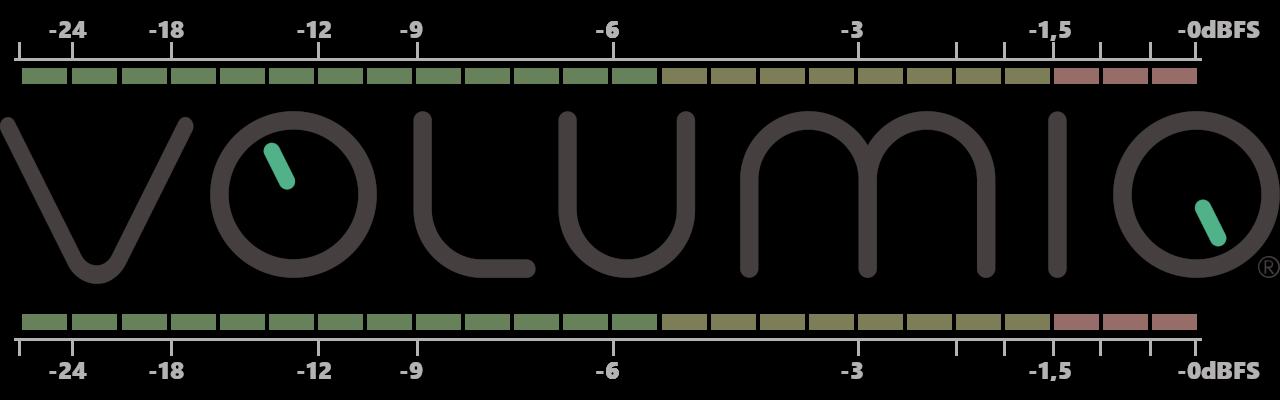
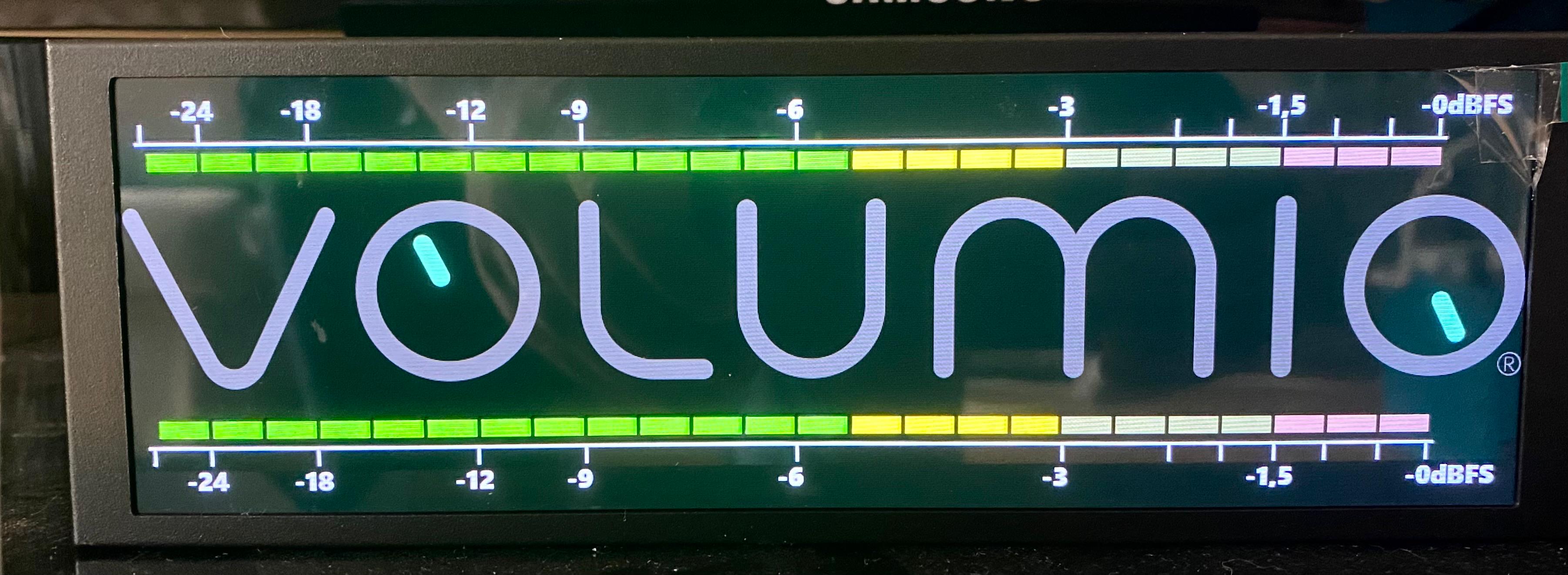
I’ve made a simple Led Strypes Meter for 1280x400, with calibrated scale. Fell free to use it, if you like it.
PS - Many, many thanks to @Gelo5 for helping me with some concepts on building the templates (specially the meters definition) . Without his help I would still be stucked on this
Pi4 on 4.084 and using the latest version of the plugin. I know all the hype is with trialing the new branch but this pi4 on this 8" hdmi touchscreen… Is kinda touchy… with dual hdmi out and hdmi_1 to soundbar, and on the latest Touch Display…
Loading up a 1280x800 meter as I have before, the meter itself is shrunk to smaller than the screen. I figured it might have to do with the dual hdmi out but I don’t recall seeing it like this before.
The fix. I recall when I had to work around my 1289x800 screen seeing the other hdmi out resolution and tries to copy it… So instead of using a 1280x800 meter with my 1280x800 screen, I can get the meter to fit the screen now by using a 1920x1080 meter.
It works… It no biggie. There might be some resizing performance hit, idk. But this is how I have to get it to work in my case.
Browsed through all of the comments here and didn’t see a link or answer/info to my concern. I’ve been having significant issues getting Peppy Meter Basic (PMB) to work on my RPI4B w/DAC to send to a remote RPI also running Peppy Meter. My desire is to have PMB run on my Volumio in the basement audio close (headless/no touch display) and send the data to a remote RPI over WIFI. I searched hoping to find someone posting a Guide on how to setup PMB and how to use FIFO to send the data over the network to the receiving RPI running Trixie (full environment) (as PMB does - just signal data which is perfect) but for the life of me I can’t find anything. I’ve driven Grok insane (LOL) with trying to do this. After countless days of troubleshoot I hit up GPT-5 AI bot and was successful getting the FIFO pipe from Volumio (Sender) to PMB (Receiver) and needles moving on an HDMI screen (it was glorious) but then when I rebooted the PMB RPI I lost that functionality. (I now know that FIFO files don’t survive reboots - doh.) Grok has me running in circles trying to resolve the issue. I was unable to fix what I broke and/or recreate the steps since there were many “do this/try that” type things being done and I didn’t capture every step. I’ve restored back to my base Volumio 3.874 IMG but can’t get things working again. Can anyone point me to a “instructable” guide or paste a step-by-step guide here on how to do this for those of us that are NOOBs but really like Volumio and the promise of PMB? I really LOVED how the meters looked (Black & White 1280x800 I think they were) and seeing everyone’s meter skins here has me jelly. This is my hailmary attempt for getting it working. When I checked out the link at the top of this treat with a bullet of “* provide a simple installation for [Peppy Meter ]” and associated link I thought I found a guide but I don’t see where that link walks through the steps for setting up PMB. Hoping someone can provide info on setting up. (FYI - I’ll be unavailable for working on this 2/8/2026 - 2/18/2026) but will have internet access to check and provide any additional feedback (but prob not all of my steps taken). But I wanted to ask the community for help to get the ball rolling for when I am available. Great work to balbuze and company with this system. I try to assist the community with instructions to the best of my ability to communicate like this - https://community.volumio.com/t/rfid-reader-tidal-connect-uris-on-volumio/74323/3
Thanks. (BTW - love the sense of humor in that link and all of the disclaimers) Had a moment of success today sending signal data from Volumio RPI to “Pepper Meter” RPI (meters only) after sending the /tmp/basic_peppy_meter_fifo to a different file (/tmp/my_custom_sender_fifo) then sent that to Pepper Meter RPI (/tmp/my_custom_receiver_fifo) and had timestamps updating (previous were not with the basic_peppy fifo files) and needles worked! I was amped!! But then things went sideways when I change the Peppy Meter (remote RPI) from meter = random to meter = black-white and restarted peppymeter.py. No moving needles Short lived victory only to be destroyed by that changed. Haven’t gotten back to working yet. I’m driving Grok crazy. But he’s tolerating me. If anyone wants to read my Grok convo I’d be happy to share the link here. Lots of troubleshooting steps, etc…
Good timing - I’ve just released exactly what you’re looking for!
PeppyMeter Remote Client - a standalone client that connects to your Volumio server and displays PeppyMeter visualizations on a separate device over the network.
No FIFO pipes over the network, no complex setup. The server broadcasts audio level and spectrum data via UDP, and the remote client renders the full PeppyMeter visualization (meters, album art, metadata - everything).
It auto-discovers your Volumio server on the network. Install steps and configuration options are in the README.
Requirements:
Volumio with PeppyMeter/Spectrum Screensaver for VOLUMIO Bookworm (not Basic)
Enable “Remote Display” in plugin settings
Remote Pi running any Debian-based Linux (Raspberry Pi OS, Ubuntu, etc.)
Note on PeppyMeter Basic: If you want to stick with Basic, you’d need to adapt it to listen for UDP broadcasts instead of reading from a local FIFO pipe. The server broadcasts audio levels on UDP port 5580 and spectrum data on port 5581. You could modify Basic’s data source to receive these UDP packets - but at that point you’re basically reimplementing what the remote client already does.
The FIFO-over-network approach you were trying is fragile - named pipes don’t survive reboots, network latency causes issues, and you have to manage the pipe on both ends. UDP broadcast is much cleaner.
Hey thanks Nerd for the option. Grok wants one more opportunity to get try getting PMB to work so I’ll be tortured for 1 more day (and then leave on vac in disappointment ). Always good to have options. Great to have folks like yourself that know how to develop these types of tools. I’d love to just have PMB (lite solution) work to drive meters since I’m going for those vintage VU meter skin on top of my first stereo (non-functional Kenwood, which is for aesthetics as well). As many ppl here have mentioned it would be nice if Volumio offered this feature in its base code (and part of its end-to-end ecosystem but sounds like that won’t be happening so 3rd party solutions are needed). Thanks again for the info/option.
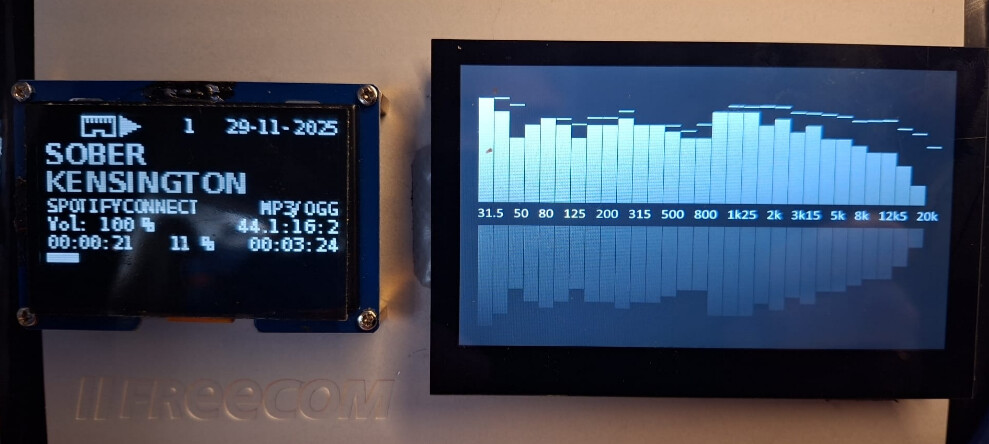
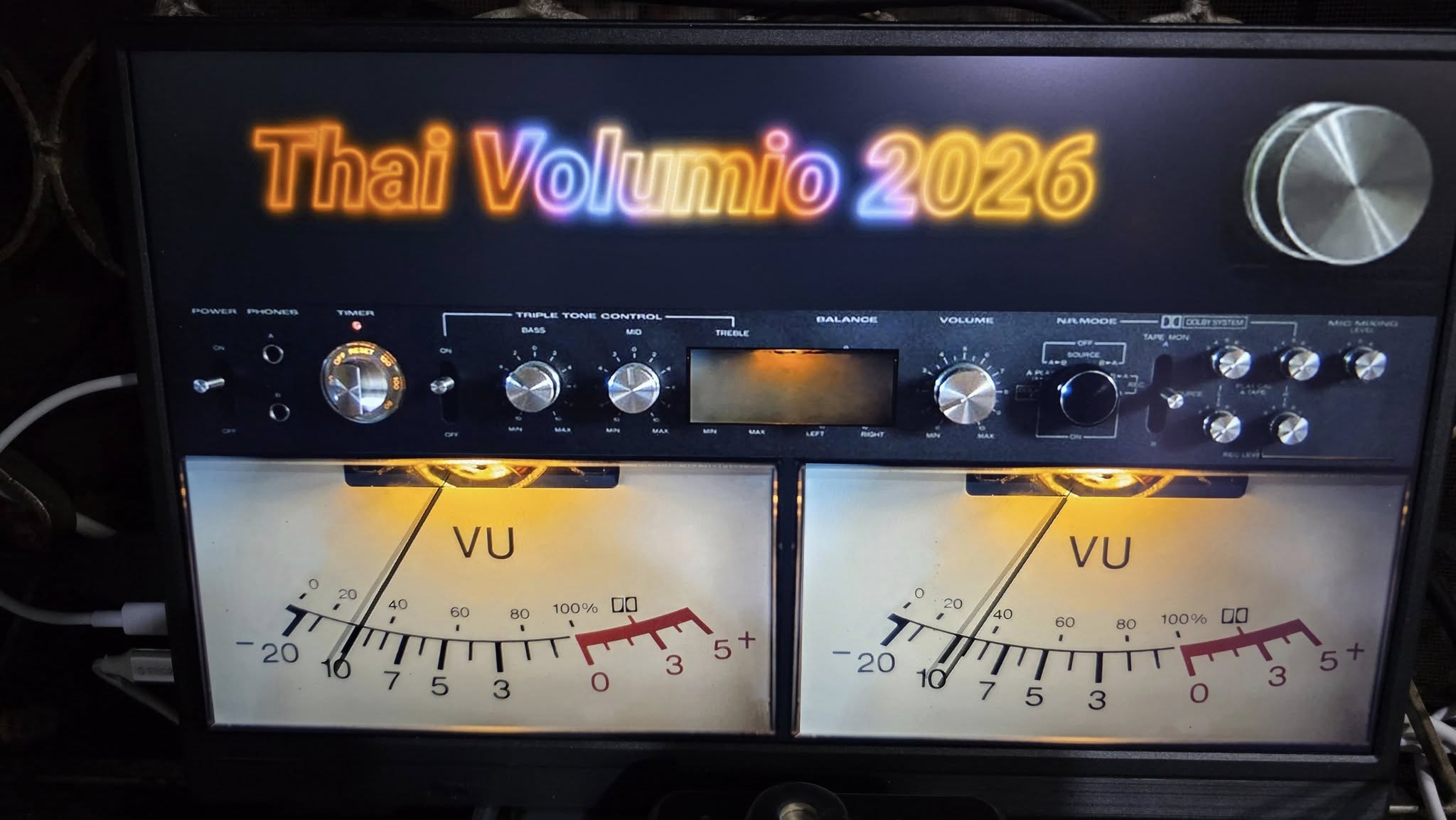
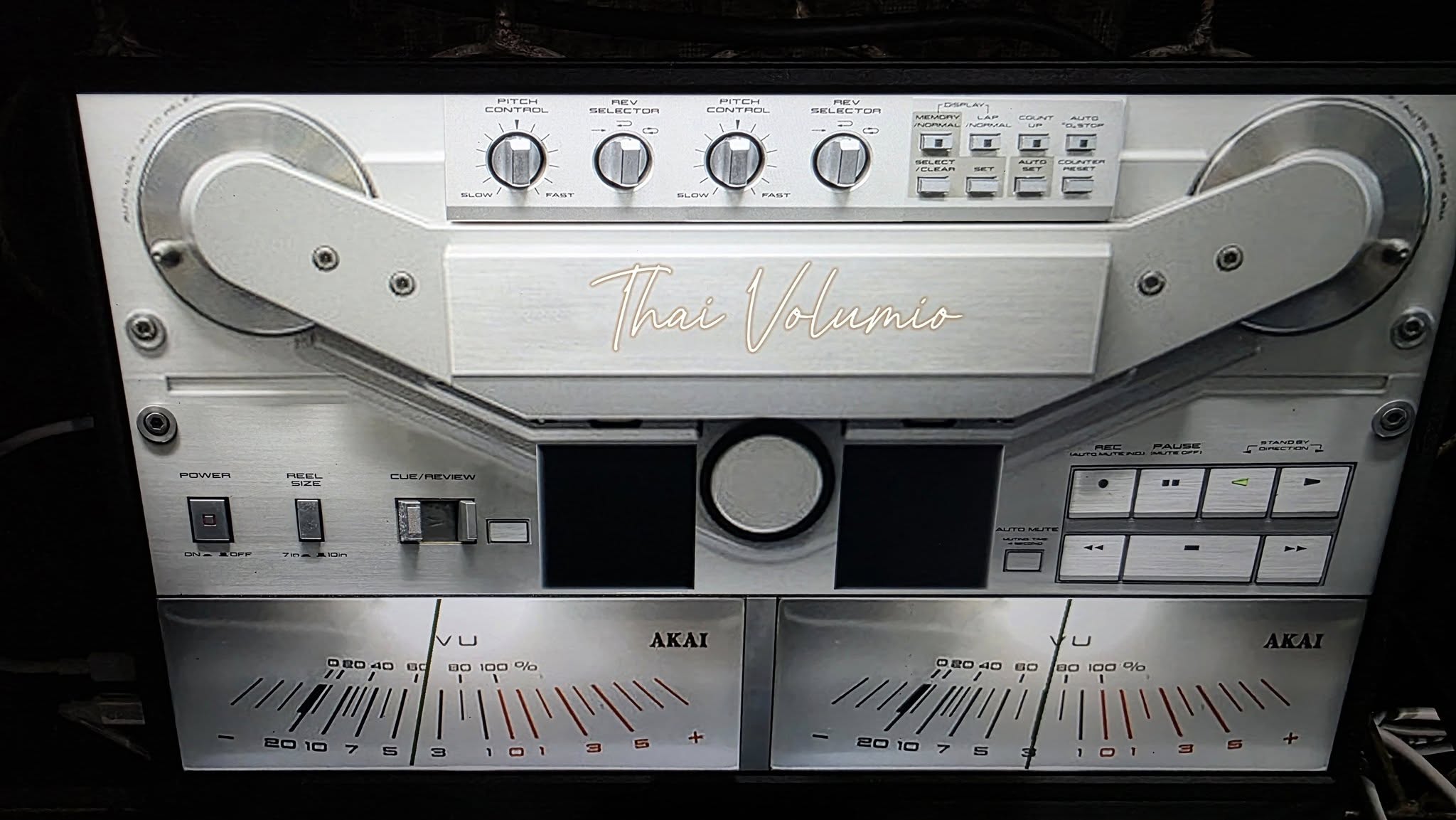
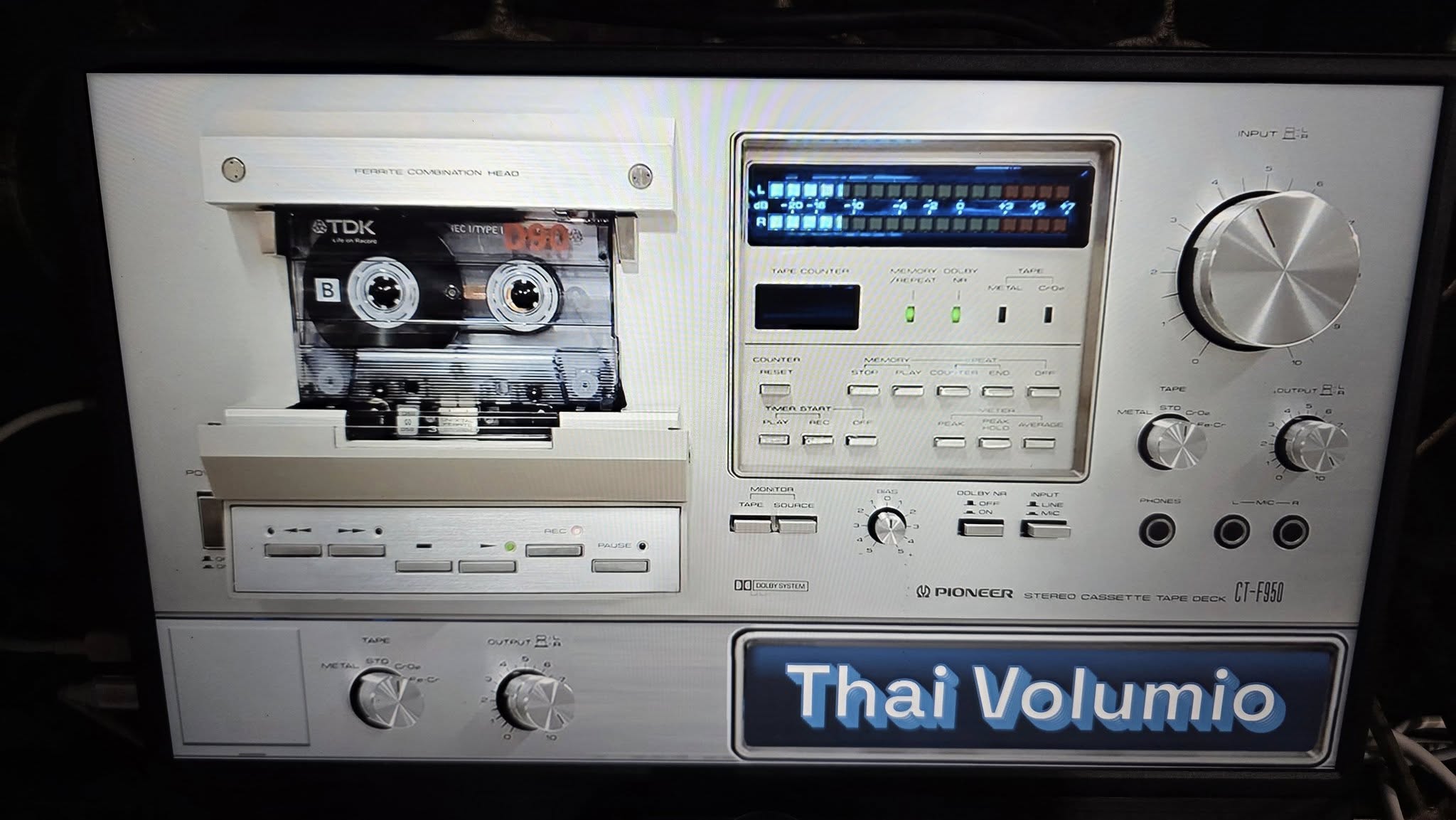

 . Without his help I would still be stucked on this
 Short lived victory only to be destroyed by that changed. Haven’t gotten back to working yet. I’m driving Grok crazy.
  But he’s tolerating me. If anyone wants to read my Grok convo I’d be happy to share the link here. Lots of troubleshooting steps, etc…