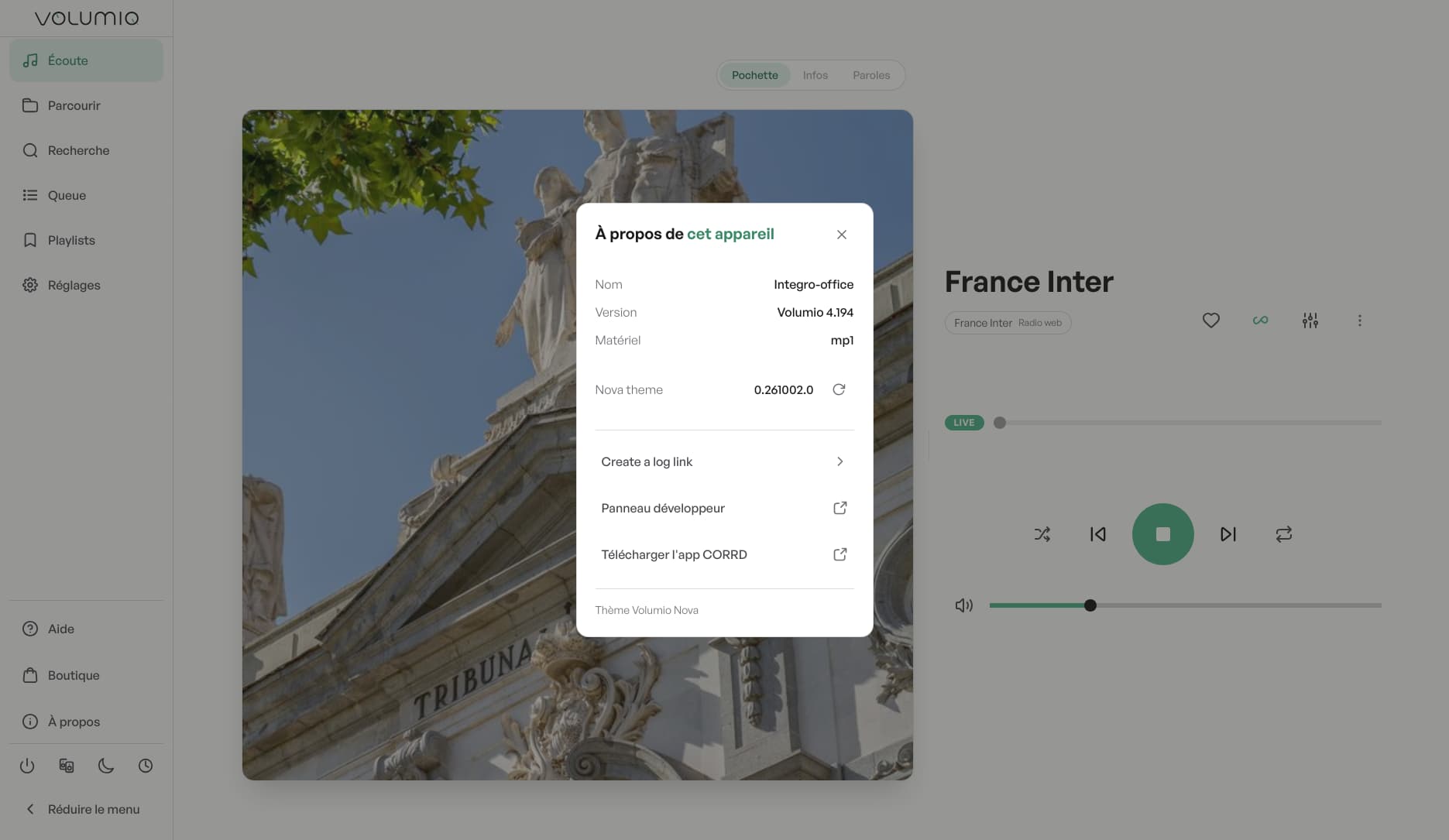
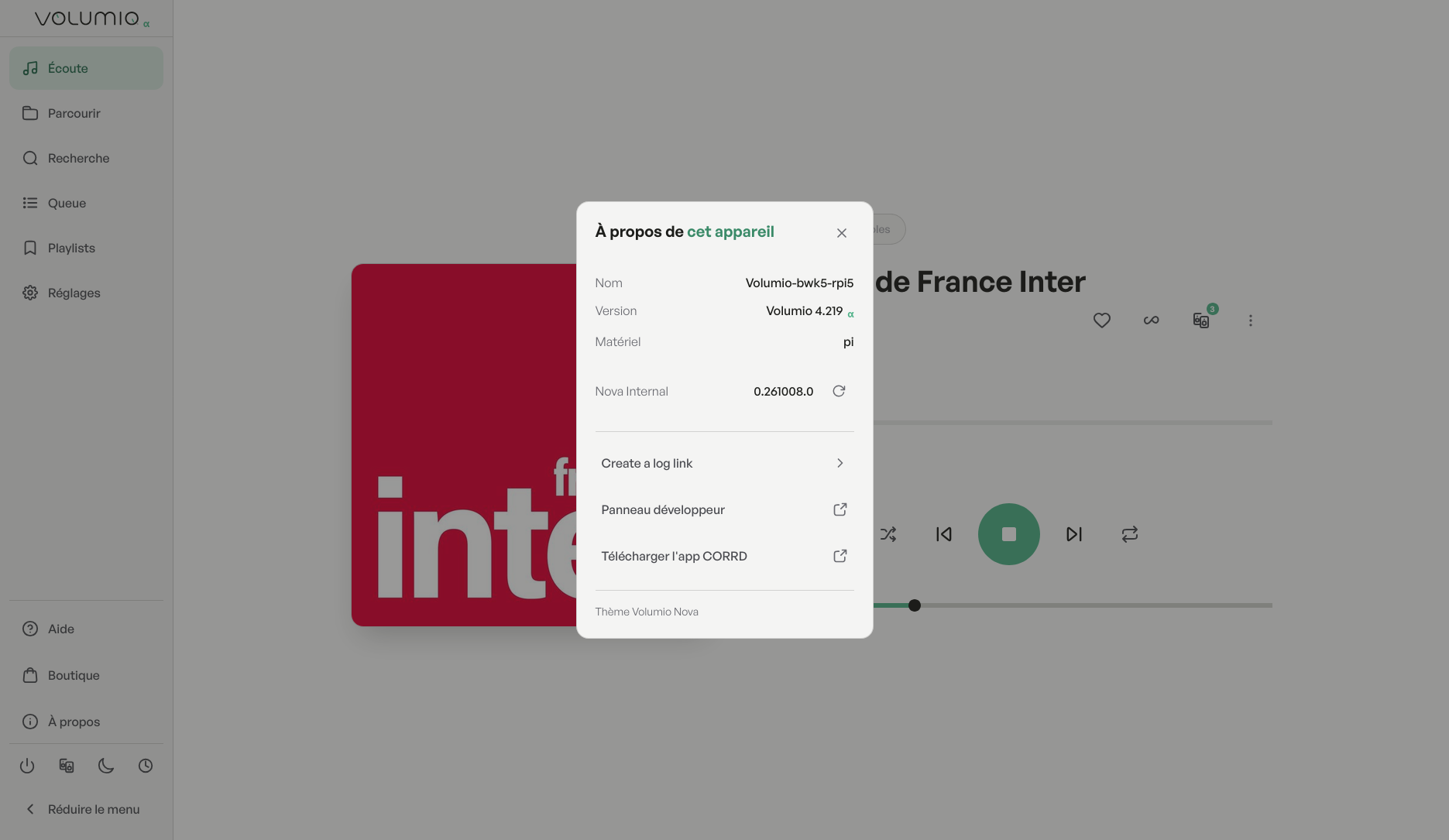
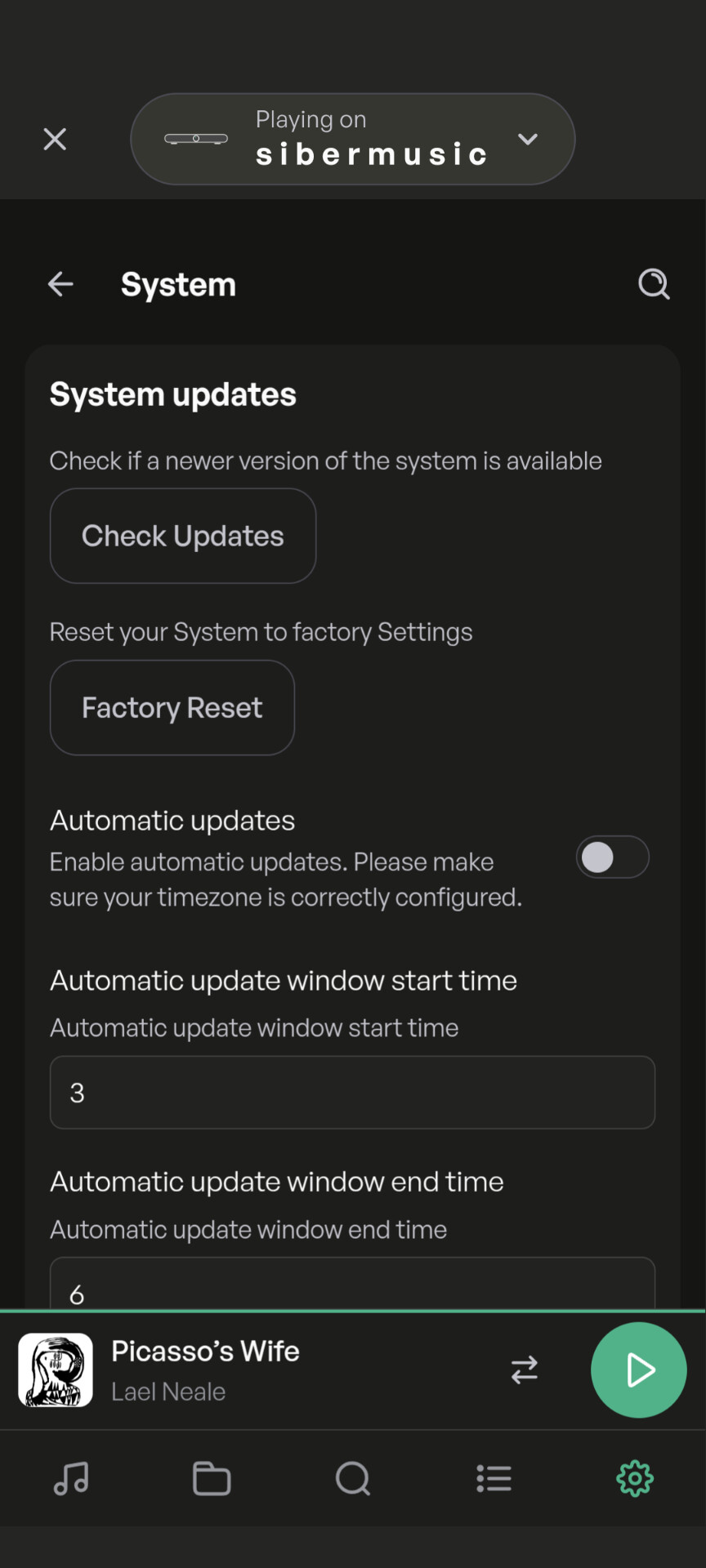
Nice to see the fast update of Nova! Well done
S suggestion for plugins. When a new plugin appears, a indicator like “new plugin” to quickly see what is new.
The date of first beta or stable release can be ue.
Let’s say less than a month is new …
Guys, thanks a lot for reporting your issues and feedback here. It’s really useful for us to read where Nova should be improved.
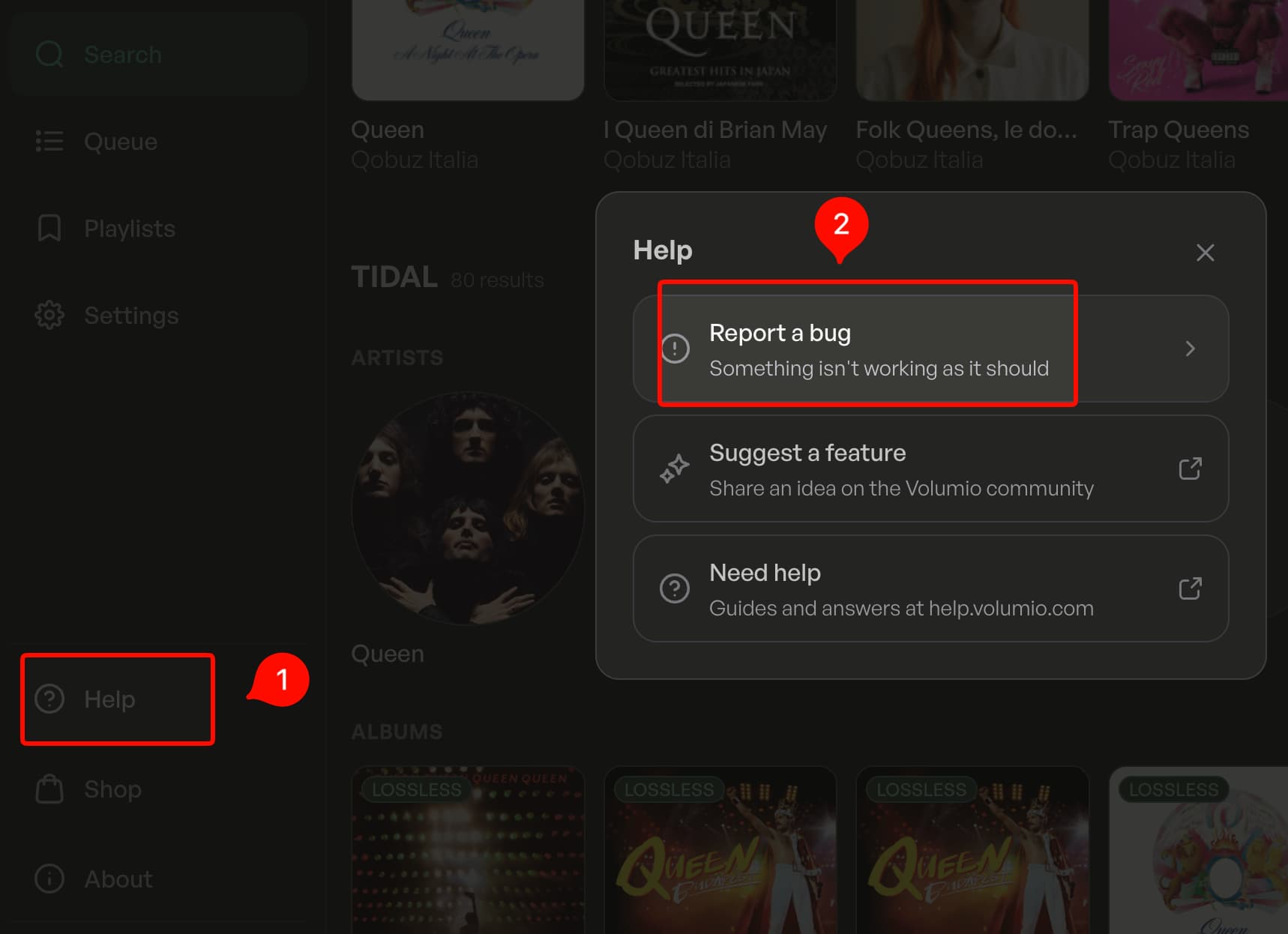
If you want to speed up our fixing even more, please use the bug report tool that we added to Nova, you can find it under the Help button on the left bar:
Without wanting to sound harsh…I am a developer so I can understand things can go south ANYTIME.
I also understand that this is a Beta program.
BUT a release that breaks apart the application in such an obvious way is not Beta…it is internal Alpha.
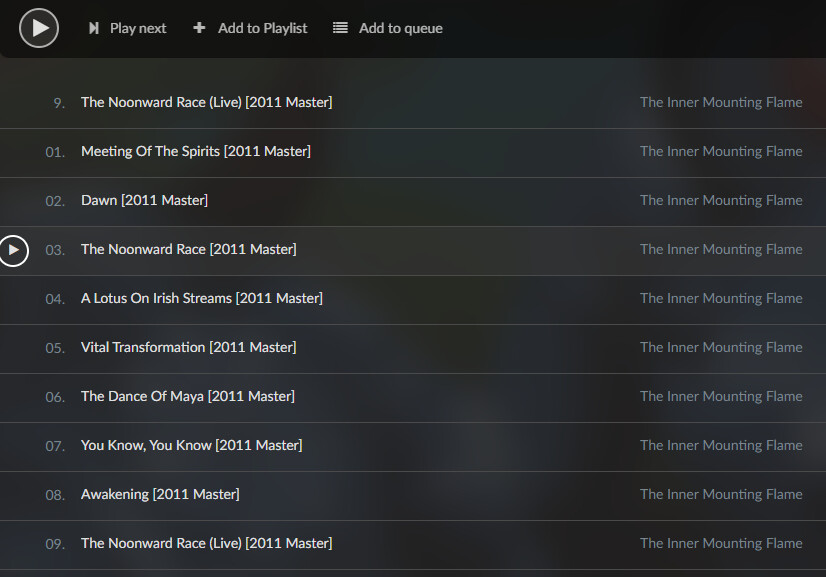
Another thing I found is that probably due to the track indexing, the Nova is very sensitive if .cue files exist. Cue files that worked OK previously, may not work with Nova in cases of zero gaps etc. For example cue files created by Medieval Cue Splitter most of the times, give Nova hard times and confuse it completely
Personalize your UI even more with 2 new color palettes : Classic and Modern. We’ve also introduced dynamic backgrounds on the player , making your listening experience even more beautiful and immersive.
New Now Playing has new dynamic backgrounds (Cover, Aurora, Silk) and a choice of color palette. You can now hide the volume slider on Now Playing and the playback bar. A new accessibility option keeps scrollbars always visible.
Improved Now Playing gives album art more room on phones and desktop, with a tidier lyrics view. Album art is no longer cropped for covers that aren’t square. Quality badges are more accurate. The HDMI view is easier to read from across the room, with bigger texts.
Fixed Network drives now show proper addresses, and saved path edits actually take effect. Recently added albums show their audio format again. Tapping a track no longer queues unrelated folders alongside it. The elapsed time counter no longer flickers when casting over UPnP. Search’s source filters stay reachable
I regret to find that the connection is still failing.
The network address syntax contains forward slashes where there should be backslashes.
However, I do not know if this is the critical error.
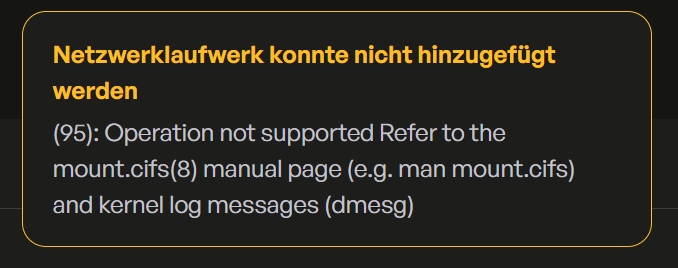
The error message I am receiving is:
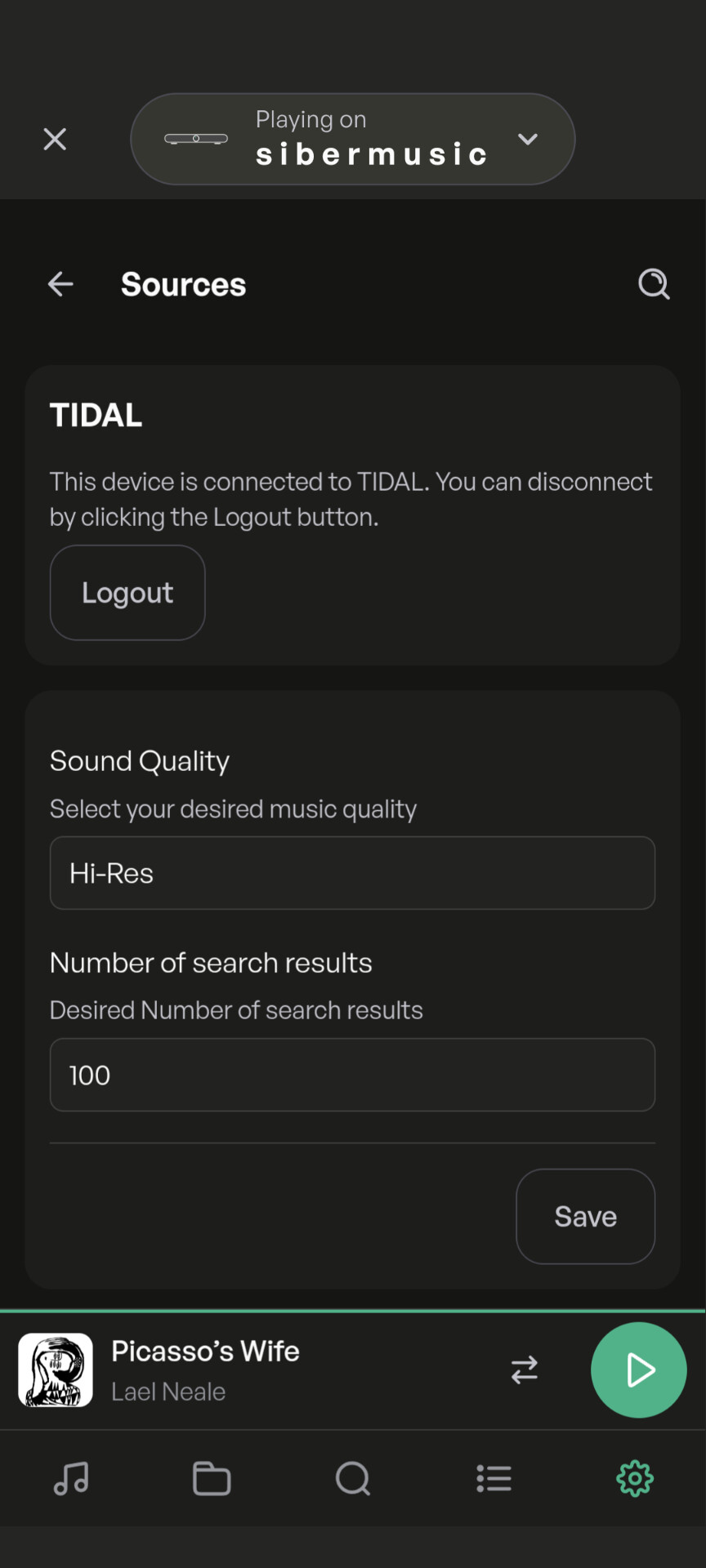
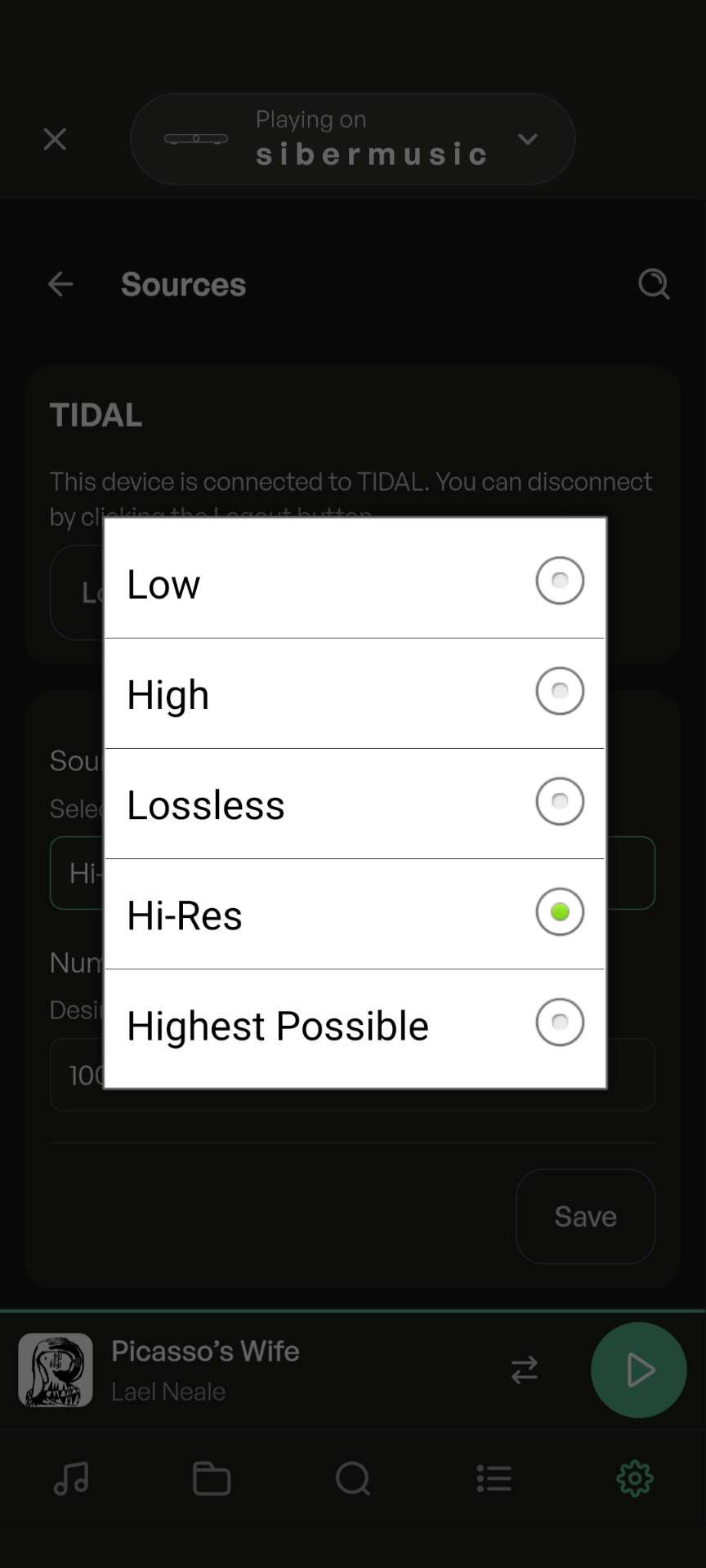
In Sources, Tidal options, could it be made clear in a help “i” that Hi-Res is the best quality and not Highest Possible. This is an old, known issue, but still catches people out.
Frankly, I cannot notice any ‘‘revolutionary’’ feature in this new UI.
Yet, there is something I have expected as a crucial improvement>
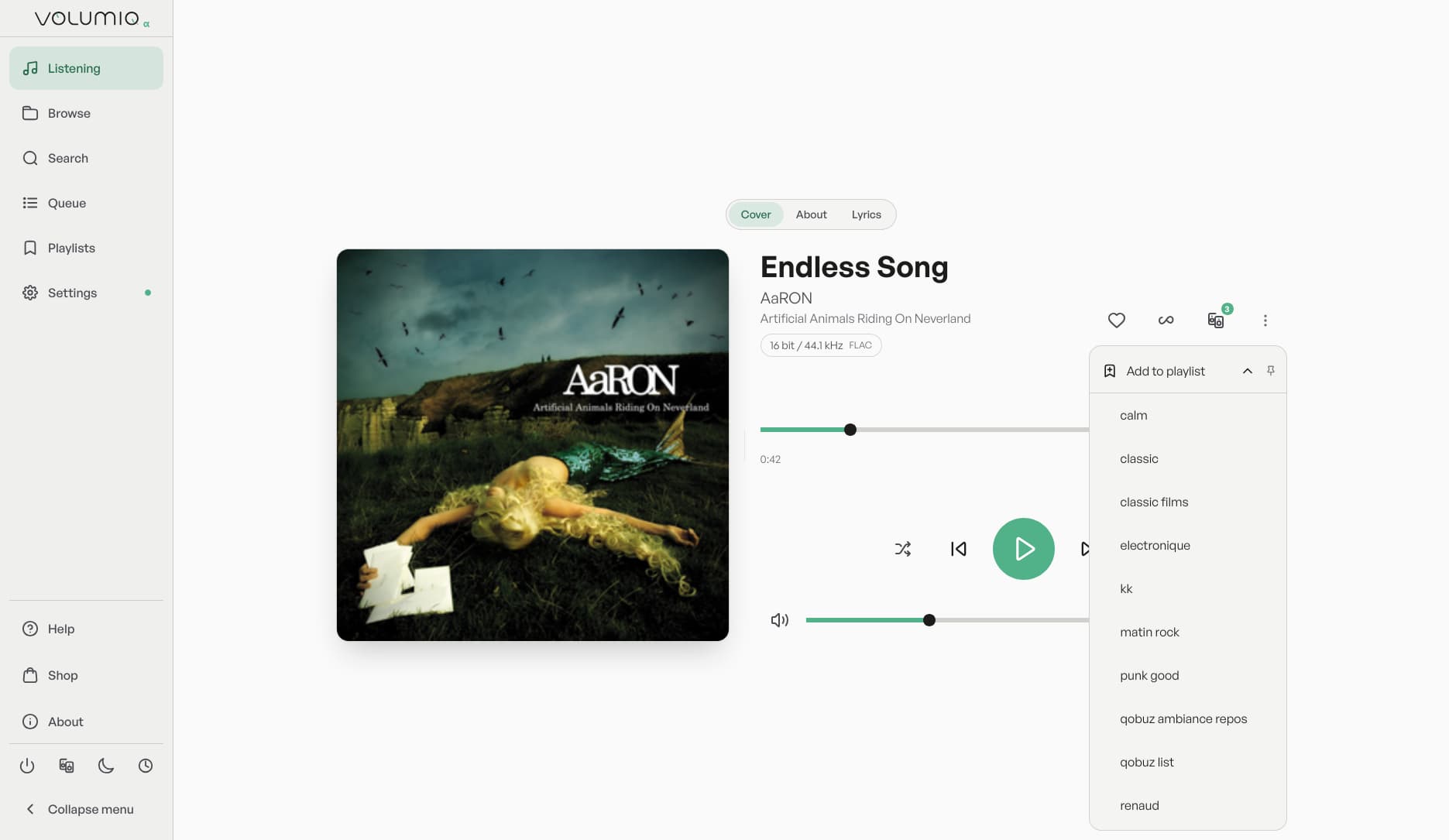
Why is it so hard to (don’t really know how nobody finds that important?) somehow enable save track or album directly to a specific playlist , to i.e. offer to choose to save to Qobuz or Tidal or some other playlist. Like Roon has it (from a drop down menu), or JPlay with ‘‘other versions’’ option.
Next, I am using an old IPad 2 (taken out from a drawer just for this purpose) solely to have the wireless screen in (old version) Kiosk mode and it works fine with Manifest UI. With Nova, it gives out only a black, dark grey screen. Can this be fixed somehow.
Regarding JPlay compatibility, there are serious glitches, as being discussed directly with JPlay’s author, he has found some problems in Volumio sw, and is willing to help/ solve/ consider specific issues with Volumio team, for the mutual benefit ofc. Is it OK with you (Marco or ?) to get you and Marcin in contact (thru E-mail)
BR
G
Not exactly, I already have numbers of already existing playlists in Qobuz/ Tidal (configured directly in those services, much before Volumio), so not to make new playlists in the very Volumio, wich would be in my case very inconvenient and quite messy in the end.
Do you figure it know?

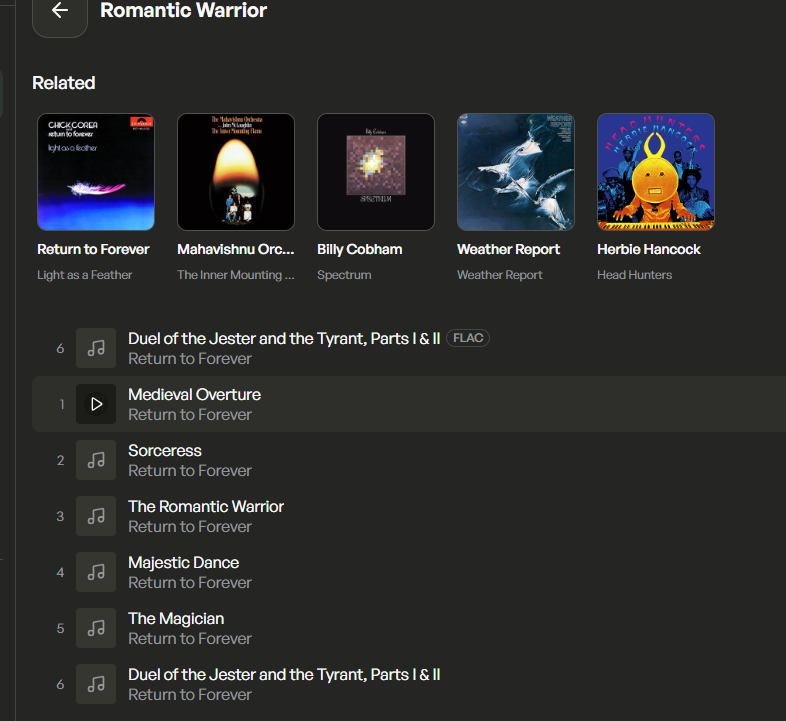

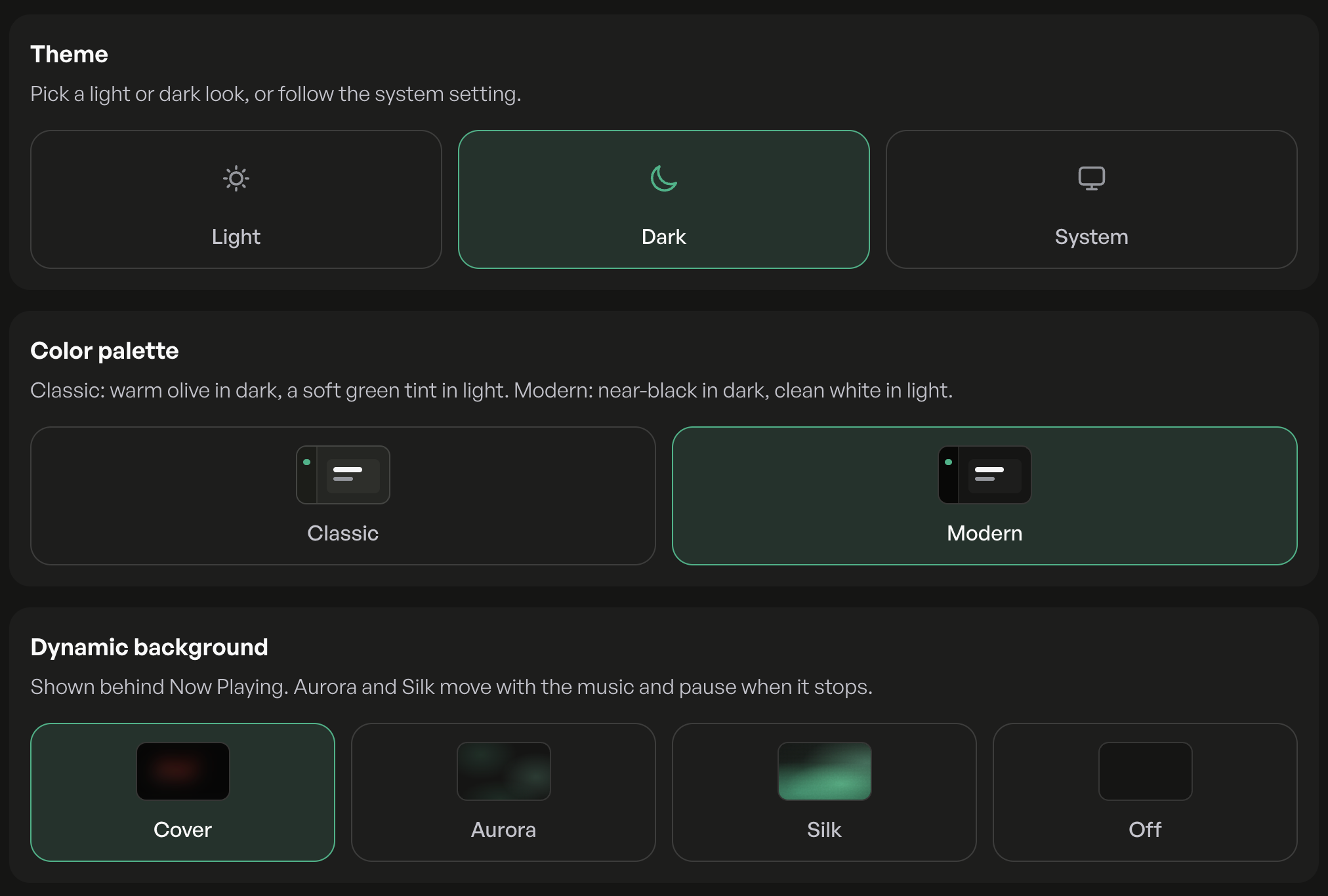
 Now Playing has new dynamic backgrounds (Cover, Aurora, Silk) and a choice of color palette.
 You can now hide the volume slider on Now Playing and the playback bar.
 A new accessibility option keeps scrollbars always visible.
 Now Playing gives album art more room on phones and desktop, with a tidier lyrics view.
 Album art is no longer cropped for covers that aren’t square.
 Quality badges are more accurate.
 The HDMI view is easier to read from across the room, with bigger texts.
 Network drives now show proper addresses, and saved path edits actually take effect.
 Recently added albums show their audio format again.
 Tapping a track no longer queues unrelated folders alongside it.
 The elapsed time counter no longer flickers when casting over UPnP.
 Search’s source filters stay reachable