I’m not sure if my problem is related to the app and BLE or to Volumio 4.088
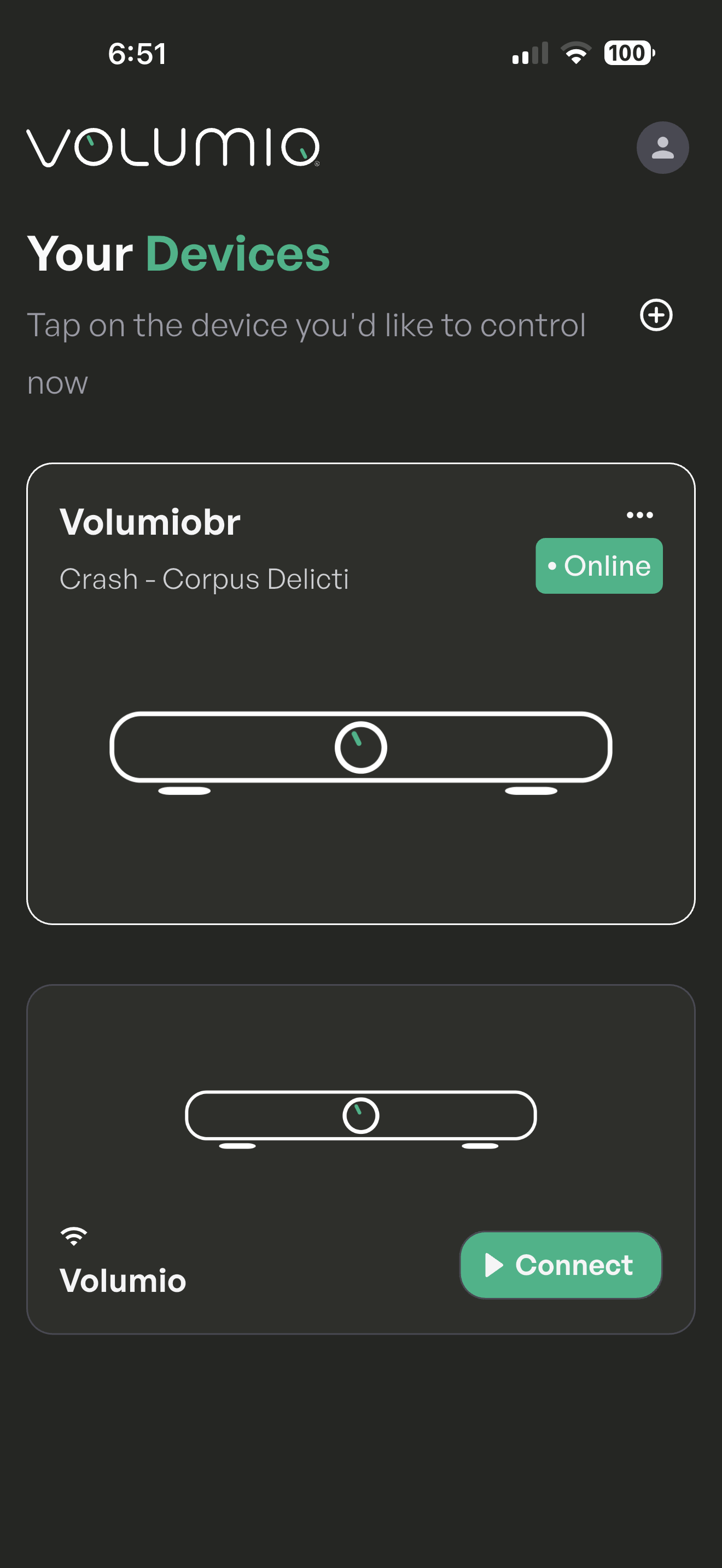
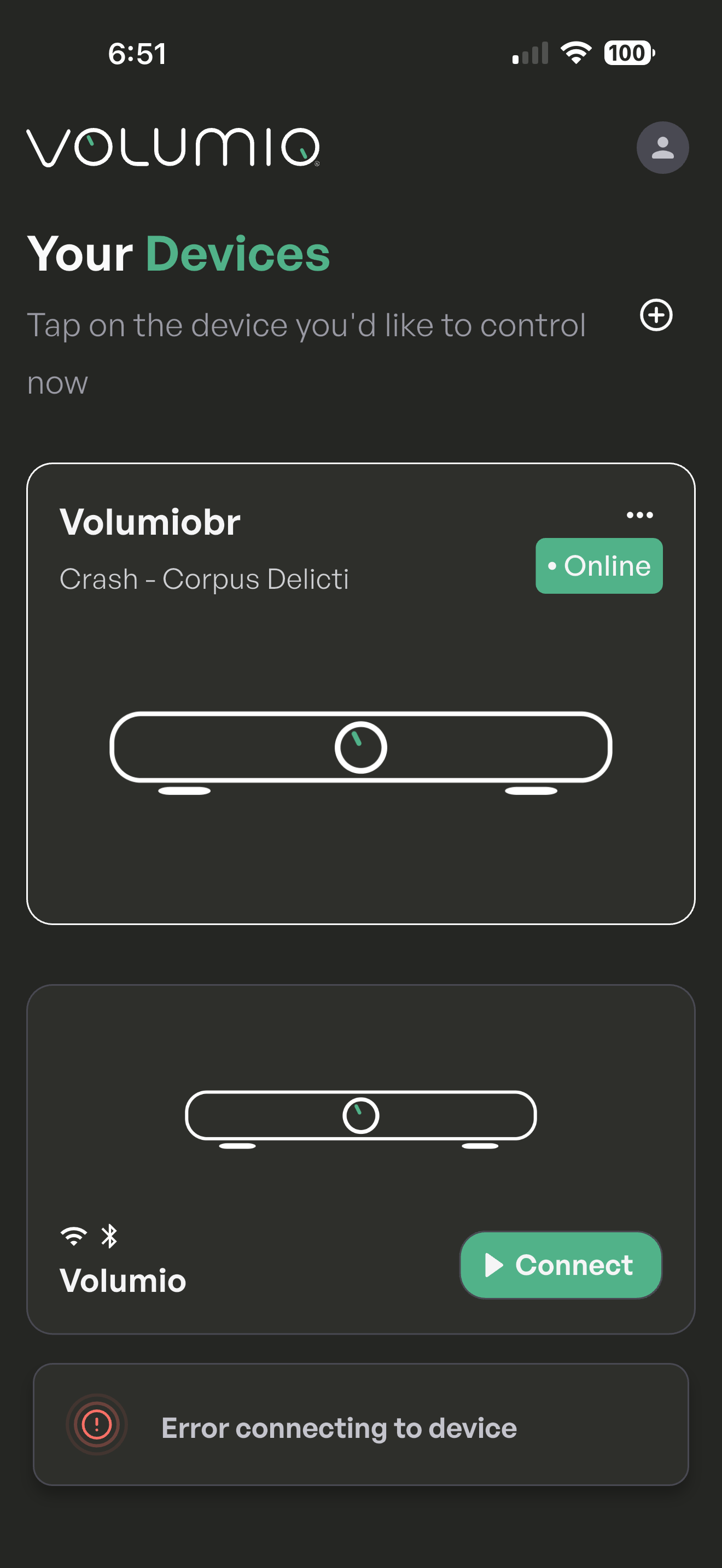
Everything was working well, then the app showed both my volumio units, but would not connect to the one called Volumio. It would allow access to the settings via the three dot menu, but you couldn’t tap it and use the interface to play music, it showed a connection failed message.
I used the settings menu to do an update to V 4.088 (from 4.086) and that didn’t help.
I tried turning off Bluetooth on my iphone to force it to use wi-fi for the connection, but that didn’t change the behaviour.
My second volumio (called Volumiobr) is on V 4.073 (not in test mode) and it works normally in the app (iphone).
The unit with the connection failed symptom in the app works normally from a web browser on the iphone and from a computer, so I think it’s the app that is causing the problem with Volumio V 4.086 and 4.088.
Is there any update on the app, currently it’s not very use full as it keeps getting into a BT loop with none Volumio devices. (Pair/Cancel BT connection).
If there is no ETA, please provide the ability to fall back to the previous app.
I am new to Volumio and at this moment I do have a question regarding the Android app.
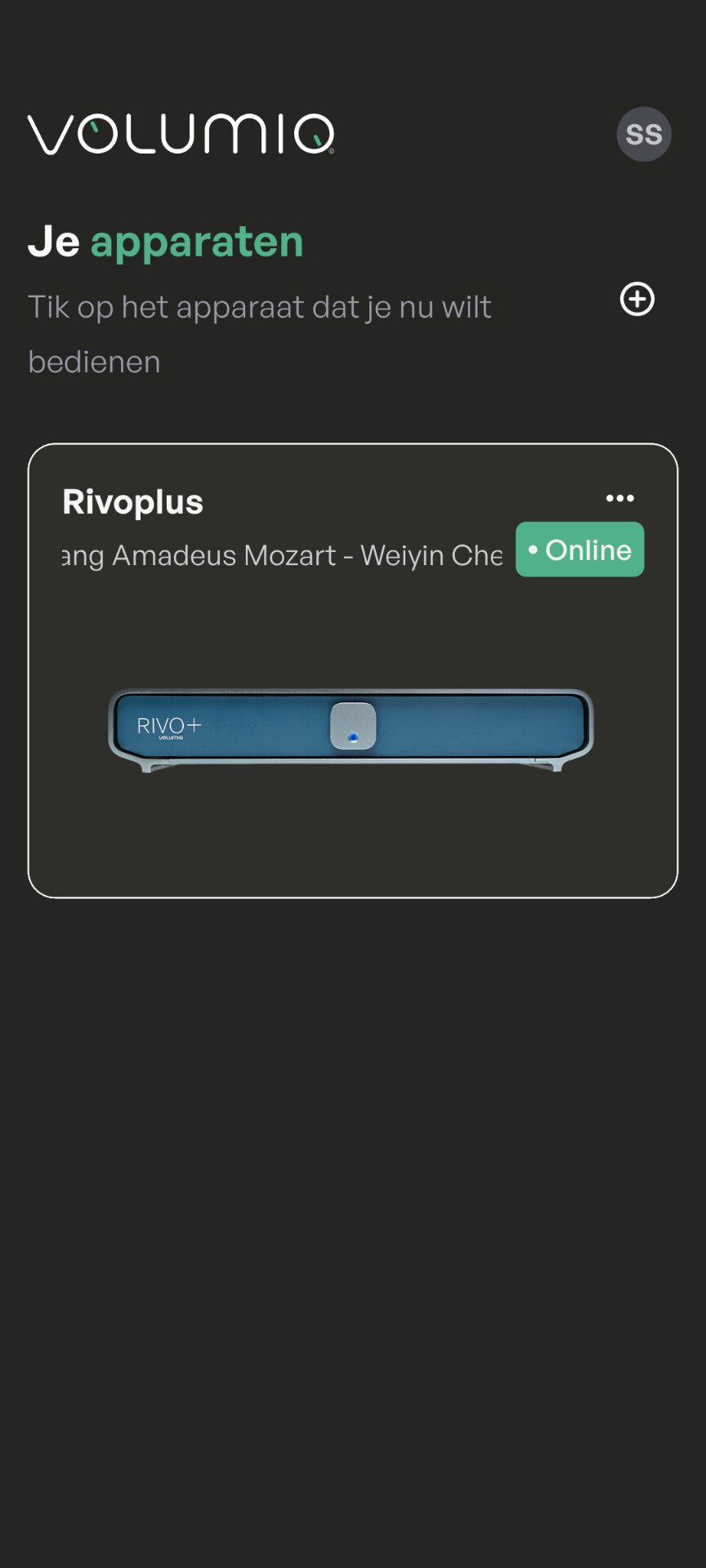
Every time I do open the app, I first get the screen “Je apparaten”.
Because I do have just 1 device, this is for me very anoying.
I like to go direct to the Now Playing page and skip the “Je aparaten” page.
I searched inside the settings, but I can not find any solution.
Not sure if this is feasible. The app needs to be able to find the device, and while using a fixed IP might work in your setup, it will fail for users without static IPs. mDNS discovery isn’t very reliable either.
Let’s see what the developers think about this.