
Hey everyone, thank you for the feedback.
This test is meant only for Volumio Hardware devices, as you’ve seen, the setup process for DIY devices is a little more clunky. If you want to test with DIY devices ignore what happens after the in-app setup ends.
For the test it is enough to factory reset the device, no re-imaging is needed.
@Josh2000 If you manage to reproduce the missing WiFi issue, please get a log and post it here or in the Google form.
@Wheaten The bugs I see from your reports are that the music providers are marked as not installed even though they are and that after a factory reset the device name is still the old one. Sounds correct?
To be more precise.
The issues with services happen with the PrimoV2, the Motivo went without issues.
The naming issue went for both the PrimoV2 and rPi4, the Motivo possible too, but that name is just Motivo.
Please change this line:
- Device: a Volumio device with Volumio OS v3.886 or higher.
to:
- Device: a Volumio hardware device with Volumio OS v3.886 or higher.
As 2 already tested with non Volumio hardware.
1 Like
Tested with Primo Plus, V3.887
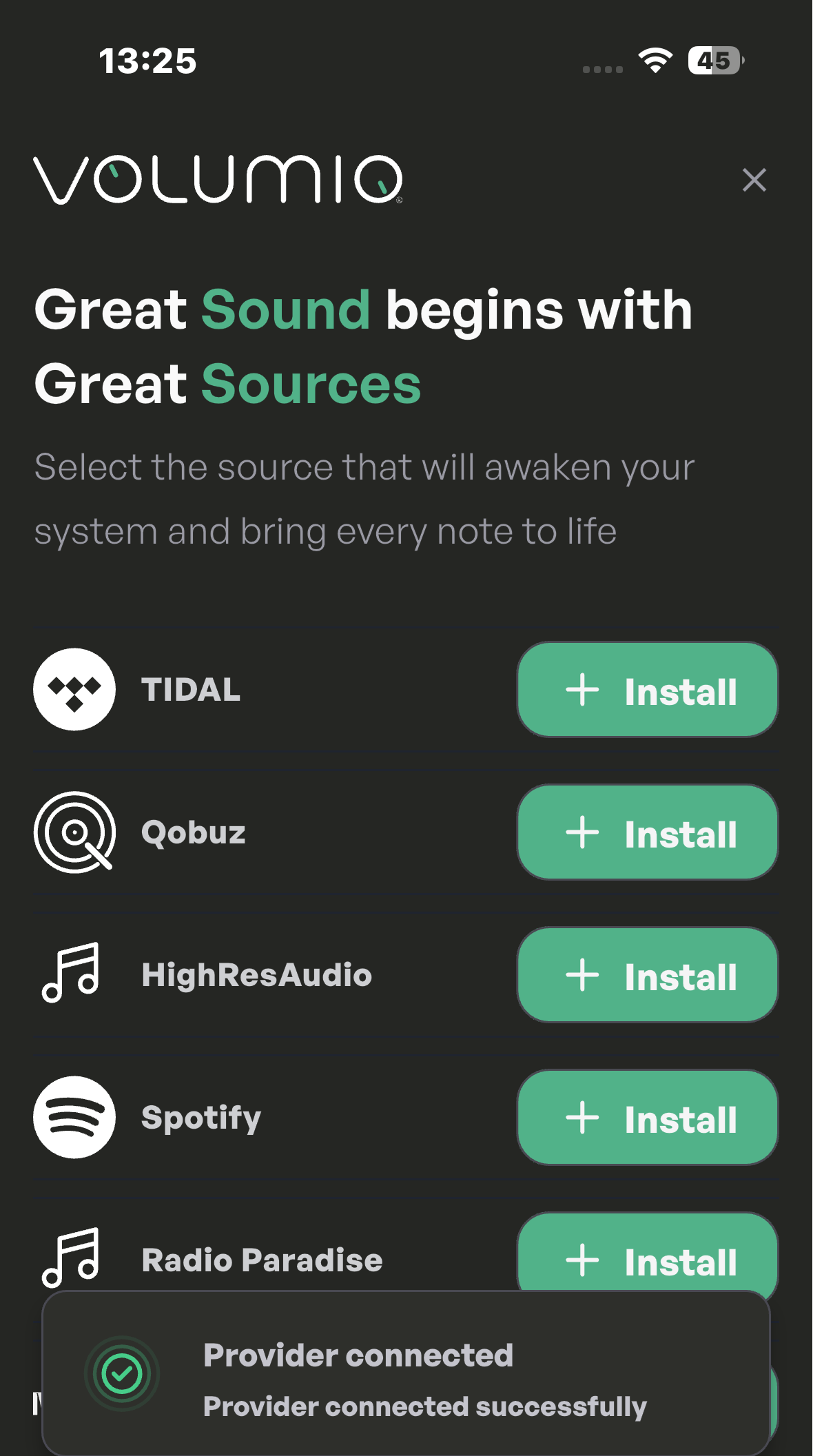
Tidal installed => credentials => logged in
Qobuz installed => credentials => logged in
Spotify installed => no credentials asked => need to authorize in the plugin, not logical
No issues found.
Also retried the PrimoV2,
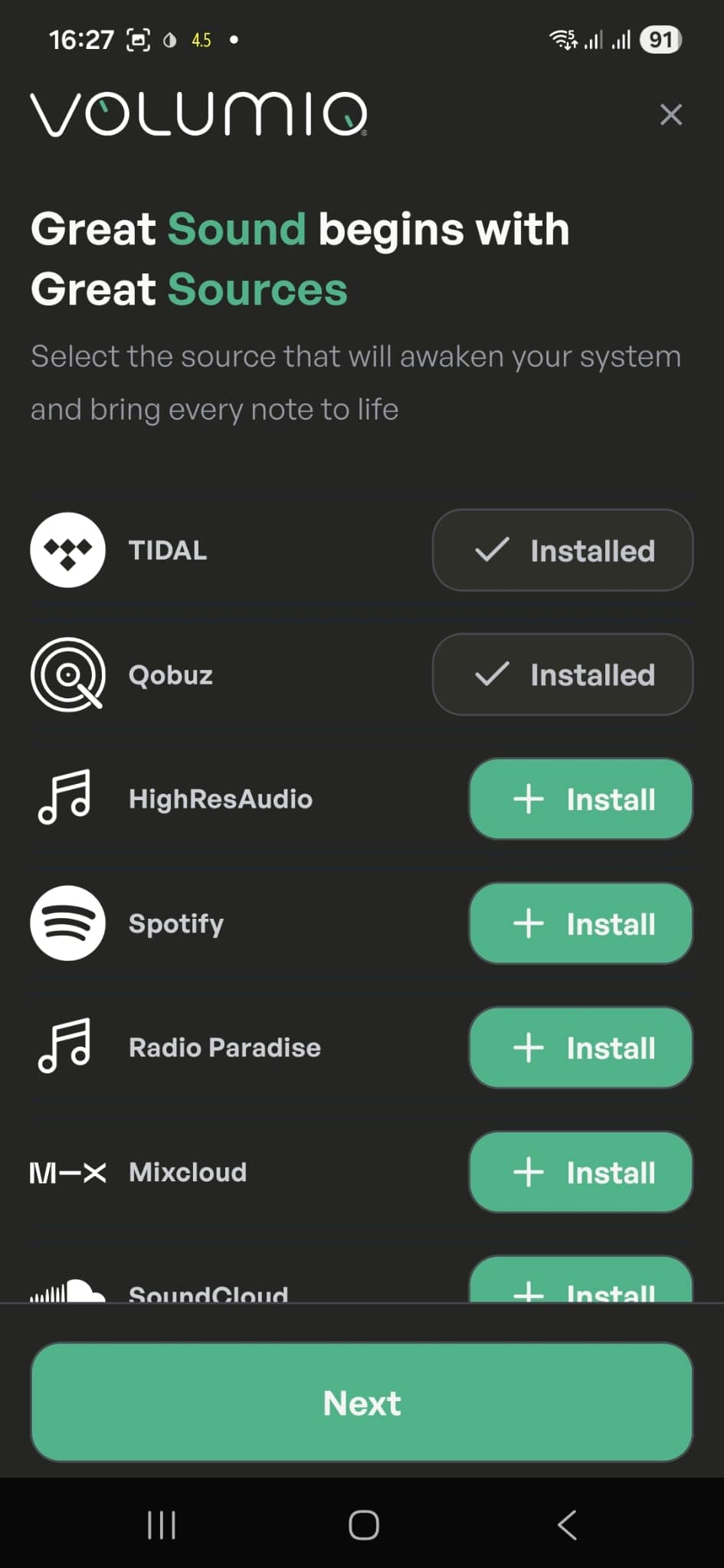
Still the same issues with log in to premium services. It doesn’t show installed.
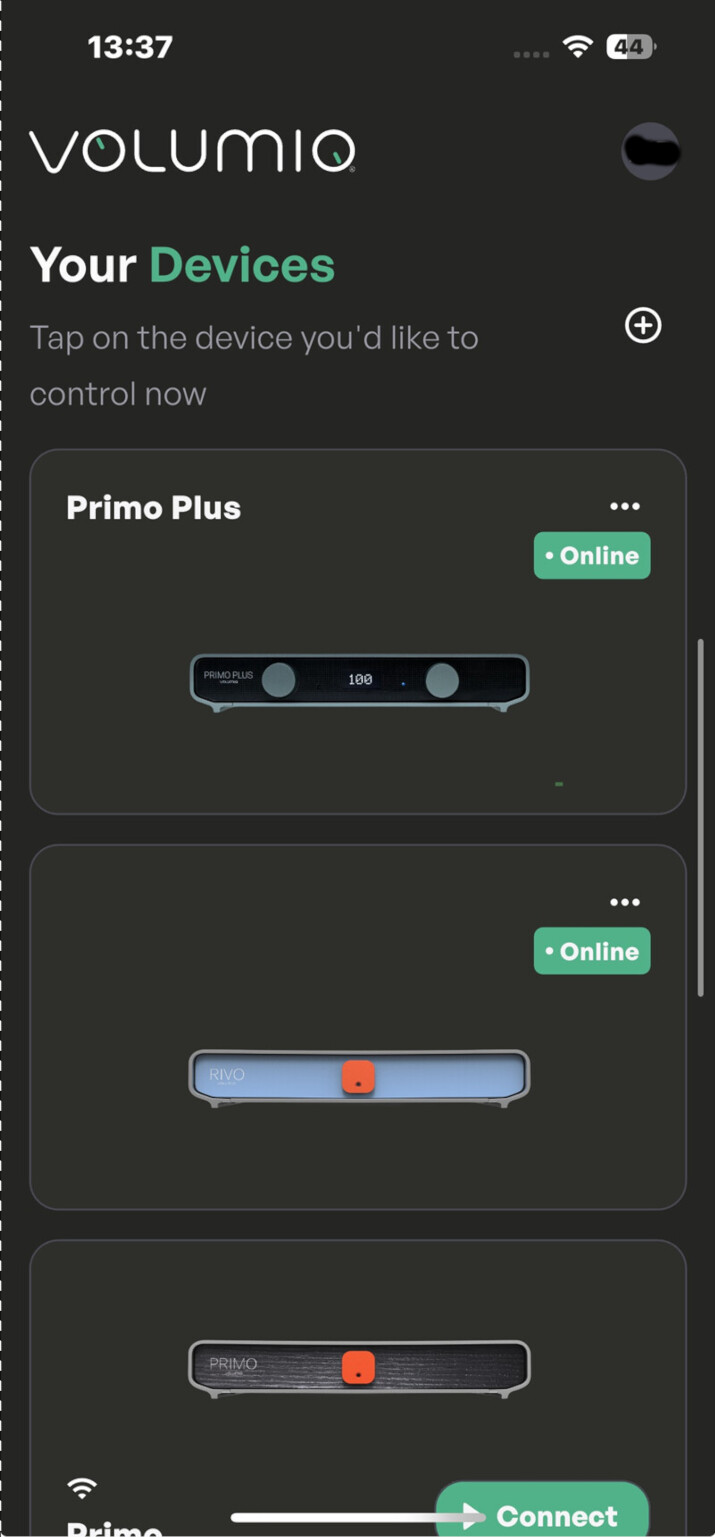
Rivo, V3.887
After factory reset, the app shows Rivo online, while it should show setup. (confusing if more then one device is in a household)
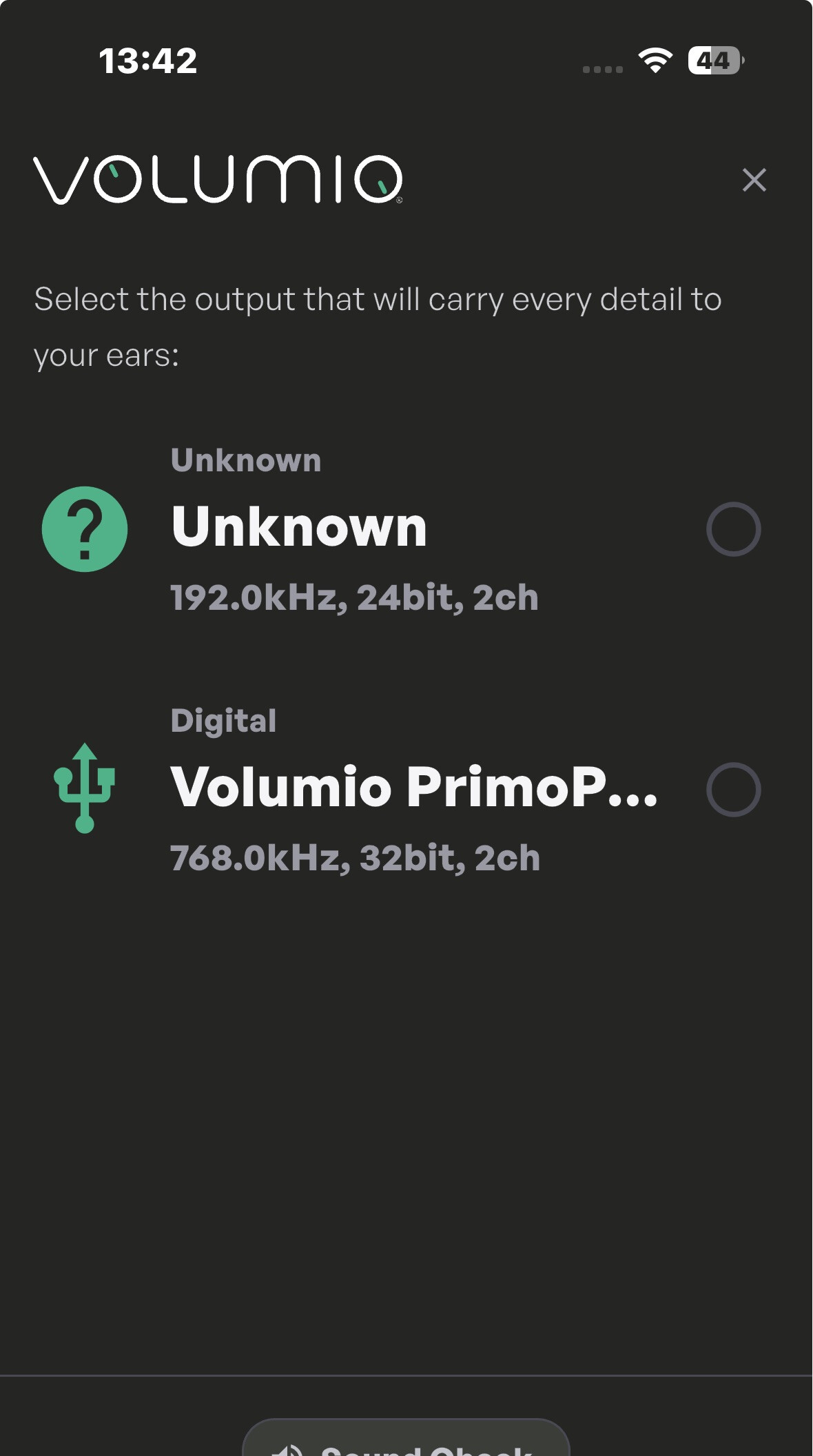
Output selection, Unknown?
Also the premium services won’t show install (Different behavior between Vim and CM4?)
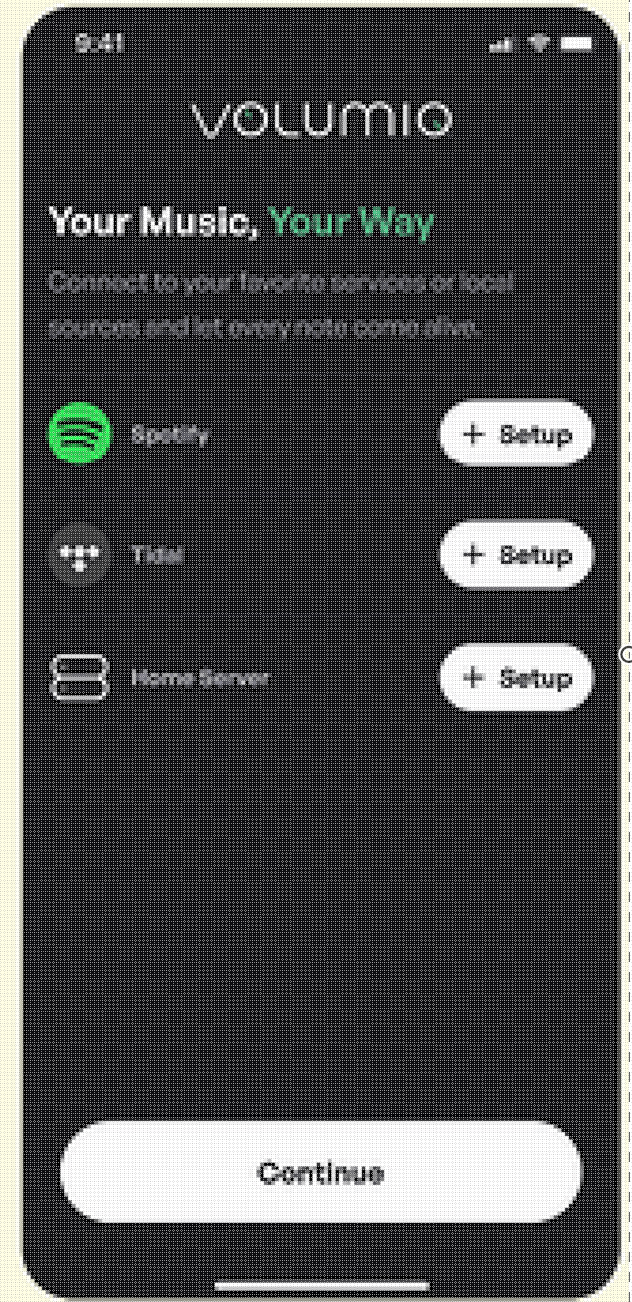
And this screen I haven’t seen on any of the devices tested:
i didn’t have a WIFI issue, everthing had benn connected by cable - and i did a couple of retries and couldn’t reproduce the case.
Let‘s guess it has been a one time issue.
BR
Josef
1 Like
Issue:
After updating Rivo to version V3.891, the setup process via the app no longer works.
- Rivo appears as online instead of in setup mode, and cannot be connected.
- Removing the device from the app and restarting the app causes Rivo to show as setup, but it still fails to connect.
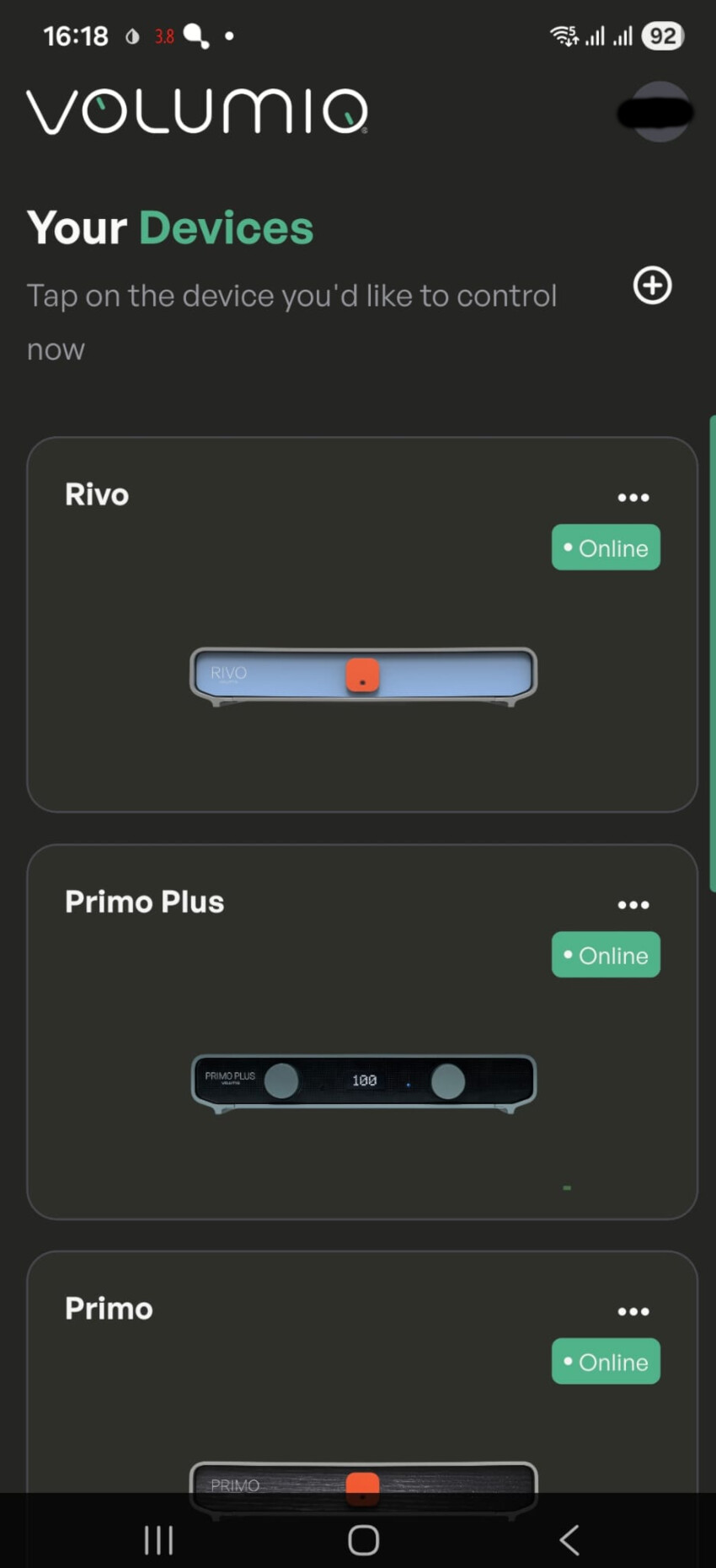
After 4-5 minutes I was finally able to get the app connected.
Update fixed the install of premium services.
1 Like
@Wheaten Thank you for taking the time to test everything.
This is because Spotify is not a system plugin and could be used even without login.
This will be fixed properly in the next release. Right now it’s a bit random.
This should be fixed in the next release of the app.
This corresponds to the “music providers” page, we decided to not include home server setup for now.
Noted.
Noted.
Thank you guys for the precious feedback, we are already working on making the experience even smoother.
If you are willing to help us more, could you run a tests making sure of the following:
- uninstall and reinstall the Volumio App
- factory reset the Volumio Hardware
- do not use the Ethernet (so connect via Wi-Fi)
Looking forward the results, thanks again!
Please provide feedback first, as I currently have no visibility into what has been corrected. I notice new Volumio versions being released, but I have no insight into what changes have been made.
Just running blind test is not very productive.
Thanks.
1 Like
prima working - but there should be created a short step manual for new users - ideally available directly at the download page
I did a factory reset on the Rivo and removed eth0.
Removed the Android Beta app.
Reinstalled the Beta app.
I see the Rivo, but it won’t connect. Shows Offline, even though the LED is bright blue.
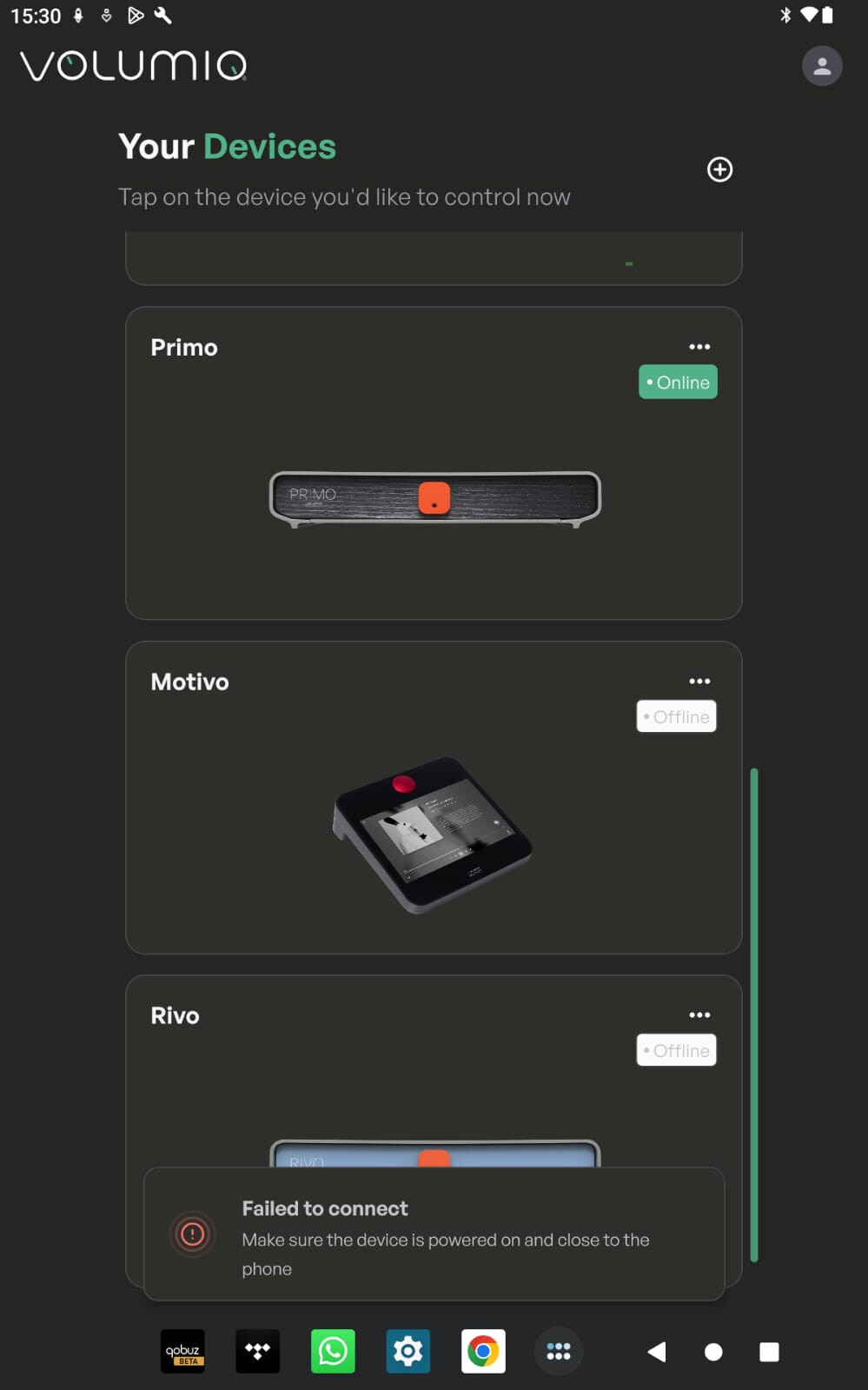
I didn’t go for the Wifi connection as this topic is BT?
(Android at least sees the Rivo, iPhone doesn’t even see it)
We will post when something is being corrected here, please ignore other releases, they might be concerned with something else.
Version 3.894 should fix the music providers not becoming installed. Rivo outputs are not fixed yet.
The setup manual will be updated with the new steps.
This is not required. BLE is being used to perform the first setup without Ethernet and without WiFi accesspoint.
Once you reach the “connect to Internet” page feel free to connect a cable or the WiFi or even skip it.
I feel stupid as nothing work as described…
Is it supposed to work with primo v1?
Version available v3.887…
The app 5.260106.0 is on android 16
I can’t even connect to the Rivo:
same for me, even not found
My smartphone can’t see primo bt, but my laptop can! Weird…
At the moment Primo v1 does not support the BLE configuration. It will eventually receive a version that has it. Apologies for the inconvenience. I’ll update the main post.
1 Like
Version 5.260115.0 of the app is available for Android in the beta channel, it will be available on TestFlight too at some point.
This release fixes devices not appearing as “to be setup” after a factory reset and an incompatibility issue with Volumio 3.891.
We are releasing version 3.896 and 4.086 with more stability fixes that prevented the devices from connecting to the app.
1 Like