We are in the process of rewriting how the Volumio app talks to your devices. The goal? To finally unlock Bluetooth Low Energy (BLE) integration.
This is a major architectural shift that will eventually make controlling your system significantly faster, more reliable, and seamless. But before we roll this out to the entire OS, we need to nail the most critical interaction: The Device Setup (Onboarding).
We know our community has the most diverse hardware and network setups out there. That’s why we need your help to stress-test this new flow.
The Mission
We need you to simulate a “Day 1” experience. We want to know if the new approach creates a frictionless setup experience, or if there are edge cases we haven’t caught yet.
Prerequisites (Read First)
To participate, you must be willing to Factory Reset your device.
Device: a Volumio hardware device (excluding Primo v1) with Volumio OS v3.886 or higher.
Uninstall any version of the Volumio App
Network: A standard Wi-Fi connection. Do not use Ethernet.
Time: Approx. 15 minutes.
Step 1: Prepare the Hardware
Update: Ensure your device is on v3.886+ (Settings > System).
The Wipe: Go to Settings > System > Factory Reset.
Wait: Let the device fully reboot. Do not configure it via browser.
Step 2: Get the Beta App
You need the specific Beta build that supports the new flow.
IMPORTANT: Uninstall your current app version first to avoid conflicts.
Android: Go to the Volumio page on the Play Store, scroll down to “Join the Beta,” wait for registration, and Install.
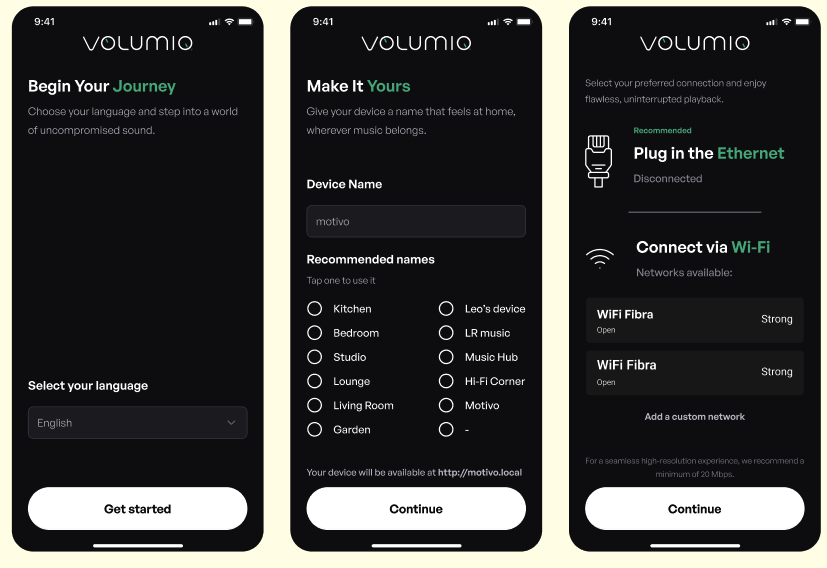
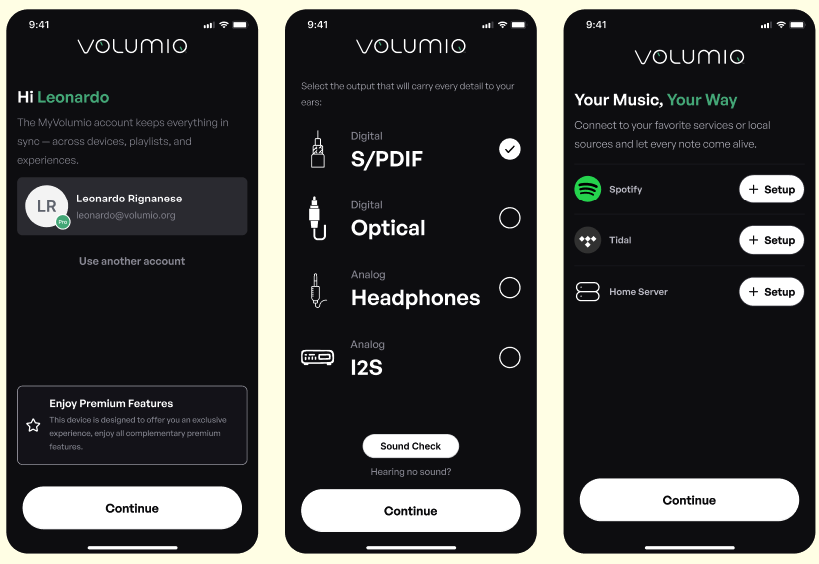
Opens with a pre-setup for language, device name, network connection
Here the app gets bugged.
Installed Tidal, Qobuz ran through the authentication process, after completion the app still shows install for these services
The standard setup doesn’t appear.
The app should not show options to install services, that have been installed and activated.
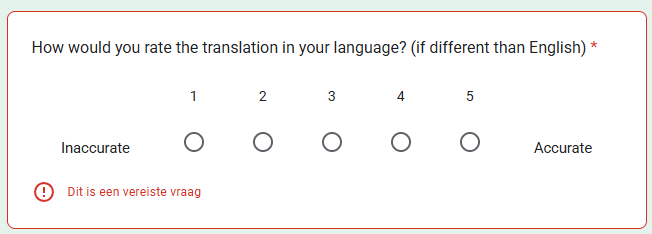
This question should be rewritten, or an option to skip, as my language used is English.
Using the same HW (rPi4+Hifiberry DAC Plus + BW V4.084)
App doesn’t refresh device name. It kept stuck on the name given in the Buster test.
(Should have been Volumio, not Garage)
Opens with a pre-setup for language, device name, network connection
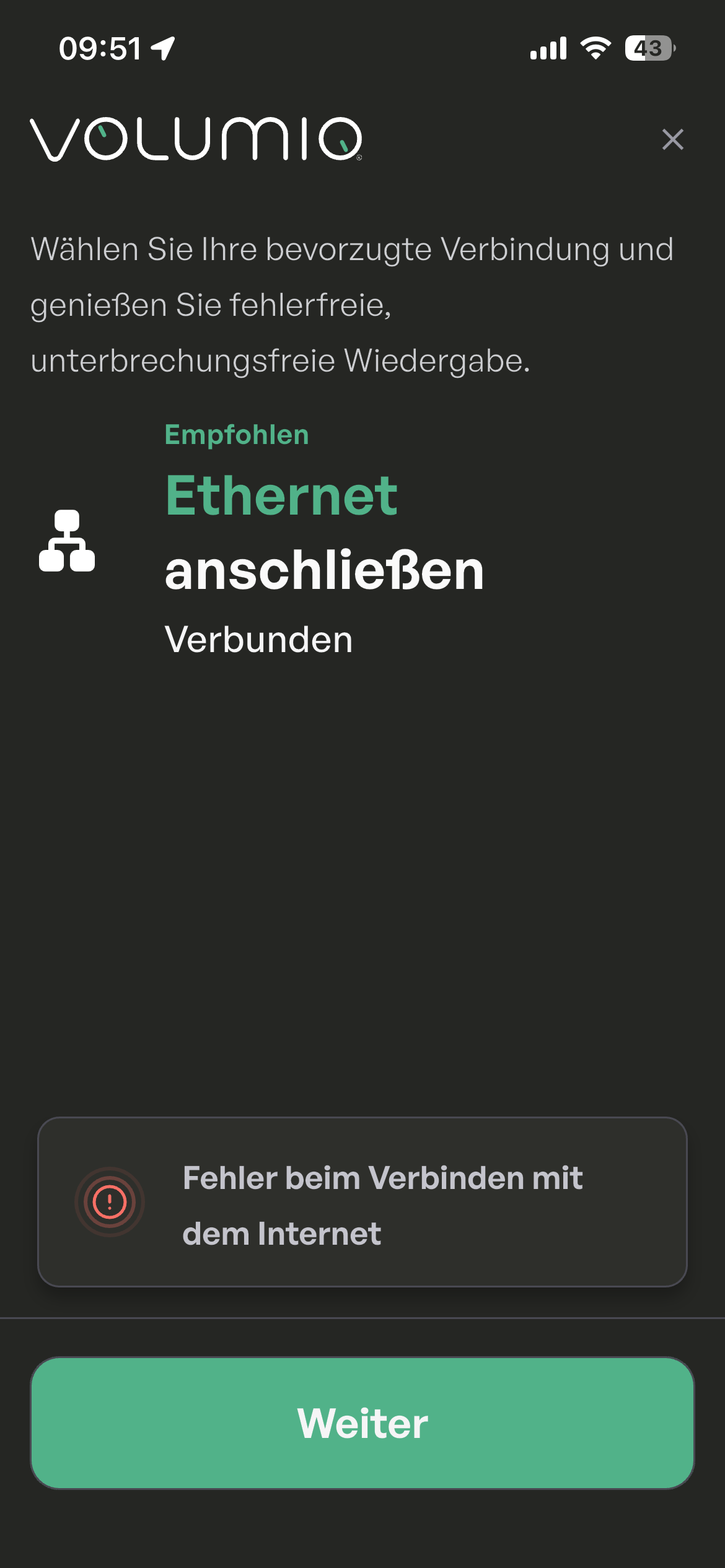
App doesn’t show Wifi, only ETH0
Next the default setup appears.
(why do i need to select the language again? 1/8)
(same for device name? 4/8)
(same for network, still no WiFI is shown? 6/8)
Can’t fill in the Google.doc as it seems not to be created for NONE Volumio HW (as of page 4 these options are not shown and can’t skip them.)
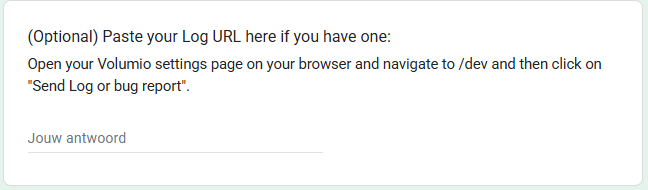
In the last page of the form is a text box for comments, one to paste the log that contains the device id and now I just added a box to upload screenshots. Thanks for the suggestion!
The form is meant to be filled AFTER the test is completed.
but there are many questions that i cannot answer before i come to that point - because i got stuck in the middle of the setup process- so at least you should offer N/A as answering options
Okay, now I added a question in the first page of the form that asks if the test could be done or not. If you answer no, than it goes directly to the last page of it where you can elaborate more. Thanks for the feedback!
 Prerequisites (Read First)
 Android: Go to the Volumio page on the Play Store, scroll down to “Join the Beta,” wait for registration, and Install.
 iOS: Install via TestFlight here: https://testflight.apple.com/join/tFgksdm1