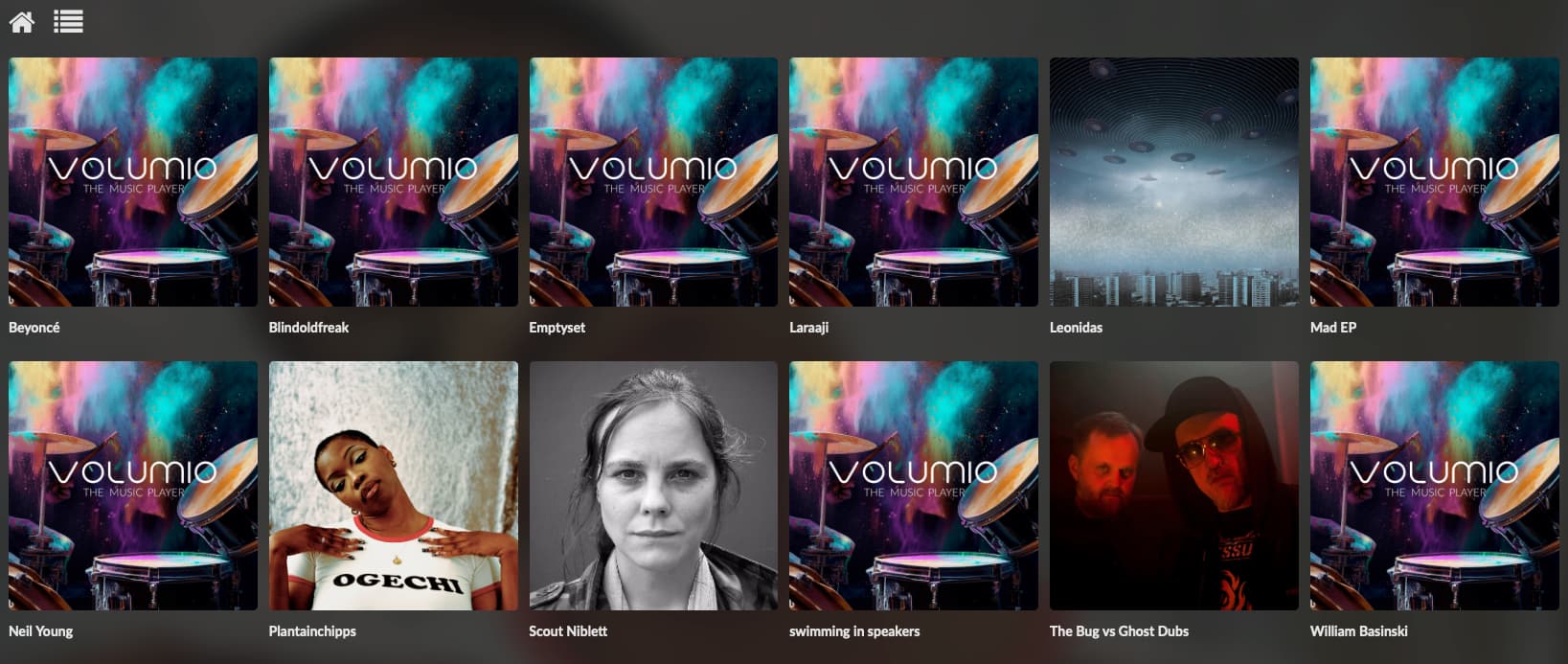
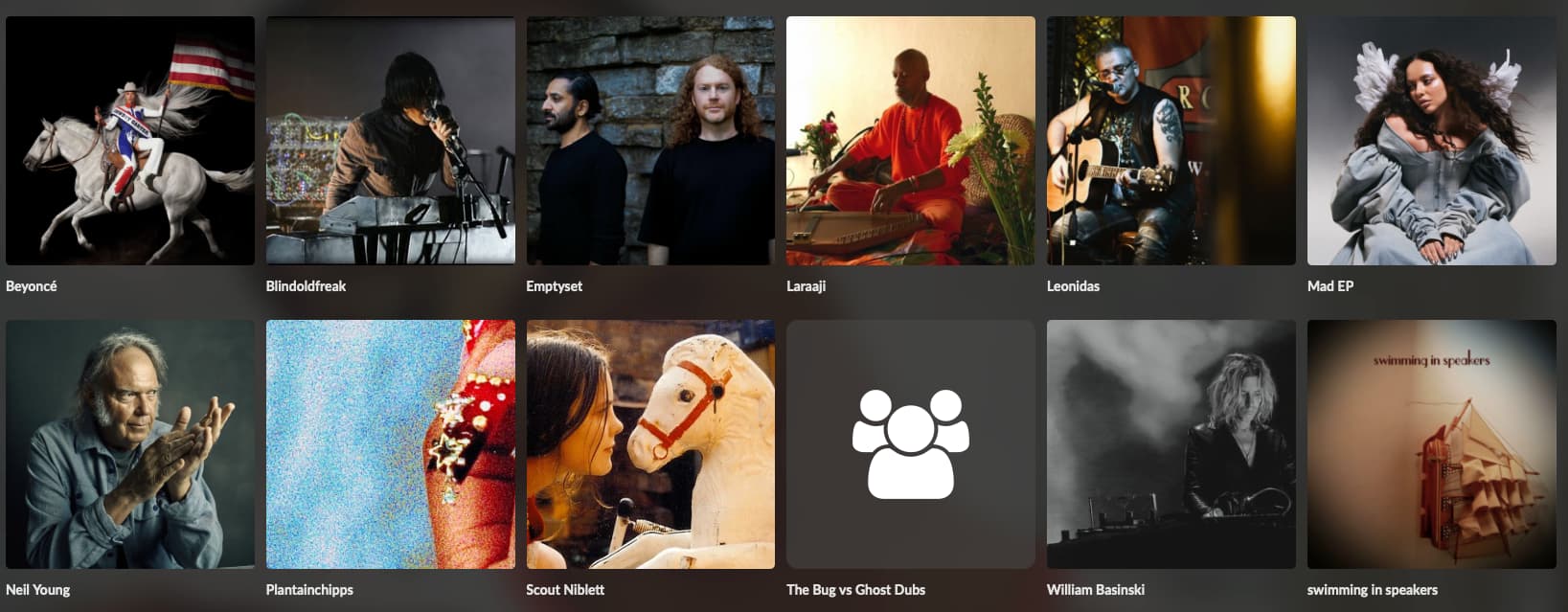
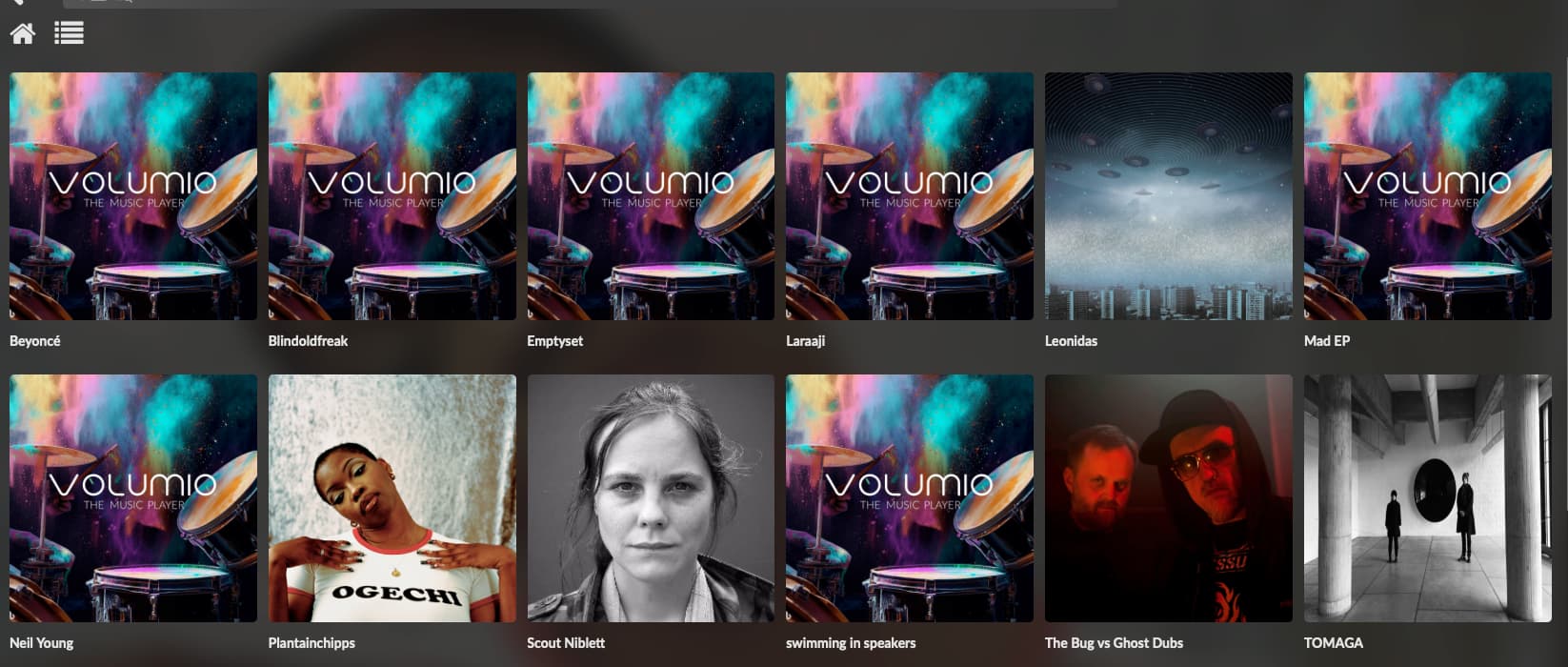
Volumio 3.832 is incapable of utilizing user-supplied artwork for artists.
Following the always recommended folder naming convention of Music > Artist > Album will no longer use a .jpg image in the “Artist” folder no matter its name. The only user artwork it utilizes is in “Album” when named “Folder.jpg” (or similar).
To get your own artwork to display you must use WinSCP or similar SSH access program to inject your art and descriptive .json file in the appropriate folders. The actual location may vary depending upon where your library is located (mine is on an SSD connected via USB). In my case the path is: /data/albumart/web/
All compilation or similar albums/groups must be placed in an “Artist” folder named “Various” (or variants as specified in the Sources > Music Library Settings sub-menu).
Your library will not index properly without these critical metadata tags: Title; Album Name; AlbumArtist; Artist; Genre. Use the AlbumArtist name “Various” for compilation albums/groups. If Title or AlbumName are missing the song will not be indexed and discoverable only via Music > Library. A missing AlbumName or AlbumArtist tag also finds the song omitted by the Randomizer plugin because it is not been properly indexed by Volumio.
If you have individual songs not associated with an album but associated with an artist then they must be placed in an “Album” folder with the exact same name as the “Artist” folder and AlbumArtist tag.
You must first allow Volumio to detect album art via the web! Ensure that all [discoverable] icons are present and then give some additional time. My Raspberry Pi 5 setup indexes a metadata idealized 21k song; 3.2k artist; 1k album library in less than 2 minutes.
I use an SSD connected via USB to hold my library and the storage path for Artist Art is /data/albumart/web/ Your exact location [may] vary depending upon the location of your library. The /web folder contains subfolders for each unique AlbumName tag discovered. Non-Linux users must know that folder naming rules are different–spaces and nearly every symbol or special character must be replaced with an “escape sequence” This folder name must match the AlbumName tag and every file in the folder must include the AlbumName tag for full and proper indexing.
Within each folder named for AlbumName you find two files. One is a .jpg (with an alpha?numeric file name) and the other named info.json
info.json is in this format: {“extralarge”:“Adolf Jensen.jpg”}
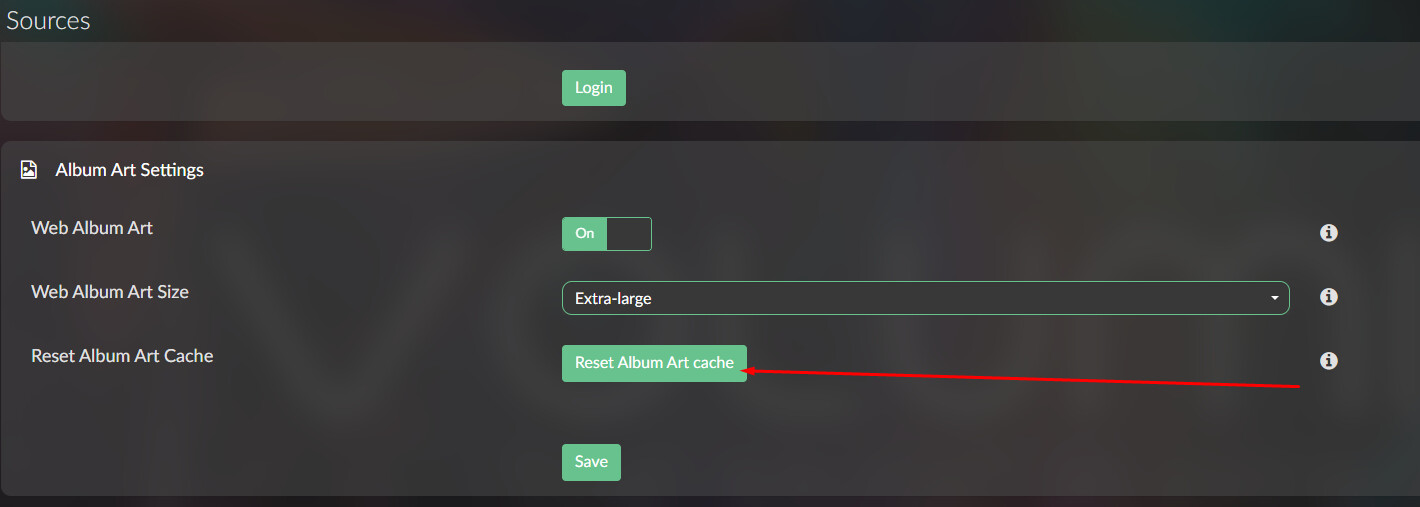
Size, i.e. “extralarge” must correspond to the Sources > Album Art Settings > Web Album Art Size setting! The .jpg file name can be anything you want. It does not matter because your art will wind up lost for the very same reason–a web art rebuild–no matter the name you provide as Volumio will replace the old alpha?numeric file name with another using its chosen art. Obviously the file name contained in the .json file is the same as the the .jpg file corresponding to the Album Artist (or Artist when Album Artist = “Various”).
You can practically make the changes for a small library–or merely to get the proper image for a few misidentified artists. I have more than 500 artists with most are misidentified and have already collected and formatted the art for them and my only reasonable solution was to write the code to produce the entire /web folder plus the Album subdirectories. I put it on the SD drive with the music library and copy it to the proper location using WinSCP.
No matter how you enter the data, make a copy of the entire \web folder and its contents. You can save it it the \user folder (where it should be) with the knowledge that it is not deleted by the “Delete Web Art Cache” command in Settings of the interface. You WILL loose the data at and have to replace it manually. If you make manual changes, Volumio will reflect your changes while running but these are NOT permanent!
To get your art working, you must begin with a copy of the artwork and .json files in their folders. Either copy the entire /web folder or just those that you know do not display properly. Again, you can use any name for the .jpg files and they can all be different.
Once you have all of your art, clear the web art cache and let it fully rebuild. Delete all of the Album sub-folders in the /web folder and replace with your own. (Or you can delete only the “problem” artists if you didn’t save all of the folders.) If your drive has plenty of room you can simply copy the replacement folders over to the Volumio folder. Unless you used the alpha?numeric name assigned by Volumio (it’s subject to change–be warned) you wind up with two .jpg files in the affected folder but it [seems] to work the same. (A rebuild that found three .jpg images in every folder is how I know the assigned names are subject to change.)
Your art should immediately change in Music > Artists. If not then restart. If no art displays then reset the cache, let Volumio rebuild and re-copy your folders.
Artists that Volumio could not initially identify have erratic behavior. They may or may not display initially. Those that do not display initially may or may not be “picked up” over time as you use Volumio.
DO NOT turn off Web Album Art switch in Sources > Album Art Settings! If you do then nothing will display after a restart. Then when you turn on the automatic search will replace your art.
You can Update the library without your art being replaced but any new AlbumArtists will NOT be displayed until you refresh the artwork cache which in return requires that you restore your desired art.
Yes, it’s a pain and I don’t believe it always (or should) work this way but that’s what you get in v3.832.
Another problem with v3.832 is that you cannot use multiple genres with a given song then sorted into different genres. There is no working separator character and your Genre displays (and sorts) exactly as written no matter how many genres contained. Previously a semicolon “;” or two slashes “//” and perhaps a simple comma “,” worked as a separator but none of these or anything I tried in experiments works. I tried with and without a space following the separator as well.
I intend to try earlier “known stable” versions to see if this operation changes. Since I do not use any sort of streaming service–this is for a modern player piano with mono accompaniment–I only require the simplest player head as all data comes from a drive attached to the Raspberry Pi.