Updated 27 August 2026: the current experimental version includes Bluetooth and now AirPlay output. Installation instructions below now point to the latest tested branch. However, please read the latest post for updated and important information
I’ve been working on an experimental Volumio 4 plugin called Wireless Output Manager .
The first implemented output type is Bluetooth. It allows Volumio playback to be sent to an external Bluetooth speaker, with speaker discovery, pairing, reconnection, manual audio routing and diagnostics.
This is an early community-testing version. It has not been submitted to the Volumio plugin beta channel.
Tested configuration
The plugin has currently been tested with:
- Raspberry Pi running Volumio 4 / Bookworm
- Existing BlueZ and BlueALSA installation
- JBL PartyBox 100 Bluetooth speaker
- iFi USB DAC as the normal Volumio output
- Switching in both directions between the Bluetooth speaker and the USB DAC
- Reconnection, reset, reinstall and uninstall workflows
Other Bluetooth speakers, Volumio devices and audio configurations have not yet been tested.
Current features
- Search for nearby Bluetooth speakers
- Pair, trust, connect and save a speaker in one operation
- Reconnect a saved speaker
- Optional automatic reconnection
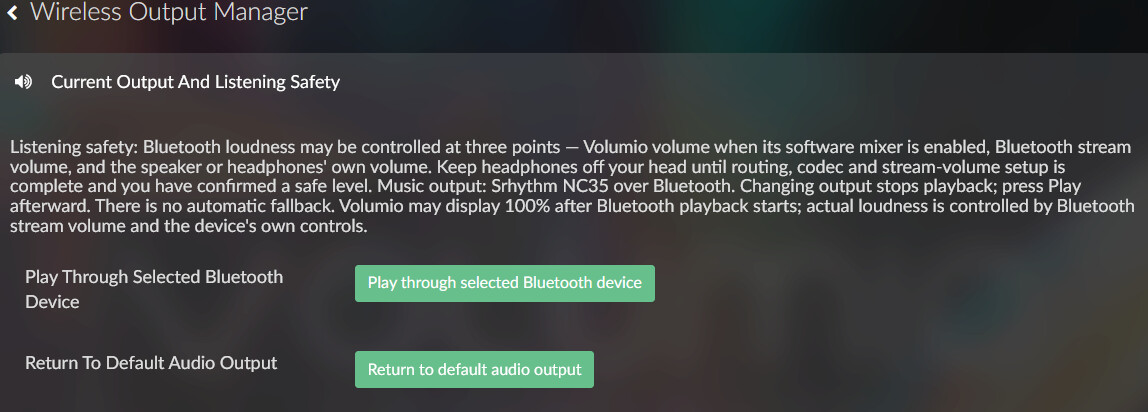
- Manually choose between the Bluetooth speaker and Volumio’s default audio output
- Bluetooth, ALSA, MPD and audio-stack diagnostics
- Exportable diagnostic reports
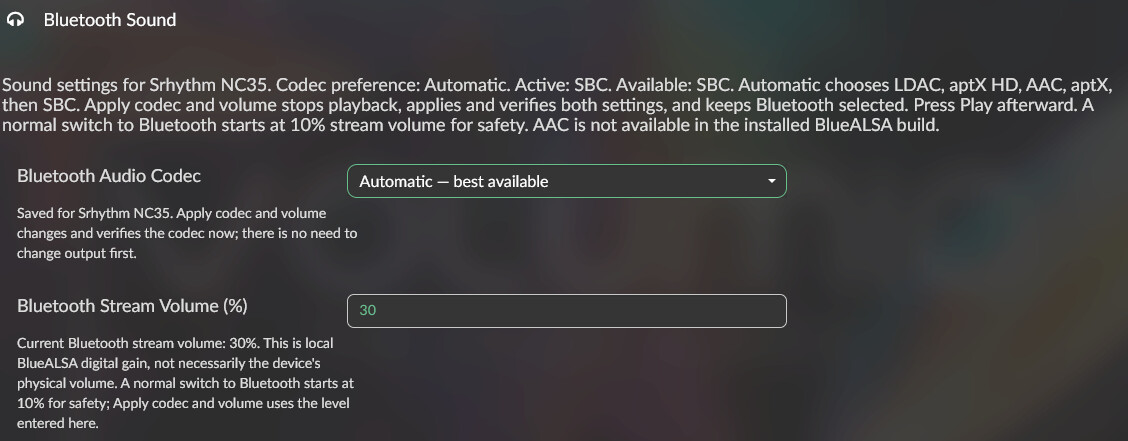
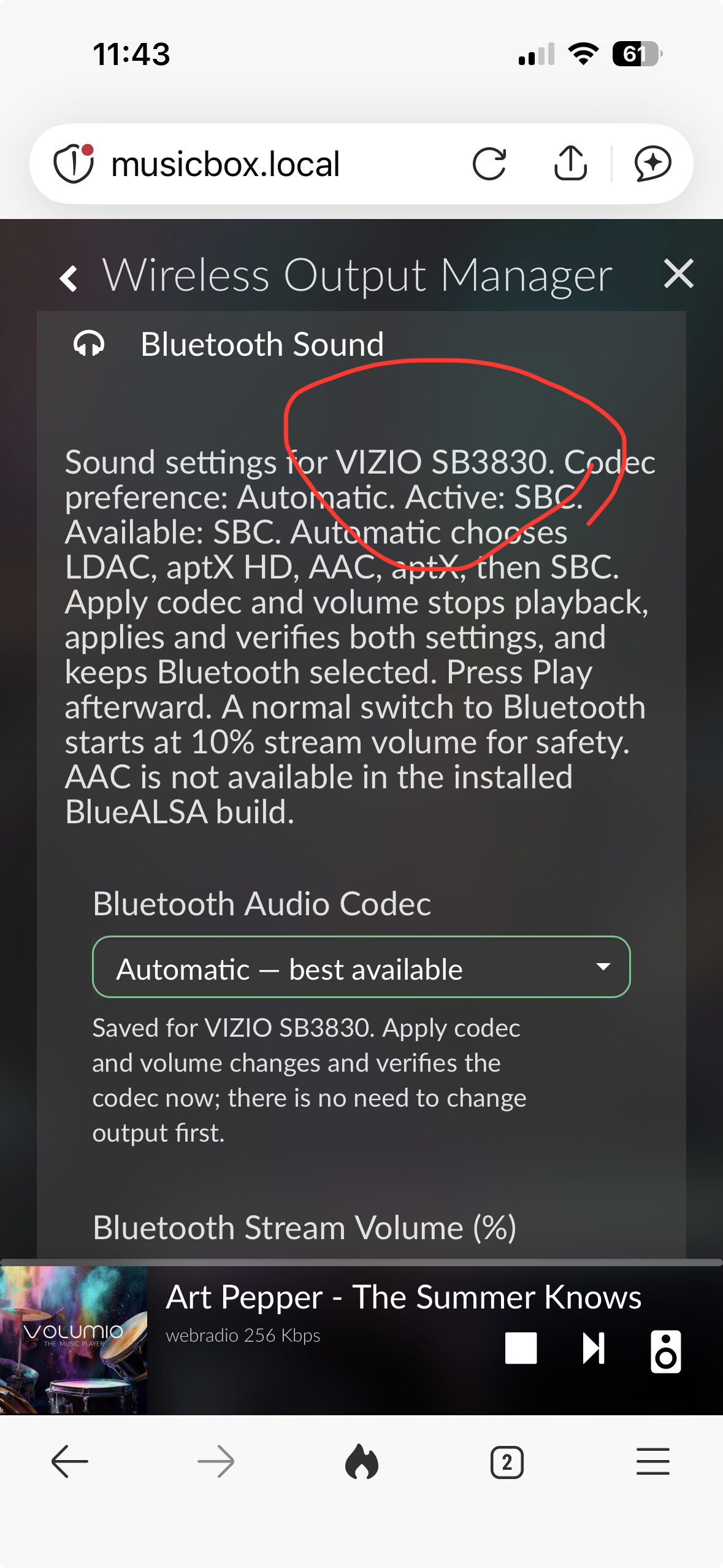
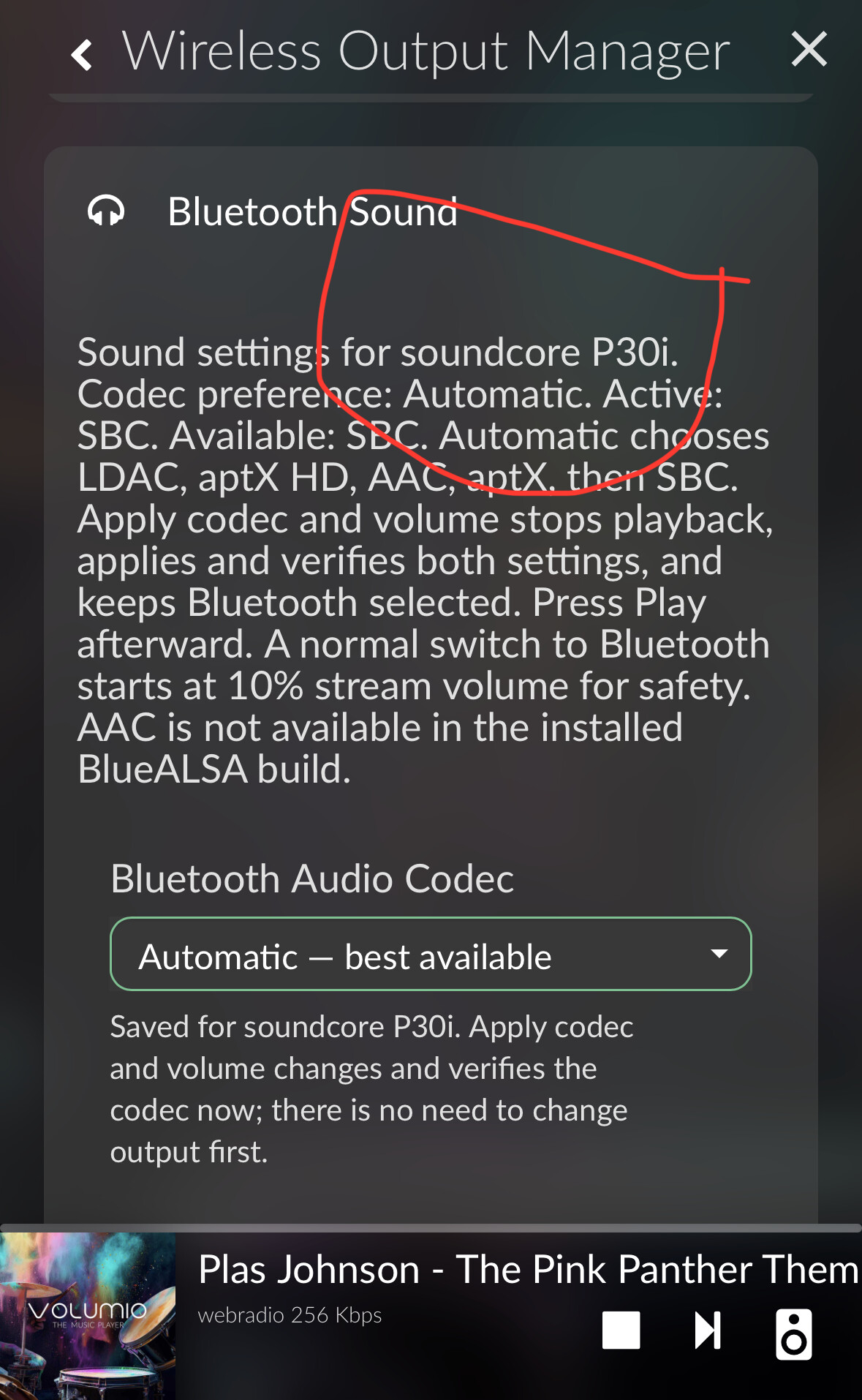
- Guarded BlueALSA output configuration with verification and rollback
- Plugin-only reset that preserves system Bluetooth pairings
- Conservative uninstall that preserves Bluetooth pairings and system packages
The plugin does not install or replace BlueALSA, PulseAudio or PipeWire. It also does not edit /etc/mpd.conf directly.
Important limitations
This version currently supports audio routing only when BlueALSA is already installed and configured on the Volumio device.
Switching audio destinations stops playback. After the switch completes, press Play again. The current track will restart from the beginning.
Switching can take several seconds while MPD releases one audio device and opens the other.
Some speakers that require a PIN or interactive confirmation may need to be paired manually using bluetoothctl .
Volume control
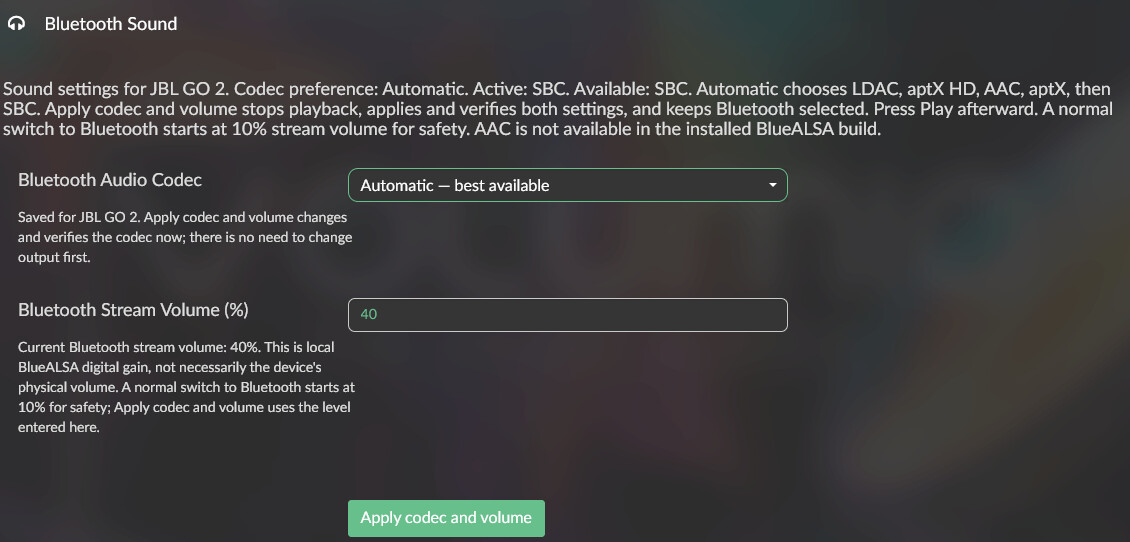
With Volumio’s Mixer Type set to Hardware , Bluetooth audio is effectively sent at 100%. Volumio’s volume control will continue to control the physical DAC rather than the Bluetooth output.
Select Software mixer mode in Volumio Playback Options if you want the Volumio volume control to affect Bluetooth playback.
Installation
SSH into the Volumio device and run:
cd /tmp

git clone \
  --branch feat/wireless-output-codecs \
  --single-branch \
  https://github.com/jhscann/volumio-plugins-sources-bookworm.git \
  wireless-output-manager-src

cd /tmp/wireless-output-manager-src/wireless_output_manager

git rev-parse --short HEAD
volumio plugin install
Accept the warning for installing an unverified plugin.
After installation:
- Open the Volumio Plugins page.
- Enable Wireless Output Manager .
- Open the plugin settings.
The source checkout under /tmp may disappear after a reboot. This does not remove the installed plugin.
Adding a speaker
- Put the Bluetooth speaker into pairing mode.
- Open Plugins → Wireless Output Manager .
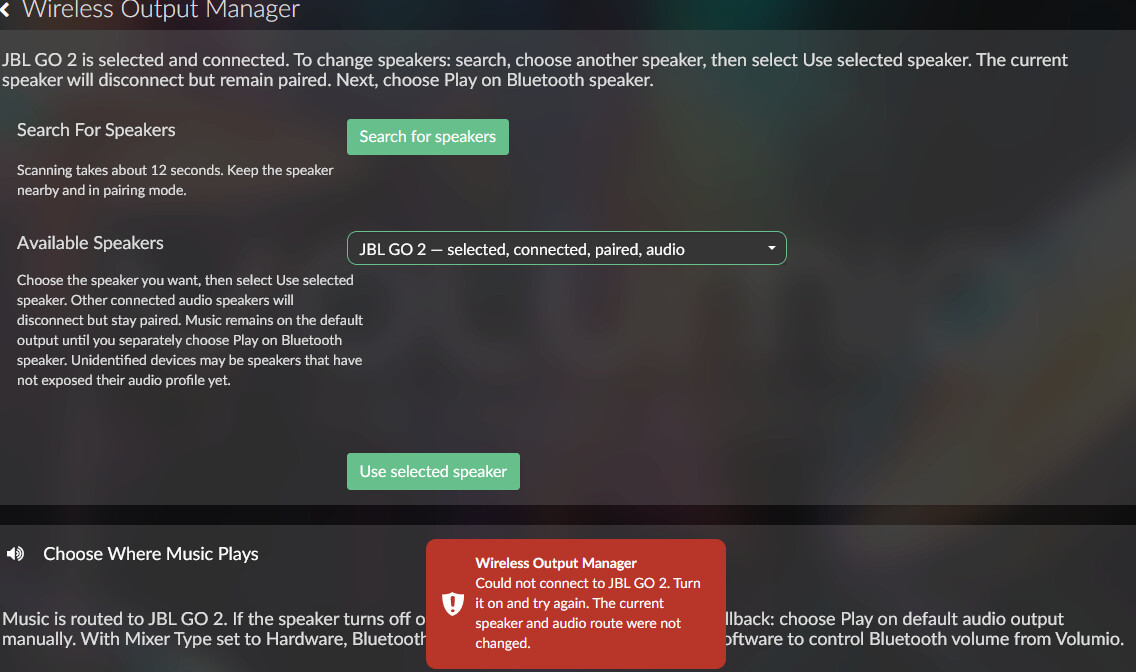
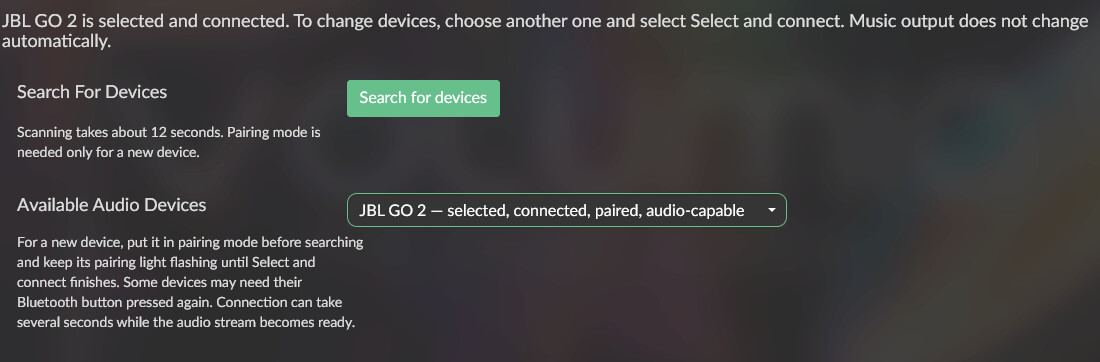
- Select Search for speakers .
- Wait approximately 12 seconds.
- Choose the speaker under Available speakers .
- Select Use selected speaker .
- Under Choose where music plays , select Play on Bluetooth speaker .
- Wait for the route change to complete, then press Play.
A speaker already paired with the Volumio device will not normally need to be placed into pairing mode again.
To return to the normal output selected in Volumio Playback Options:
- Select Play on default audio output .
- Wait for the switch to complete.
- Press Play.
Updating the experimental version
First select Play on default audio output , then remove the existing plugin through Volumio’s Plugins page.
If the source checkout still exists:
cd /tmp/wireless-output-manager-src
git pull --ff-only

cd wireless_output_manager
volumio plugin install
If the checkout has disappeared, repeat the original installation commands.
Enable the plugin again after installation. Existing system Bluetooth pairings are preserved, so the speaker should not normally require pairing mode again.
Uninstalling
Before uninstalling, select Play on default audio output .
Remove the plugin through Volumio’s Plugins page. Uninstalling preserves:
- System Bluetooth pairings
- BlueZ and audio-stack packages
- Volumio’s MPD configuration
- Exported diagnostics under
/data/INTERNAL
Diagnostics and reporting problems
Run Diagnostics → Run diagnostics , followed by Export debug log if needed.
Diagnostic reports are written to:
/data/INTERNAL/wireless-output-manager/
Before sharing a report, please review its contents for any information you do not want to post publicly.
When reporting results, please include:
- Volumio version
- Raspberry Pi or device model
- Bluetooth speaker make and model
- Whether BlueALSA, PulseAudio or PipeWire is installed
- The action that failed
- The exact error shown
- Whether playback through the normal audio output still works
Source code and documentation
Feedback and test results from other Volumio 4 and Bluetooth speaker configurations would be very welcome.


 looking forward to the next iteration.

 so I installed from the source on GitHub and everything worked fine.