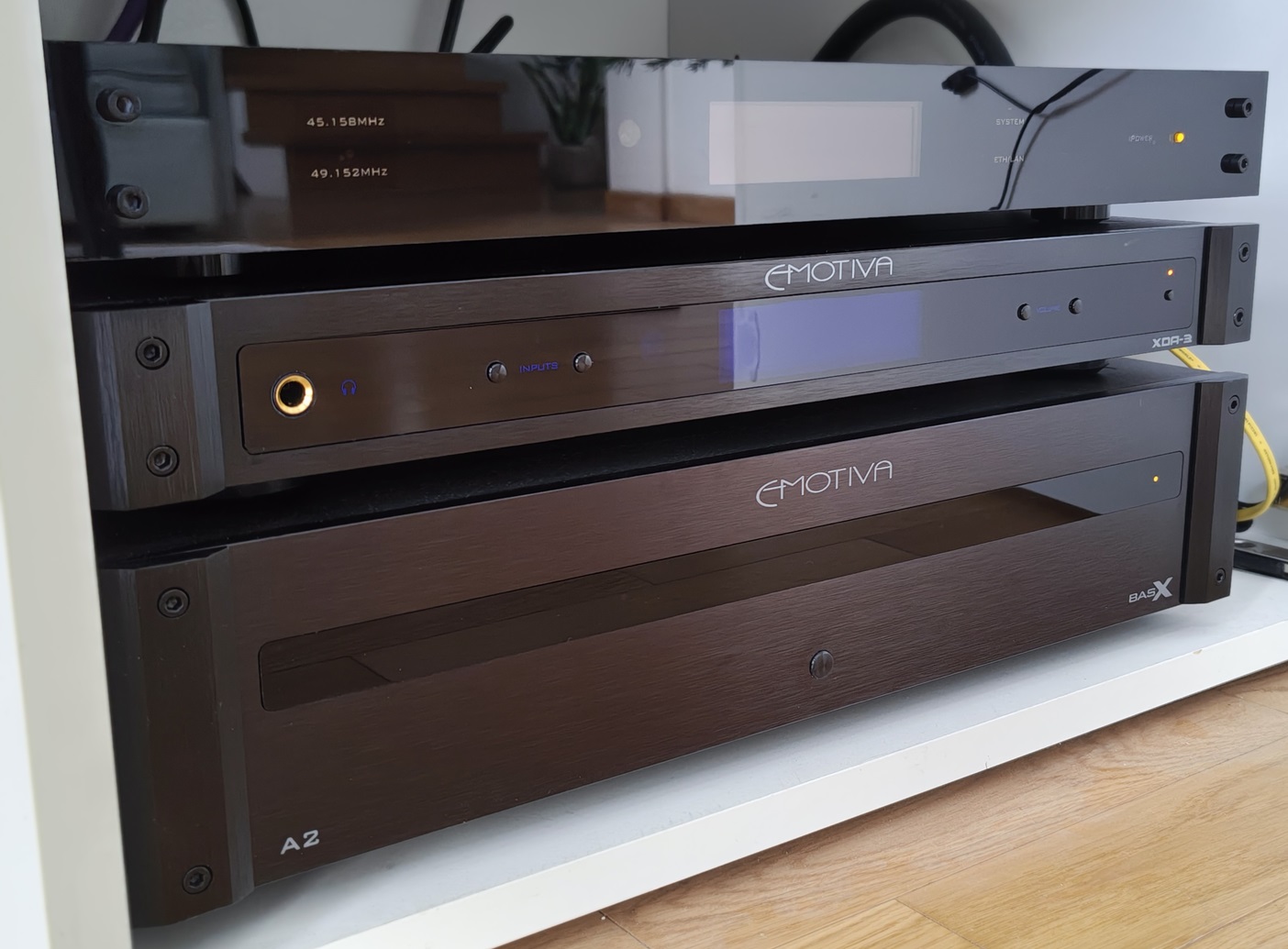
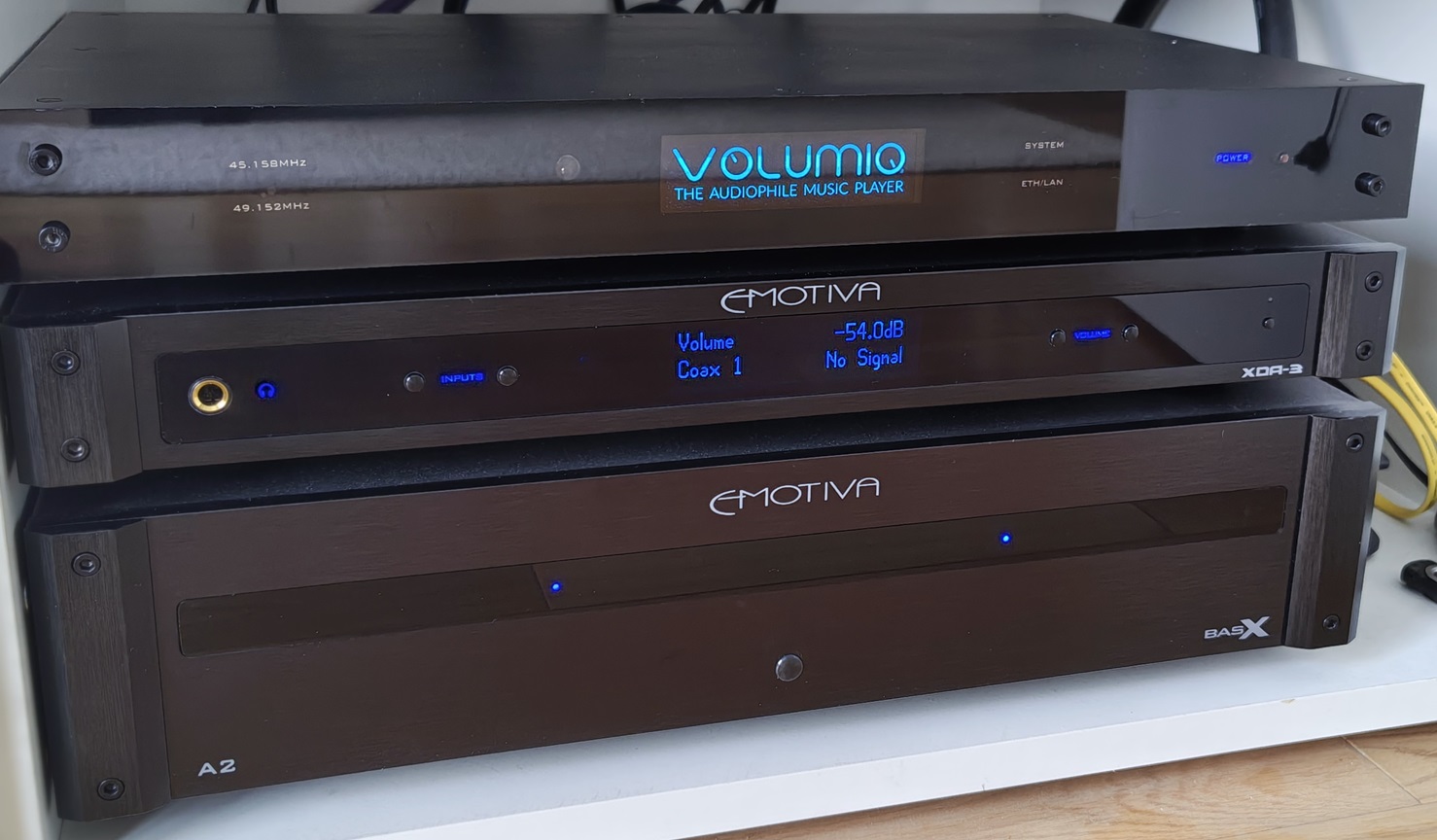
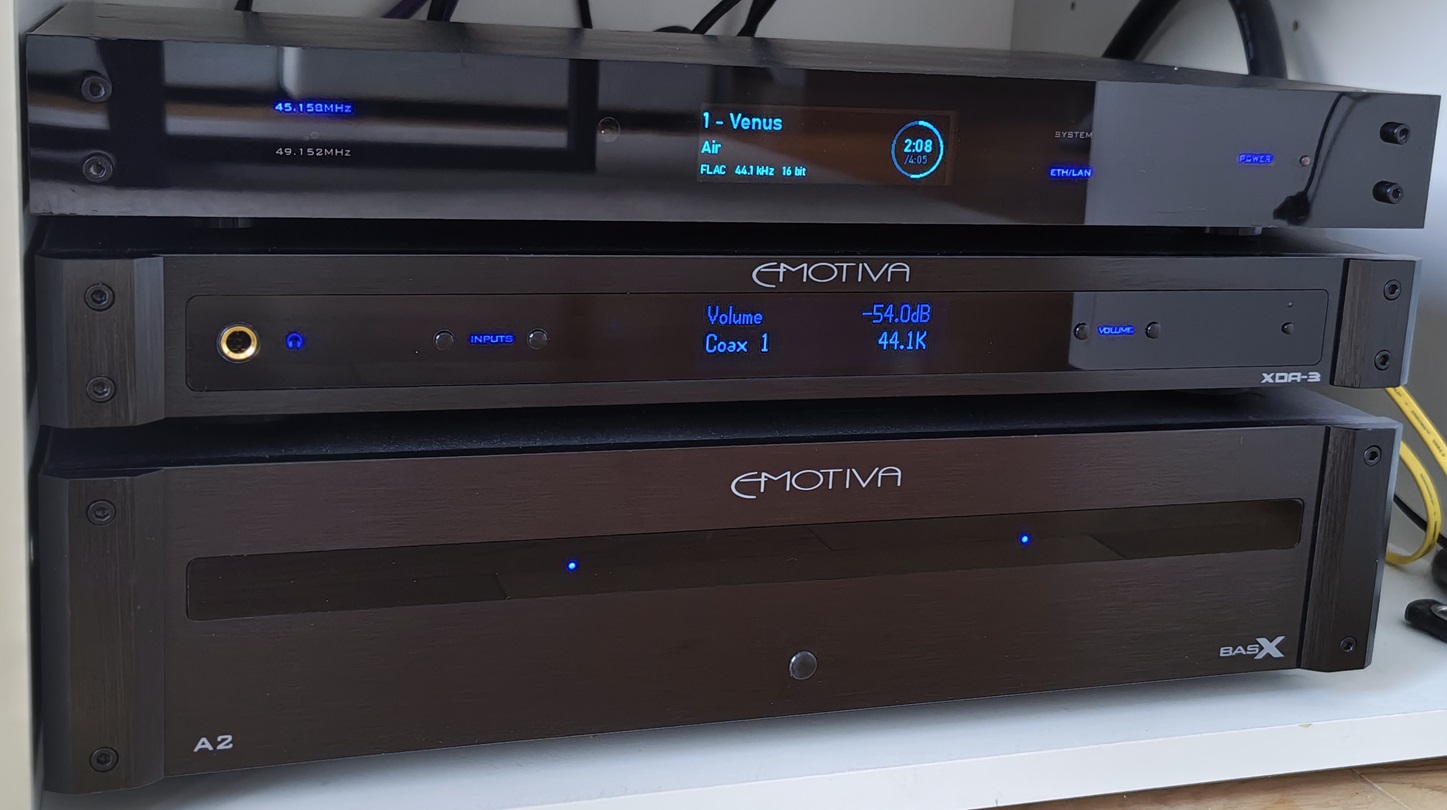
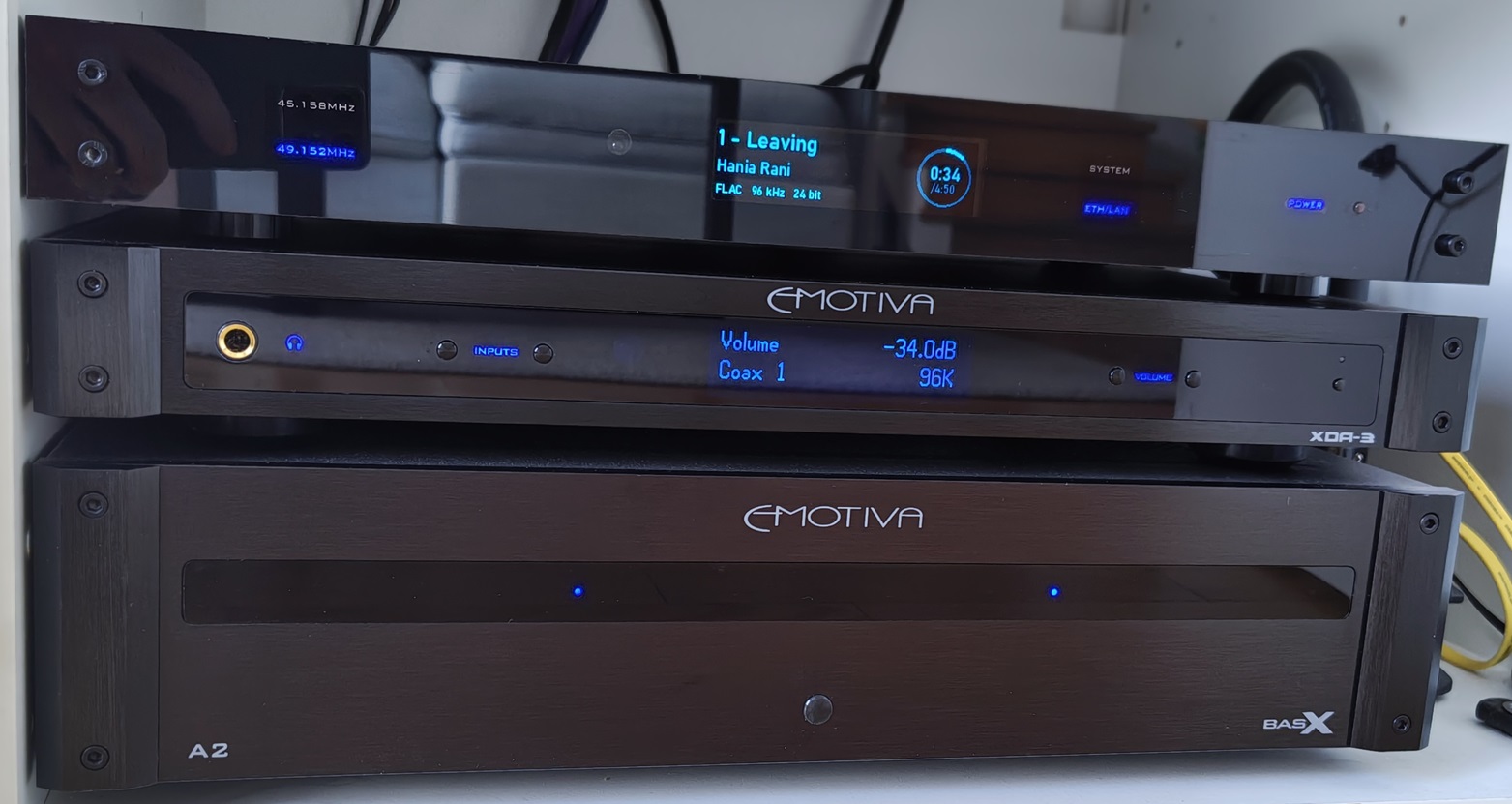
My project is 95% complete. The idea was to build a streaming transport that would be visually integrated (as much as possible) with Emotiva devices.
The challenge was to fit everything into a 40 mm high enclosure.
The device is based on a Raspberry Pi 4B with IanCanada huts: IsolatorPi III RsapberryPi I2S/DSD/DoP isolator and TransportPi Digi/II, Audiophile master mode digi re-clock streamer.
Connected to the DAC via a COAX connector.
Enclosure: entirely aluminium (2mm sheet metal + aluminium profiles) Custom-made. Many thanks to my brother-in-law, without his aluminium processing workshop it would not have been possible.
Front: 6mm solid polycarbonate, graphite smoked (Lexan; double-sided UV)
Separate power supplies for RPi and Transport Digi/II.
RPi4 – 5V/2A linear power supply
Transport Digi/II – 3.3V/0.5A low-noise linear power supply (based on LT3042)
Each power supply has a separate EMI filter.
Standby module – ready, specially modified. Supports Trigger Out, shutdown from the Volumio GUI and safe shutdown (in conjunction with the GPIO Buttons plugin).
Display: OLED 256x64; ssd1322/SPI as in Emotiva XDA-3
For now, the information on the display is provided by a Python script run with Volumio. I am working on a plugin. The display aesthetics were modelled on LUMIN streamer displays.
On the front panel, the words ‘POWER’ and ‘SYSTEM’ are illuminated by LEDs → a clone of the ACT LED from RPi4, ETH/LAN → a clone of the green LED from the network socket (Python scripts)
LEDs indicating which clock is currently running in Transport DIgi/II.
Regards
CG
8 Likes
It really looks very beautiful and stylish.
I would like to ask you about OLED display.
I really like this display too and I try to use it in my designs.
As far as I know there are several projects with this display,
256x64 Oled (ssd1322 SPI), 4 Buttons, Rotary - Interface
by Maschine2501.
Unfortunately, this project was shut down by its founder. I was never able to launch it.
Another project, apparently based on the first one, is
[BETA RELEASE] Quadify Plugin – OLED Display, Buttons, IR + CAVA Spectrum Visualiser
by matt.theshepherd
This is a working project on both 3 and 4 volumio, but this is still a beta release and the founder is not very active in supporting it.
Your display looks similar to these projects.
Could you please tell if it is possible, do you used these projects as is, or changed anything in these plugins?
I’m don’t know much about programming, so I can’t fix anything myself.
Regards
Thank you, guys, for your kind words.
Hi Dimitry,
I used an SSD1322 display in my project; 256x64 SPI:
I followed the same path as you. Unfortunately, I was unable to modify the Maschine2501 plugin, so I abandoned the idea.
I installed the Quadify plugin. With Volumio 3.xxx itself, it worked fine, but unfortunately there is a problem with the IanCanada hat and the sound was interrupted during playback. So it wasn’t a for me.
I decided to see if I could create a Python script that would support this display. I am not an expert in programming, but thanks to the support of others, the script was created and, surprisingly, it worked right away. In terms of aesthetics, it resembled Quadify’s ‘Oscilloscope – Modern Visualiser’ but without the graphs (a simplified version).
Encouraged by this, I decided to create something new that would be dedicated to my needs.
What you can see in the photos is, for now, not a plugin but a Python script that runs together with Volumio. I am currently working on the plugin (with my skills, it may take a while…).
Regards
Cezary
Well done!
I work with hardware and haven’t had time to learn software yet.
But I think I’ll have to.
For now, I’m using the Audiophonics Evo Sabre plugin for this display. It’s fairly simple, but it’s the most stable now and can be found in the plugin store, meaning it’s well supported.
Another question, could you explain, how did you manage to illuminate the markings on the front panel so beautifully?
Regards Dmitry
Hi Dmitry,
The illuminated markings (lettering) are made as custom-made decals stuck to the back of the front panel. The panel is painted black on the back (in my case, with semi-gloss acrylic paint).
LED backlighting:
They can be connected directly to GPIO pins and have a wide light dispersion angle.
If you would like to go in this direction, let me know, I can give you some tips on how to make these decals.
Best regards
Cezary
Hi Cezary,
Thank you for your reply,
I have access to laser and I tried making similar stickers with a laser,
but the material I tried, didn’t produce good results.
If you could tell me what material you use, I’d be very grateful.
Regards Dmitry
Hi Dmitry,
I used transparent decal paper (Sunnyscopa) for inkjet printers (I used it to print my lettering).
There is also paper dedicated to laser printers. You can find it in model shops.
To design the letters and inscriptions themselves, it is best to use a vector graphics editing programme (in my case, Inkscape).
How to make your own decals:
I used clear acrylic varnish (safer in combination with printer ink).
Best regards
Cezary
Hi Cezary,
Thanks for the information, very informative.
I’ll try it.
Regards Dmitry
Very impressive - well done