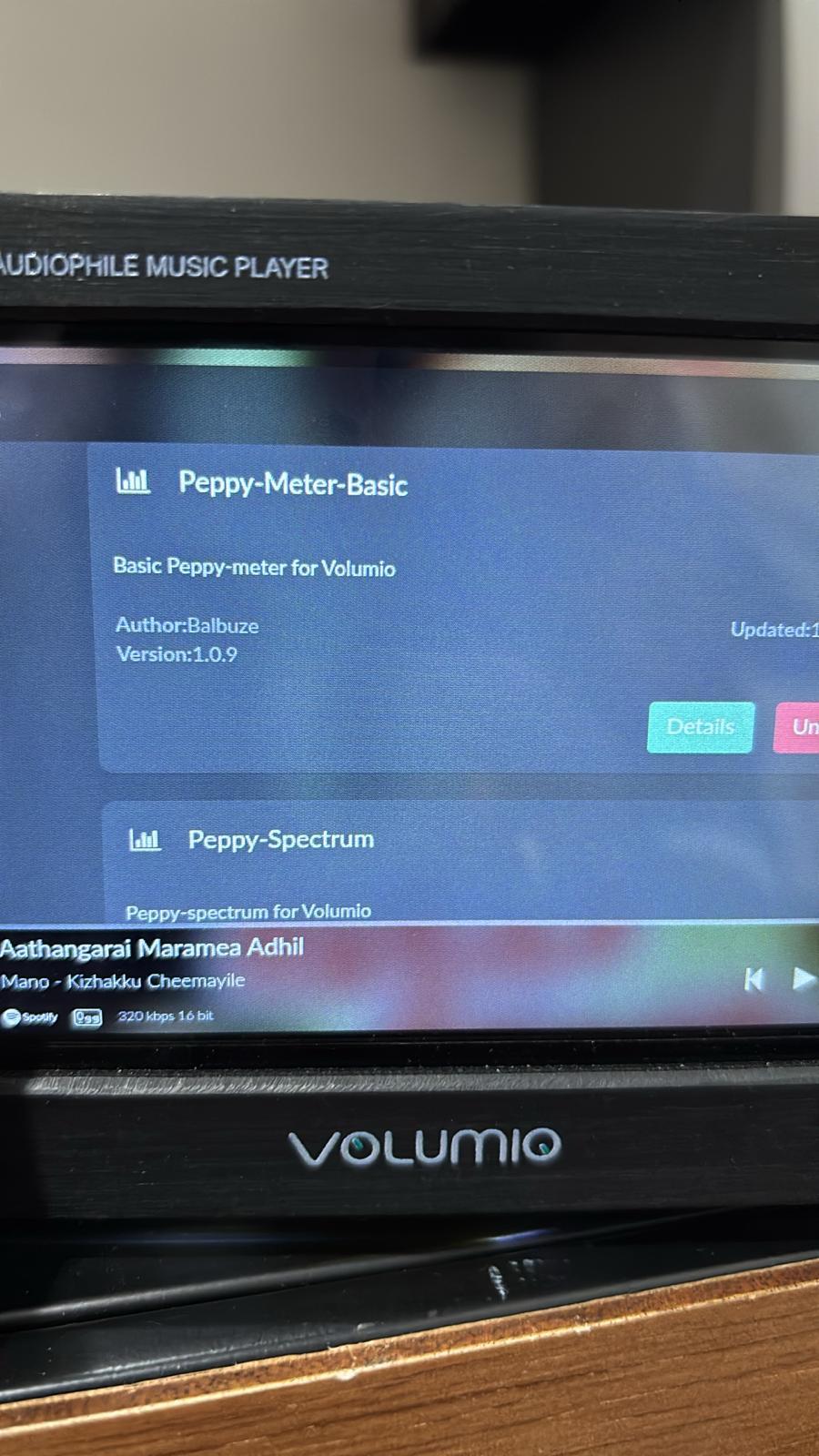
"I am reaching out regarding a technical issue with a custom Volumio streamer I assembled a while ago. The setup utilizes a 5-inch display,which has been functioning perfectly until recently.
However, over the last two days, I have noticed a significant visual abnormality on the left side of the screen. I have attached a screenshot (or photo) of the display showing the issue.
I am looking for insights into whether this is a software configuration error, a ribbon cable/connection issue, or a perme
nent hardware failure of the LCD panel itself. Any advice on troubleshooting steps or a potential fix would be greatly appreciated.
Thank you for your response. I haven’t changed any settings recently—the system was working perfectly for months before this issue occurred. I will double-check the configuration and follow up with you shortly
Greetings, I checked all the settings as you instructed, but I don’t see any such settings in my Volumio. My software version is 4.119. Could you please explain to me in detail how to do this?
You’re screen shows Peppy_meter.
Not sure if it is Peppy_meter, or Peppy_Meter_Basic.
With the first you can reposition the screen by adding offsets, the 2nd you can’t.
If you’re using the latter, it sems the template doesn’t fit your screen.
I just checked as you suggested, and I can only see two settings there: Peppy Meter Basic and Peppy Spectrum. Could you explain in more detail how I can install the Peppy_meter you mentioned?
You type something and it will give you topics. [plugin] peppymeter/spectrum
But looking at you last screenshot, something is wrong with your screen settings.
You might want to do a factory reset first and configure your screen using this plugin: