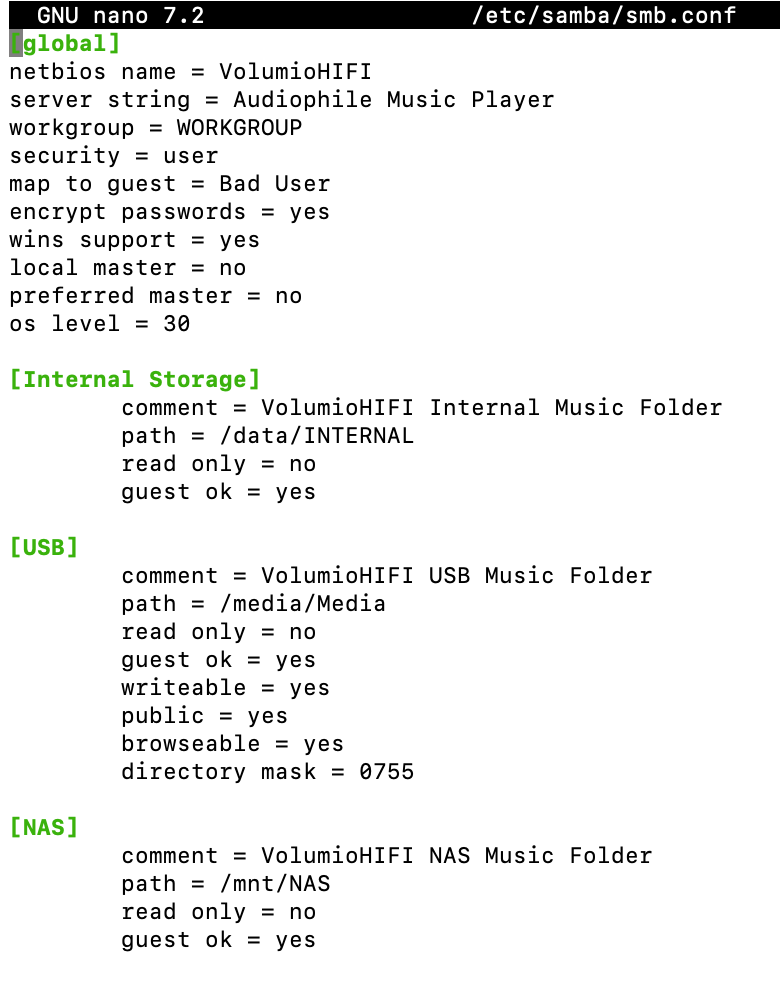
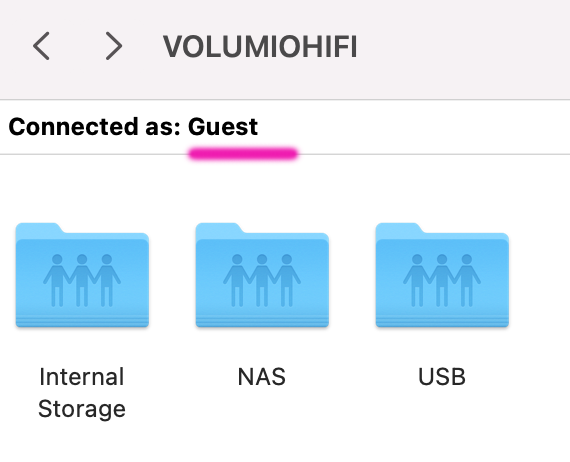
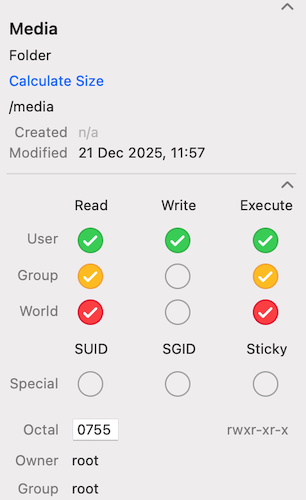
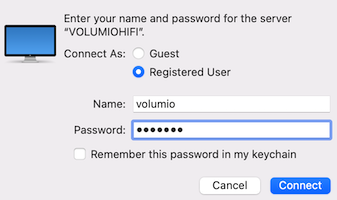
I connected a USB drive. exАat. Drive has a Media folder. If I connect as a Guest, I can’t delete or add files to the drive. I can’t connect as a registered user. I tried volume:volume, VolumeHIFI:volumio, root:root, root:volumio. It won’t let me in. Media folder is root-root 755. MacOS by Finder. smb://192.168.1.101/media/Media What I do wrong?
It’s hard to support since I can’t replicate your setup
I don’t have a Mac. But you mentioned you can do everything you need as a guest, so why insist on doing it as a registered user?
I tested this on my end with an exFAT USB thumb drive and can do whatever I want with it. My working theory is that your USB drive filesystem has a dirty flag set.
When an exFAT filesystem has a dirty flag - from improper unmount, power interruption, or disconnecting the drive unsafely - Linux kernel reports this at mount time with a message like:
exFAT-fs (sdXn): Volume was not properly unmounted. Some data may be corrupt. Please run fsck.
When this happens, the filesystem may be mounted with write restrictions to prevent further corruption. This would explain why you can browse via SMB but cannot add or delete files - the underlying filesystem is blocking write operations regardless of credentials.
To confirm this theory, I need to see your Volumio system log. The dirty flag warning will appear in the kernel messages when the USB drive is mounted.
Convert HDD to FAT and everything (with HDD) is fine … but with plugged HDD bluetooth RC stop working. No scan, no connect. Power supply 4A, pi4B with 3,5 LCD and 6631 transport.
Madhouse.
Yes, there is a reasonable explanation. This is a known USB 3.0 / Bluetooth interference problem on Raspberry Pi 4.
From your log I can see you have a JMicron JMS583 NVMe-to-USB bridge enclosure connected at USB 3.0 speed (5000M). USB 3.0 data transmission emits radio frequency noise in the 2.4GHz band - the same frequency used by Bluetooth. This RF interference blocks Bluetooth scanning and pairing.
This is not a Volumio bug - it is a hardware-level RF problem documented by Intel years ago and affects all devices with USB 3.0 ports near 2.4GHz radios.
Mitigation options:
USB extension cable - Use a 30-50cm USB 3.0 extension cable to move the NVMe enclosure away from the Pi. Distance reduces interference.
Ferrite clamps - Add clip-on ferrite cores to the USB cable as close to the Pi as possible. These suppress RF emissions.
Better shielded cable - Replace cheap USB cable with quality shielded one.
Aluminum foil shielding - Wrap the NVMe enclosure completely in aluminum foil (with non-conductive layer underneath to prevent shorts). Include the cable connector area.
Metal Pi case - Can help contain RF emissions.
USB 2.0 port - Moving the drive to a USB 2.0 port eliminates interference completely but significantly reduces transfer speed.
The USB extension cable is usually the easiest and most effective solution.