Complete new to this. Please help to setup a 8.8 touchscreen. As i read i have to open the config.txt and input screen parameters. I believe i go on the menu and click save. Then i insert the sd to my pi5 but only get Volumio logo in a vertical format.
Is it connected to the Ethernet network?
Can you navigate to http://volumio.local?
OR
Is it stuck to the “Waiting for USB devices…” screen? If so have you connected any USB devices to it?
What about power supply? What power supply are you using to power it? It needs a minimum of 5V / 5A power supply, not sure about the display, I am assuming you are powering the display separately.
Thanks for the response. I can see the Volumio logo but then blank. Using a 3amp power but volumio works fine. Only the screen not configured
It should be 5v / 5a (but 3amp should be ok unless the screen is also drawing power from it)
If it is connect to the network do you see anything on http://volumio.local? If yes then setup Volumio and go to Plugins → User Interface → Touch Plugin and install it.
How much RAM does the Pi have? It should have at-least 2 GB ram for Chrome browser (Kiosk service) to run and show the UI on the screen.
Is this a Waveshare screen? Check this out.
Yes i can acces volumio from the web. I have a pi5 1gb but seems like that can handle chromium. I believe the issue is the screen margins. When creating a config. Do i click on save and thats it?
Screen is a hosyon 8.8 showing light but no info
1GB probably isn’t enough, Chrome alone will use all of it but we will see.
Hosyond is a different manufacturer. Shut down the Volumio, remove the SD card and attach it to the computer to edit the /boot/userconfig.txt
put this text
hdmi_group=2
hdmi_mode=87
hdmi_timings=480 0 88 44 148 1920 0 4 5 36 0 0 0 60 0 89000000 7
hdmi_drive=1
framebuffer_width=1920
framebuffer_height=480
max_framebuffer_width=480
max_framebuffer_height=1920
Save the file, then eject the SD card, put it back in the Pi and boot it. Hopefully you will see something there. Then install the Touch Plugin via http://volumio.local → Settings → Plugins → User Interface → Touch
Enable the plugin then go to Plugins → Installed Plugins → Touch and apply the settings for rotation etc.
Once that is working then you can install the Plugins → User Interface → Stylish Player for the UI
I think i tried that from a forum. Also the manual settings that say hd_cvt 1920 480 60 0 0 0 (probably hdmi instead of hd) also dtoverlay=vc4 fkms -V3D
Have you tried to use the plugin: “Pi Screen Setup”?
If not, reflash your SD, don’t add anything to /boot/userconfig.txt, just install the plugin and run the configuration.
That sounds like an option. Cant believe i missed it. Now.is rebooting. Takes a long time besides sometimes it connects and sometimes not.
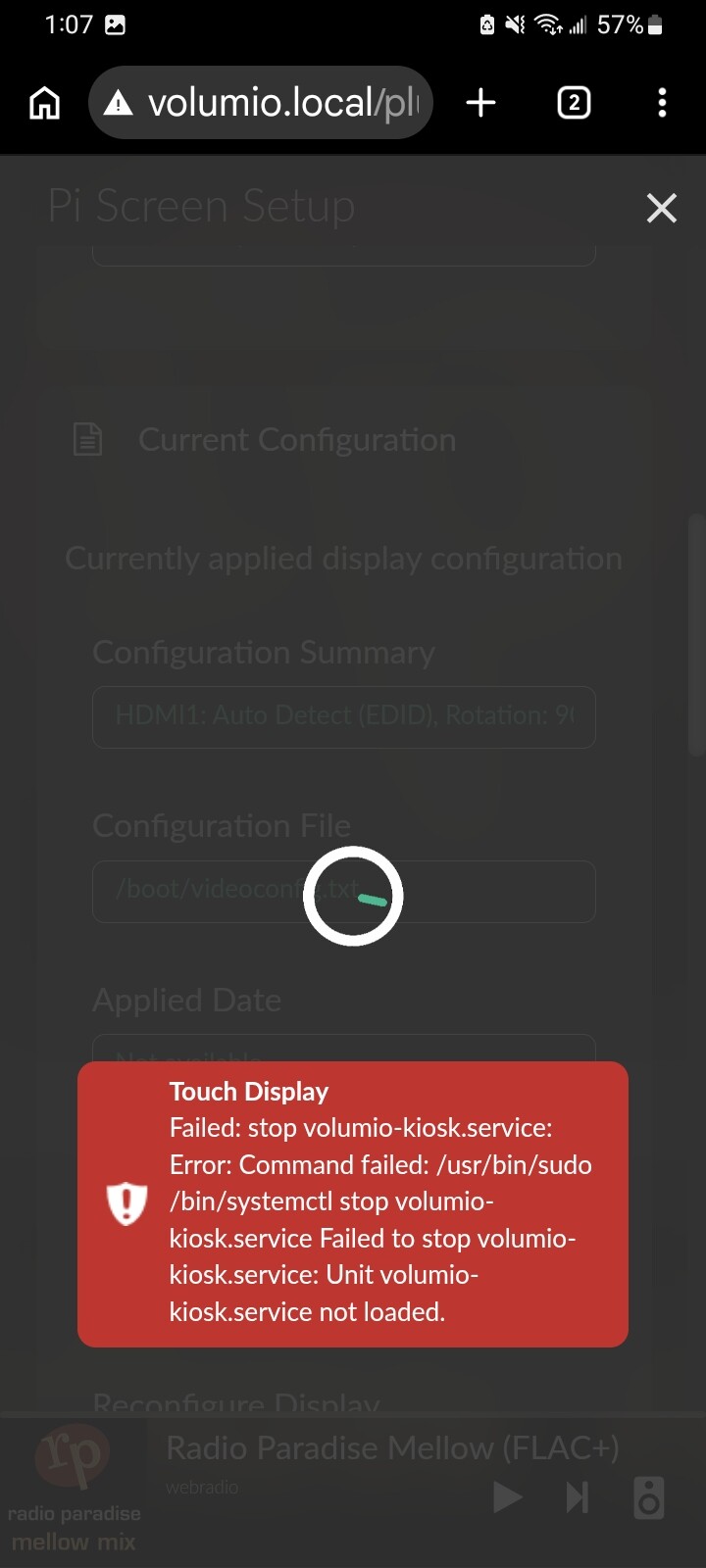
Try installing it again without doing anything else.
Is 1GB RAM enough for Kiosk service? In my experience, chrome needs 1.5GB
I read somewhere that 1gb works. Reinstall and now not connecting. Oh boy
Gotbit to connect and volumio is straigh in landcape over 270 rotation. Now i might install now playimg since the touch plugin didnt Uninstall last time
Still volumio kiosk not detected under now playing setup
Works great with a laptop. Ill try on a rpi4