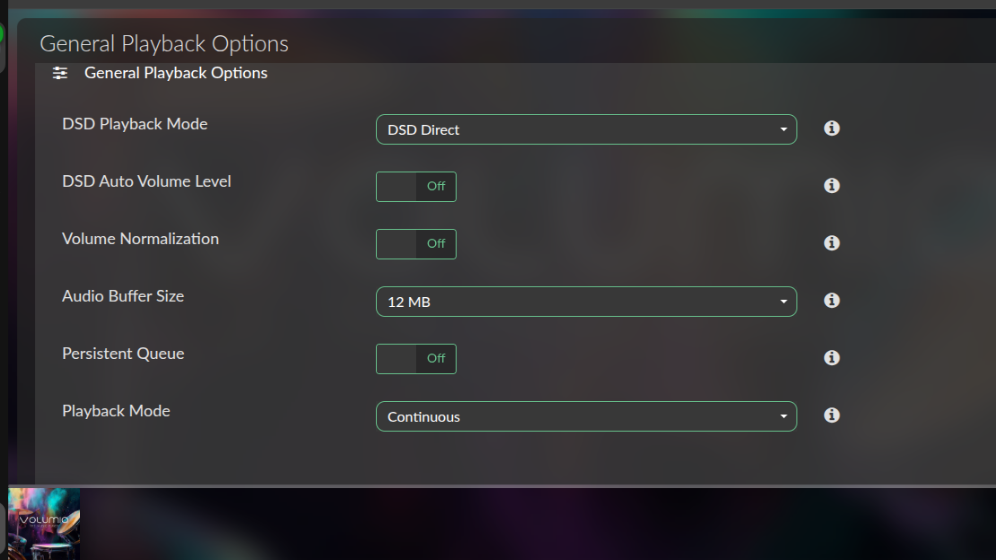
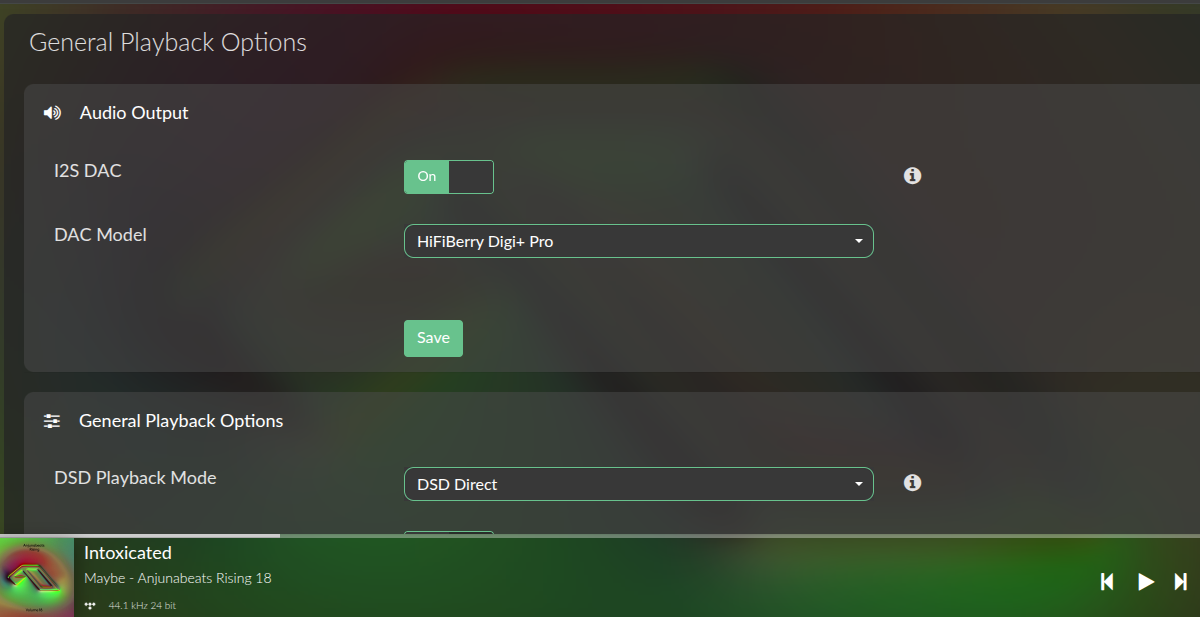
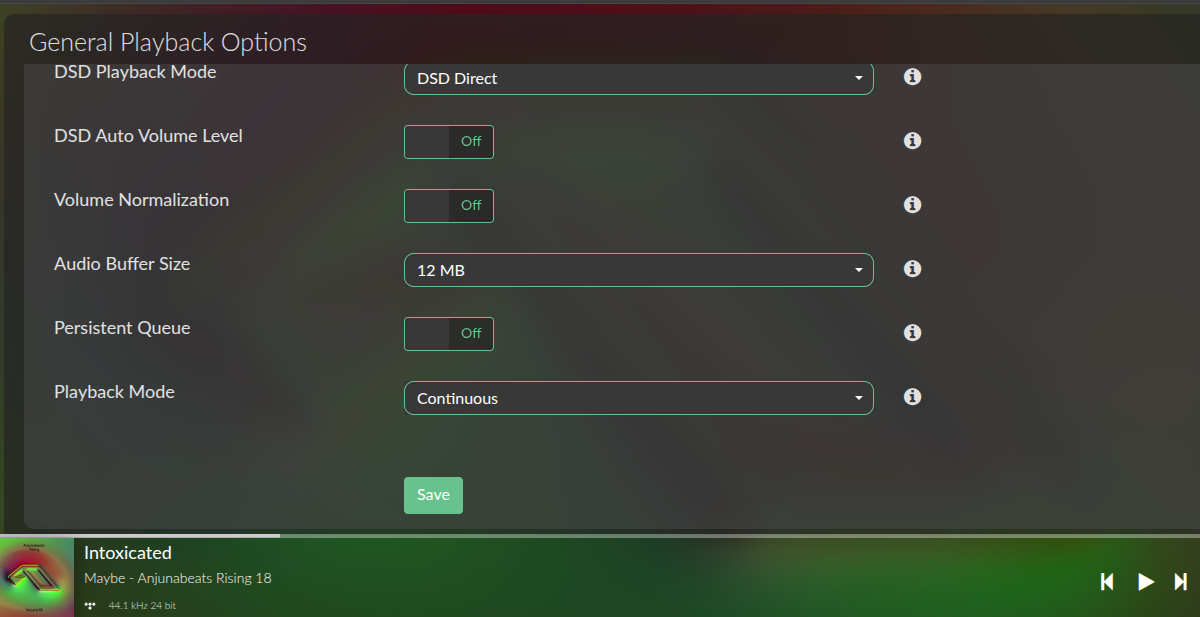
Raspberry Pi 4 8GB , HiFiBerry Digi2 Pro , Ethernet , Audio Buffer Size 12mb .
When playing 24/192 Tidal, the sound stutters. I know I need to increase the “Buffer Before Play.” I don’t have that option in the settings. What’s wrong? There’s no problem with local files.
Yeah mate that is more than reasonable especially if you pay for it.
Sometimes it’s good to leave Volumio out of it and keep things simple (like at my desktop-nearfield/headphone amp setup, phone, at work … There is no need for it, but I guess some would get used to it…
System Information
OS info
Version of Volumio: 4.119
Hostname: volumio
Kernel: 6.12.74-v7l+
Governor: performance
Uptime: 0 days, 0 Hrs, 23 Minutes, 28 Seconds
Network info
Interface: eth0
IP Address: 192.168…
MAC Address: dc:…
Type: wired
Speed: 1Gb/s
Audio info
Hw audio configured: HiFiBerry Digi+ Pro
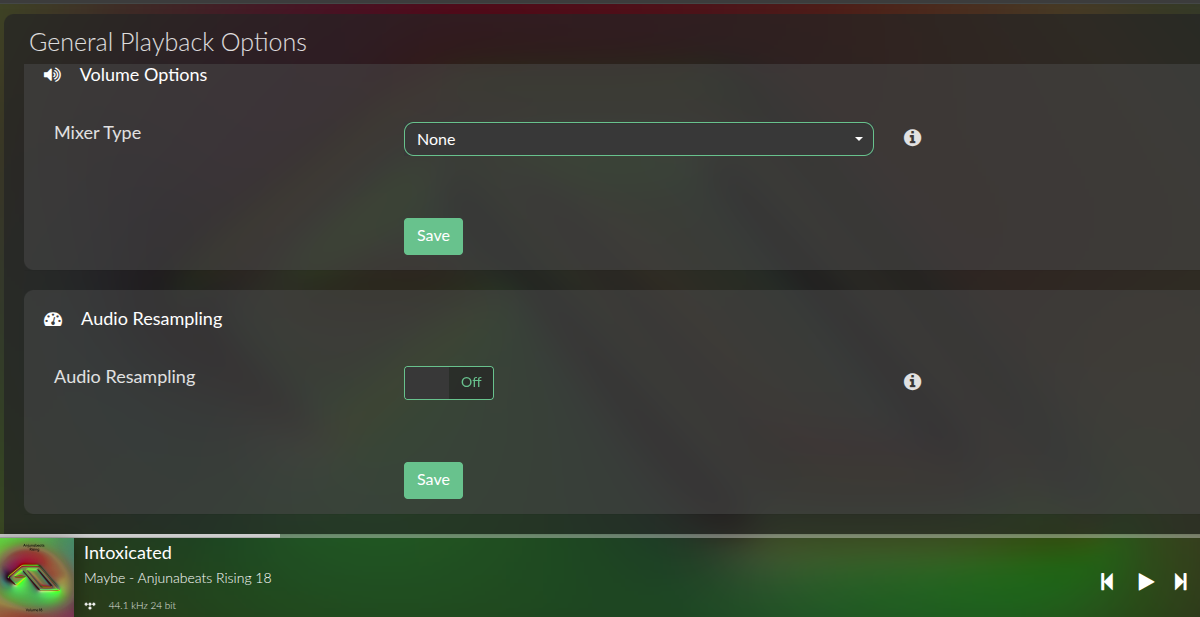
Mixer type: None
Number of channels: 2
Supported sample rate: 44100 48000 88200 96000 176400 192000
Board info
Manufacturer: Raspberry Pi Foundation
Model: Raspberry Pi 4 Model B Rev 1.4
Firmware Version: 2026/01/09 16:12:13 (d76c460359ec31b2fadf3b48e44599673095326f)
CPU info
Brand: BCM2711
Model name: ARMv7 Processor rev 3 (v7l)
Speed: 1.5 GHz
Family: Cortex-A72
Model: 3
Number of cores: 4
Physical cores: 4
BogoMIPS: 270.00
Average load: 28%
Temperature: 67°C
Memory info
Memory: 8031756 Ko
Free: 6318732 Ko
Used: 1713024 Ko
Software info
MPD version: Music Player Daemon 0.24.6 (b6f106b+)
Bluetooth capabilities version: 5.0
AirPlay version: AirPlay 2
UPnP renderer: upmpdcli 1.9.15-1~ppa1~bookworm
Storage info
INTERNAL storage - Size: 109252MB
Used: 1295MB
Available: 102133MB (93%)
Benchmark Results – volumio – 2026-05-14 17:58:25 UTC
CPU Benchmark (All Threads)
Events per second: 41.00
Min latency: 27.37 ms
Avg latency: 96.32 ms
Max latency: 232.29 ms
CPU Benchmark (1 Thread)
Events per second: 13.65
Min latency: 14.46 ms
Avg latency: 73.06 ms
Max latency: 130.94 ms
Memory Benchmark
Throughput: 294.32 MiB/sec
Transferred: 1024.00 MiB
Total operations: 1024
Operations per second: N/A
No, I want to use RPI with HiFiBerry Digi2 Pro, it worked perfectly with Android 15 and USB Audio Player PRO, Tidal on a touchscreen device, or remotely via UPnP.


 Benchmark Results – volumio – 2026-05-14 17:58:25 UTC