Volumio initiates shutdown after first bootup

So im trying to install Volumio on my RPI Zero W (first one).

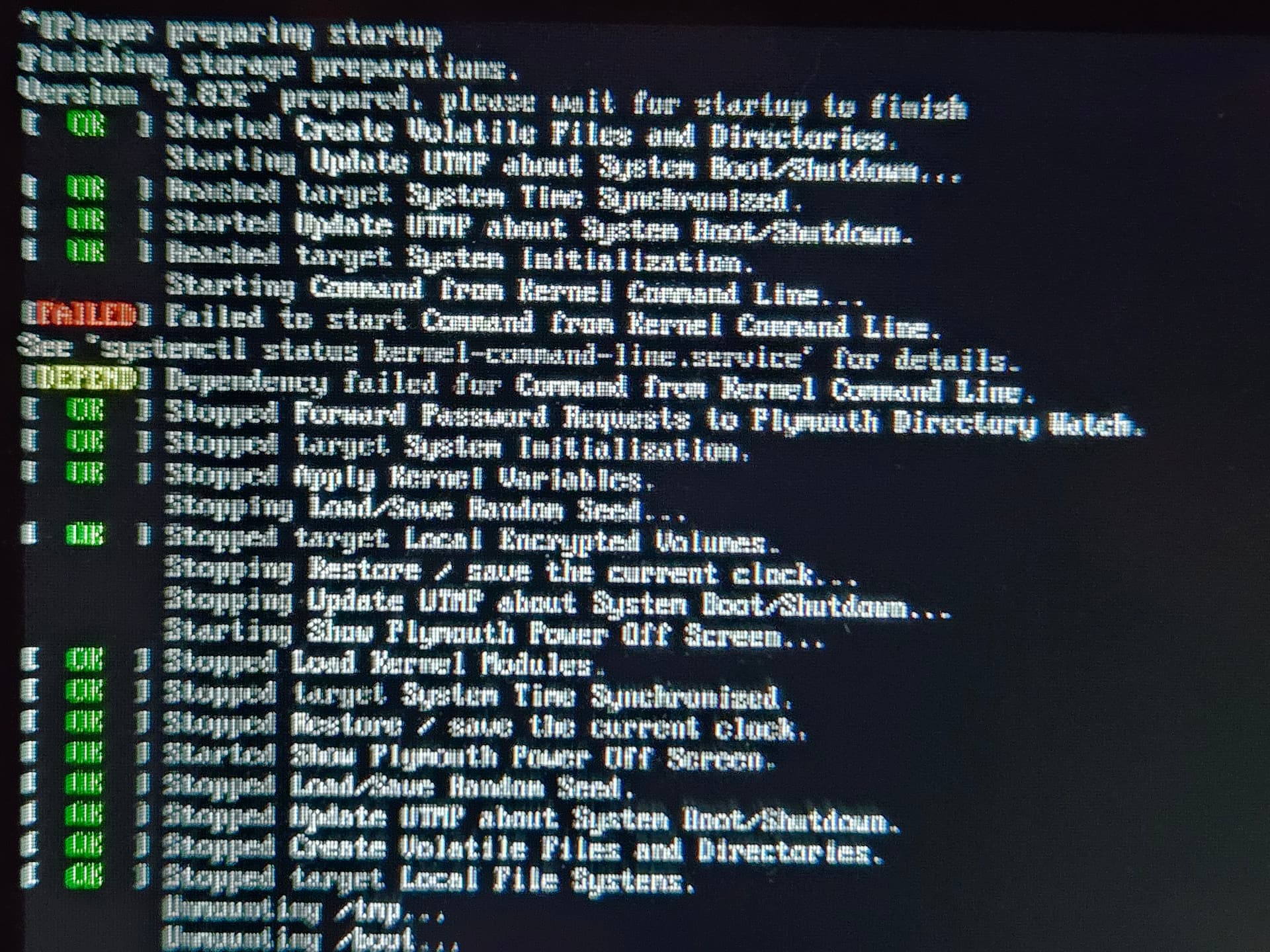
It has been working before, but i cant get it to start. It just initiates a shutdown after booting up for the first time. I used the official raspberry pi imager. I tried plugging in a screen and pressed esc on the splash screen and from that i cant really tell much

Do you have any suggestions?

did you download the official image from volumio.com or did you use the one provided by raspberry imager? The latter is a know way to get into troubles.

I used the one from the RPI imager. I will try the one from this site

Using the image from volumio.com instead of the one inside rpi imager, made it work

Question then is why there even is an image provided with rpi imager if it doesn’t work, and is known to cause issues?

Despite repeated requests, Volumio has been unable to get their image removed from the Raspberry Pi Imager.

The instructions on Volumio are to download them from Volumio.

1 Like

We should try to understand why they perform differently… It is the same image we have oun our download page…

Raspberry Pi Imager, offers latest stable version:

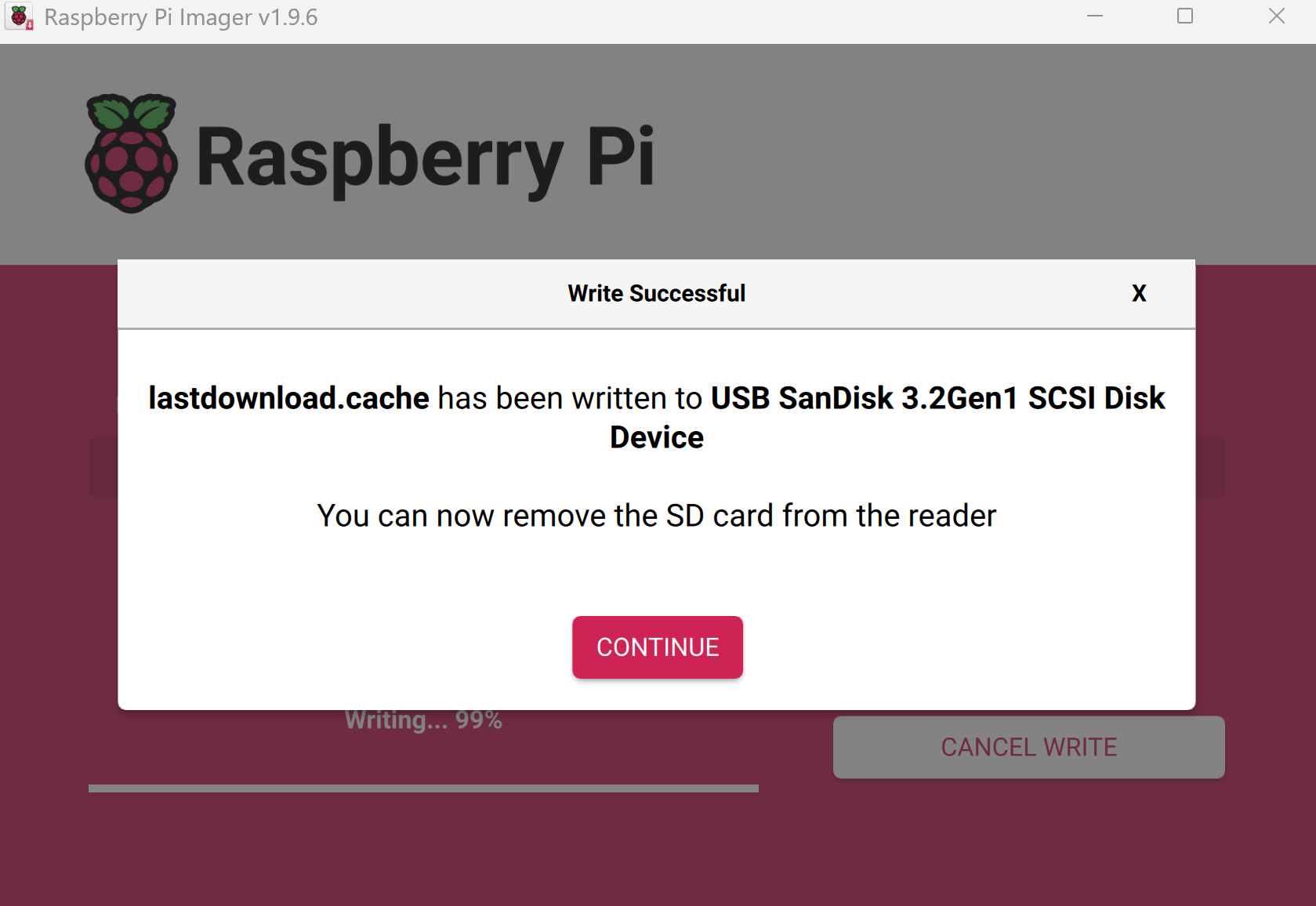
The file is downloaded from Raspberry and placed as "c:\Users\<username>\AppData\local\Raspberry Pi\Imager\cache\lastdownload.cache"
it’s a raw blob.

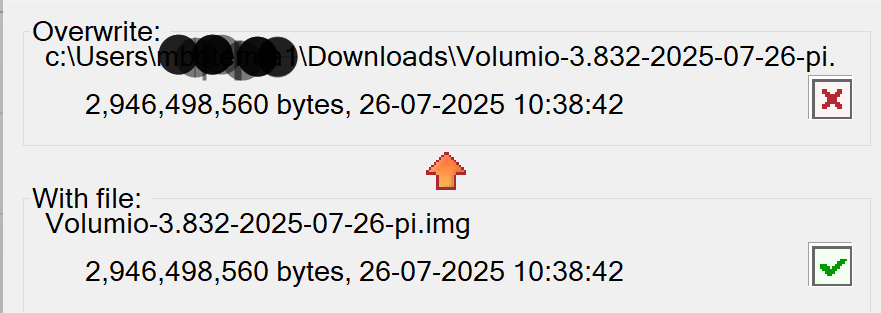
The sizes of the zip and cache file are identical, so it seems to me they flash the zip instead of the unpacked *.img file.


If that’s the case, the image should not boot at all… Or am I missing something?

Maybe they are adding some params to cmdline txt?

Apparently there is some unpacking done in the background with the cache file. If I flash the cache file myself it burns the unzipped files to the SD (*.img + *.md5)

Raspberry Imager streams the local cache file on the fly and decompress as it goes, while flashing the *.img file it’s block-by-block.

Renaming lastdownload.cache to lastdownload.cache.img.xz and unpack it, it reveals the same file