Edit: I have moved this list to our Github wiki.
Here’s a list of useful resources for new developers (or forgetful ones like myself). Please suggest things to add!
Volumio
MPD
Libgroove
Spop
Node / Javascript
Web Development
Typescript
Other
Here’s a list of useful resources for new developers (or forgetful ones like myself). Please suggest things to add!
Volumio
MPD
Libgroove
Spop
Node / Javascript
Web Development
Typescript
Other
Nice collection! Would be great to pin this thread.
Thank you!
Question:
How do you guys have your working environment setup for developing for raspberry Pi?
The reason I’m asking is because I’m having trouble with this.
I have never before developed for Raspberry Pi, at least not remote.
Right now I sync the GitHub-repository with my PC (windows) to get up2date.
Then for big changes like a new function I edit files with a text-editor of choice (sometimes Brackets, sometimes just notedpad++).
After this is done I sync it back up to GitHub, SSH to Pi, sync Pi with GitHub, and launch the code.
Errors like typo’s and other small stuff can be done with a text-editor on the Pi with SSH (I use Nano), but for big stuff I still sync everything up and go back to my PC.
As you might have seen, this leads to loads of commits on GitHub, even for a small typo.
Is there a more efficient way to do this stuff?
A few options I have thought about:
[] Running Volumio image on a virtual box, although you still end up with a text-based-editor unless you install a window manager.
[] Installing a VNCserver for remote-desktop access with a nice GUI editor.
[*] Somehow mount the project directory to my PC, edit everything on PC, but compile/launch via SSH
If there is any tutorial out there on how to set up a working environment, it miight be good to have it available here(at least for me) 
Excuse me for my noobness 
Dear Meryn,
I absolutely understand this. That’s why my efforts lately are directed to creating an handy development environment for our project.
I’m about to upload the first image of the new Volumio system, based on Node and systemd.
From there, you’ll see a samba share, which you can open with the text editor you like.
And edit directly from your computer to the pi, so you won’t miss any typo. 
Awesome! Ill look forward to it
In the meantime, I’ll use a VNC-server so the Git wont be spammed with my typos…
I just SSH into my Pi and do all my coding in Vim.
Another simple way is to connect to your Pi using WinSCP. You can open a remote file, edit it with the editor of your choice, and WinSCP will automatically upload it when you save.
Wow, that’s how real men do it!
A Dutch Linux magazine had an article about Volumio (as an example for raspberry pi HiFi)
I will post more info about it tomorrow.
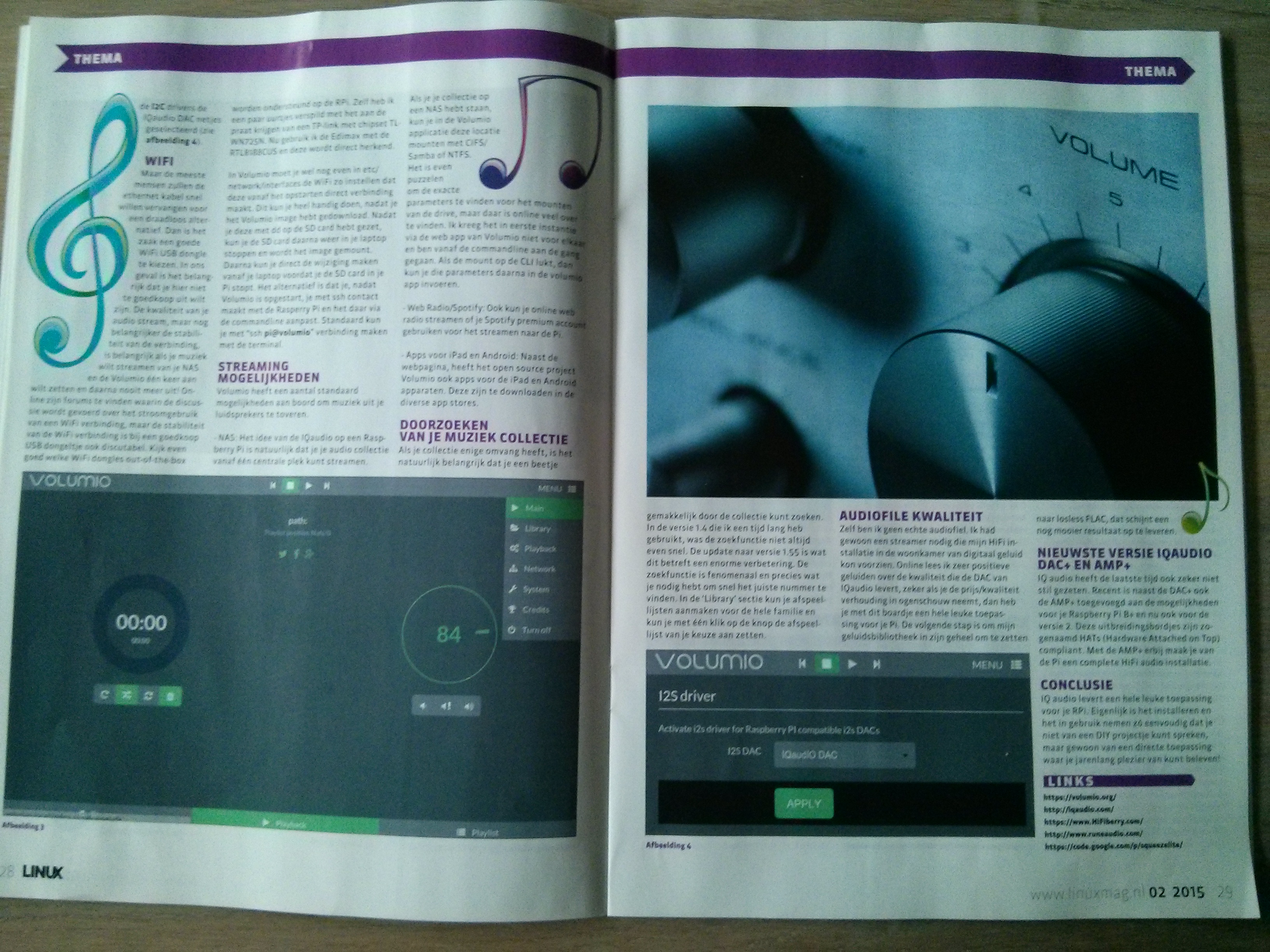
Yeah! 
I have moved this list to our Github wiki.
Hi! Ning-yu
I was wondering if in the list we could add link about DRC (digital Room Correction). With the idea of the plugin discussed yesterday, and the power of the new raspberry B2, it could be a option…
Some links :
drc-fir.sourceforge.net/
github.com/zzzzrrr/porc
github.com/hzeller/folve
Yes, DRC can be an option, but let’s put away from our priority list. First we need to build the system, then we can think on addind functionalities…