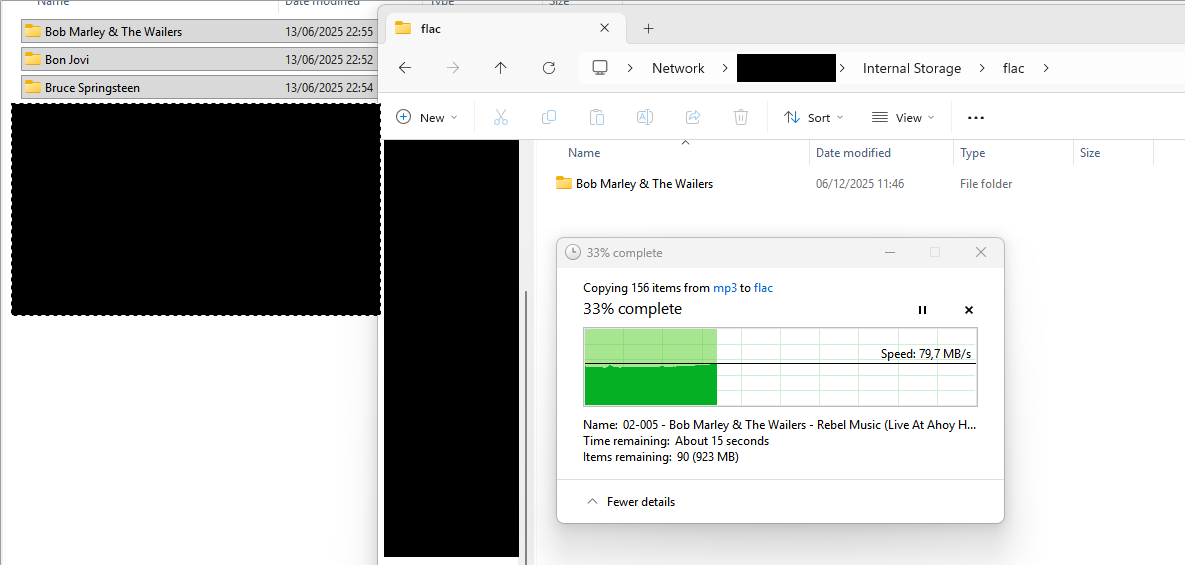
Guys I’m new to volumio, so please forgive my probably easy question. But for the life of me I can’t figure out using google and chat daddy how I should be able to upload some of my flac files to the internal storage of the raspberry pi.
What I’ve tried:
- There’s a suggestion to navigate to the music library and drag and drop or use an upload button (both do not work)
- Tried to connect to volumio through windows explorer - Network and clicking on all 3 icons that for some reason appear (would be a bonus to understand why that is…) In two cases, the webinterface opens. The last one opens some kind of weird music player dialog?
- Tried to connect using \volumio and it’s ip. however I’m then asked for a username and password. I’m not sure what to fill in there and while searching it seems that my company laptop might not allow guest samba connections?
What am I missing? Thanks!