I have recently aquired a Volumio Motivo and it does not gave a Tidal app. Theres Tidal connect. I never use any connect serivces.
I can see there is a Volumio app for volumio. But is not in the pluggin menu on the motivo. I have tried to find the plug in but google is useless these days. Does anyone have the plug in link and instructions to install it?
There is no specific plugin.
On your motivo, go in the source page, scroll down to Tidal, enter your credentials.and log in
Once done, you’ll see Tidal to browse in the library.
As @balbuze says, Tidal (and Qobuz) are built into the core Volumio package, so no plugin.
A strong recommendation is to set (in the Volumio Sources Tidal settings) Sound Quality to “Hi-Res” and not “Highest Possible”. This is confusing, but Hi-Res plays Tidal tracks at their max bit rates…
There is no tidal in the motivo sources section…
There is also no quboz either only connect which is useless to me.
TIDAL and Qobuz are premium features and are enabled by default on the Motivo. However, they will only appear on the Music page after you have signed in with a valid TIDAL and/or Qobuz account.
A screenshot of the Sources page will help us verify that everything is configured correctly.
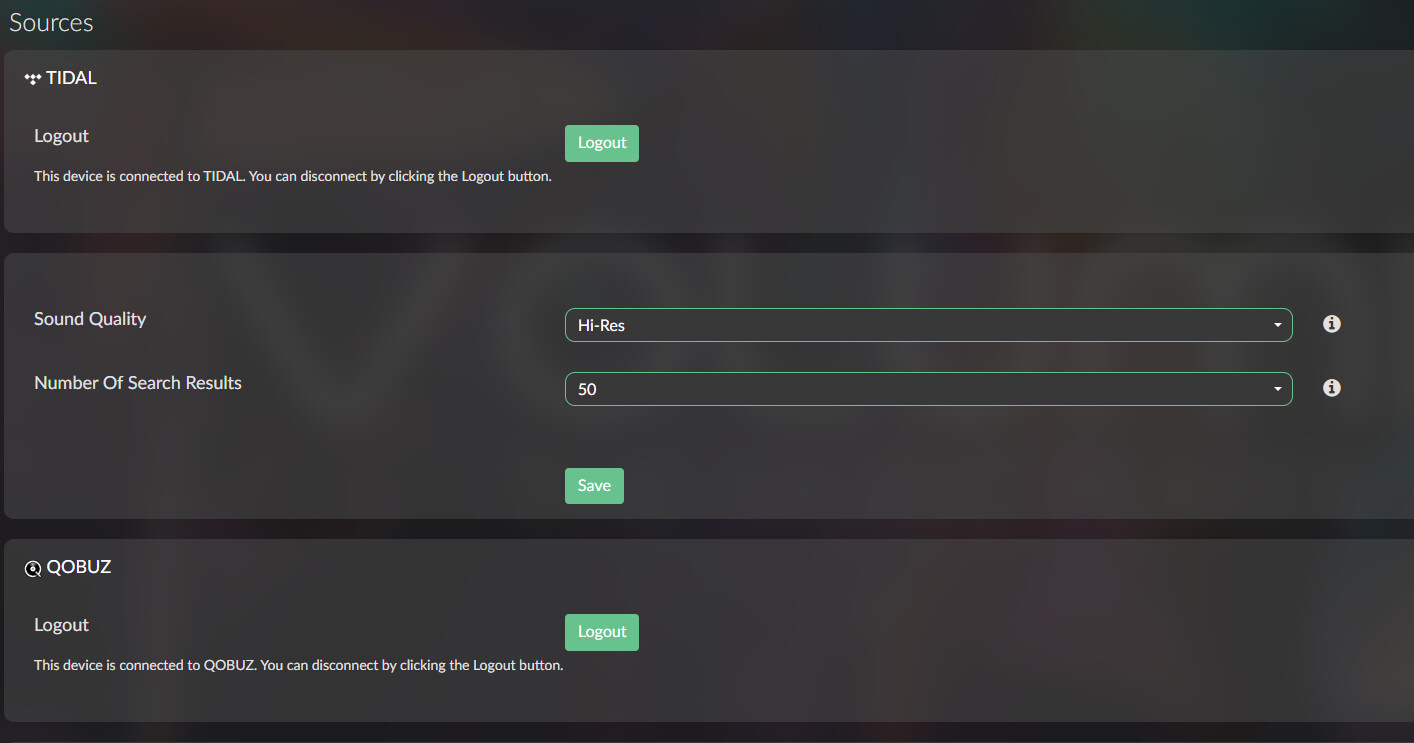
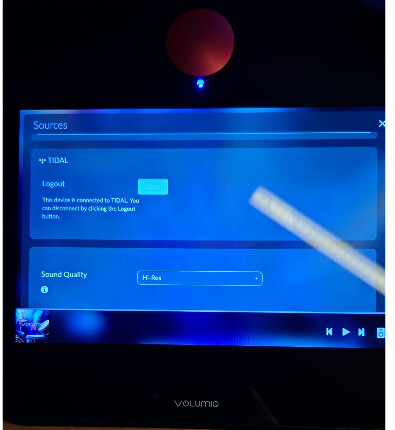
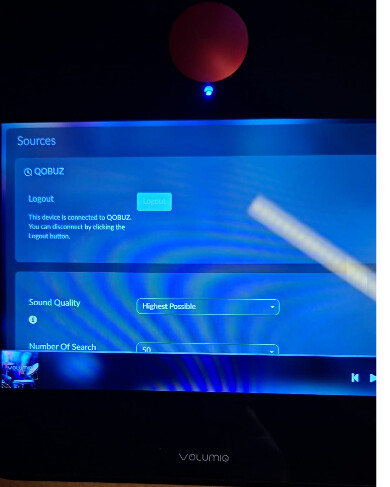
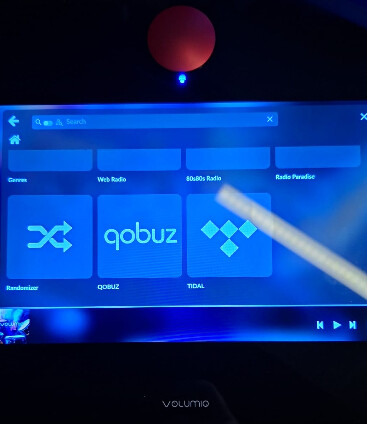
I managed to get this fixed. The App are hidden for some reason. I remembered when i did a first time set up there was a tidal quboz connect page. I skipped this as i do not use connect. Went back and restarted the first timem set up and tapped on quboz connect and then i was able to login. That really is poor ui design for some one new to volumio. I would suggest they it from Quboz connect to Quboz App setup.
Just listening to it now.