@balbuze I love your System Info Plug In. Any chance that you will be updating your System Info Plug in to read Rasberry Pi5?
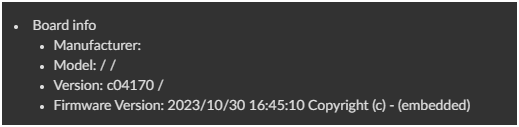
@balbuze I love your System Info Plug In. Any chance that you will be updating your System Info Plug in to read Rasberry Pi5?
Hello. As soon as the lib uses to read this data is updated and able to do it, I’ll update the plugin!
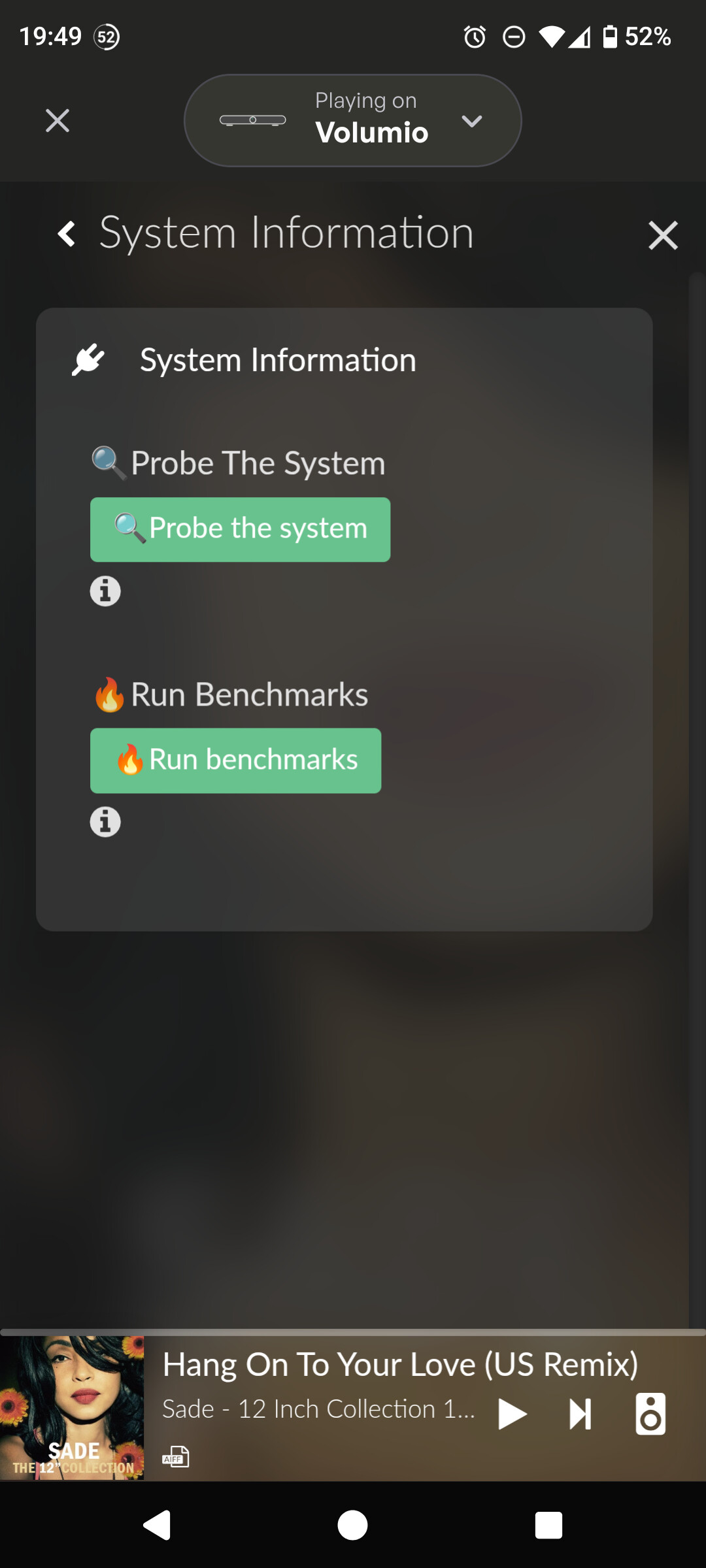
Hi @balbuze , I’ve come accross to a bug that would like to report, please refer to attached screenshots.
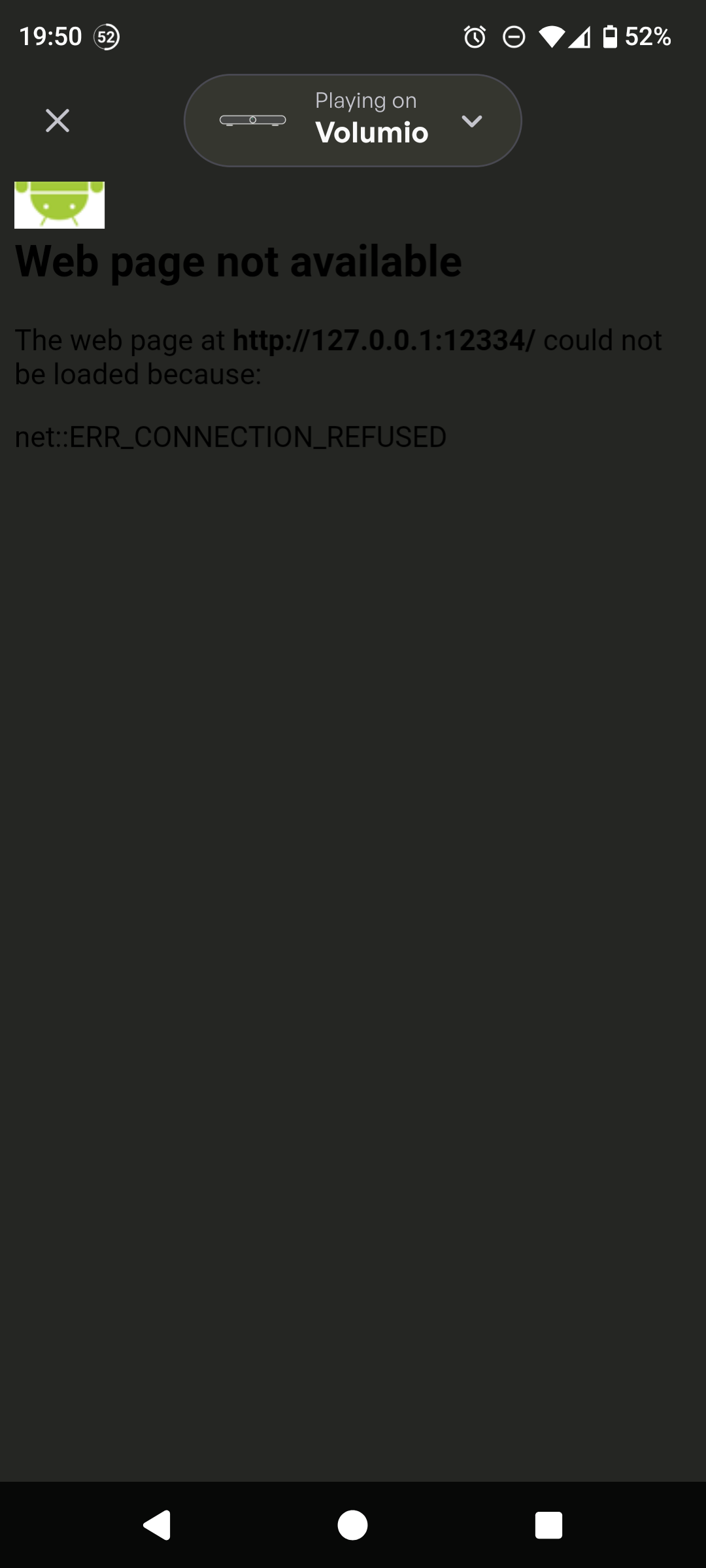
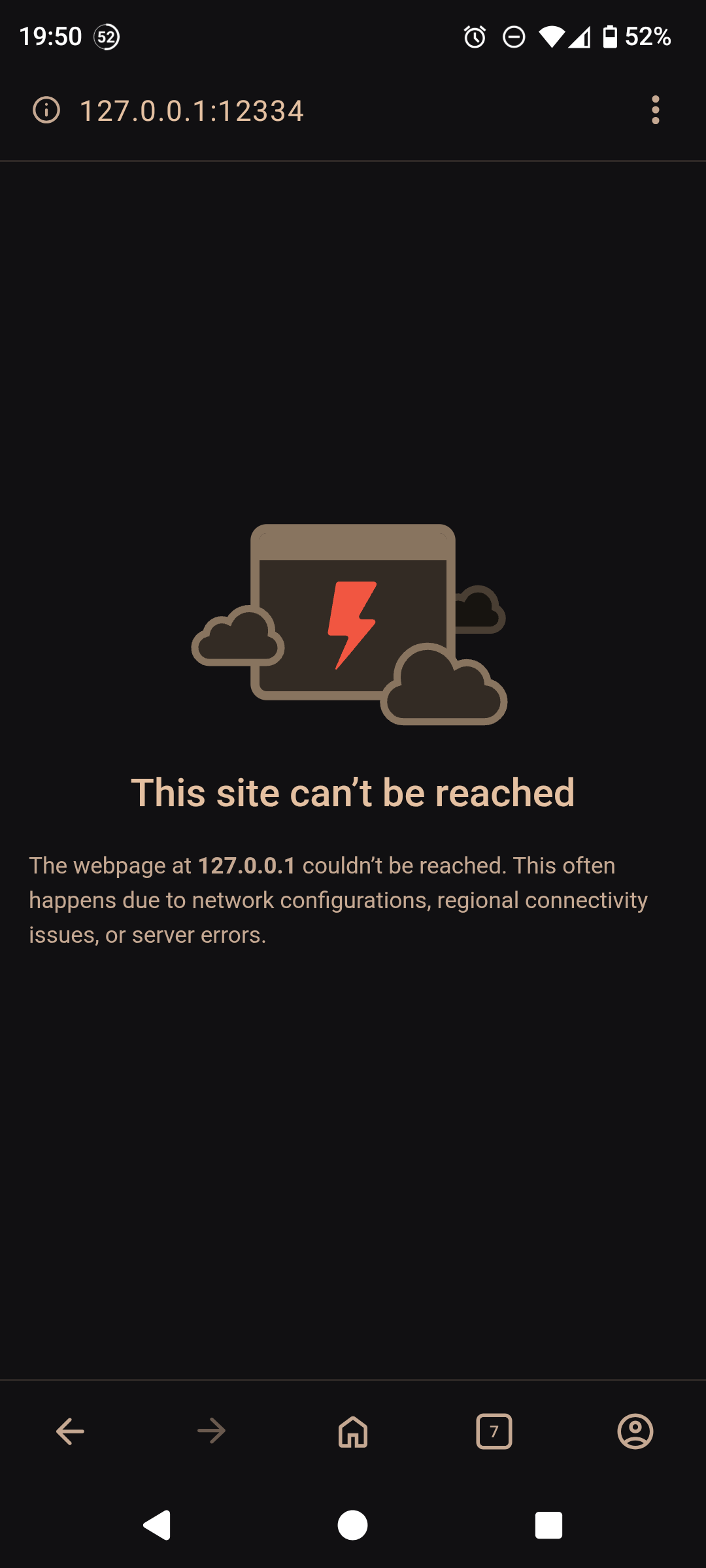
When trying to probe the system (both from within Volumio’s android app and from any mobile browser), I get the following error:
The web page at http://127.0.0.1:12334/ could not be loaded because:
net::ERR_CONNECTION_REFUSED
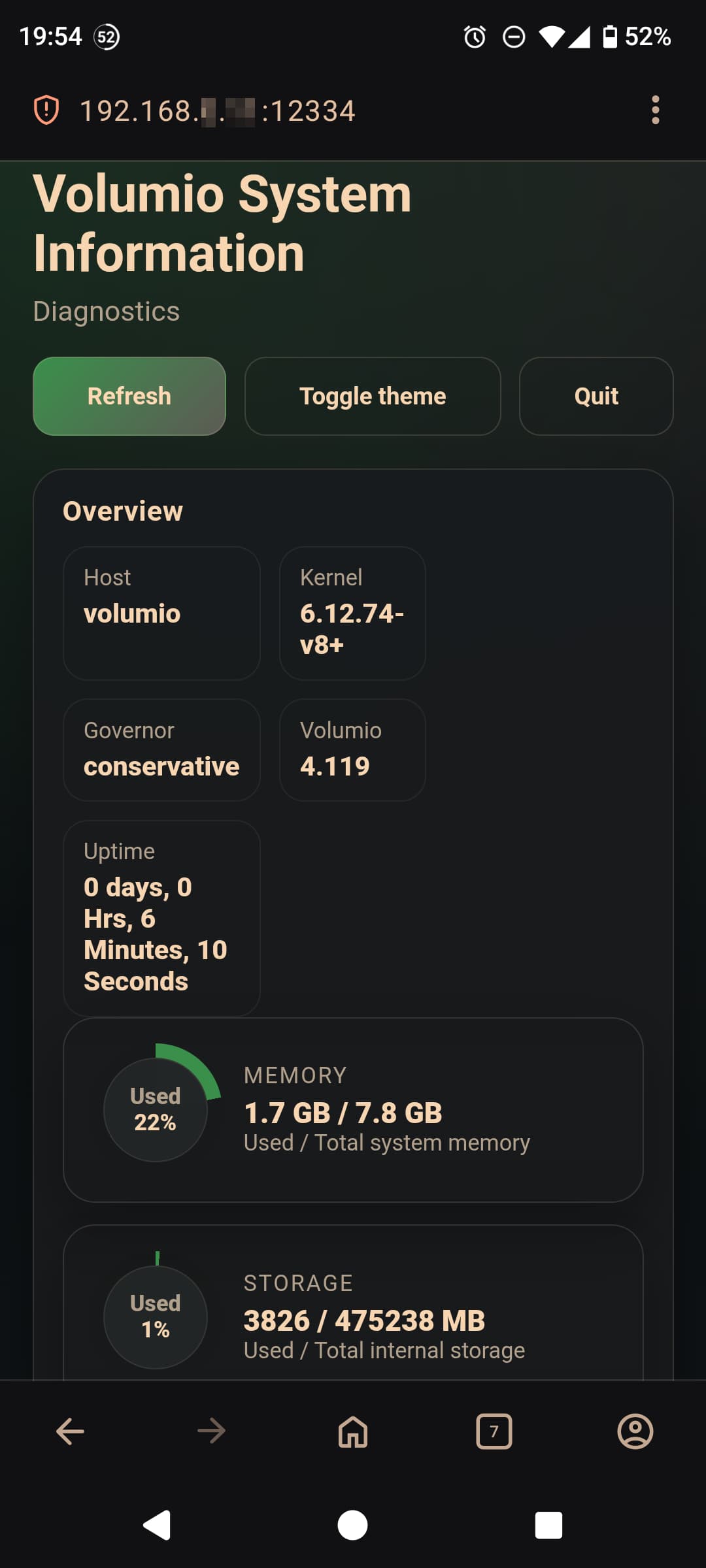
When I manually (in a mobile browser) replace 127.0.0.1 with my Volumio’s local address, I get to the tool correctly.
Subject: System Information plugin: hardcoded 127.0.0.1:12334 breaks access from any remote client
Environment:
Steps to reproduce:
http://127.0.0.1:12334/ → net::ERR_CONNECTION_REFUSED .Confirmation:
Manually replacing 127.0.0.1 with the Pi’s LAN IP (e.g. http://192.168.x.x:12334/ ) loads the page correctly.
Hello
It’s a known issue, that may happen after a fresh install or a reboot.
In that case, you just have to disabled/ enabled the plugin to fix it.

Hi @balbuze I forgot to mention it before, but thanks for the new(ish) upgrades. It always gave useful data, but now it looks really sharp too.