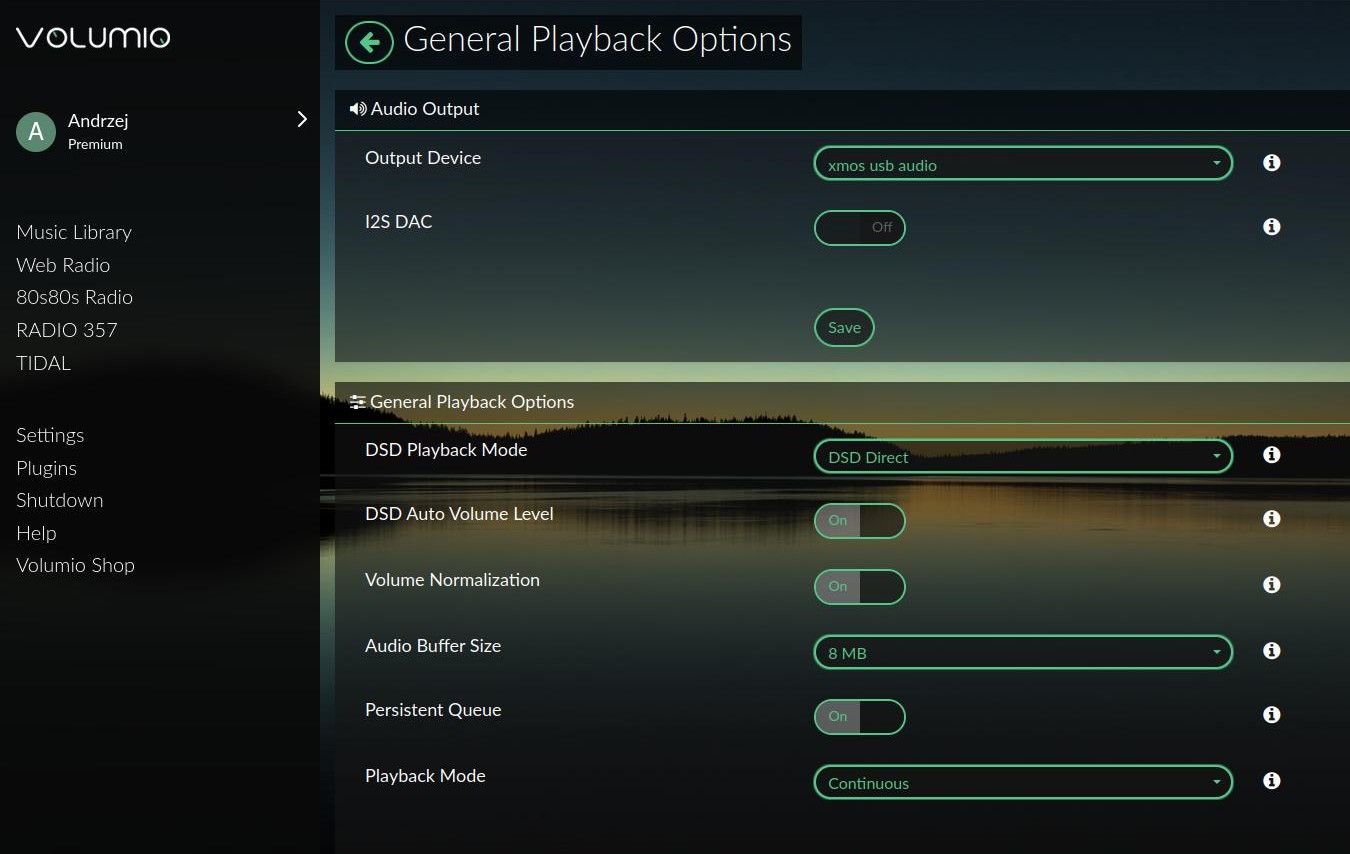
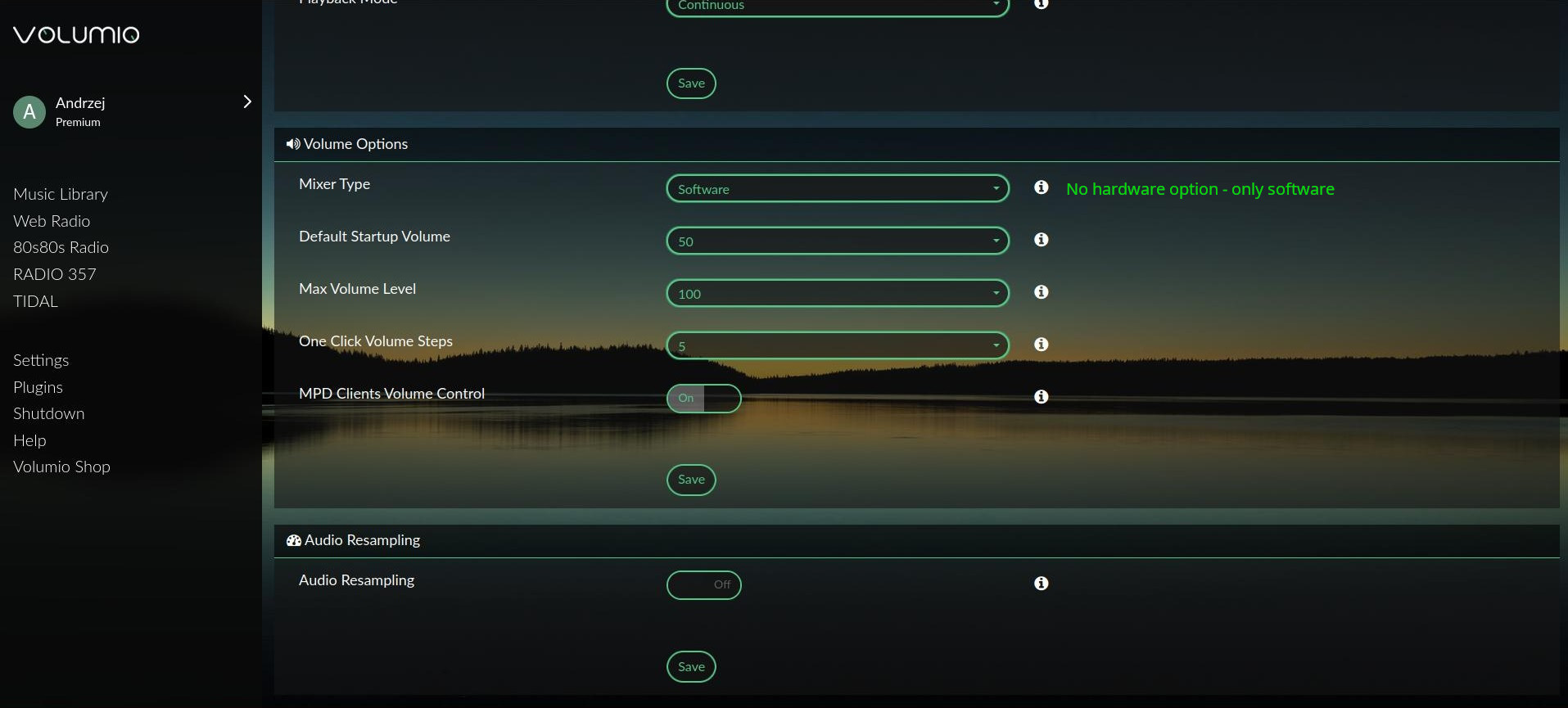
As in the title. No hardware mixer selection, only software.
Raspberry Pi 4 - 4 GB RAM - Volumio 4.097
What could be the problem?
I have a different USB sound card, a Khadas Tone 1, and everything is fine.
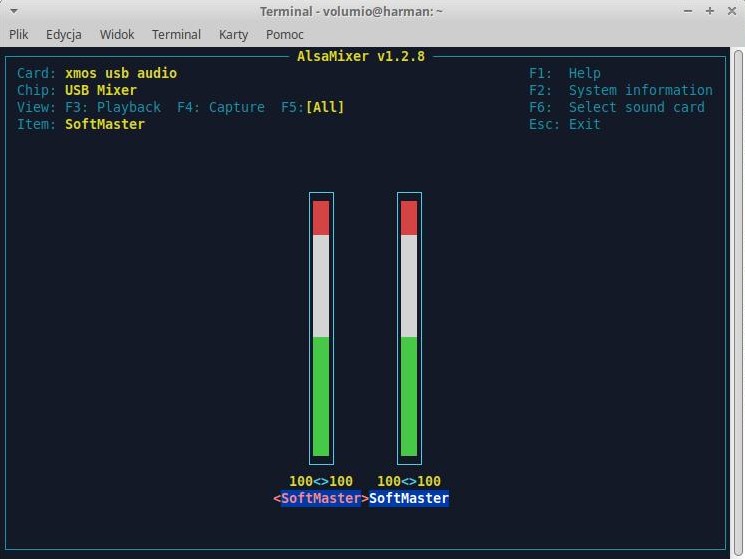

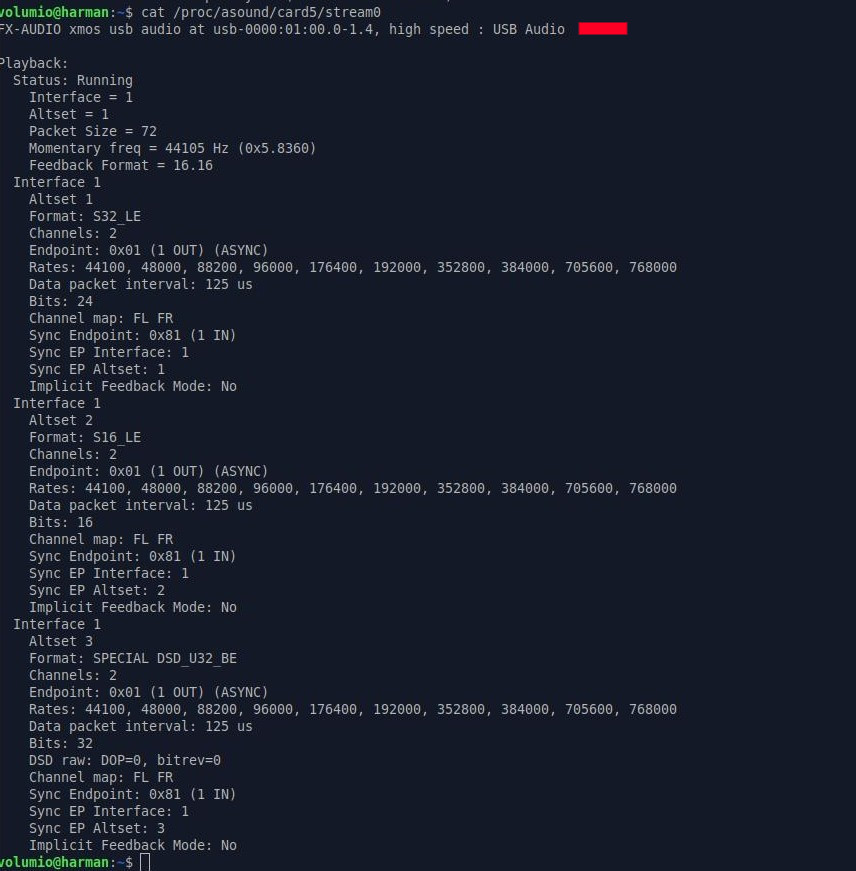
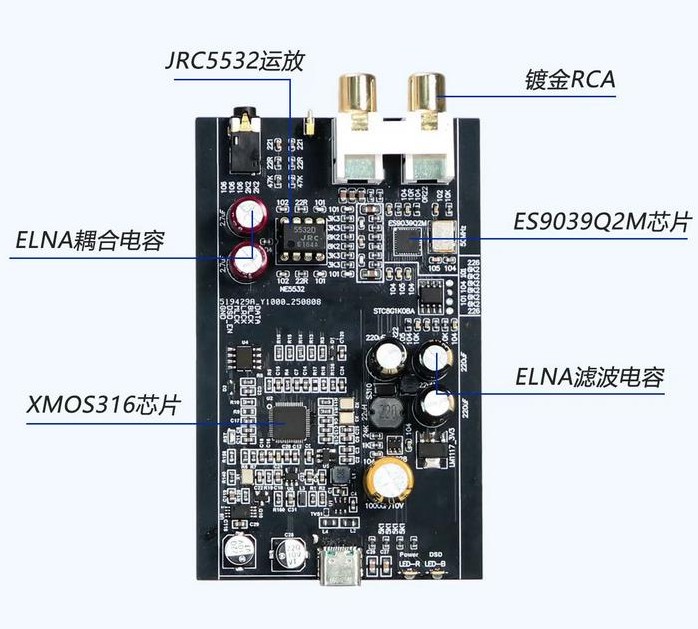
Soundcard - dac Xmos XU 316 + ES9039Q2M
As in the title. No hardware mixer selection, only software.
Raspberry Pi 4 - 4 GB RAM - Volumio 4.097
What could be the problem?
I have a different USB sound card, a Khadas Tone 1, and everything is fine.
Soundcard - dac Xmos XU 316 + ES9039Q2M
I don’t think your DAC was intended for Linux, but for Windows 10?
Translated:
1.
When connecting the U316 via USB, you must use a TYPE‑C data cable or a Type‑C OTG cable.
Charging-only cables cannot be used.
2.
When connecting the U316 to a mobile phone or a computer, no additional software installation is required.
When connecting to a computer, Windows 10 or later is required.
To play DSD files on a computer, an additional ASIO driver must be installed (please contact customer service to obtain it).
To play DSD files on a mobile phone, a compatible music player app must be installed.
When a DSD signal is being input, the DSD indicator light on the front panel will illuminate.
3.
The AUX output is designed for convenience and uses a 3.5 mm AUX cable.
It is not suitable for directly driving headphones.
The card works fine in Volumio - Debian - Xubuntu.
I can play DSD / OGG / FLAC files, etc.
Only software volume control is available - there is no option to select a hardware mixer.
There is no option to select a hardware volume control in Volumio.
I also use this USB OTG cable for the Khadas Tone 1 card.
The Khadas Tone 1 has hardware volume controls in Volumio.
The DAC requires proper kernel drivers to operate at its full potential, which the Khadas provides. If the Chinese DAC manufacturer didn’t supply the necessary specifications to the kernel developers, the system will fall back to using similar, generic drivers. That can cause certain features to malfunction, hardware volume control is a common example.
Khadas modified their xmos interface to support hw volume control, somewhere in 2018, I was one of the testers.
Best would be to supply a full log so we can see which hid devices are reported when booting with the dac attached.
http://volumio.local/dev or http://<your_volumio_ip>/dev.http://logs.volumio.org...). Press the “copy” button to copy this link to your clipboard.@tweed77
This is not a Volumio or a kernel issue, hw volume support is a firmware issue. It is caused by missing xmos support, for which you have to contact the manufacturer.
I’ve sent you the logs via private message.
The XMOS XU316 + ES9039Q2M card cost me 20 euro.
If the XMOS UX316 + ES9039Q2M there’s nothing you can do to control the hardware in Volumio.
Am I thinking correctly?
So, with the mixer type set to none in Volumio, the DAC will play at full volume and quality.
The only thing missing will be the volume control in Volumio.
Unless I choose the software control in Volumio.
Correct.
Software volume support is not recommended as it changes the audio stream from being bit-perfect and therefore will not work with DSD.