Hello, I am a new owner of the Rivo+. I cannot get the Waveshare 10.5inch Capacitive Touch AMOLED 2560 × 1600 monitor to work with the Rivo+ through the HDMI interface. I have set the Video output options to user interface via HDMI to “on” under “System” in the Volumio app. I have also rebooted multiple times and toggled the “HDMI on” switch multiple times and rebooting. The screen is completely black… Is there something else I need to do to get it to work ? Thanks in advance for any advice.
Hi,did you get the screen working. I have just Ordered the Rivo+ and was going to connect a touchscreen to it thanks.
No, I sent back the Waveshare display, I never got the display nor the touch working. I bought a 13.5 inch 4K touch display monitor and the display worked instantly, but, I never got the touch working on my new 4K OLED touch monitor. Note: the Rivo+ manual says that only 4K displays are supported, so, to get just the Display working, you need to have a 4K display monitor. No other pixel combination worked for me except for 4K to actually see an image. I hooked up the Display with HDMI from the Rivo+ and put a portable mouse wireless dongle in the extra USB port closest to the HDMI, so, I use a small wireless mouse to manipulate the menus on the touch screen. I like this setup, it works well and looks fantastic and I do not smudge up my OLED screen. So, I gave up on the Touch functionality, I like using the mouse better. Of course, 99.9% of the menu manipulation is done wireless with my iphone and ipad, so, the 4K OLED monitor is mostly used for “looks”, and it does look fantastic.
Here is what I ended up with from Amazon:
Magedok OLED Portable Monitor 4K Touchscreen, 13.3 Inch USB-C Display with MPP Stylus Pen Support -100% DCI-P3, 1MS,TÜV-Low Blue Eye Care Gaming Monitor for Laptop PC ---- and Wearson 75mm VESA Mount Monitor Stand - Foldable Small Monitor Stand for 10" 13" 15.6" 16" 17" 17.3" inch Portable Monitor Stand Lay Flat support VESA 75*75mm (Black)
Note: I also have a double 5 volt 3.5 amp linear power supply with two separate 5 volt cables. I use one for the Rivo+ and another for the Monitor. Here are some pics of my setup. The box behind the Rivo+ is the double 5 volt linear power supply. Note: I am super impressed with the sound of the Rivo+, it is definitely a high end streamer. You will like it. In addition, even though I never solved the touch issue, and despite the complexity, having the option of adding any size 4K OLED screen instead of those lousy unreadable screens that come with most streamers is a game changer.
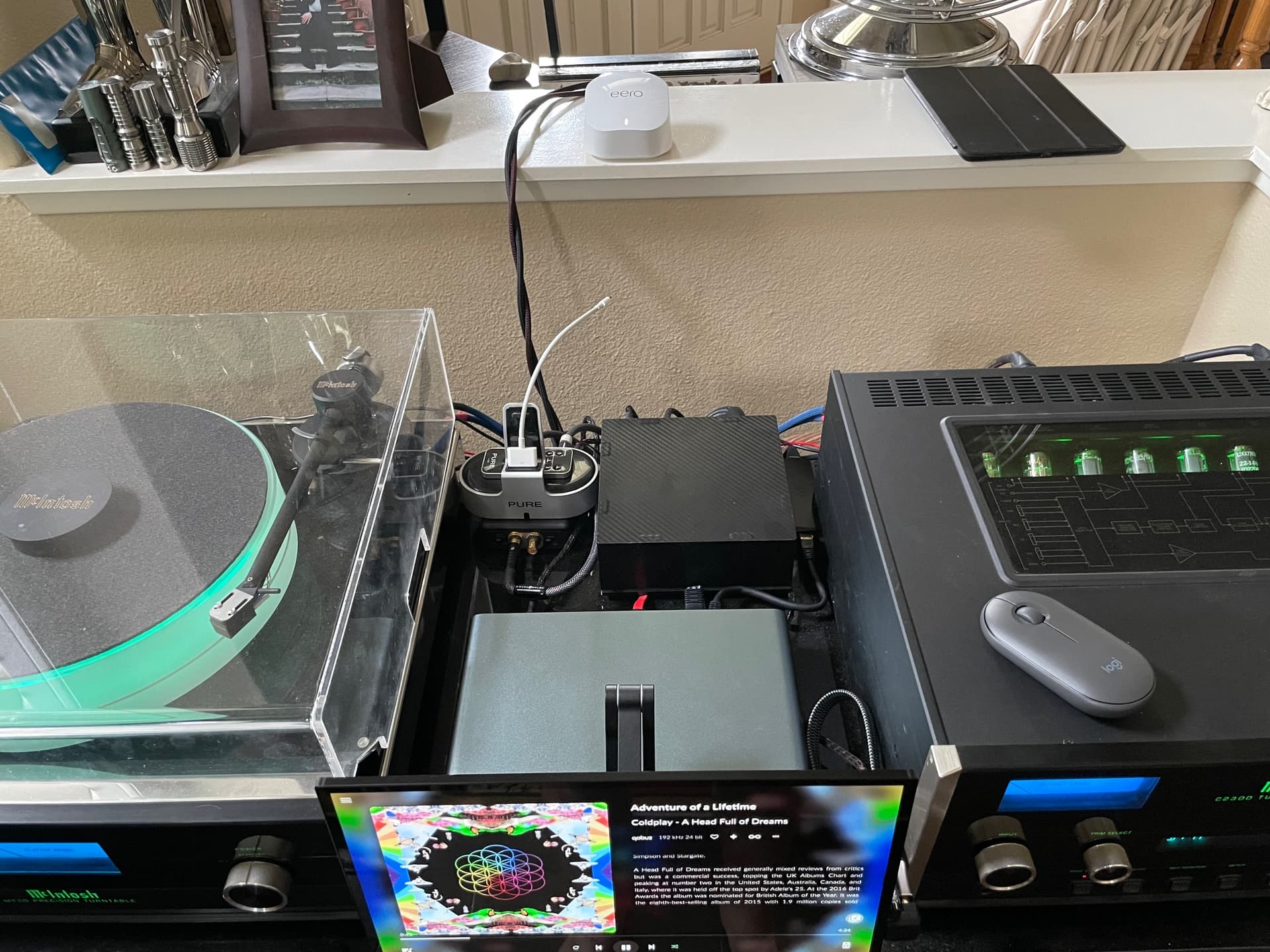
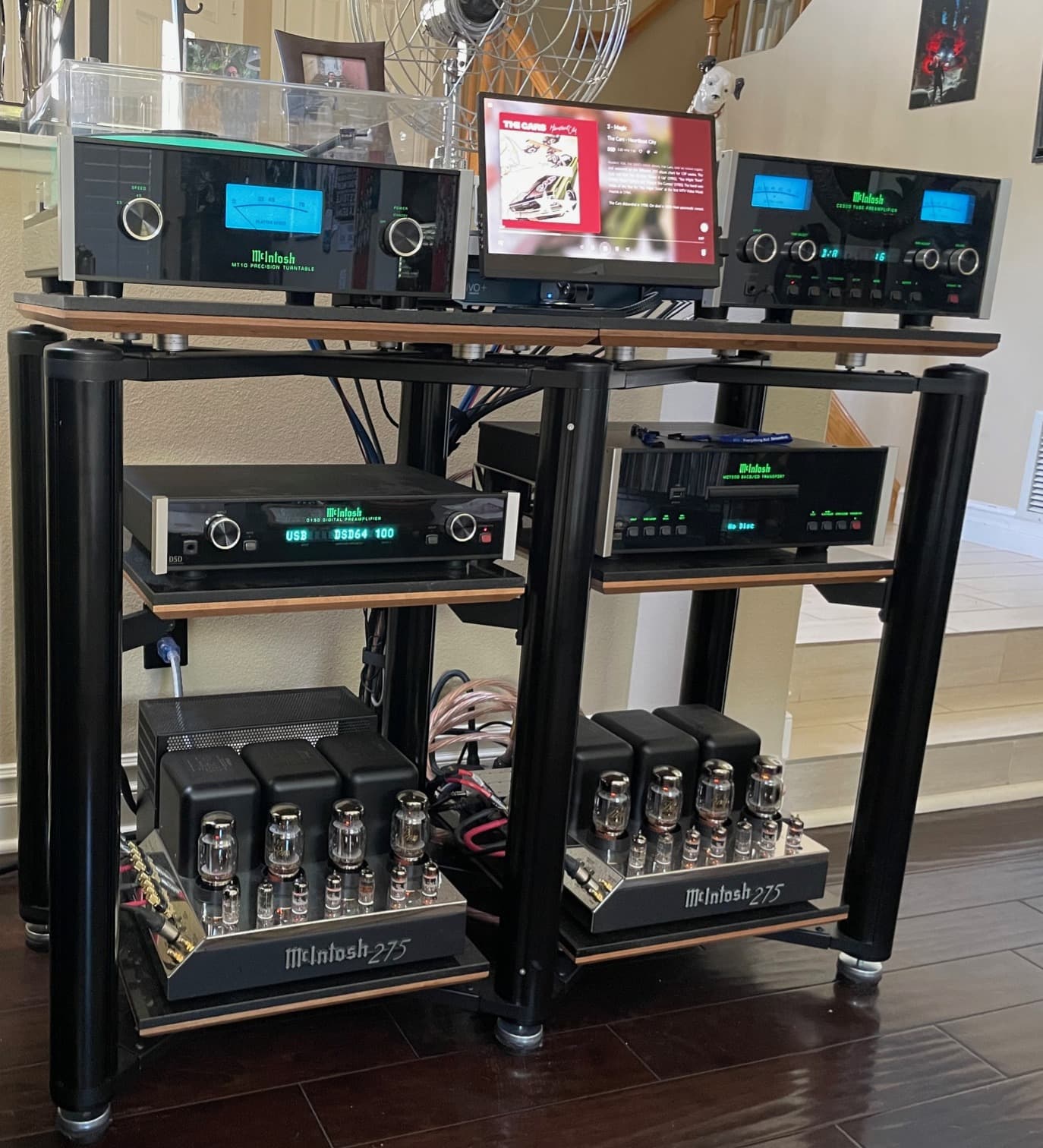
1 Like
Thank you very much. I appreciate the information. it is a great help.
By the way, lovely sat up you’ve got there very impressed👍
Thanks so much ! Your complement is very appreciated. Note: I used to have an IPAD with USB cable directly into my DAC. Replacing this direct connection with the Rivo+ USB direct connection greatly improved my sound, specifically the quality of the bass and thickness of the sound in my 2 channel system - Wilson speakers - W/P 8, no subwoofer. Needless to say, I was very happy with that. I used to easily be able to tell the difference between a CD and SACD and streaming, now it is not so easy, and I am not sure I could do it with blind testing, & my speakers are very revealing. I must also say that I also improved the ethernet side of the equation at the same time, so, that also probably helped, but, regardless, for me, the Rivo+ is really a great sounding streamer.