[PLUGIN] Touch Display

image

“An error occurred while installing the plugin Error”

Downloading plugin at https://plugins.volumio.workers.dev/pluginsv2/downloadLatestStable/touch_display/volumio/buster/armhf
END DOWNLOAD: https://plugins.volumio.workers.dev/pluginsv2/downloadLatestStable/touch_display/volumio/buster/armhf
Creating install location
Unpacking plugin
Checking that the plugin is suitable for this version of Volumio The plugin can be used with this version of Volumio
Checking for duplicate plugin
Copying plugin to location
Installing necessary utilities
Re-synchronizing package index files from their sources
Get:1 Index of /raspbian buster InRelease [15.0 kB]
Hit:2 Index of /debian buster InRelease
Hit:3 https://deb.nodesource.com/node_14.x buster InRelease
Fetched 15.0 kB in 1s (14.0 kB/s)
Reading package lists…
Running apt-get -y install failed
Plugin failed to install!
Cleaning up…
Removing dependencies
Deleting /opt/volumiokiosk.sh
Deleting /data/volumiokiosk
Deleting /data/volumiokioskextensions
Deleting /lib/systemd/system/volumio-kiosk.service
Enabling login prompt
Done
An error occurred while installing the plugin Error
Removing plugin directory /data/plugins/user_interface/touch_display
Removing temporary directory /tmp/touch_display-hI7LGKC3Fh

System deets: Rpi 4B running internally with Okto Research dac8 Stereo,
image
with 7" HDMI touch screen, similar to https://www.aliexpress.us/item/3256807290232126.html
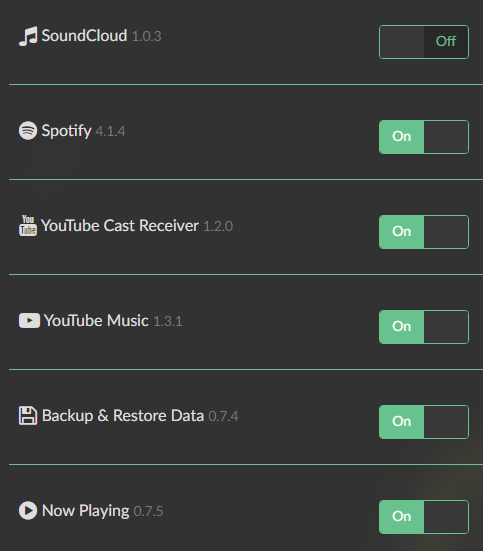
Installed plugins:

If you are sure not only the date, but also the time is correct on your Volumio system, the reason for the error can be unreachable repositories, e.g. because of DNS blocking. Sometimes changing the repository mirror as described here helps.

Thanks for this. I verified the correct time & date twice.
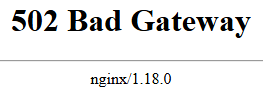
Here’s what I’m seeing when going to Raspbian.org, though:
image
I tried 3 browsers and my phone using 5G instead of wifi. I dare say the site’s down.

Try changing the source (change the first line and uncomment the third):
sudo nano /etc/apt/sources.list
Helped me install the plugin on Buster and Bookworm

I am experiencing the exact same problem
“ plug-in failed to install”

I changed to the aarnet.edu mirror link and doing install of the plugin the new link is used.

Still same error at install.

Time zone set to Europe/Copenhagen.

Any thoughts, what to try please?

Not only check for the correct time zone but also system date and time (hours, minutes, seconds).

You may try another mirror as well.

hello everyone!
I updated the volume version from 2.8 to the latest one on the site. Unfortunately I was no longer able to get my 3.5" HDMI display with the touchscreen up. I tried following a few guides but nothing. I can’t even figure out which version is best to install for this display of mine… but is it worth switching to the new volume version? thanks @gvolt please be my light!


Version 2.8 is 3+ years old and not supported anymore.
Upgrade first to V3.807, then people are able to support you.

how to get a new ver touch-diaplay plugin?

Head over to Plugins => Plugins Managment => Search Plugins => User Interface and install the plugin from there.

ok… i know but in detail, witch version, i’ll install?

3.5.1

ok… in test mode? i’m start from fresh installation!

No, neither “test mode” nor “plugins test mode” should be required.

ok… i’m installing

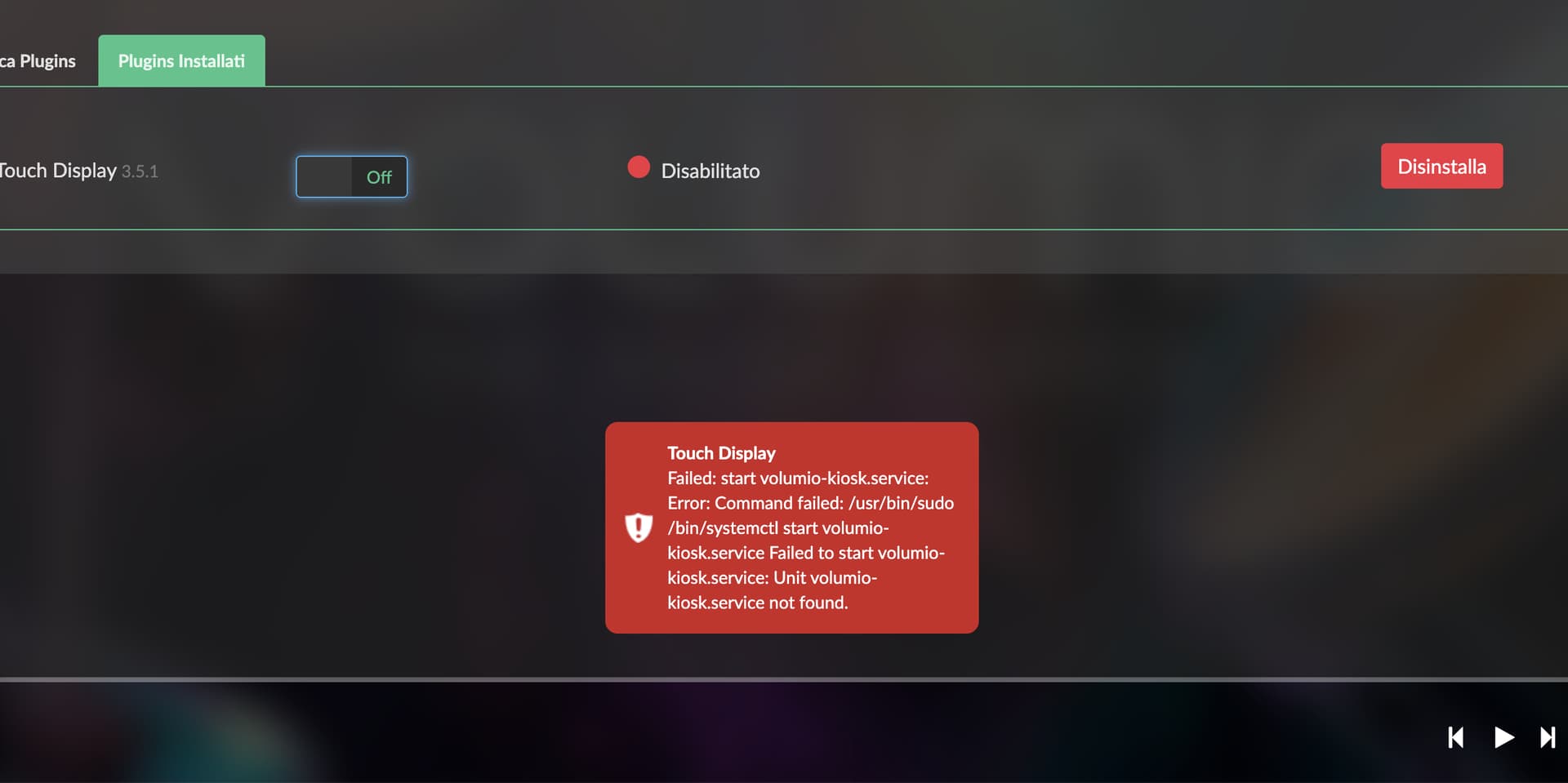
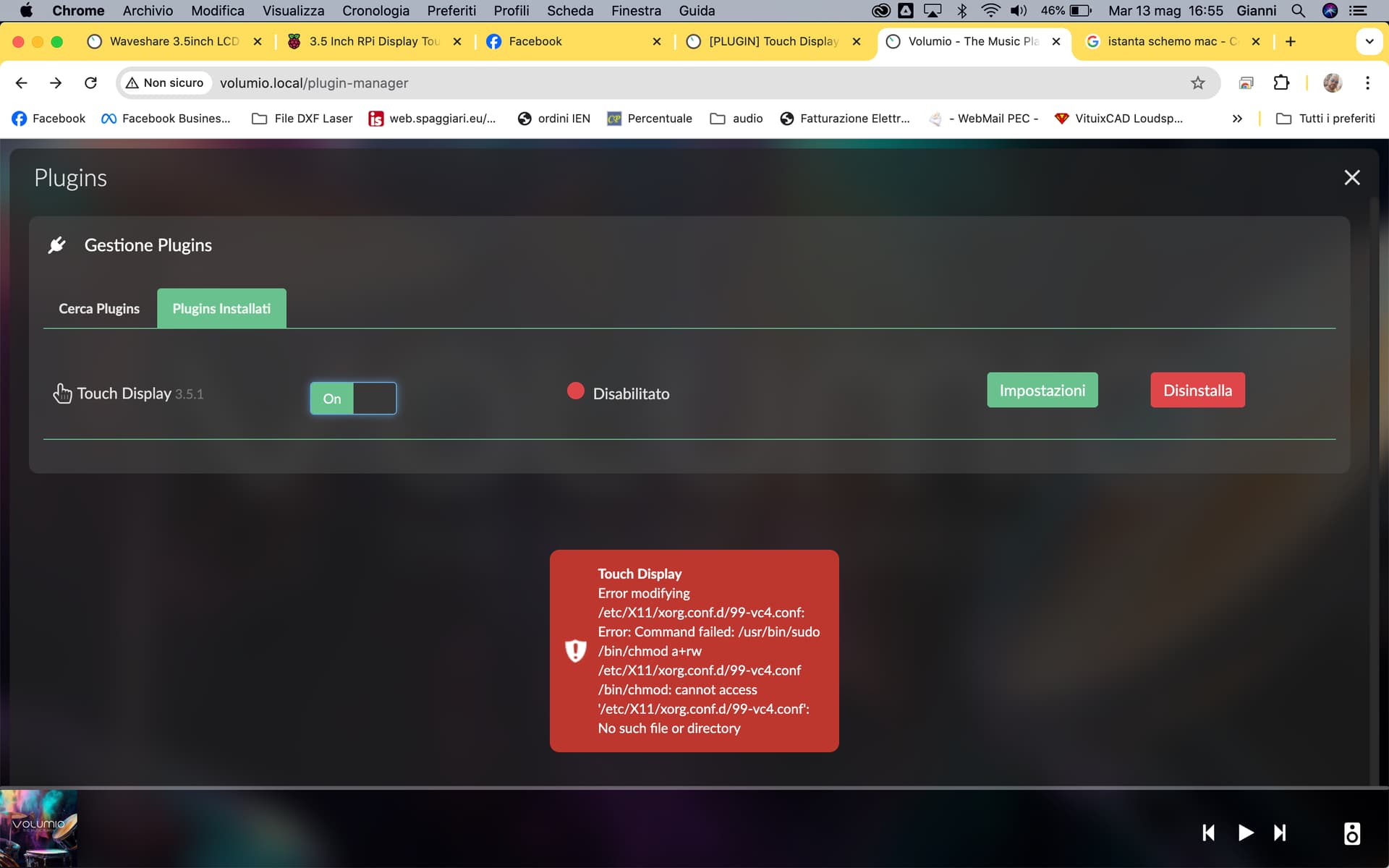
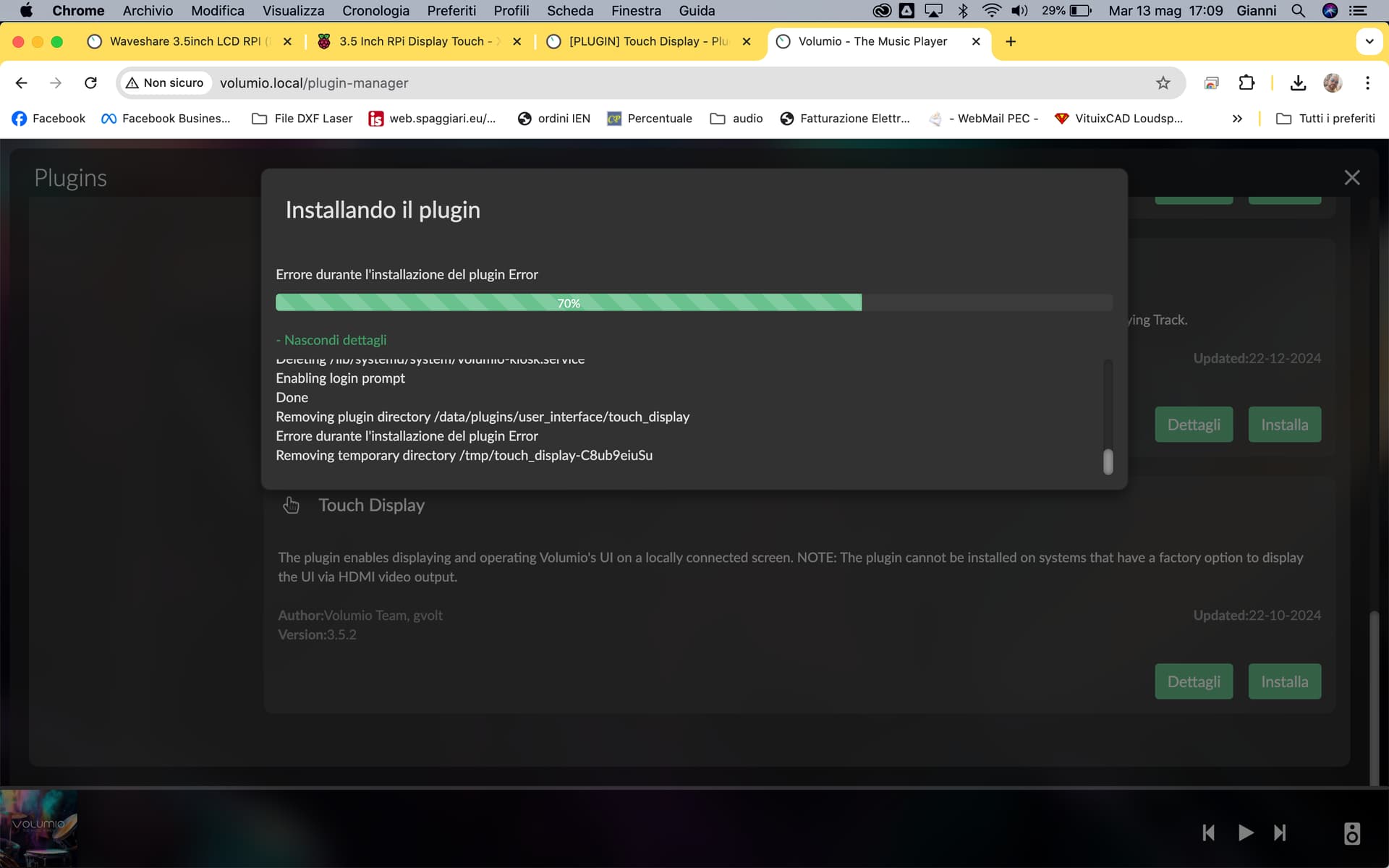
after reboot, i’ll active into installed plugin… but it’s give me error!

see:
cat /boot/config.txt

DO NOT EDIT THIS FILE

APPLY CUSTOM PARAMETERS TO userconfig.txt

initramfs volumio.initrd

gpu_mem=128

gpu_mem_256=32

gpu_mem_512=32

gpu_mem_1024=128

max_usb_current=1

[pi5]

usb_max_current_enable=1

[all]

include volumioconfig.txt

include userconfig.txt

cat /boot/userconfig.txt

dtparam=spi=on

dtoverlay=ads7846

dtparam=cs=1

dtparam=penirq=25

dtparam=penirq_pull=2

dtparam=speed=50000

dtparam=swapxy=0

dtparam=pmax=255

dtparam=xohms=150

dtparam=xmin=200

dtparam=xmax=3900

dtparam=ymin=200

dtparam=ymax=3900


Did the plugin installation finish successfully?

Try uninstalling, rebooting an re-installing the plugin.

In the meantime:
What is the Volumio version number?

What Pi model do you use?

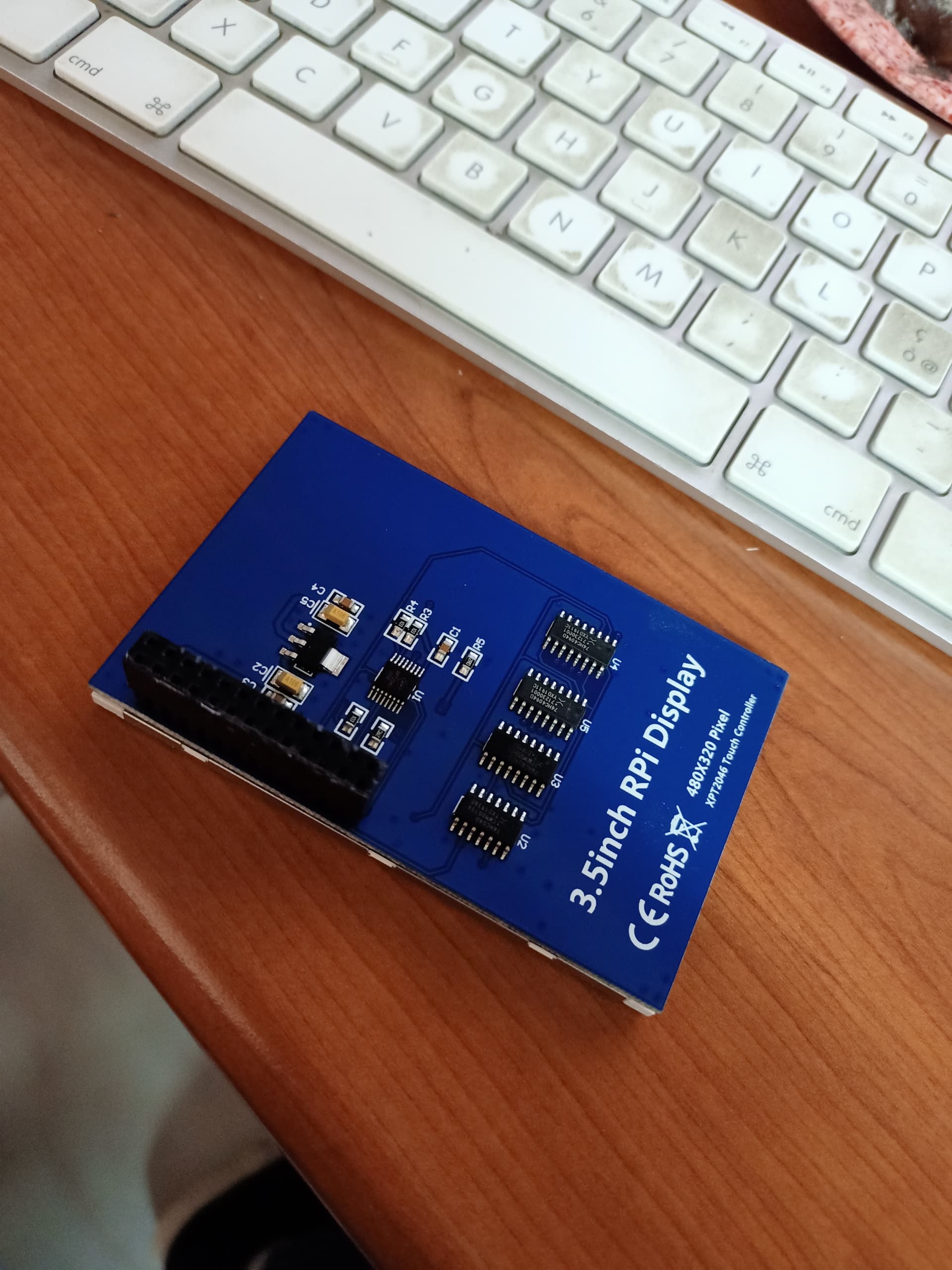
What is the make and model of the display?

Volumio-3.807-2025-04-30-pi

  • OS info

  • Version of Volumio: 3.807

  • Hostname: volumio

  • Kernel: 6.6.62-v7l+

  • Governor: performance

  • Uptime: 0 days, 0 Hrs, 10 Minutes, 10 Seconds

  • Network info

  • Interface: eth0

  • IP Address: 192.168.1.88

  • MAC Address: dc:a6:32:2c:f4:b6

  • Type: wired

  • Speed: 100Mb/s

  • Audio info

  • Hw audio configured: PMA-1600NE

  • Mixer type: Hardware

  • Number of channels: 2

  • Supported sample rate: 44100 48000 88200 96000 176400 192000 384000 768000

  • Board info

  • Manufacturer: Raspberry Pi Foundation

  • Model: Raspberry Pi 4 Model B Rev 1.1 Raspberry Pi / 4B - 1.1 /

  • Version: c03111 / 4B - 1.1

  • Firmware Version: Nov 11 2024 15:48:13 version 903570ba72a9e117f92e5499de439f59dd96e417 (clean) (release) (start)

  • CPU info

  • Brand: BCM2711

  • Speed: 1.5 GHz

  • Family: Cortex-A72

  • Model: 3

  • Number of cores: 4

  • Physical cores: 4

  • Average load: 82%

  • Temperature: 55°C

  • Memory info

  • Memory: 3876508 Ko

  • Free: 2963812 Ko

  • Used: 912696 Ko

  • Software info

  • Mpd version: Music Player Daemon 0.23.15 (0.23.15)

  • Storage info

  • INTERNAL storage - Size: 26523Mo

  • Used: 211Mo

  • Available for storage: 24940Mo (94%)

after reinstalled the plugin it’s stop on 70%