[PLUGIN] Radio Paradise (RP2)

Announcing the Radio Paradise (RP2) plugin. Do not confuse this with the original Radio Paradise plugin (without “RP2”). They work very differently under the hood.

While both plugins play Radio Paradise streams, the RP2 plugin allows you pause, seek and skip to the next track, and provides accurate synchronization with the current track’s info.

If you have the Now Playing plugin installed, it will provide metadata for the plugin’s Info View (mainly lyrics and artist info).

The default playback quality is “FLAC”; you can change it in the plugin settings.

Source: GitHub - patrickkfkan/volumio-rp2 · GitHub
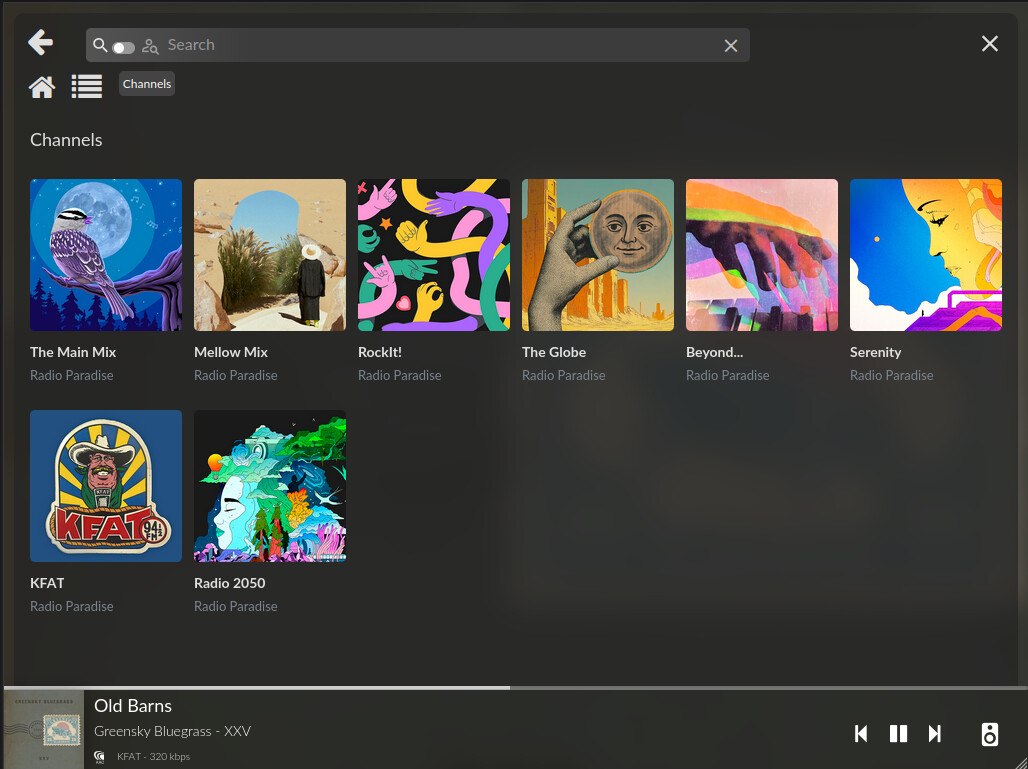
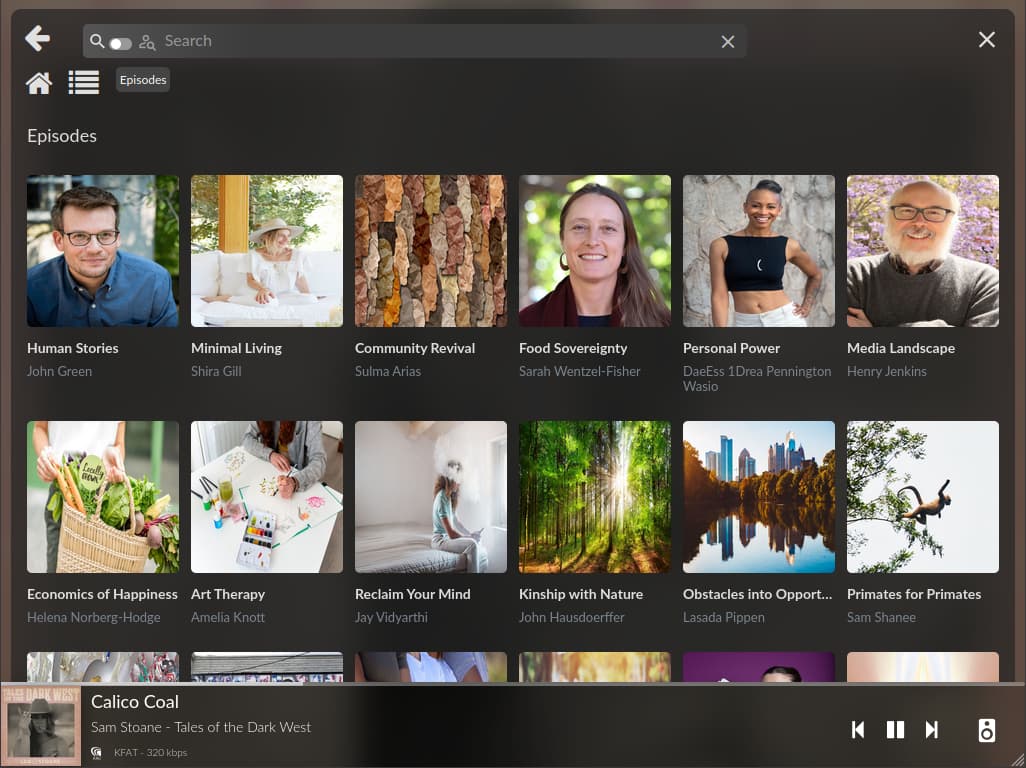
For “Radio 2050”, you can also choose an episode to play:
5 Likes

I’m using it and I find it much better than the other one.
Great work, thanks!

Thanks, I love Radio Paradise, and this is a great

Brilliant Patrick!
in combination with @Nerd’s Autostart plugin it enables me to (re)boot Volumio on a Dell 5070 and re-connect the selected Paradise Radio channel automatically. I specifically like the fact you can BWD or FWD a track.
Only flaw: I can pause the plugin, but when resuming it quits. I have to restart RP2.

It doesn’t happen in my case. How long was it prior to resuming playback? Logs might be helpful too.

This is the log: http://logs.volumio.org/volumio/a4myzRm.html

It makes no difference whether I resume immediately or after 10 secs.

I wonder, could it be this part:

info: CoreCommandRouter::volumioPause
info: CoreStateMachine::pause
info: CoreStateMachine::stPlaybackTimer
info: CoreStateMachine::servicePause
info: CoreCommandRouter::servicePause
info: [rp2] [mpv] (PID: 2425) Send IPC command: {"command":["set_property","pause",true],"request_id":19}
verbose: [rp2] Waiting for player event "paused"...
info: [rp2] [mpv] (PID: 2425) Got response for command #19: {"request_id":19,"error":"success"}
info: [rp2] [mpv] (PID: 2425) Status update -> property-change events: [{"subscriptionId":1,"prop":"pause","data":true}]
info: CoreCommandRouter::volumioGetState
info: [rp2] [mpv] (PID: 2425) Push Volumio state: {"status":"pause","uri":"rp2/channel@id=2","title":"I Sat By The Ocean","artist":"Queens of the Stone Age","album":"…Like Clockwork","albumart":"https://img.radioparadise.com/covers/l/7629.jpg","trackType":"RockIt! - ","duration":228.448,"samplerate":"44.1 kHz","bitdepth":"16-bit","channels":2,"service":"rp2","seek":30738.48099999997,"stream":false,"repeat":false,"repeatSingle":false,"random":false,"volume":100,"mute":false,"disableVolumeControl":true,"codec":"flac"}
info: CoreCommandRouter::servicePushState
info: CoreStateMachine::pushState
info: CoreCommandRouter::executeOnPlugin: volumiodiscovery , saveDeviceInfo
info: CoreCommandRouter::volumioPushState
info: MRS: Pushing multiroomSync output update for this device
info: MRS: Pushing multiroomSync output
info: CoreCommandRouter::volumioGetState
verbose: [rp2] Received player event "paused"...
verbose: [rp2] API: https://api.radioparadise.com/api/update_pause?source=24&pause=427238.48099999997&player_id=********&event=2788934&chan=2&type=M&slice_num=1&playtime_secs=1779717891&song_id=43508&episode_id=0
60]: time=2026-05-25T16:04:50.712+02:00 level=ERROR msg="failed to unmarshal pushState event" component=volumio/socket error="json: cannot unmarshal number 30738.48099999997 into Go struct field State.seek of type int"
info: CoreCommandRouter::volumioGetState
info: CoreCommandRouter::volumioVolatilePlay
------------------------------------ BT MESSAGE: [FUNC] play
------------------------------------ BT MESSAGE: sendPlay skipped: activePlayer not bound or invalid

It appears when you resume from pause, Volumio sent the “play” command to the Bluetooth plugin instead of RP2. What happens if you disable bluetooth?