???
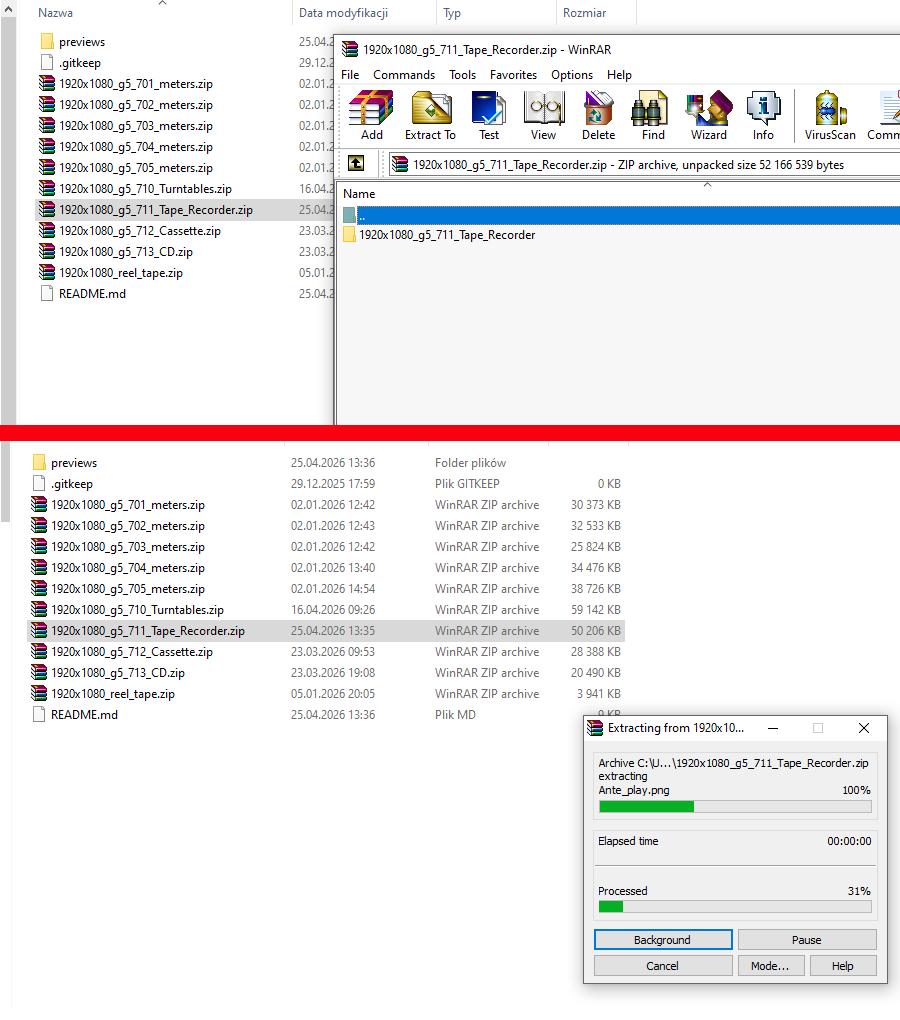
1920x1080_g5_701.zip - opens without any problems too
thank you
Coming soon to Stylish Player plugin…
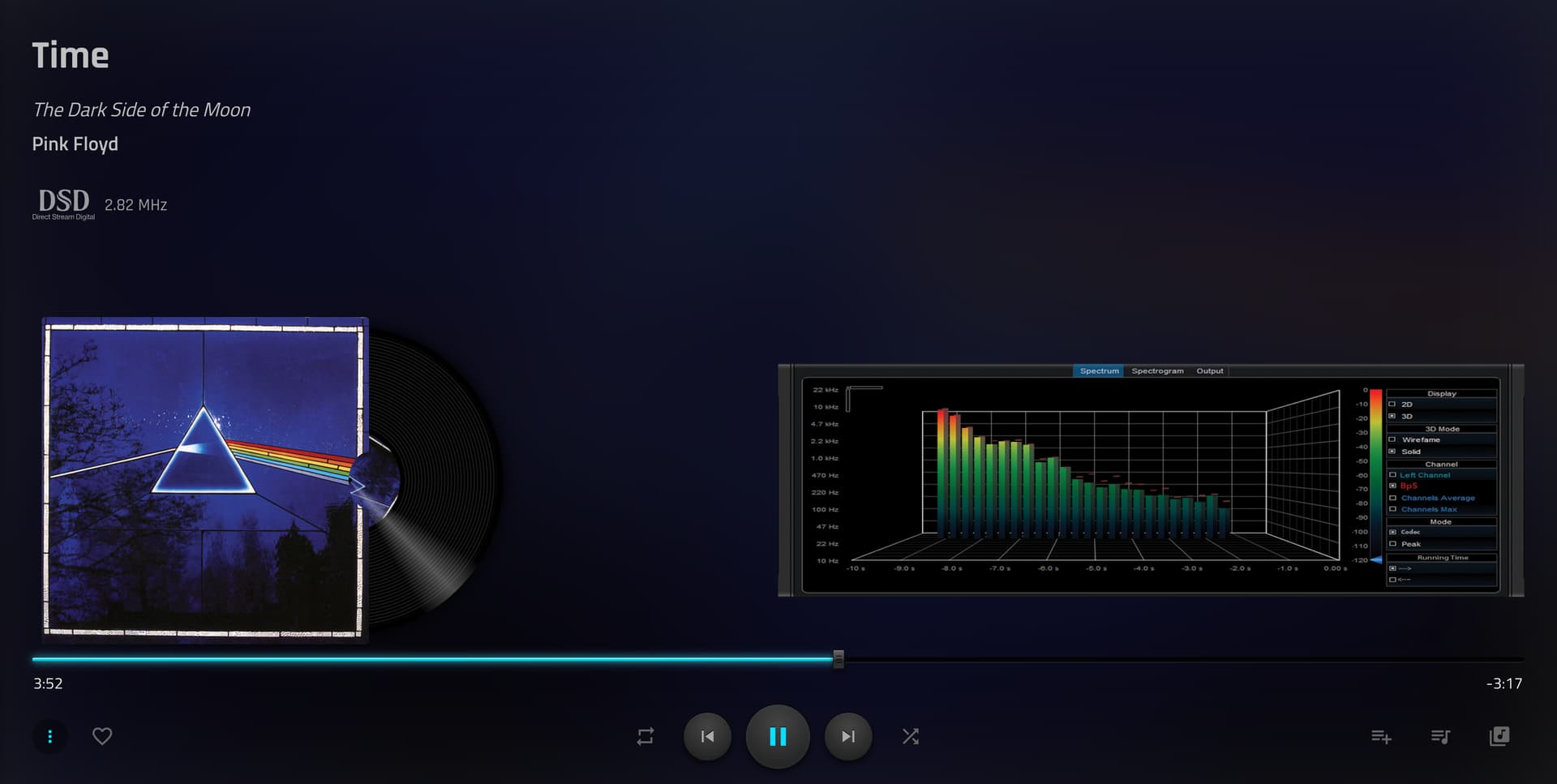
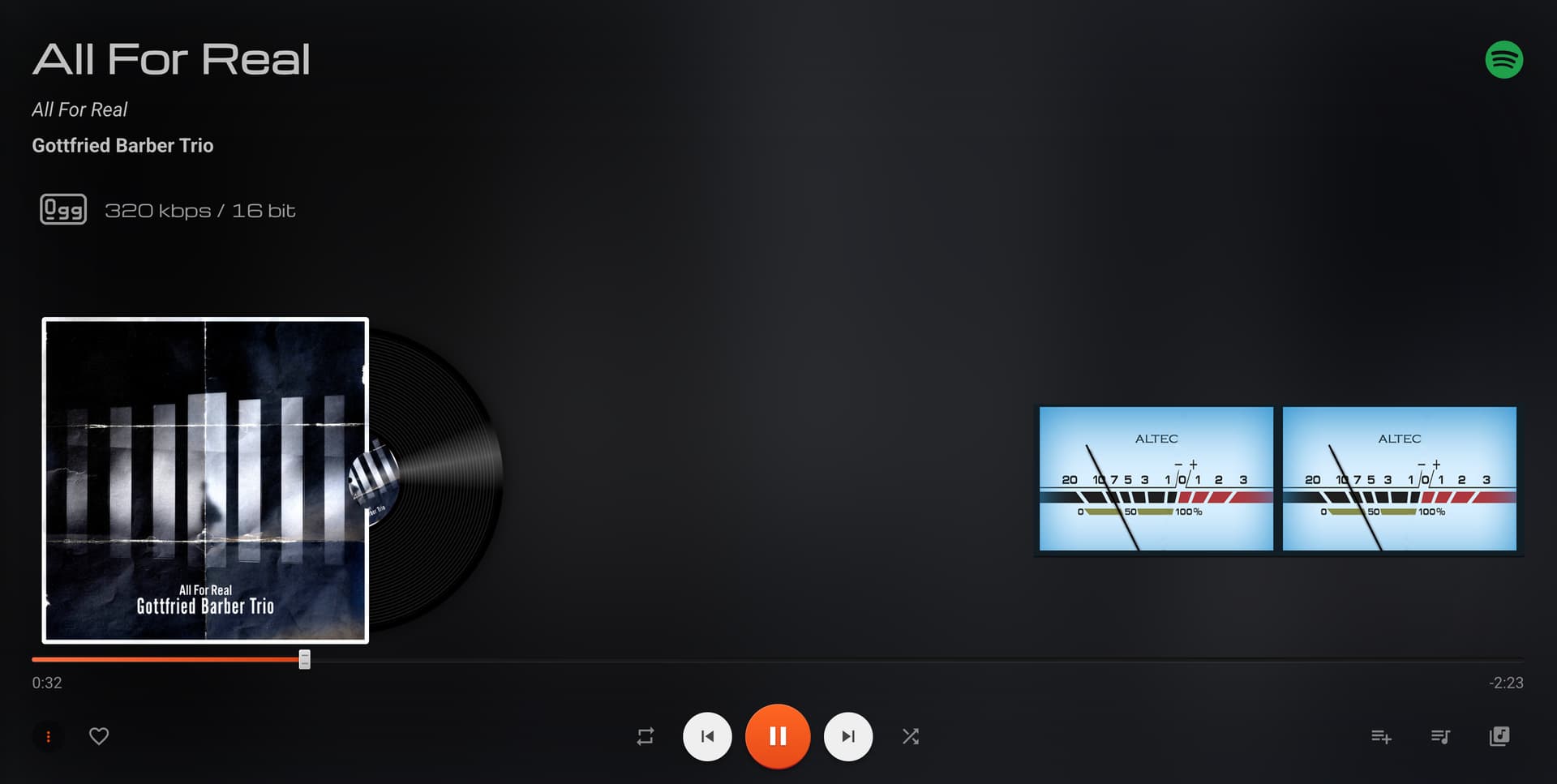
I ported Peppy Meter to native JS Canvas based element. Works perfectly. Haven’t tried spectrum yet…
Hope you are ok with this. Currently only copied 1 folder for trial.
Hi,
I have been experimenting with my X86 installed instance of Volumio as Squeezelite client.
Although the latest software displays the Peppymeter screen locally and remotely, album art is not displayed and the meters are inactive whichever template I choose.
Is this something that should work/can be made to work with Squeezelite ?
If so I will generate logs and upload.
Thanks
Hello,
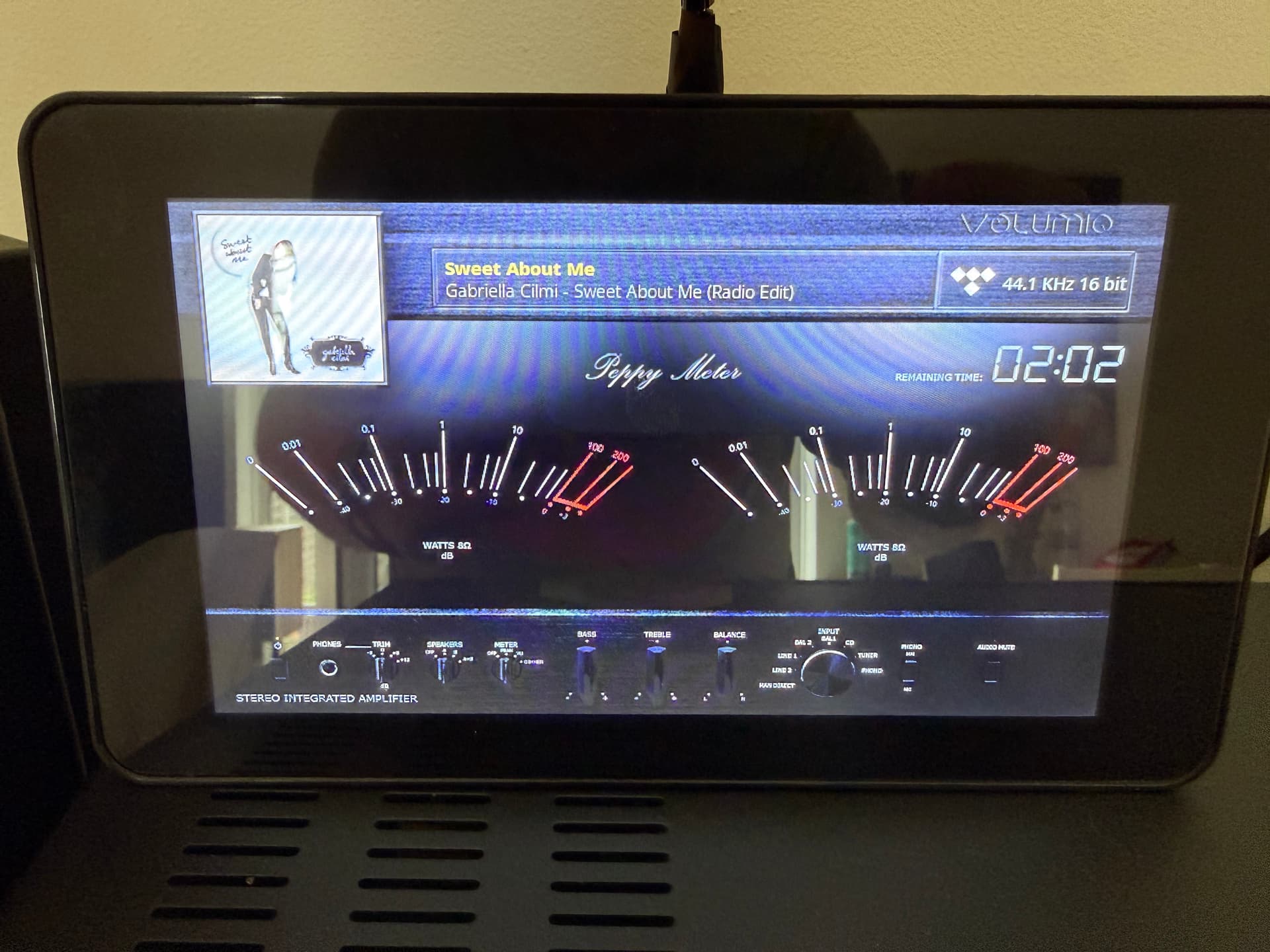
Is it normal if I play music through Tidal Connect the needles not moving and not even present? I am using custom10 800x480 folder and none of the skins has working needles not even the bulilt in folder.
The counter and the bitrate are working but the needles.
It didn’t work on 3.3.0 I have updated to 3.4.0 and still not working.
Or Tidal connect just bypassing something?
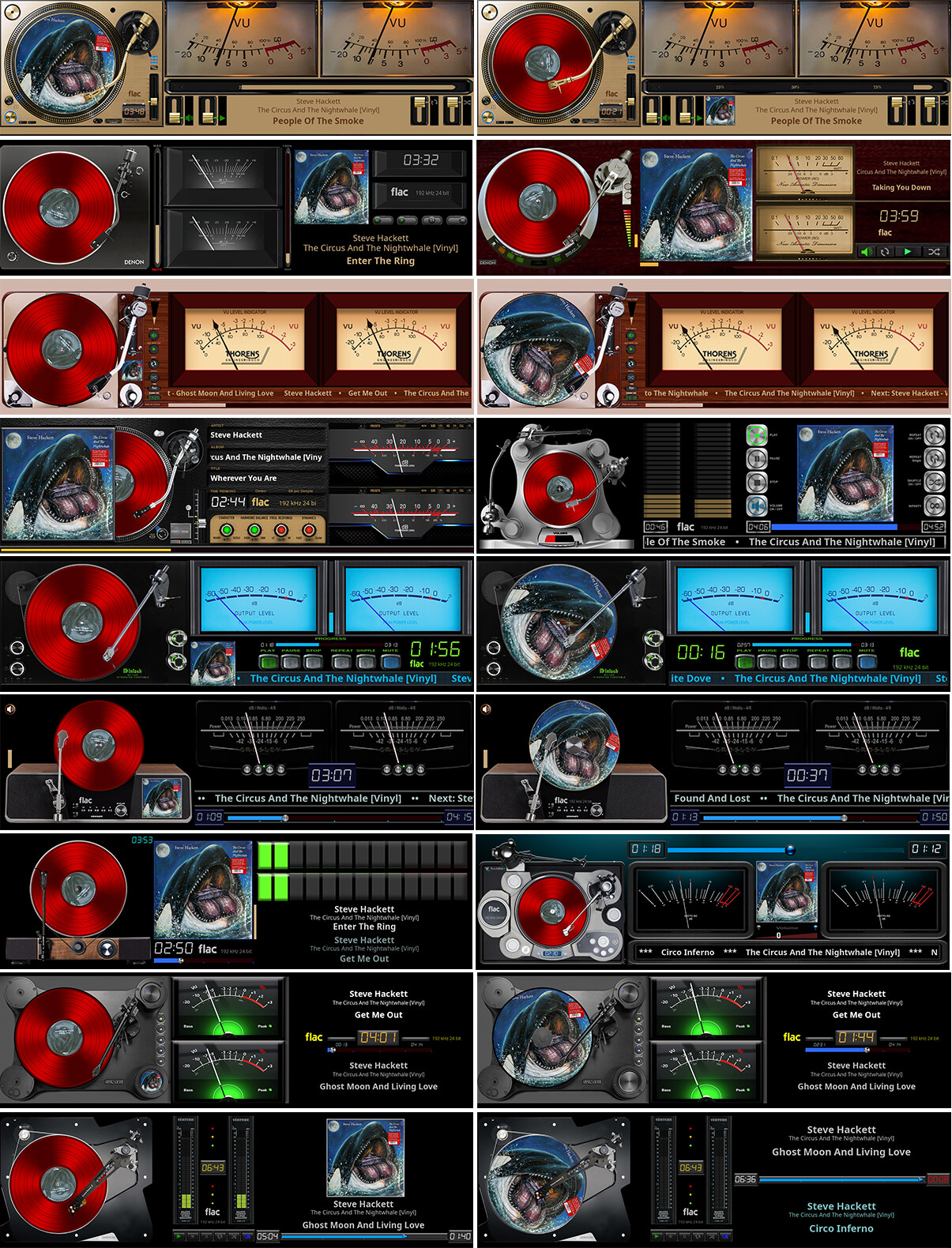
1920x550 turntables (Final)
@feka87
I’ll renew my subscription tomorrow and see. It’s been working fine with Tidal so far.
Edit: @feka87 - everything works without a problem
Dear Volumionauts,
I made a promise some time ago that posts arriving without logs would be cheerfully and completely ignored. I am a man of my word, and I intend to keep that promise with the same dedication I bring to everything else around here.
The screensaver plugin has a full debug and trace logging system. It exists specifically for situations like this. I need to see what the ALSA pipeline is actually doing, not a description of what it feels like from the listening chair.
What I need from you:
Peppy screensaver trace log. Settings, Debug, set Debug Level to trace, enable Trace Metadata. Reproduce the issue. Copy the contents of /tmp/peppy_debug.log.
Volumio logs URL. Go to the Volumio dev page (http://your-volumio-ip/dev) and hit the Send Log button. Post the URL it gives you.
Confirm whether the issue exists with whatever Integration turned ON/OFF in the peppy settings. This one test alone will tell me whether the problem lives in peppy or somewhere else entirely.
Until then, the investigation queue remains exactly where it is.
Kind Regards,
Hey @KCAudio, well now.
This is genuinely impressive work. Porting the meter rendering to native JS Canvas is exactly the kind of thing that makes an open source project worth the effort of maintaining one.
If this matures to the point where pygame can take early retirement and spend its days on a beach somewhere not consuming 80% of a Pi’s CPU, I will personally write it a thank you card.
I am also delighted to hear that your friend Claude pulled their weight on the spectrum side. Always nice when the new hire delivers and not hallucinates.
For my part, I am currently occupied with something else entirely. Let us just say there may be a big bang on the horizon and leave it at that. Which means if someone else wants to carry the torch on the rendering front, I am more than happy to sit here, do absolutely nothing, and call it delegation.
Keep at it. This has legs.
Kind Regards,
Probably the old skins/templates don’t like the newer version.
It’s weird. If I play Tidal in the volumio the needles are working, if I play from my mac via Tidal connect to get the best quality no needles present.
Not a big deal. I like that skin because of the large needles well visible …
Thanks anyway
Try:
or
This is weird. No luck. Only with Tidal connect…
Turn off Multiroom and:
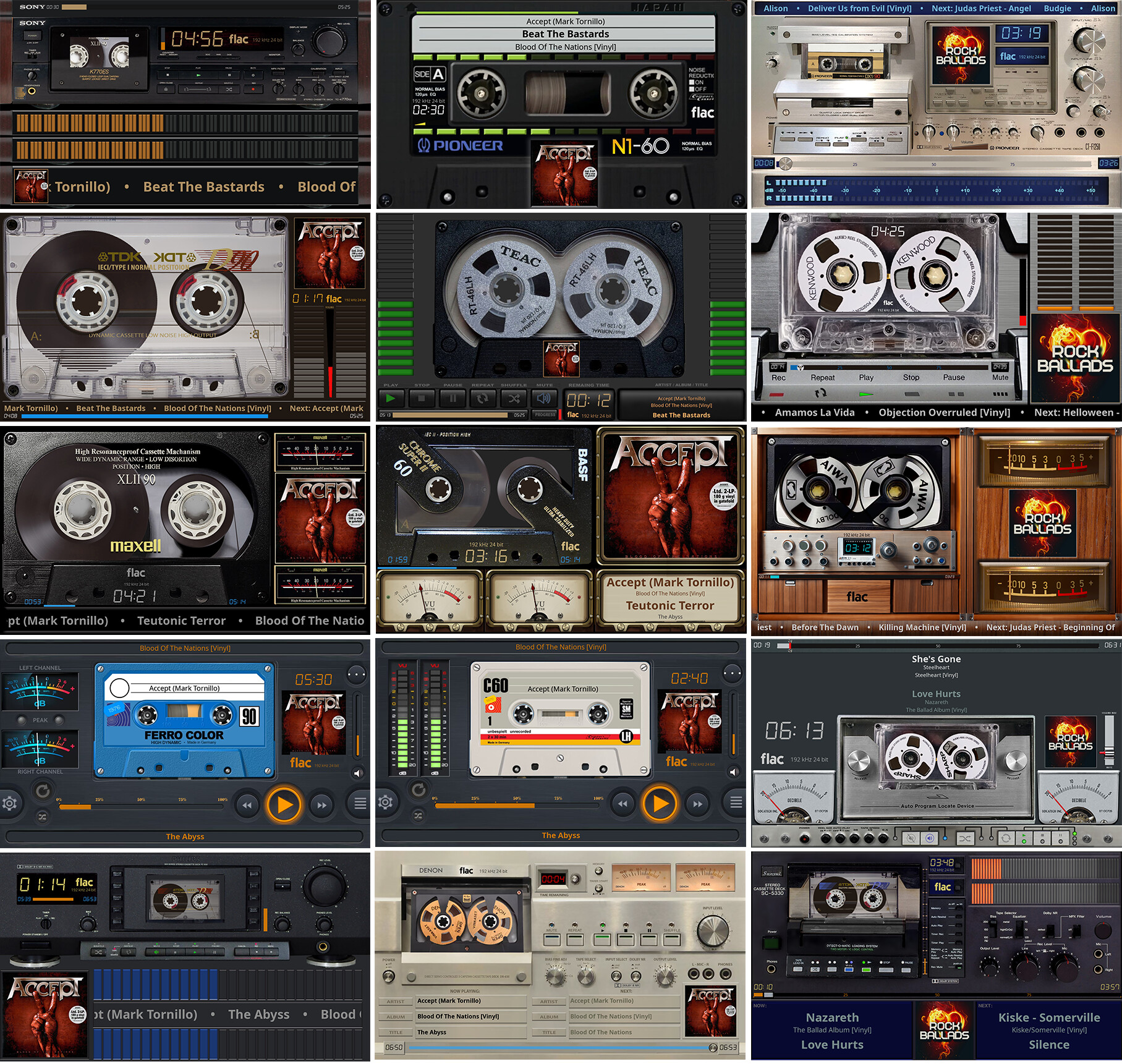
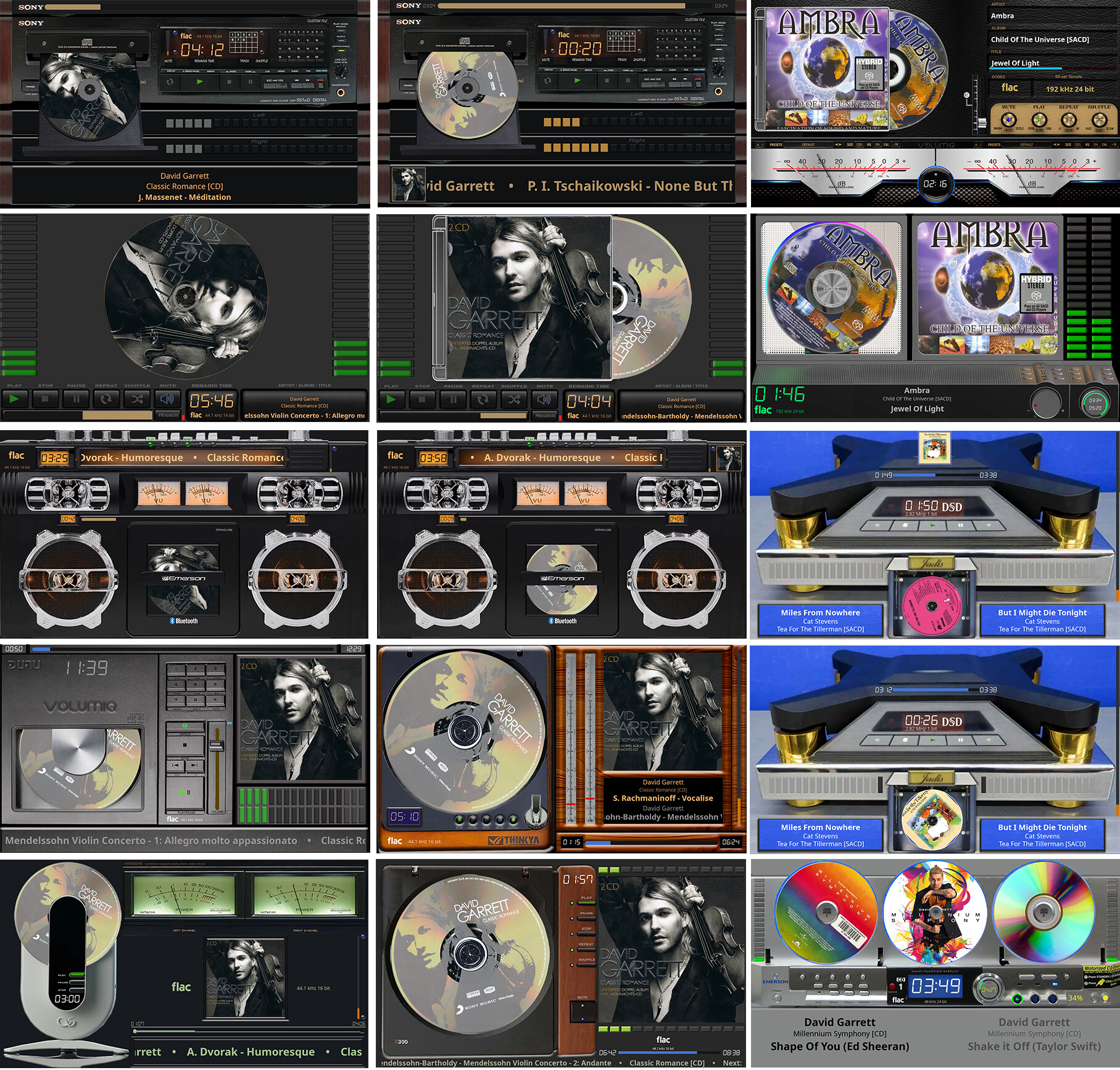
@nerd Thanks for the positive feedback. The port is currently only a part of Stylish Player plugin not a separate repo. As far as if it works or not? I think it’s almost completely working, I have tried several of the zip files from the template repo and almost every template worked (I think a couple had issues but that could be bad config).
Only issue is there are 2 fonts that are referenced in the files that I cannot seem to find.
Some times there is very minor font alignment issue but I think that’s not very noticeable unless looking closely. That could be because I am using another LCD font.
Also the whole damn thing doesn’t work on Webkit browsers due to audio context issues. This is nothing to do with Peppy though, even my other spectrum analyzer (Audiomotion JS lib) doesn’t work.
@KCAudio, good progress. The two missing fonts live here:
Those are PeppyFont Light, Regular, and Bold - custom built with normalized metrics specifically for template rendering. That should sort your alignment issue as well, since the templates were authored against those exact font metrics. Any other LCD or system font will have different ascent, descent, and line height values, which is where the drift comes from.
The Webkit audio context limitation is a known and well-documented headache that has nothing to do with either of us, so I am happy to let that remain someone else’s problem.
Keep going. The fact that almost every template just works on a completely different rendering backend is a rather strong endorsement of the template format design, if I do say so myself.
Kind Regards,
 (My friend Claude did)