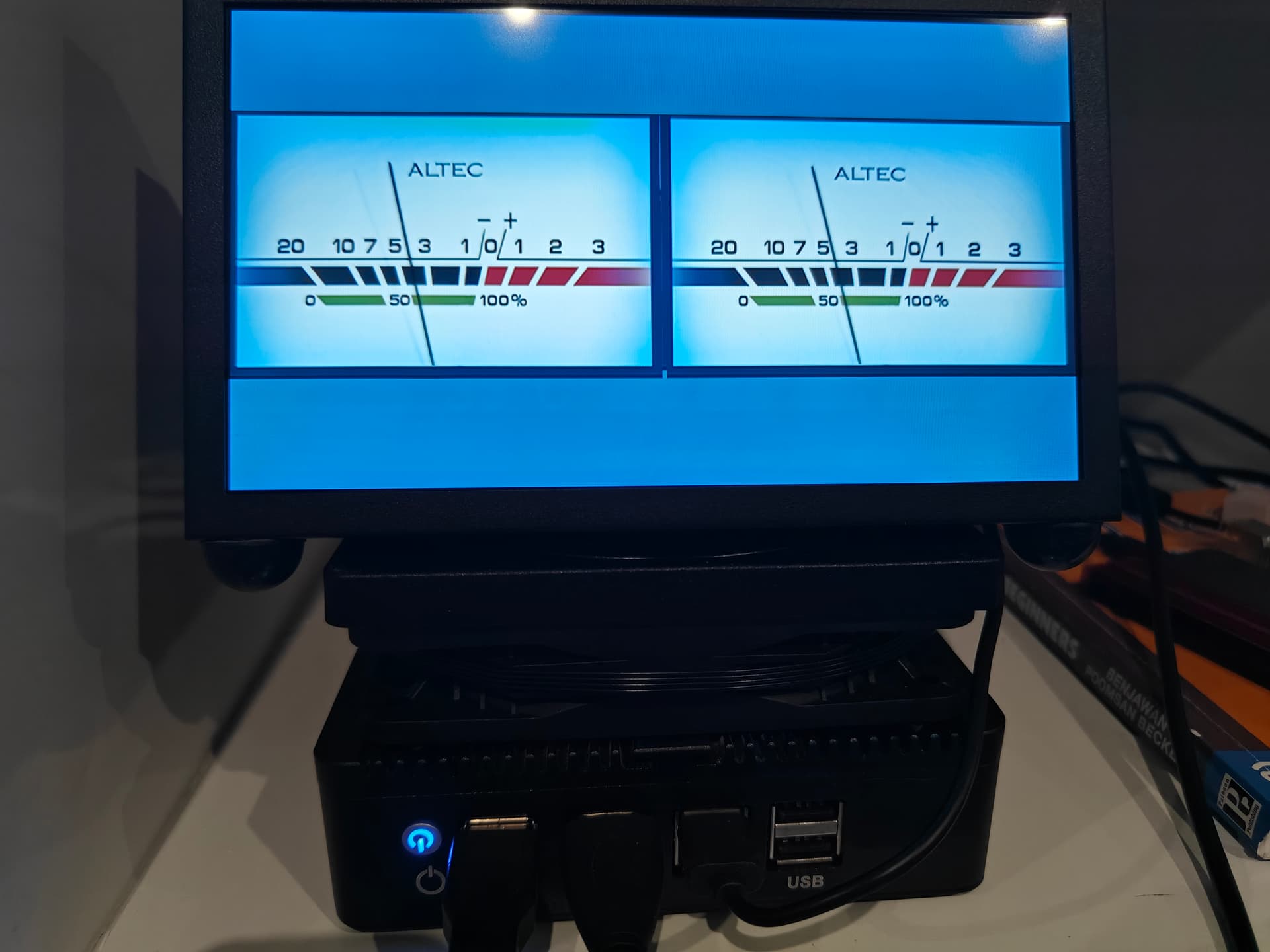
peppy screensaver did’nt work
image files i save in this directory
/data/INTERNAL/peppy_screensaver/templates_spectrum
the text file in this directory
/data/INTERNAL/peppy_screensaver/templates
peppy screensaver did’nt work
image files i save in this directory
/data/INTERNAL/peppy_screensaver/templates_spectrum
the text file in this directory
/data/INTERNAL/peppy_screensaver/templates
You need create a custom folder “1366x768_costom10”
in /data/INTERNAL/peppy_screensaver/templates
and place all file sin this folder
thanks for a quick reply. i will try again.
now it works flawlessly and perfectly fits in my 18.5 inches monitor. thanks again
Hello…I have a request for conversion. I really like the clean looks of the “Altec” meter only template and I use it on my Pi5 on a 480x1920 screen. May I request a conversion of it to 1024x600 and 1280x800 as well?
It’s a bit difficult to fit a 1024x600/1280x800 image without metadata. Check out this one - if it works for you, I’ll make one in 1280x800.
Altec_1024x600.zip (291.8 KB)
hello!
In Peppymeter basic there is already such res avaiilable!
Or you can get them from GitHub - balbuze/Meter-peppymeter

Hehe, but there is no “Altec” for 1024x600 and 1280x800 
Altec_1280x800.zip (502.5 KB)
@balbuze
If you can, please add these 2 skins to the appropriate resolutions.
We’re moving all our templates to GitHub, so this topic is officially retiring. Thanks for the memories, closing it now!