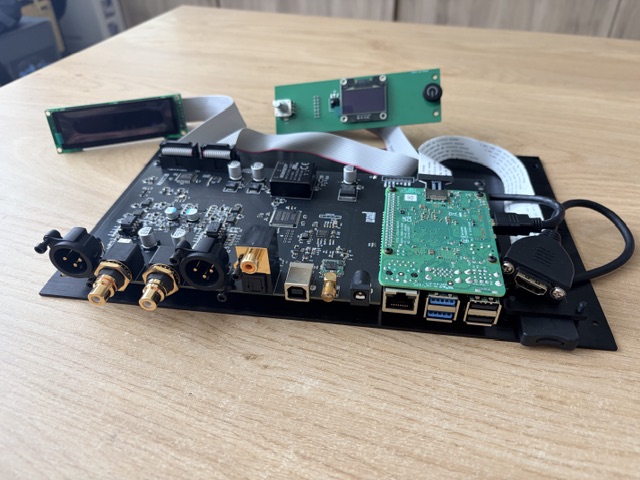
Hi ia am new here, started my build over a year ago by making plans, thinking on wat i need/want to enjoy my digital sources in a better quality…
I love music but also quality sound and all things tech so for me it made lots of sense to make something by myself….
I am not verry familliar whit coding so that took (and still does) a lot of time searching online, reading, trying etc etc
That is what it makes such a cool “hobby”
My base setup for nou (still in progress)
RaspberryPi 4B 2GB
Double ES9038QM (double mono)
(EVO Sabre)
1st sceen small oled for source selection and volume control
2nd Screen will be replaced bij larger touch display for a more graphical interface
Case will be a combination of dark wood and brushed steel…
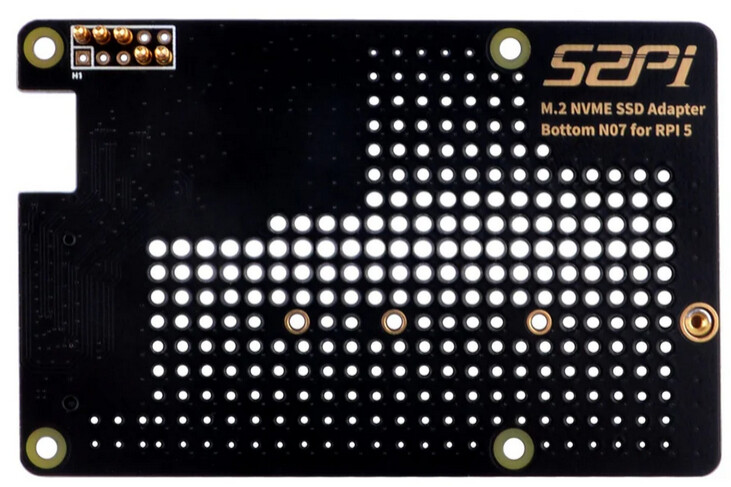
On the storage expansion question, with the Pi mounted bottom-up on the EVO-Sabre via the 40-pin header, a bottom-mount M.2 HAT is the clean answer. The inversion puts the Pi underside facing up, so a HAT designed to attach to the Pi underside (Pimoroni NVMe Base or equivalent) ends up sitting on top of the stack, clear of the Sabre PCB below. Any bottom-style HAT works on that basis.
This needs a Pi 5, since the single-lane PCIe FPC connector only exists on the Pi 5, not the Pi 4B in your current build. Volumio already enables NVMe on Pi 5 out of the box (dtparam=nvme and dtparam=pciex1_gen=2 are in the system config), so there is no boot configuration work required for the drive to come up.
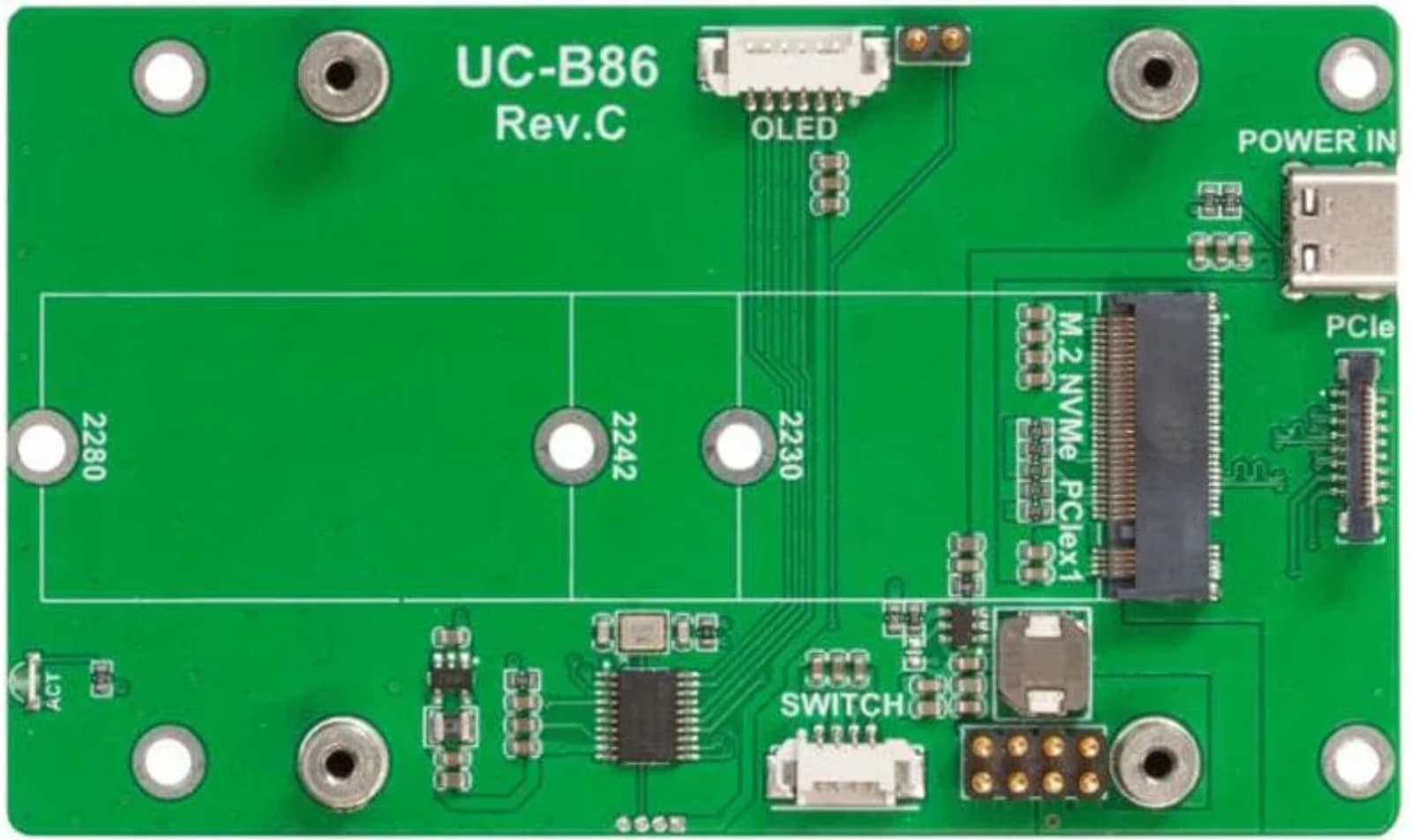
The other route is a CM4 or CM5 Lite plus a carrier board, where storage placement is independent of the DAC stacking entirely. Waveshare make a range of these, and it matters which version you pick, because not all of them carry an M.2 slot:
CM4: the CM4-IO-BASE-B and CM4-IO-BASE-C both expose an M.2 M-Key slot for NVMe. Note these take 2230/2242 form factor only, not 2280. USB 2.0 is disabled by default and needs dtoverlay=dwc2,dr_mode=host enabled.
CM5: the CM5-IO-BASE-B carry an M.2 M-Key NVMe slot.
So with the carrier path the rule is simple: check for the M.2 M-Key slot in the specific model before buying, since Waveshare ship near-identical boards with and without it.
Thank you!
So maybe a switch in the near future from 4B to 5 and ad some storage.
Didnt design the rear panel yet so still have the possibility to change things👍🏻
Perhaps a reminder related to power requirements for a chosen NVMe storage device. Power budget shipped via FFC PCIe ribbon is a standing issue, frequently ignored. Depending on the actual NVMe storage controller as well as NAND chip used, auxiliary power will be required. Main confusion lies in common misconception between idle, active and workload power requirements. Math does not lie and despite being a bit old tread, still remains valid: