Temporary Spotify Connect Bypass
For the time being, this plugin serves as a temporary workaround that provides Spotify Connect only. It has been tested on Raspberry Pi 4, Raspberry Pi 5, CM4, Primo V2, Primo Plus, and Rivo. No Spotify authorization or login is required.
The plugin uses the official Volumio Spotify binaries.
Please note: This is provided as-is and is intended solely as a temporary replacement for the currently broken Login5 functionality. No new features or enhancements will be added.
Installation
- Remove the Spotify plugin installed from the Volumio Plugin Store.
- Copy the ZIP file to your device.
- Run the following commands:
miniunzip volumio-spotify-connect.zip
cd spotify-connect
volumio plugin install
- Enable the plugin from the Volumio UI.
Features
Supported
- Spotify Connect playback
- Playback control via Spotify app or Volumio:
- Play
- Pause
- Stop
- Previous track
- Next track
- Volume control (one-way only, Spotify App. → Volumio not Volumio → Spotify App. )
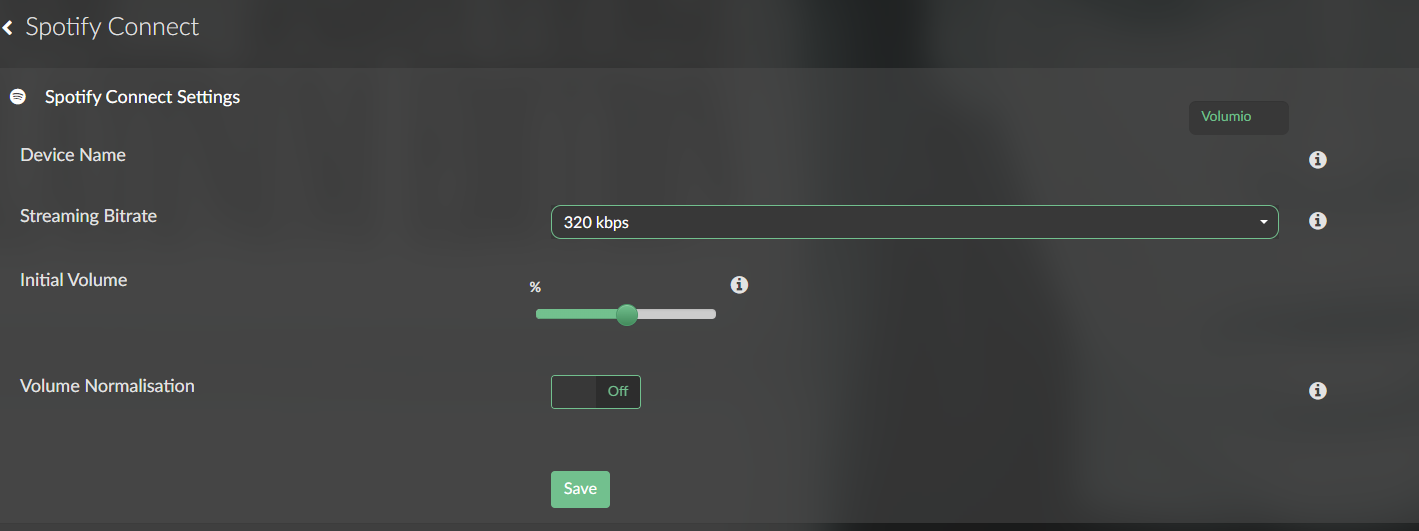
- Initial volume setting
- Volume normalization
- Custom device name as displayed in the Spotify app (rename supported)
Not Supported
- Bidirectional volume synchronization
- Login5 authentication
- Additional features beyond Spotify Connect functionality
This plugin is intended as a simple, lightweight stopgap until the official Login5 implementation is fixed.
volumio-spotify-connect.zip (11.6 KB)