Dear Rudy,
we’re not ignoring them, don’t worry. The issues you reported require some fixes to the UI which are very delicate and scheduled for middle of next month. Thanks for reminding us
myMusic\ adding/playing complete albums to queue not working
then selecting a qobuz song, the tidal song is still showing, but the right qobuz song is playing
qobuz:
playing my playlist not working (by click on right on clear and play)
playing a playlist title from the right option(clear and play) not working.
delete playlist not possible - error
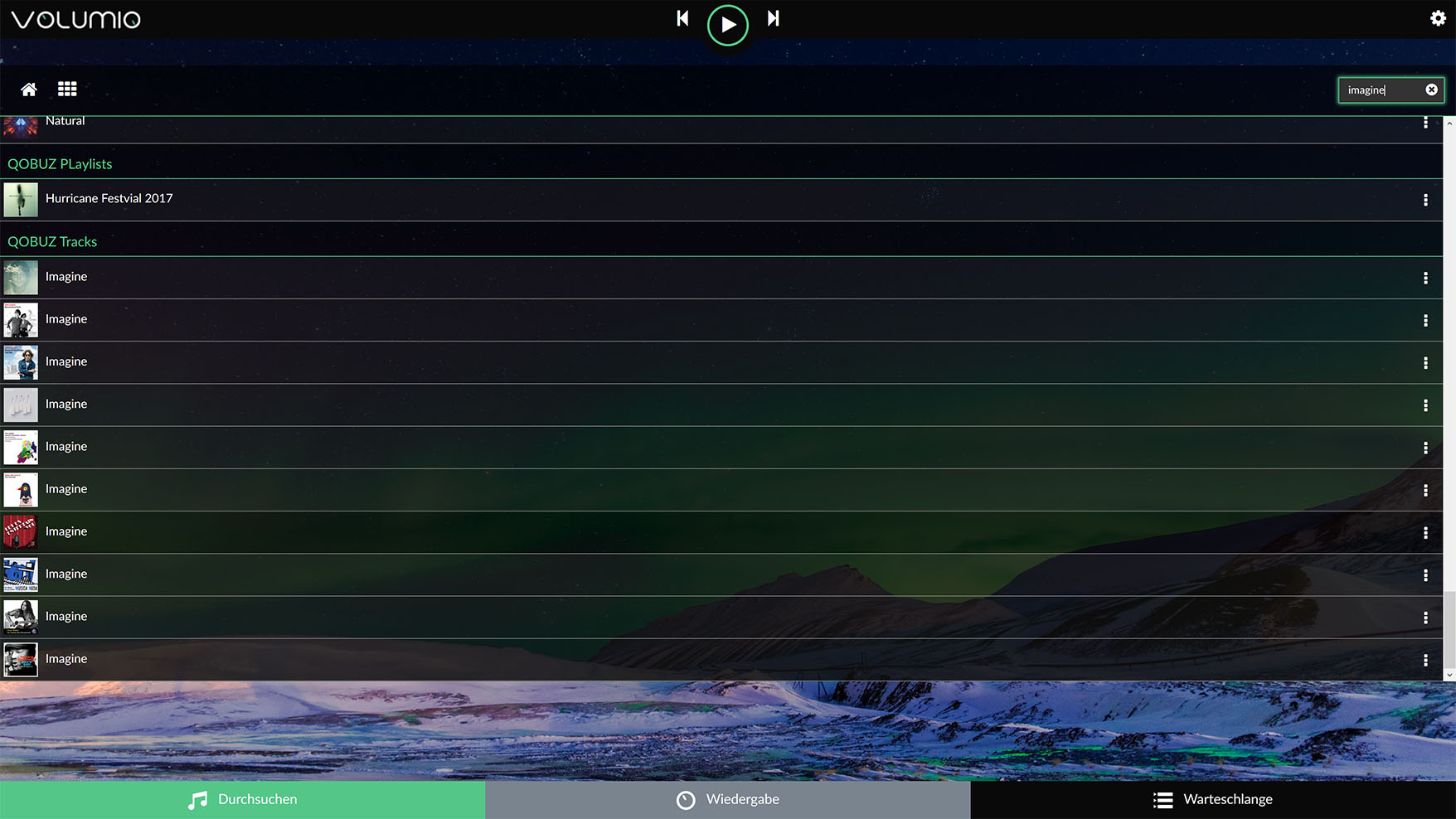
still finding too little information in the search results in Tadal /qobuz
my short view for now.
conclusion: it’s getting better guys! go on.
Thank you very much. j.
Hello
A track played in Qobuz can not be saved to a playlist.
The dialogue comes to save the track in a volumio playlist and everything happens without error message. After that, however, the track is not included in the playlist. I can not find the track in a playlist of Volumio or in Qobuz.
Good would be if you could save the Qobuz track in a Qobuz playlist.
Maybe a future function?
If, in addition to saving a Qobuz track, you could also select a Volumio playlist - that would be perfect! So you could build a mixed playlist with your own flacs and Qobuz tracks.
Humm,
please can you set “english” for the language as Myvolumio 1.025 is having a bug with the french language…(it is corrected for the next version).
Have you several device on your network?
I have tested the MyVolumio for some time now (currently the version I am using is the latest one, ver 1.026).
When playing songs from Tidal and selecting some previously played Tidal song under the Queue tab, when I go to Playback tab and from there back to Queue tab > the queue view takes me to the beginning of the whole list, not next to the currently playing song. If I try the same using Spotify plugin Spotify takes me next to the currently playing. When playing something from Tidal and if I scroll down next to the playing song, there is no “playing” indicator shown as it’s in Spotify.
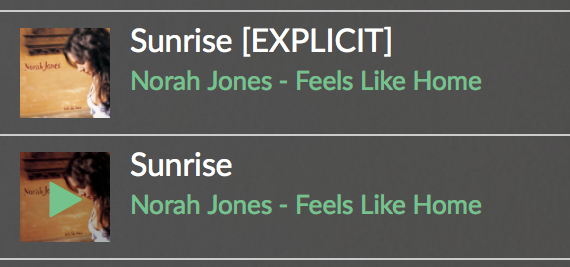
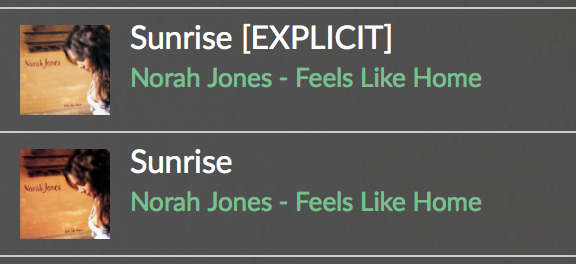
Also I noticed that TIdal seems to show the [Explicit] tag in all songs, no matter what you play.
Small issue. When a new plug-in is installed the Installed Plug-ins screen is a little confused as to what has been just been installed. Moving away from the Plug-ins menu to somewhere else and then back again shows it as it’s supposed to look.
Had a break from using MyVolumio. Updated to the latest version, so I am now running1.026
A couple of questions - please delete if these have already been covered, or this is the wrong place to post:
If I add a single song to the Queue, it will just keep repeating. I cannot find a function so it just plays once. Is this normal behaviour?
I am running a Pi3, Kali and Piano. Load an album into the playlist and I get a pause between tracks with a pop. Is this a hardware issue, or something in Volumio that I can change? I have the Pi3 into a graphic feeding a big rig. The pop can be rather alarming / frightening depending on how loud I have it cranked up
My settings are Piano as output, I2S DAC on, DAC - Piano, DSD Direct, Auto volume off, Normalisation off, 8Mb buffer, Persistent queue off, Mixer is Hardware, Digital, Default startup10, Max 100 and 1 click steps. Natural curve.MDP off. Resampling off.
Otherwise - Qobuz is working well. Volume control all OK. Search seems OK, but I have not played with it enough. Web radio - a lot of them I get just white noise, but they may be off air or defunct. I have not installed any plugins?
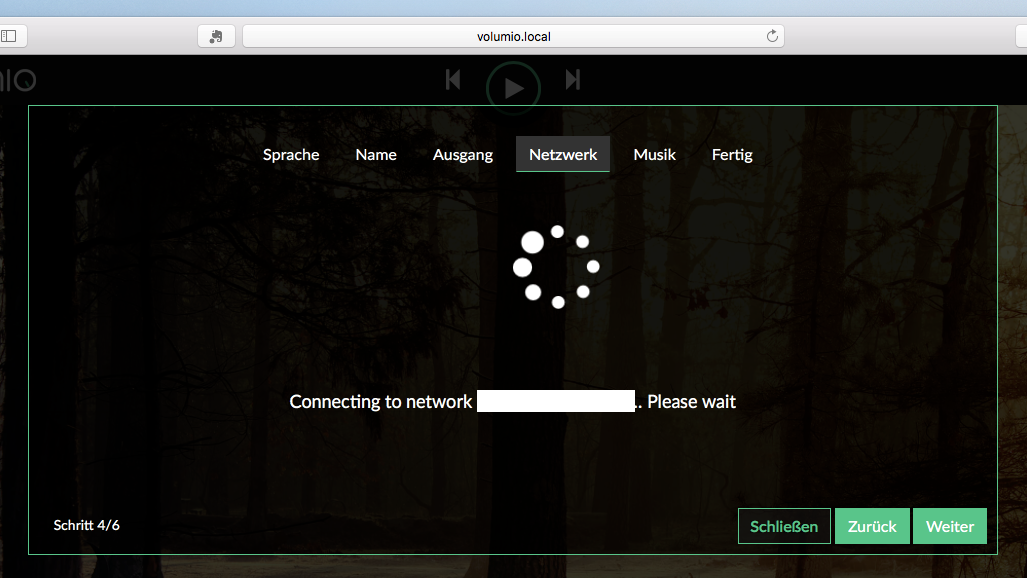
Connected to my NAS drive - took a little time, but that was my fault with not enabling a share at my end. The error connecting messages did vanish very quickly, which gave me some problems, as I couldn’t read them that fast It now seems to be working well.
Sound quality is superb. Congratulations, this player is shaping up very nicely.



 It now seems to be working well.