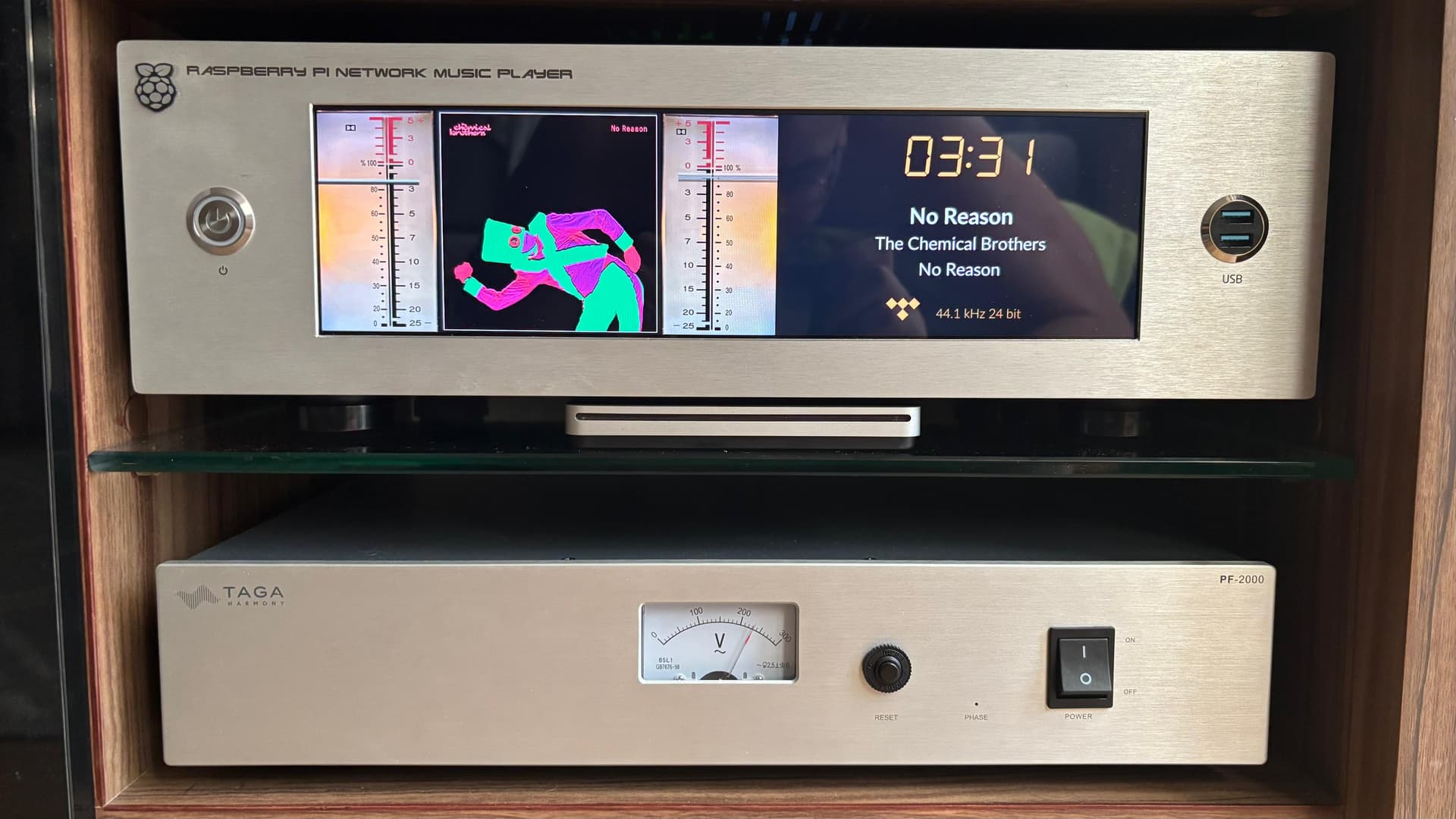
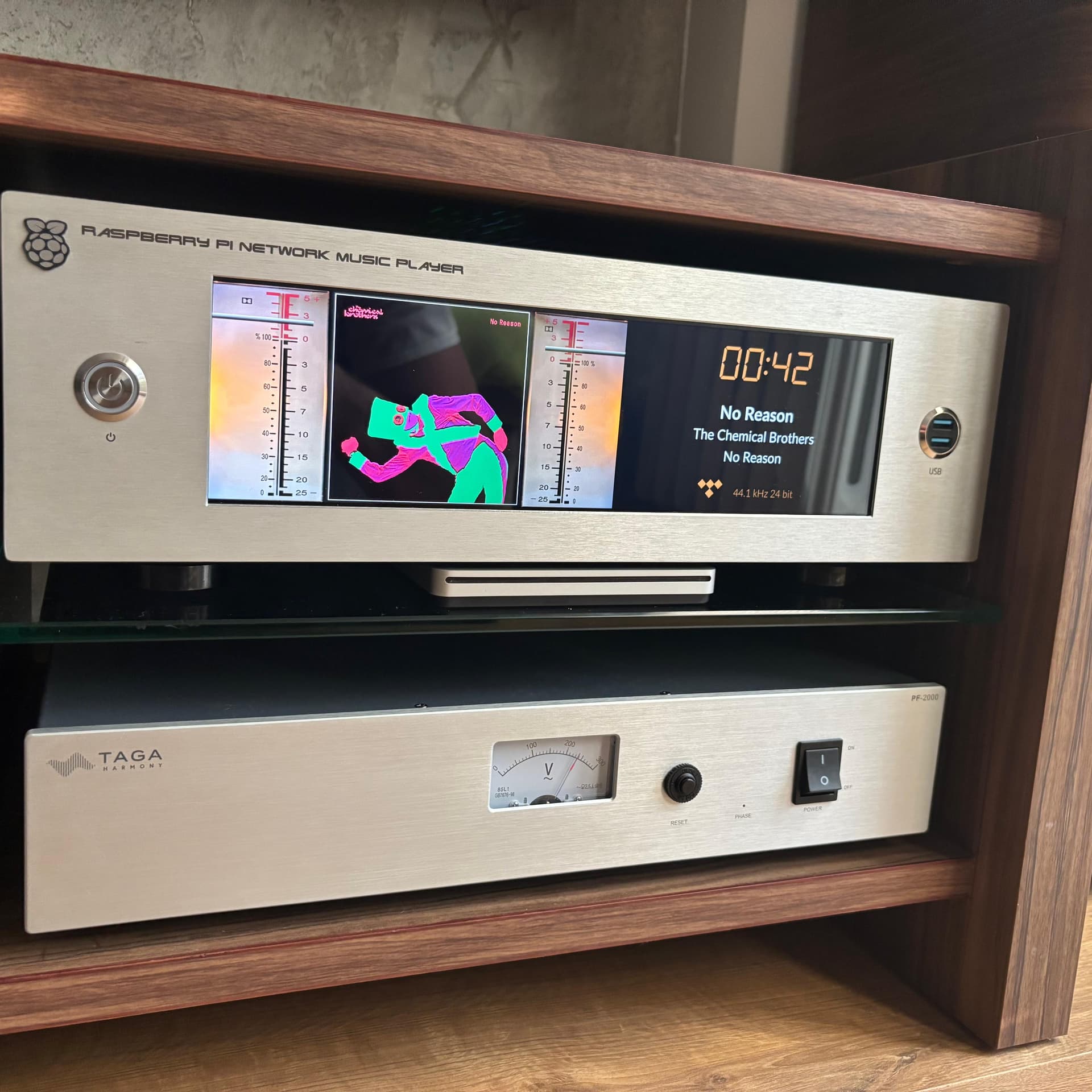
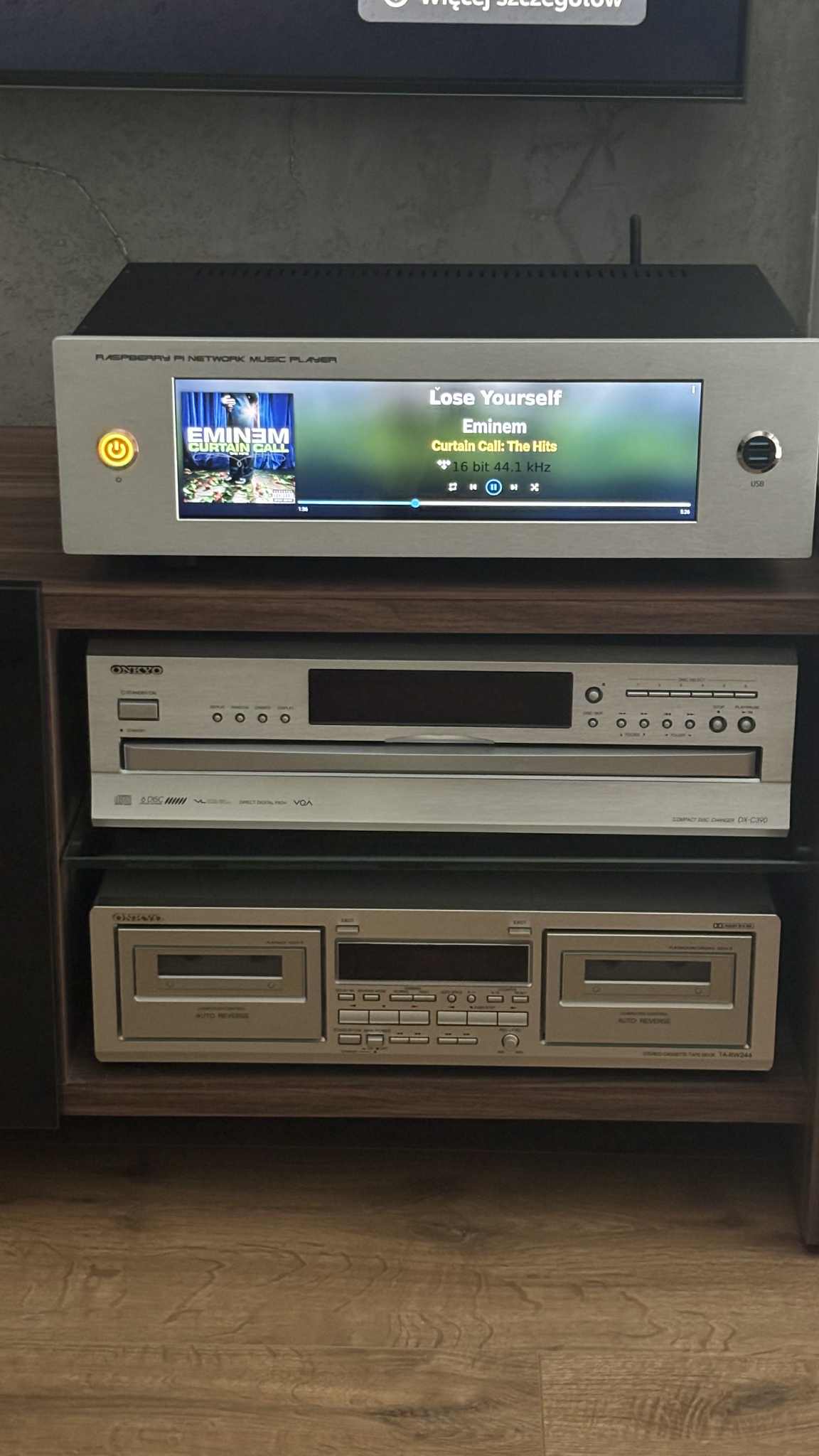
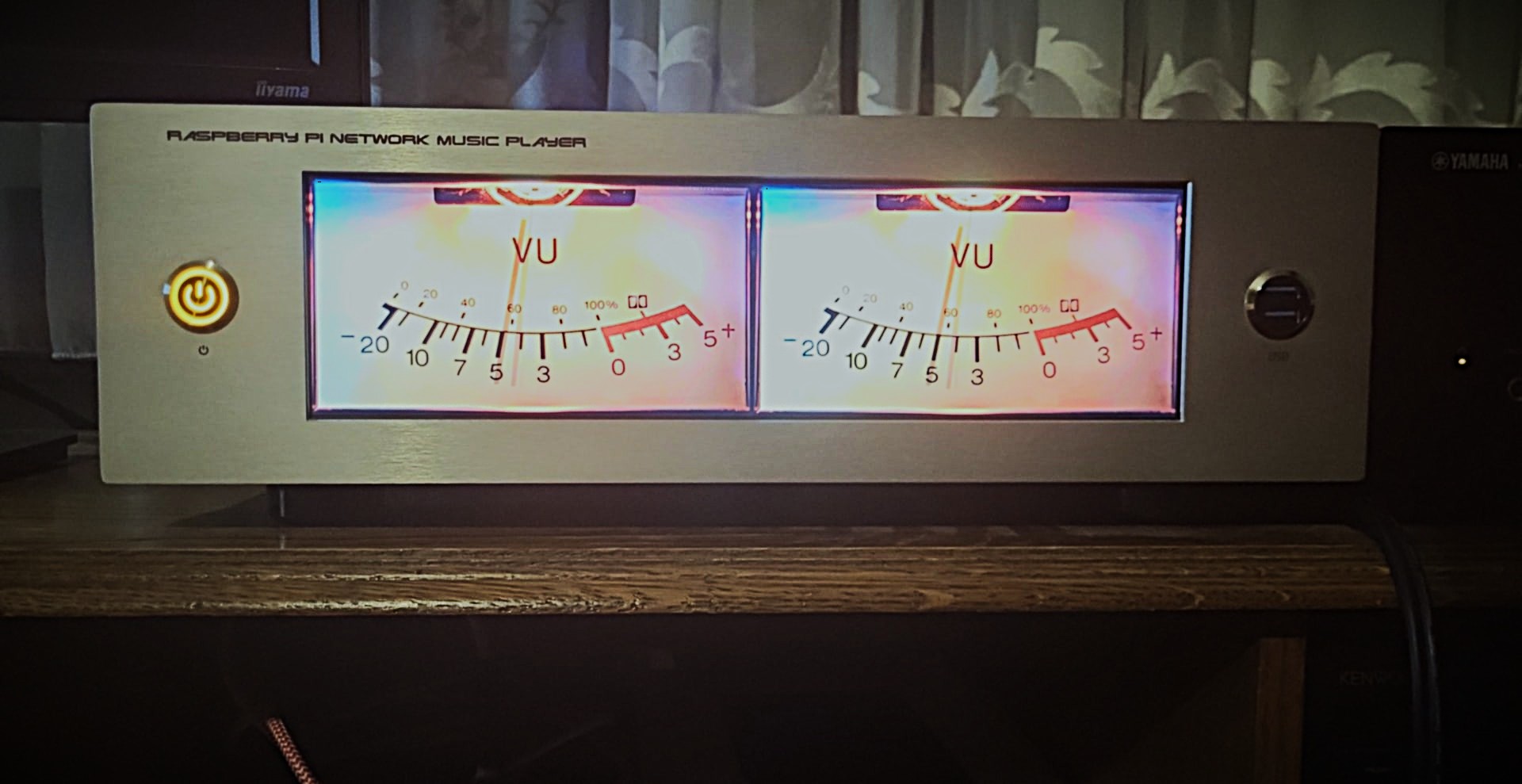
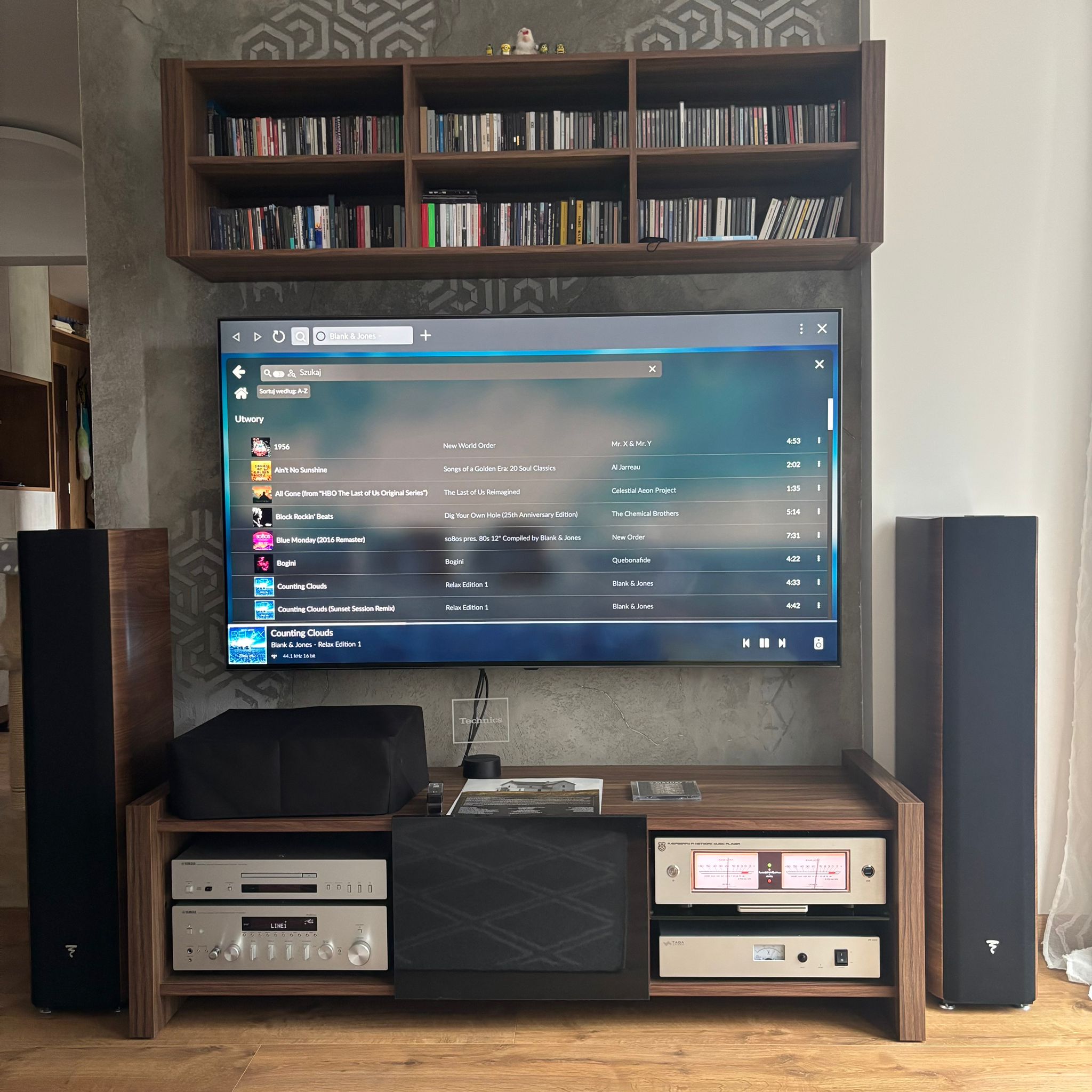
My DIY Network Player with 12.6"LCD & Dual AK4493


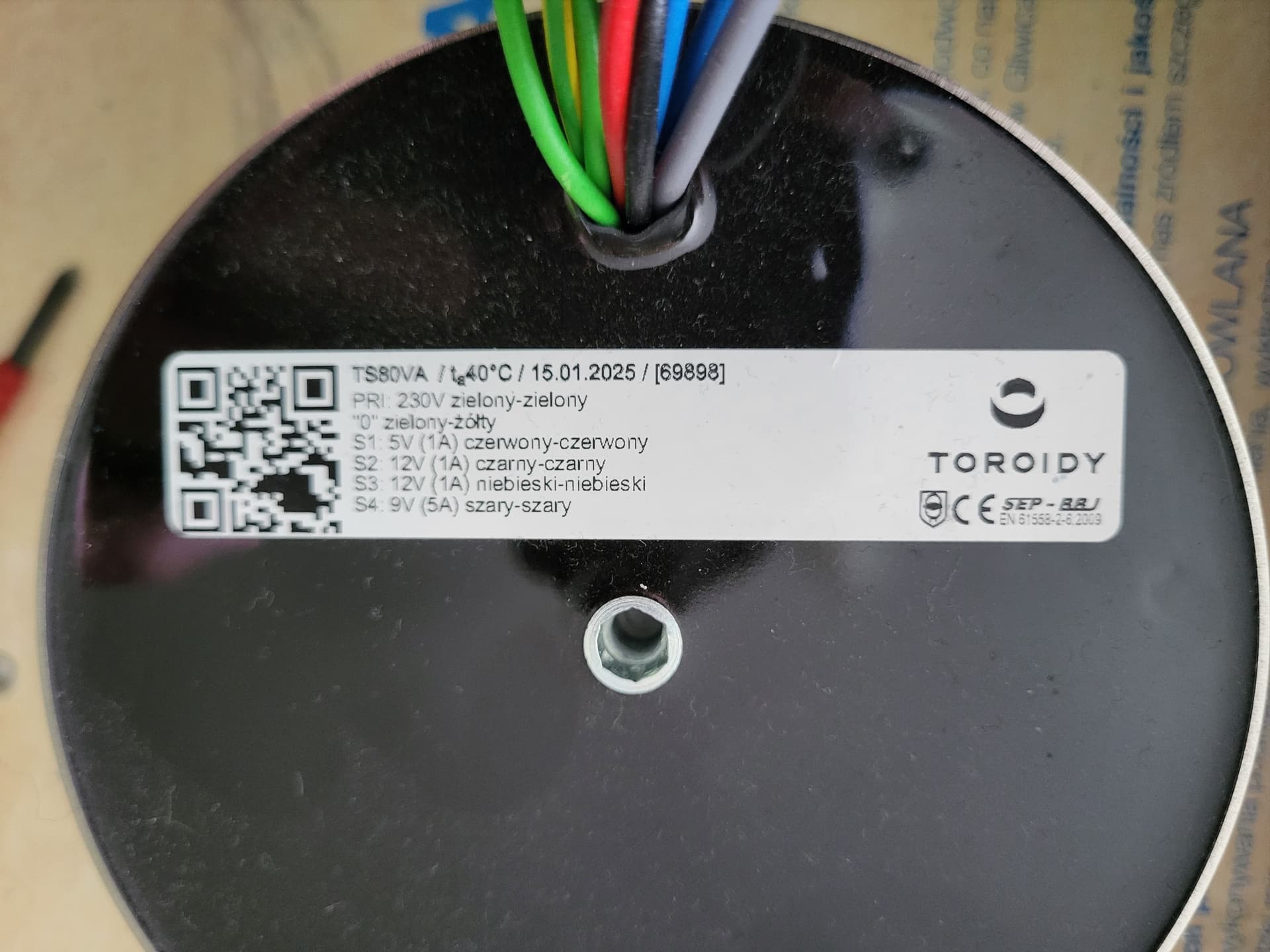
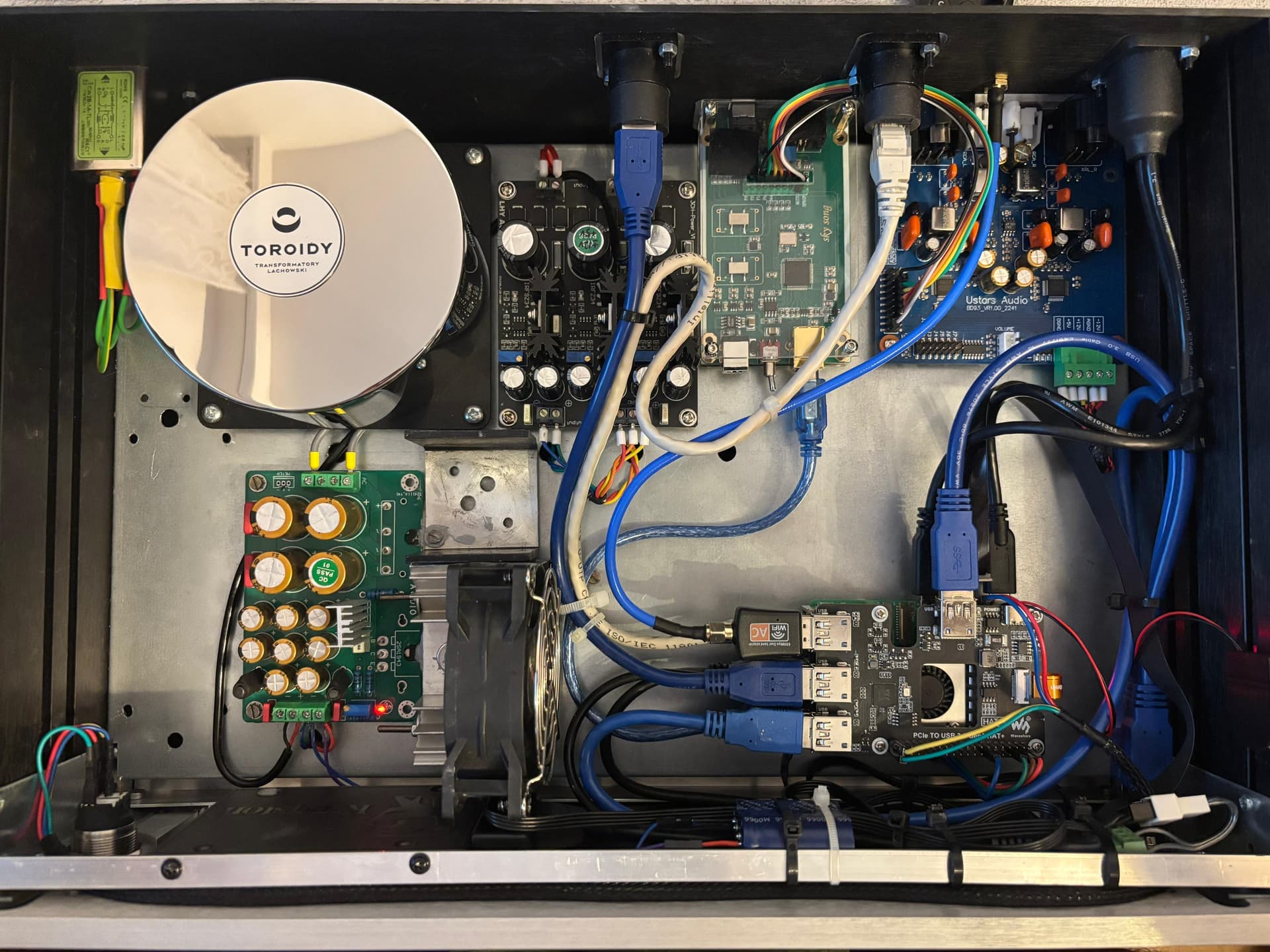
Everything is powered by a single transformer

XMOS- Nvarcher Xmos Xu208 Asynchrone Usb Coaxiale Vezeluitgang Digitale Interface Iis Dsd256 Spdif Dop64 - AliExpress 44

Power Supply for Screen + Raspberry PI 5 GB & XMOS USB - Assembleren Low Noise Dc 5V Lineaire Voeding Board Voor Usb Audio - AliExpress 44

Screen: Lesown Verlengde Bar Touchscreen Monitor 12.6 Inch 1920X515 Ips 1200:1 Usb Type C Hdmi Breed Subscherm Lcd-Scherm Met Luidsprekers - AliExpress 7

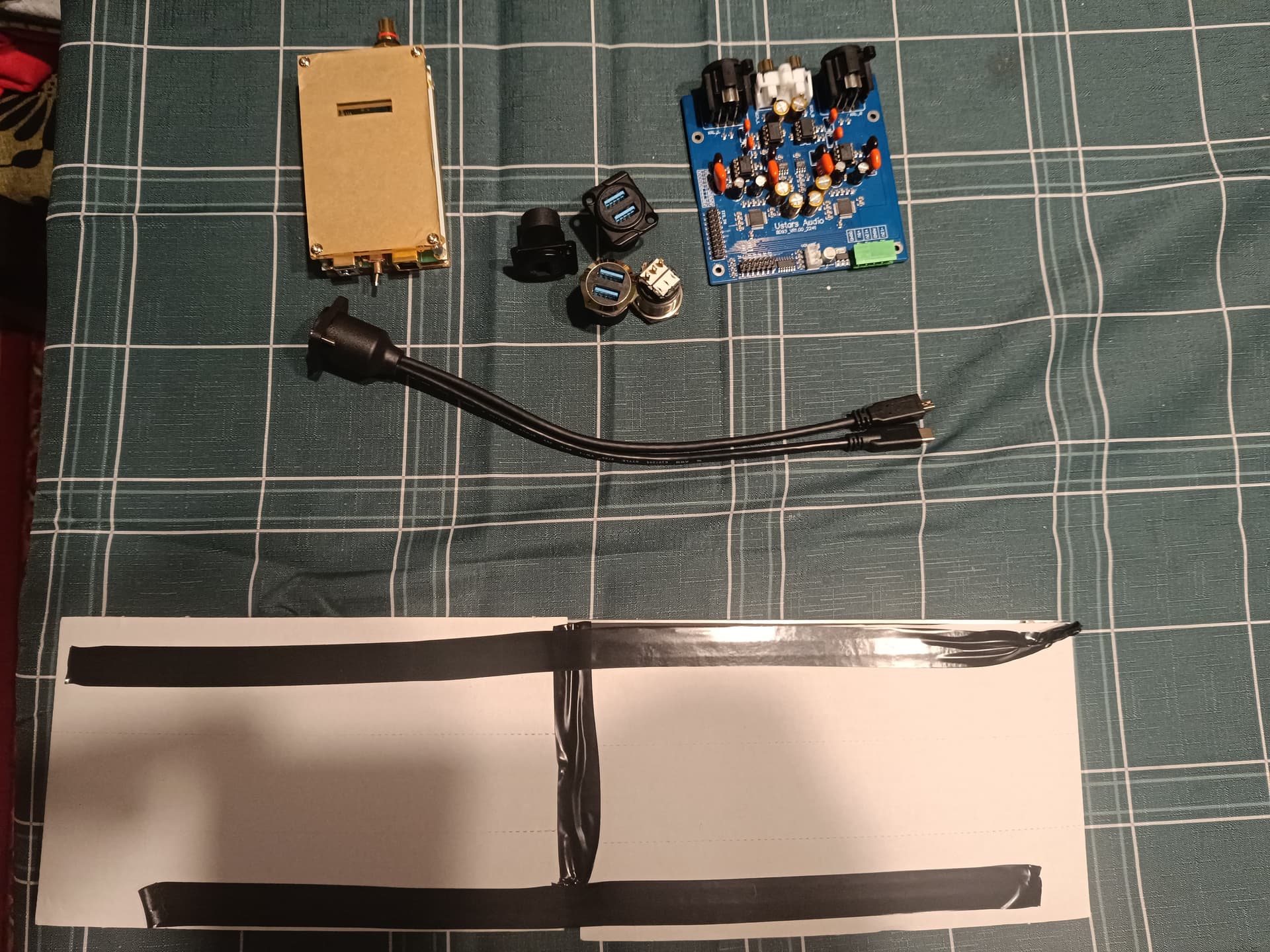
Dual AK4493 DAC Tzt Bd93 Standaard Board + Volume Potentiometer + 20Cm Pin Kabel Dual Ak4493 Seq Dac Hifi Audio Decoder Kit Hard Decoderen Dsd - AliExpress 44

Power supply for the Dual AK4493 DAC LHY 3-channel DC linear positive and negative voltage regulator power supply finished board LT1963A OP+MOS high-speed low-noise - AliExpress 44

5 Likes

Hi, first of all, congratulations on your wonderful project. I’m also building a streamer with a 12.6" display and a Raspberry Pi 5, but I can’t configure the display settings. Could you please tell me how and where you compiled your settings?
Thank you

Which version of Volumio are you using? 3.xxx or 4.xxx?

Hello,
I’m using the latest version of Volumio. The display is connected via HDMI, and the power and touchscreen are connected via USB to Raspberry Pi. I haven’t configured any display parameters except installing the “Touch display” plugin. The screen resolution automatically defaulted to the correct 1920x515 resolution.

This is not the “latest” version. This is Buster version 3.xxx. The latest version is Bookworm 4.xxx.

When I wrote last version I meant the latest version officially available for download on the website.


image
How do I get version 4.x?

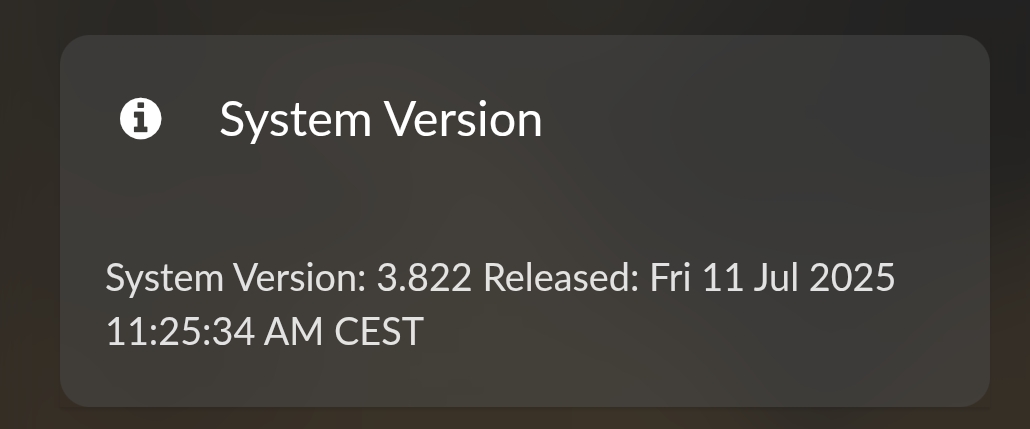
Official latest version Buster

Bookworm:
Please note that Peppymeter screensaver will not work on the Bookworm version!!!
Public Beta Test: Audio Without Compromise - Refining the Future of Volumio on Bookworm - #3 by nerd?

This is my first post

" Display 12.6" settings "

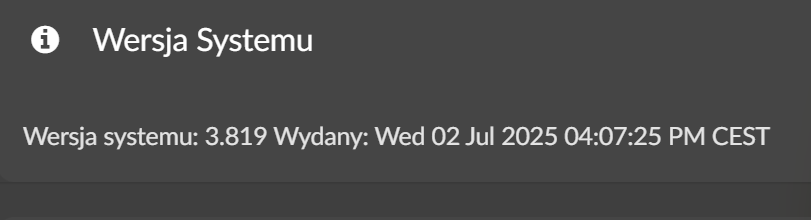
I used the volumio 3.819

If it doesn’t work, try entering the following in boot/userconfig.txt:

`# Add your custom config.txt options to this file, which will be preserved during updates
dtparam=i2c_arm_baudrate=100000
dtparam=spi=on
hdmi_group=2
hdmi_mode=87
hdmi_cvt 1920 515 60 3 0 0 0
hdmi_drive=2`
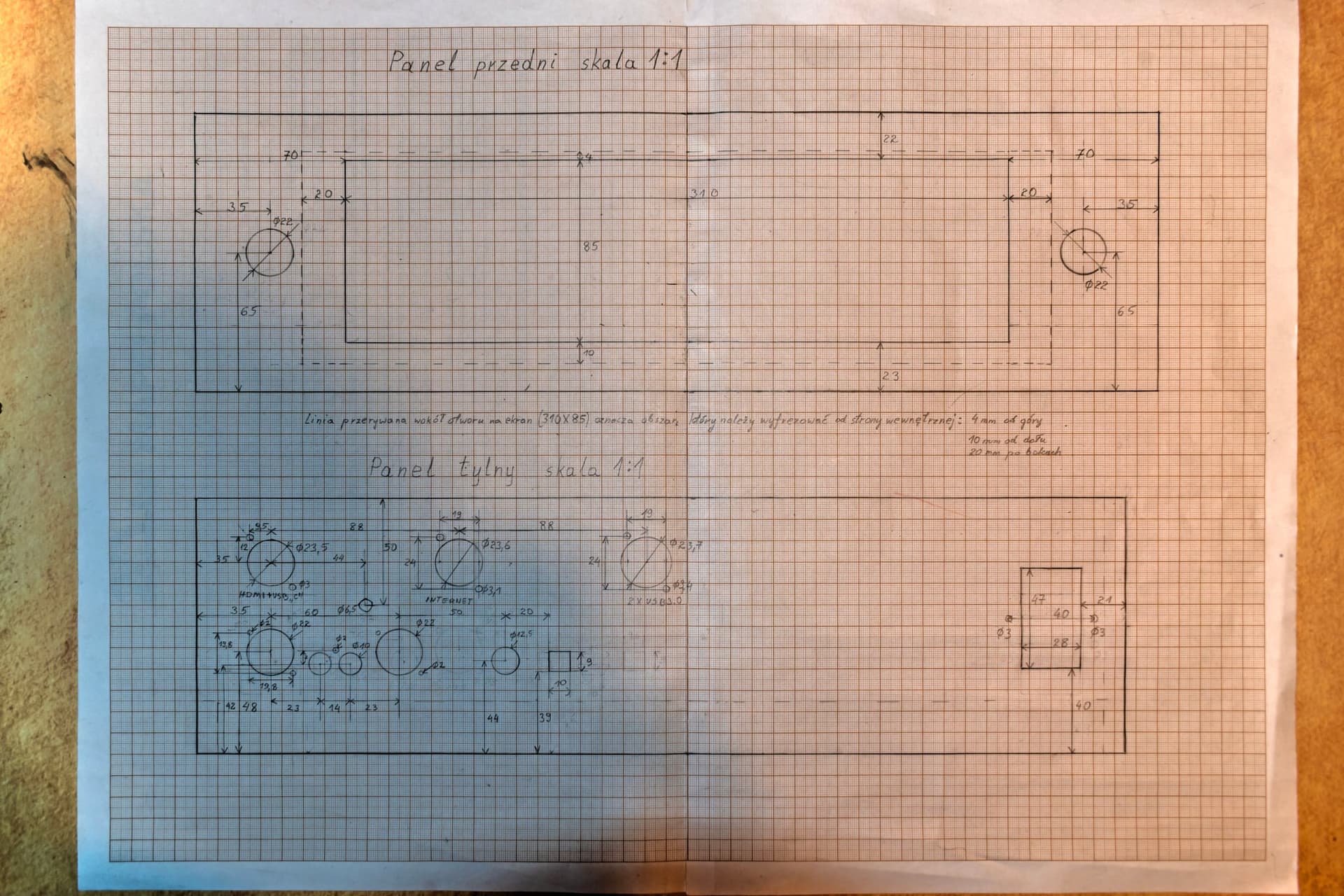
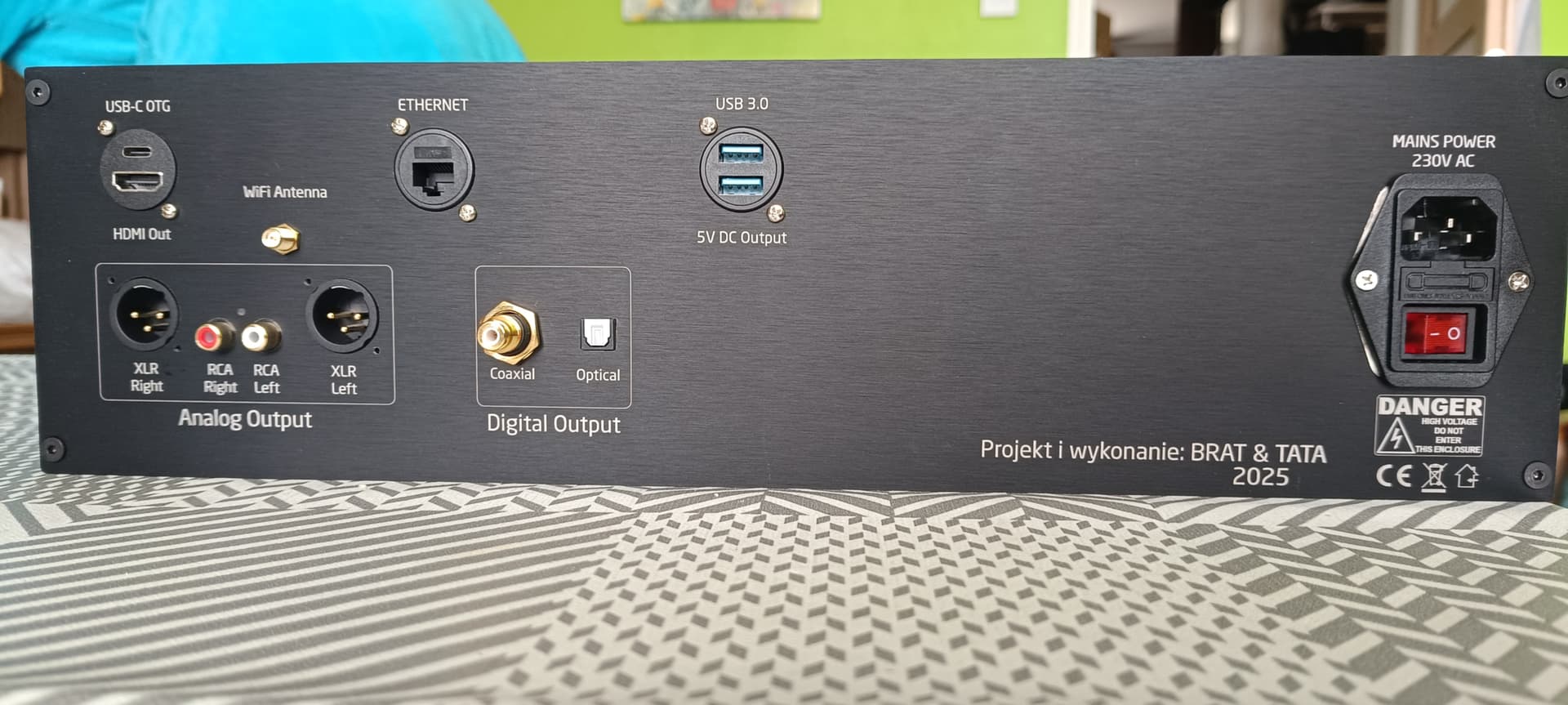
Hi.How did you put the names of the ports on the back panel?

Hello,
The case was personalized by modushop.