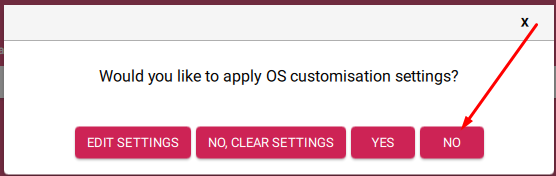
I use a configuration with a PI 2b v1.1, my original micro SD card has become defective so I generate a new one using “Volumio-4.073-2025-12-05–pi.img” version. The sd card was created with Pi Imager.
I can communicate through Pi Connect and SSH without problem but when trying to open the volumio interface on Chrome I get the error :
This site is inaccessible
192.168.1.15 does not allow login
“Err_CONNECTION_REFUSED”
I tried to disable Bit Defender,
Bonjour is activated
Did you use the phone app to find and configure the new install?
With the latest versions of the app and Volumio, the setup process for a new installation seems very smooth and easy to me.
The fact that SSH and Pi Connect work confirms your network connectivity is fine and the system is running. The ERR_CONNECTION_REFUSED error in Chrome is suspicious because modern Chrome versions aggressively force HTTPS connections, and Volumio only serves HTTP - there is no HTTPS listener.
Please try the following tests in order:
Explicit HTTP prefix - type exactly: http://192.168.1.15
(not just the IP address alone)
Try an incognito/private window (bypasses cached HSTS policies)
Try a different browser (Firefox or Edge)
Watch the Chrome address bar carefully - after you type the IP and press Enter, does Chrome change it to https:// automatically?
If Chrome is forcing HTTPS, you can clear its HSTS cache:
Navigate to chrome://net-internals/#hsts
Scroll to “Delete domain security policies”
Enter 192.168.1.15 and click Delete
Also try volumio.local if you used that previously
Additionally, since Pi 2B is older hardware, Volumio 4 (Bookworm with Node 20) takes significantly longer to fully initialize on first boot - sometimes 6-10 minutes before the web interface becomes responsive. After a fresh flash, wait at least 10 minutes before attempting browser access.
In fact the only problem was due to a stupid error I made when flashing the SD card, I flashed a linux OS instead of the Volumio OS.
Thank’s again for your time.