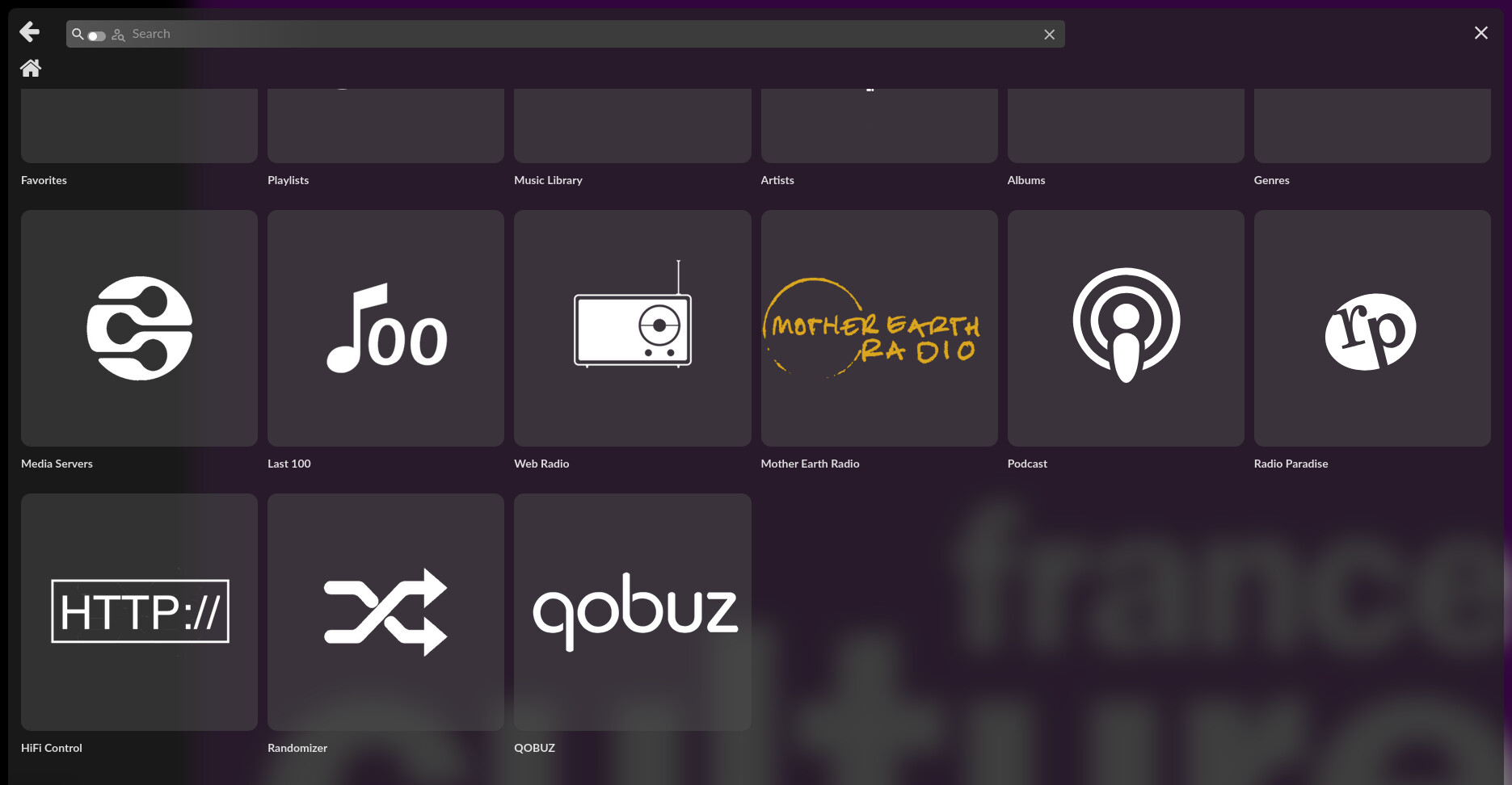
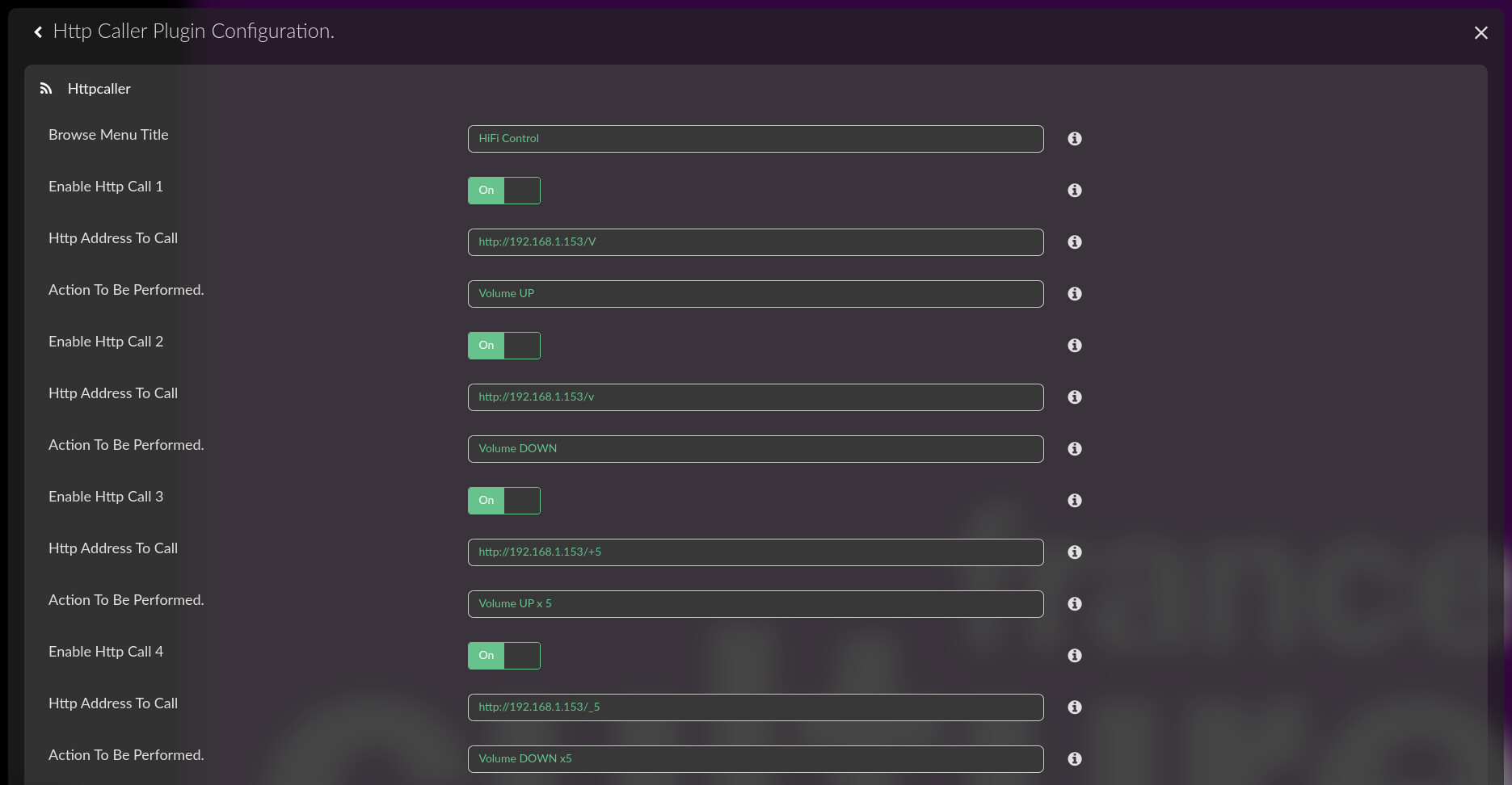
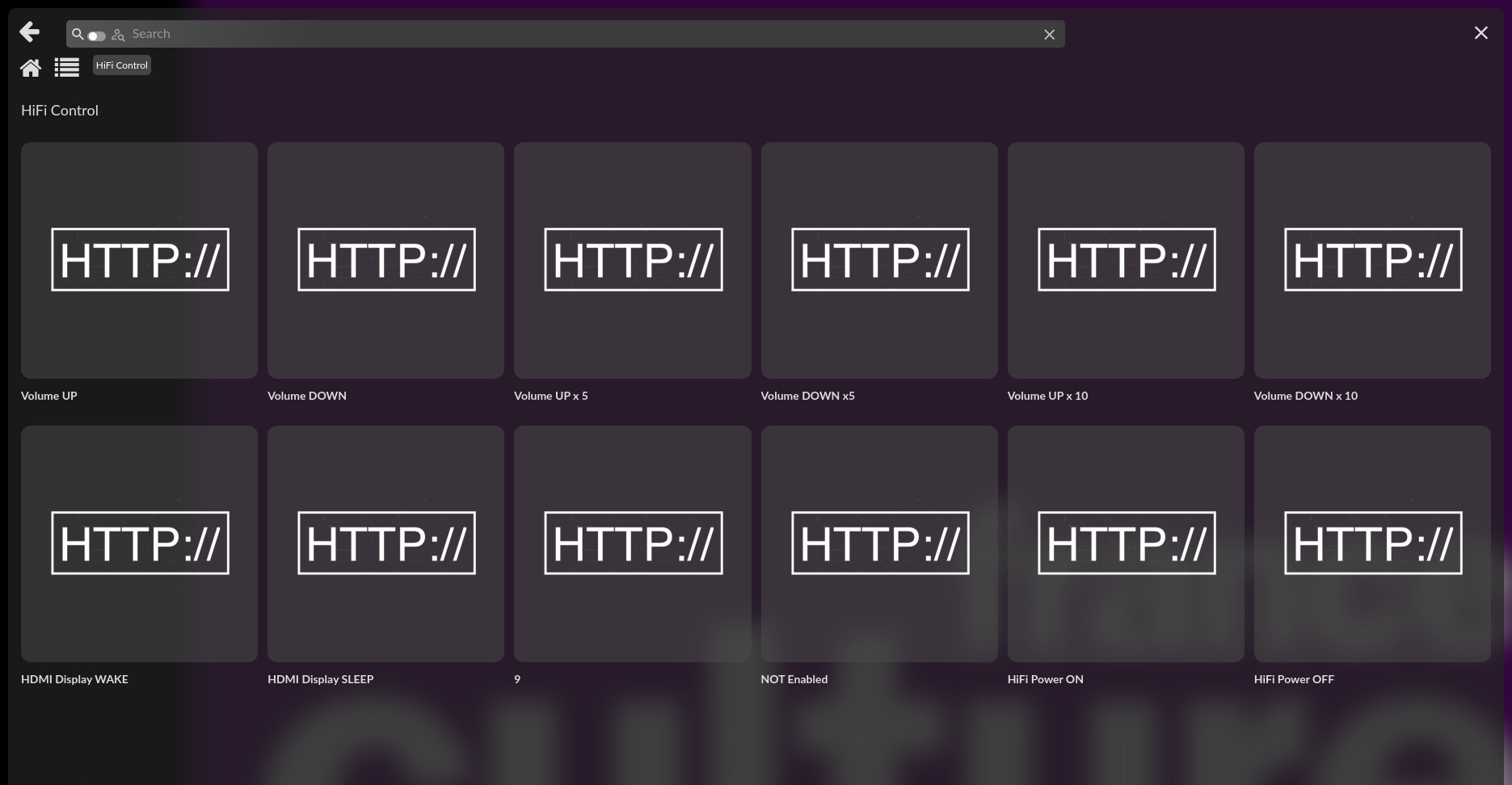
I have been trying to create a png file for my plugin. I have had several attempts and am slowly getting there but…
The latest icon only shows up on a browser that has not ‘seen’ the earlier attempts.
How do I ‘flush’ the unwanted files from a browser / Volumio?
I have tried resetting album art.
I have turned iPads off and back on.
/*
httpcaller.prototype.addToBrowseSources = function () {

	// Use this function to add your music service plugin to music sources
    //var data = {name: 'Spotify', uri: 'spotify',plugin_type:'music_service',plugin_name:'spop'};
    this.commandRouter.volumioAddToBrowseSources(data);
};

httpcaller.prototype.handleBrowseUri1 = function (curUri) {
    var self = this;

    //self.commandRouter.logger.info(curUri);
    var response;


    return response;
};

*/