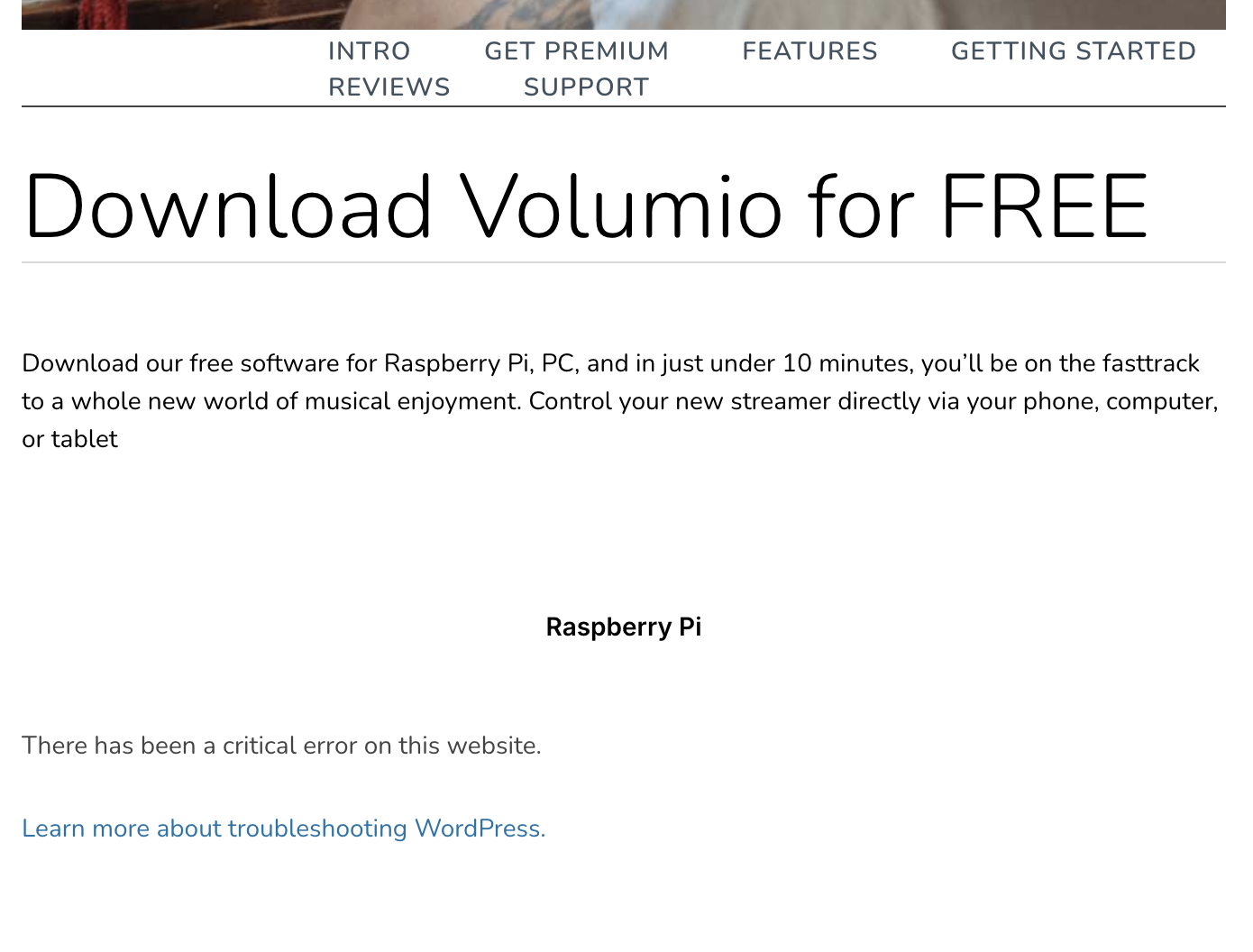
Greetings from the base of the Rocky Mountains, in Colorado USA.
I’m attempting to flash Volumio to a Raspberry Pi 4B, and I’m having some trouble.
When I go to the download page, it seems to be broken: https://volumio.com/get-started/
There are no images available (either for Raspberry Pi or any other system). I’ve tried on several different browsers, and in both regular and incognito mode.
I’m pretty confident that if I can get an up-to-date image file, I’ll be able to get it going. I tried the image file that comes with the Raspberry Pi Imager (rather than the Volumio download), and it started to boot then seemed to crash. I read on this forum that that is a known issue, and I should grab one of the official downloads.
Thanks for fixing this. It seems to be working now. I was able to download an image (using Brave), and flash it with etcher. I’m still exploring, but so far I’ve been able to connect to my NAS and play music on USB speakers connected to the Rpi.
I have about 64 GB of local music on my NAS. Seems like it is taking a while to build an index of it all, but that’s not too surprising.
Seeing the number of people on here that have had problems after flashing with etcher I would personally start again using pi imager. Search this forum for details, they appear many times…
So your first post is throwing an one-liner with no evidence to support it?
There is only one issue with one of the 19 tunnels since yesterday. https://status.volumio.com/