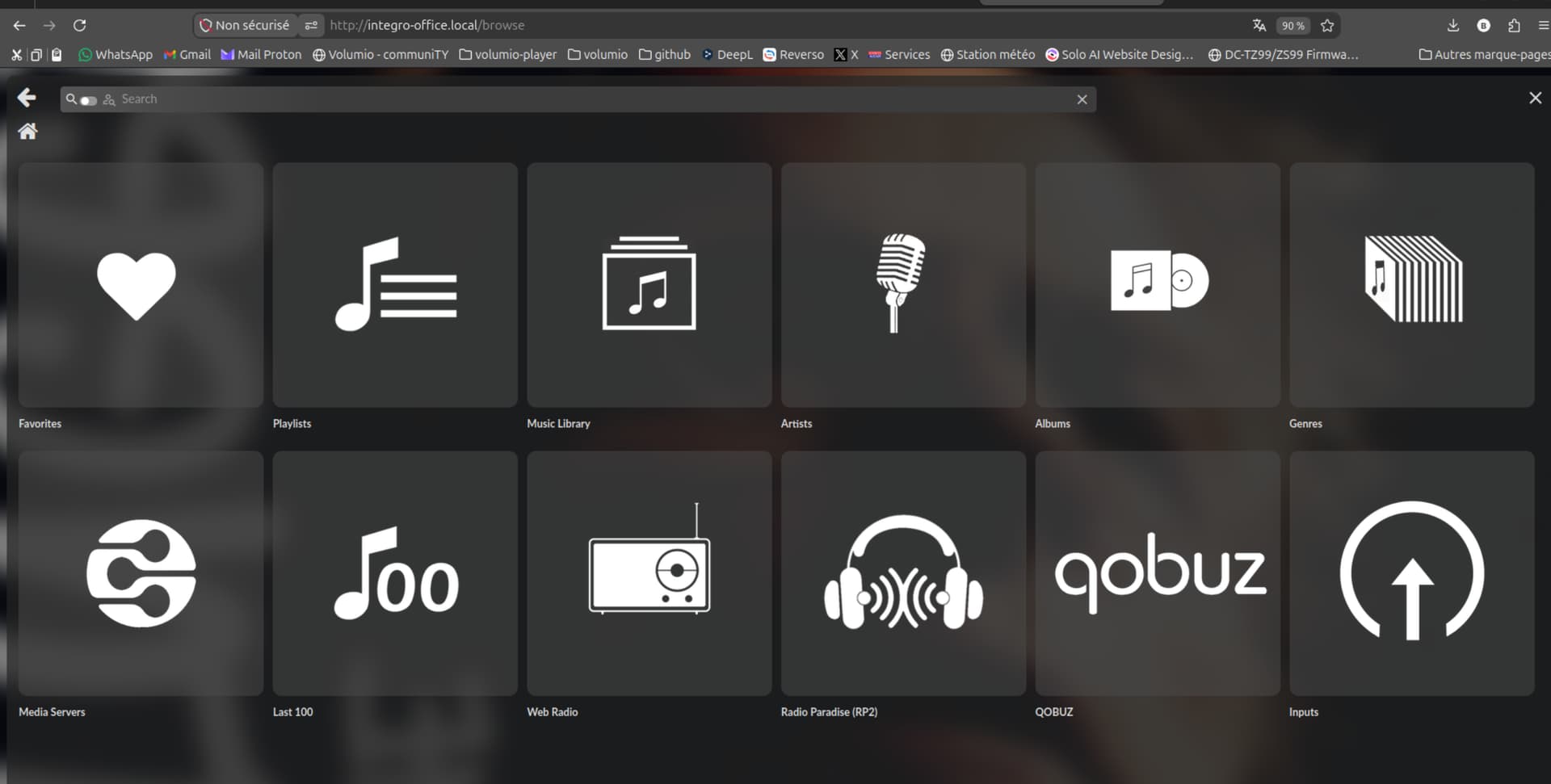
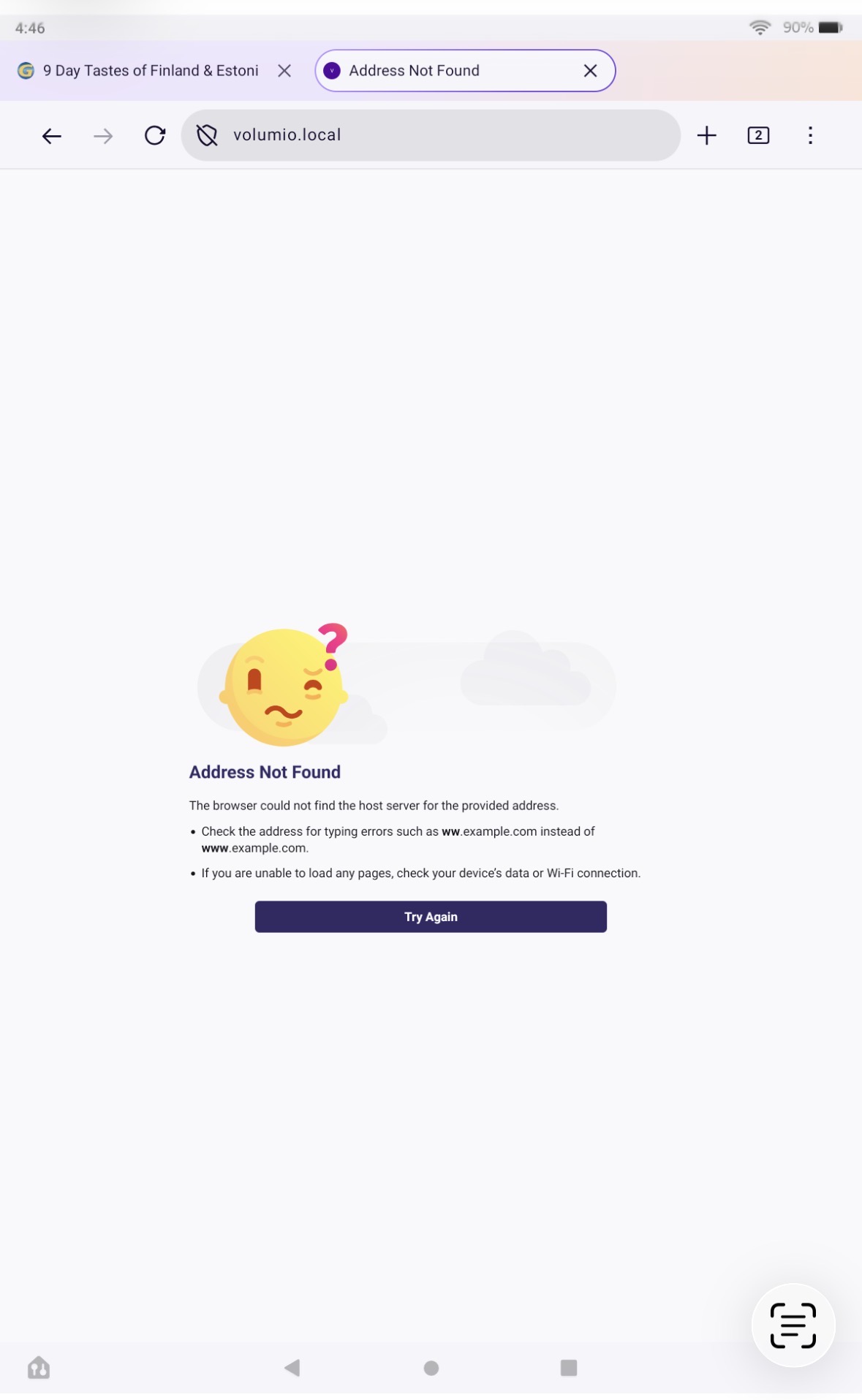
I have an issue with Volumio’s networking: from Linux Mint, I can’t access Volumio—which is on the same network as my Linux system—in the usual way.
If I enter the IP address directly into the browser, the web interface loads and works fine. However, Volumio is not visible in the Network folder. If I type smb://192.168.1.70/, the shared drives appear, and I can upload and download music without problems.
But accessing it by typing volumio.local into the browser—as I’m used to doing on Windows—doesn’t work. On Windows, Volumio and its drives can be accessed easily, but under Linux, nothing seems to work out of the box.
You reported two separate things, and they are handled by two different mechanisms. It is worth keeping them apart, because fixing one will not fix the other.
volumio.local not opening in the browser
This is hostname resolution. On Linux this is done by nss-mdns talking to avahi-daemon, and it only works if nss-mdns is both installed and activated in /etc/nsswitch.conf. @balbuze already covered the http vs https point in his reply, so please confirm whether http://volumio.local worked for you before we go further.
Volumio not appearing in the Network folder
This is service discovery, which is a different thing entirely. The Network view in your file manager is populated from two sources: the old NetBIOS “Windows Network” path, which requires SMB1, and mDNS service announcements. Windows shows Volumio to you through a path that is not the same one your Mint file manager uses, which is why the behaviour differs between the two machines. Note that smb://192.168.1.70/ working, as you reported, tells us the file sharing itself is fine. Only the browsing and discovery layer is in question.
To tell these apart properly I need output from the Mint machine, not from Volumio. Please run all of these and paste the complete output:
I do not want to guess at a cause before I see that output. The symptoms you describe are consistent with several different situations, and the commands above will separate them in one step rather than several rounds of trial and error.