Plus, let’s not ignore the obvious: me pointing at you is far more enjoyable than the other way around 
2 Likes
FusionDsp v3.0.4
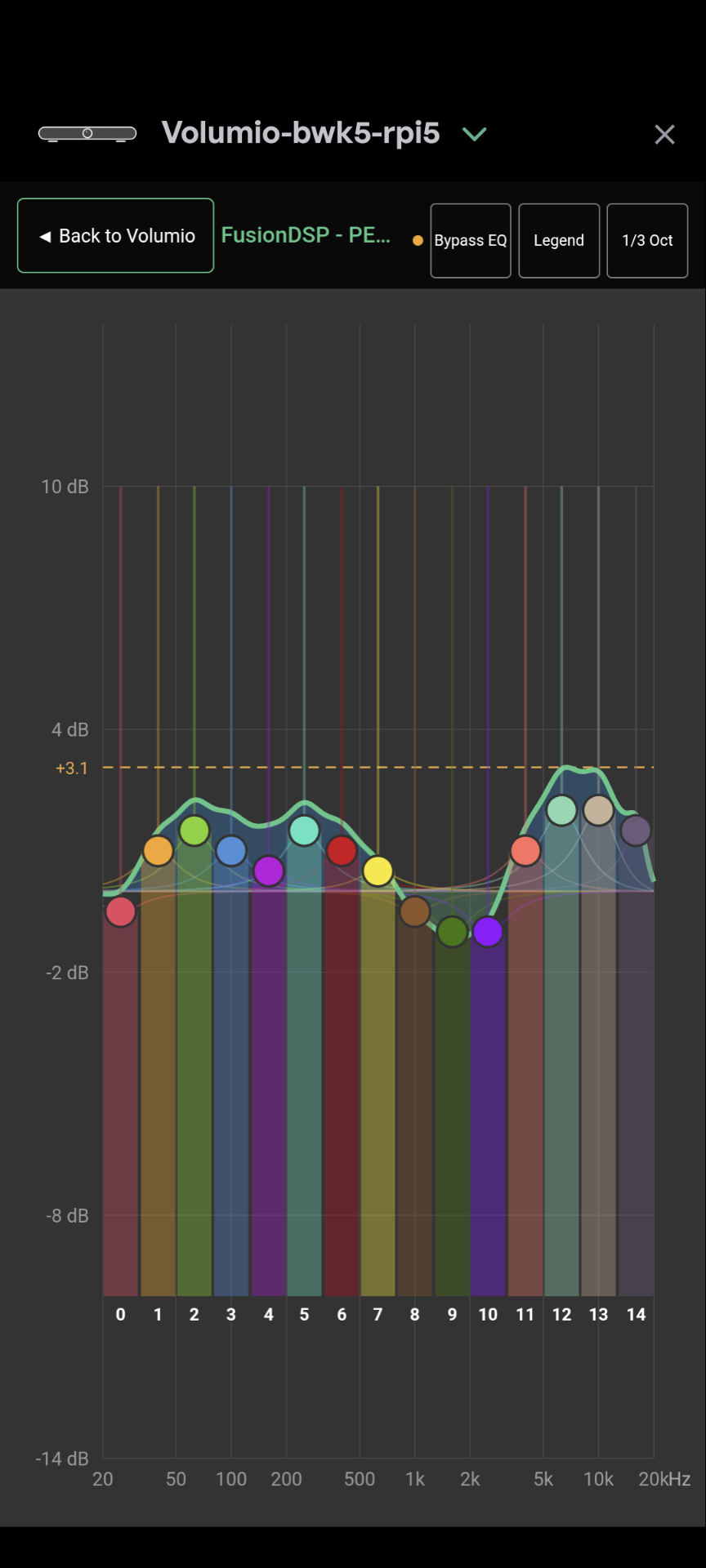
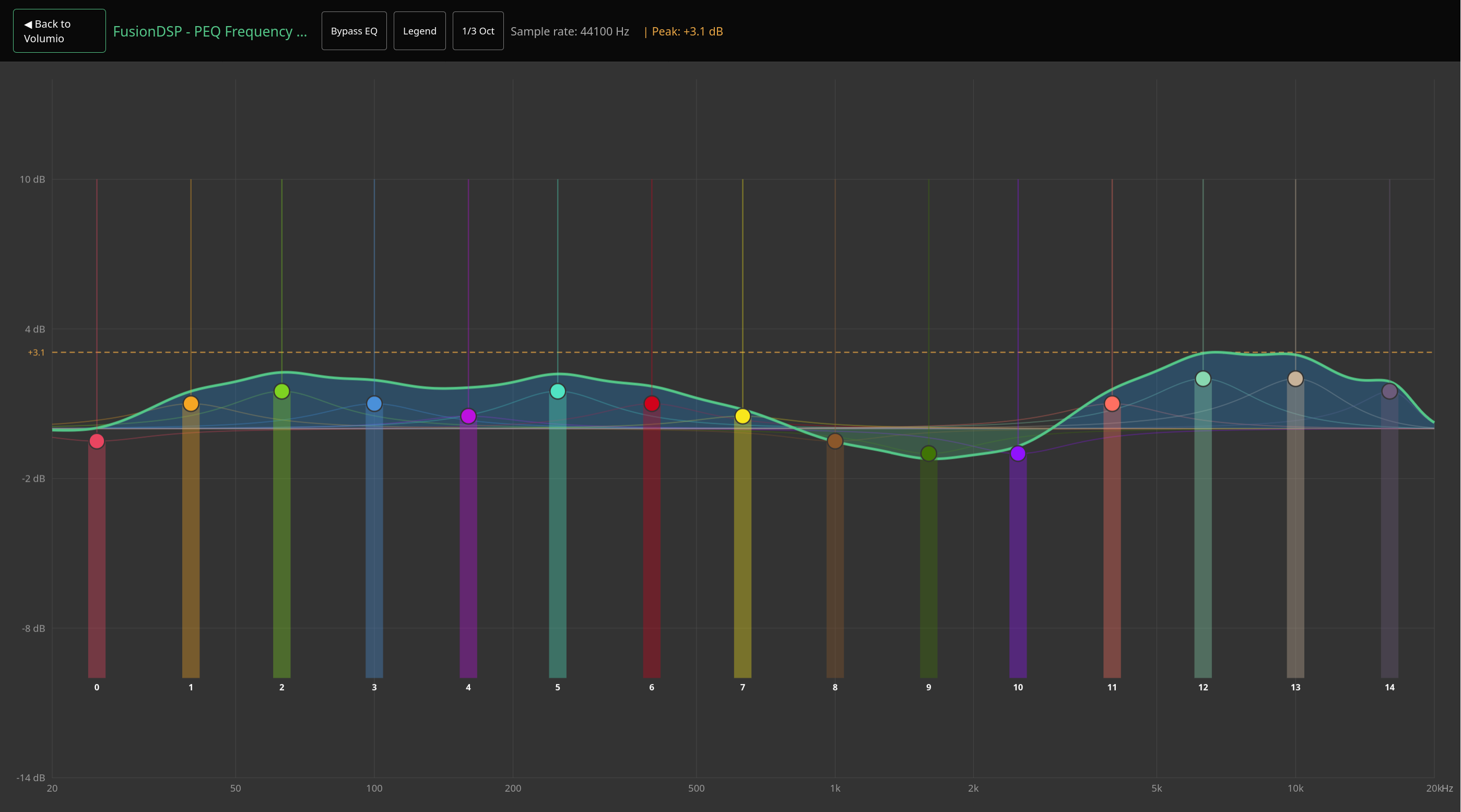
Default mode is with graphical dynamic eq. Of course, previous mode and all settings are still here by enabling ‘show settings’ 

New display for EQ15 and 2XQ15
And for parametric equalizer
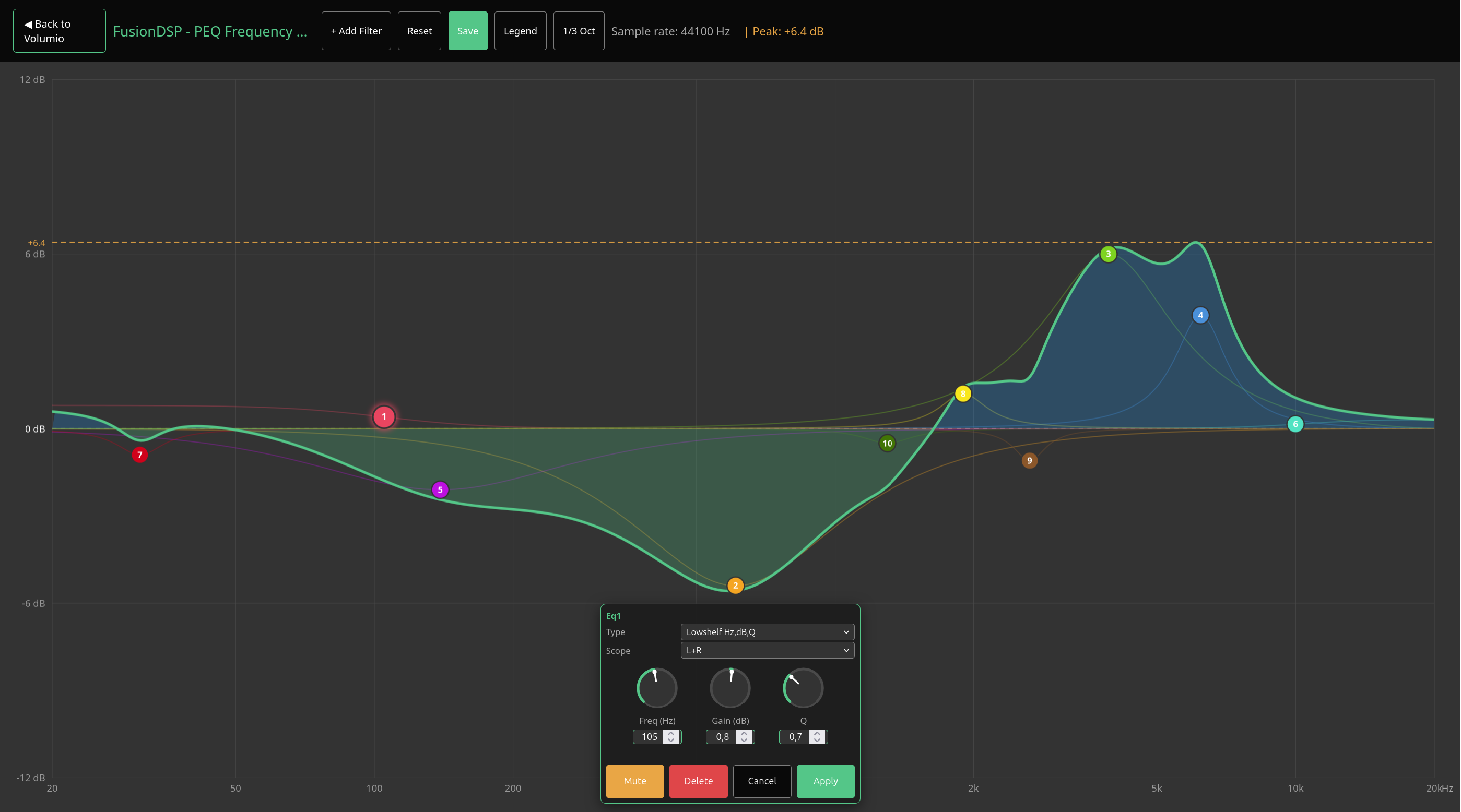
Enjoy
4 Likes
First of all, thank you so much for this great plugin that makes Volumio even better than it already is.
Even though I use a very simple EQ (my receiver has Dirac Live so most of the EQing is through that), it’s great for some music to have an easy and quick way to EQ. Those who suffer Dirac Live know that changing just one EQ point requires a time consuming and backwards process, so if for example I want to listen to one of those typical '80s albums with the godawful whiplash snare drums and everything between 3 and 6 Khz boosted, it’s nice to have a simple EQ I can adjust.
And parametric EQs are my favorites because you can move points and the Q factor as you want. So I was excited when I saw that FusionDSP had a parametric EQ with the latest release, but I can’t seem to make it work. I bet I must be doing something wrong, so I took some screenshots.
So after updating it and rebooting Volumio, then going into the plugin, if I choose Parametric equalizer from the menu, I get this:
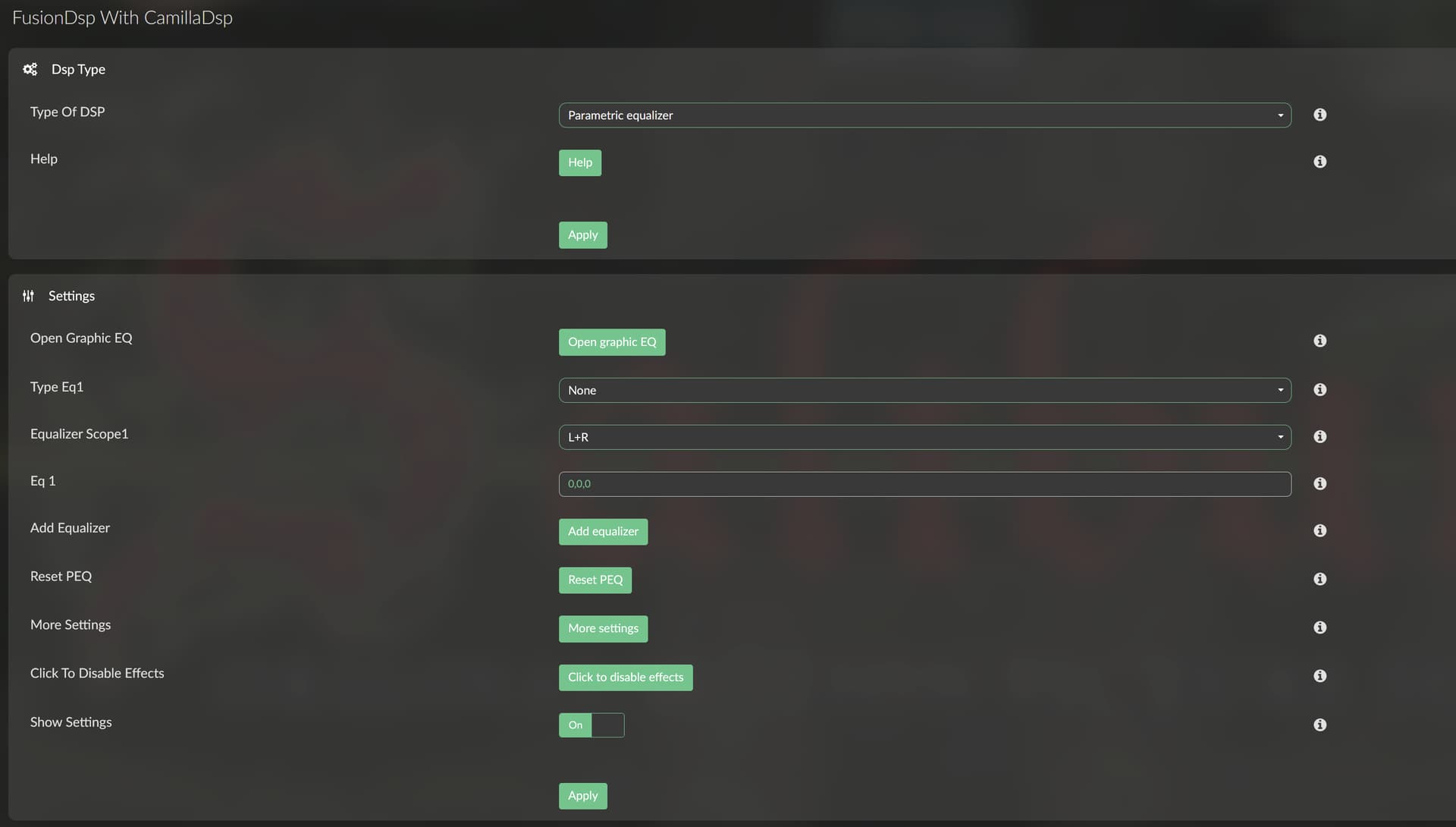
I press the “Open graphic EQ” button and I get this:
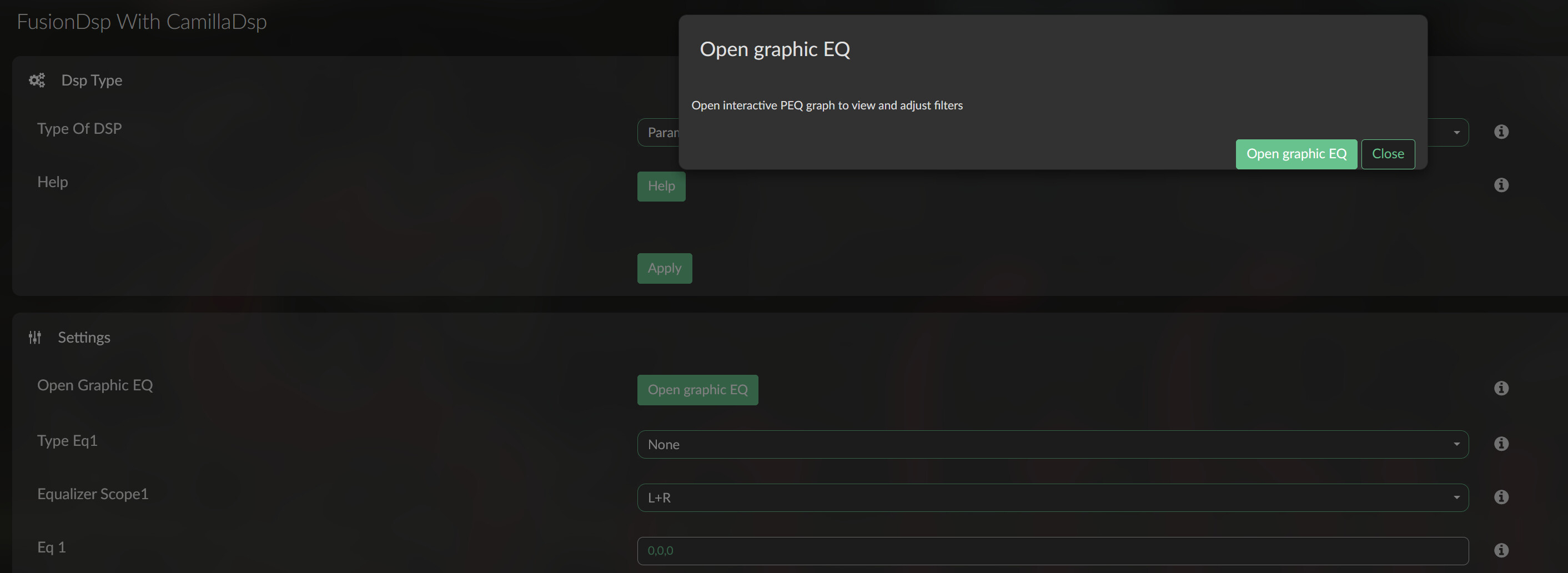
I’m not sure if that dialog is there on purpose, but it seems redundant; if I clicked on the Open graphic EQ button, it means I want to open it. So if it’s on purpose, just take this as feedback.
However, when I click on the button in the dialog, I get the EQ:
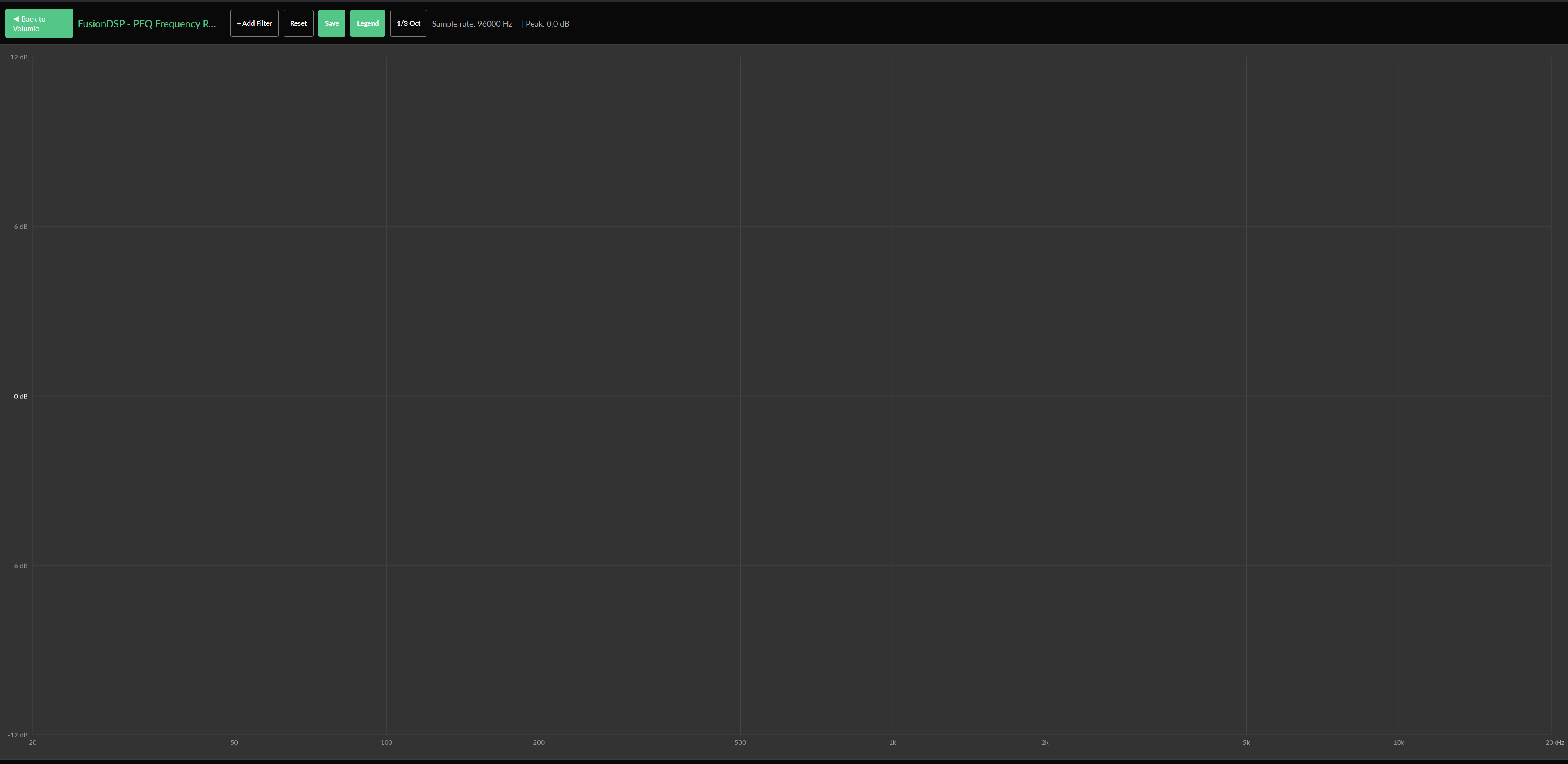
But if I click on +Add Filter, nothing happens. No EQ point available to move around.
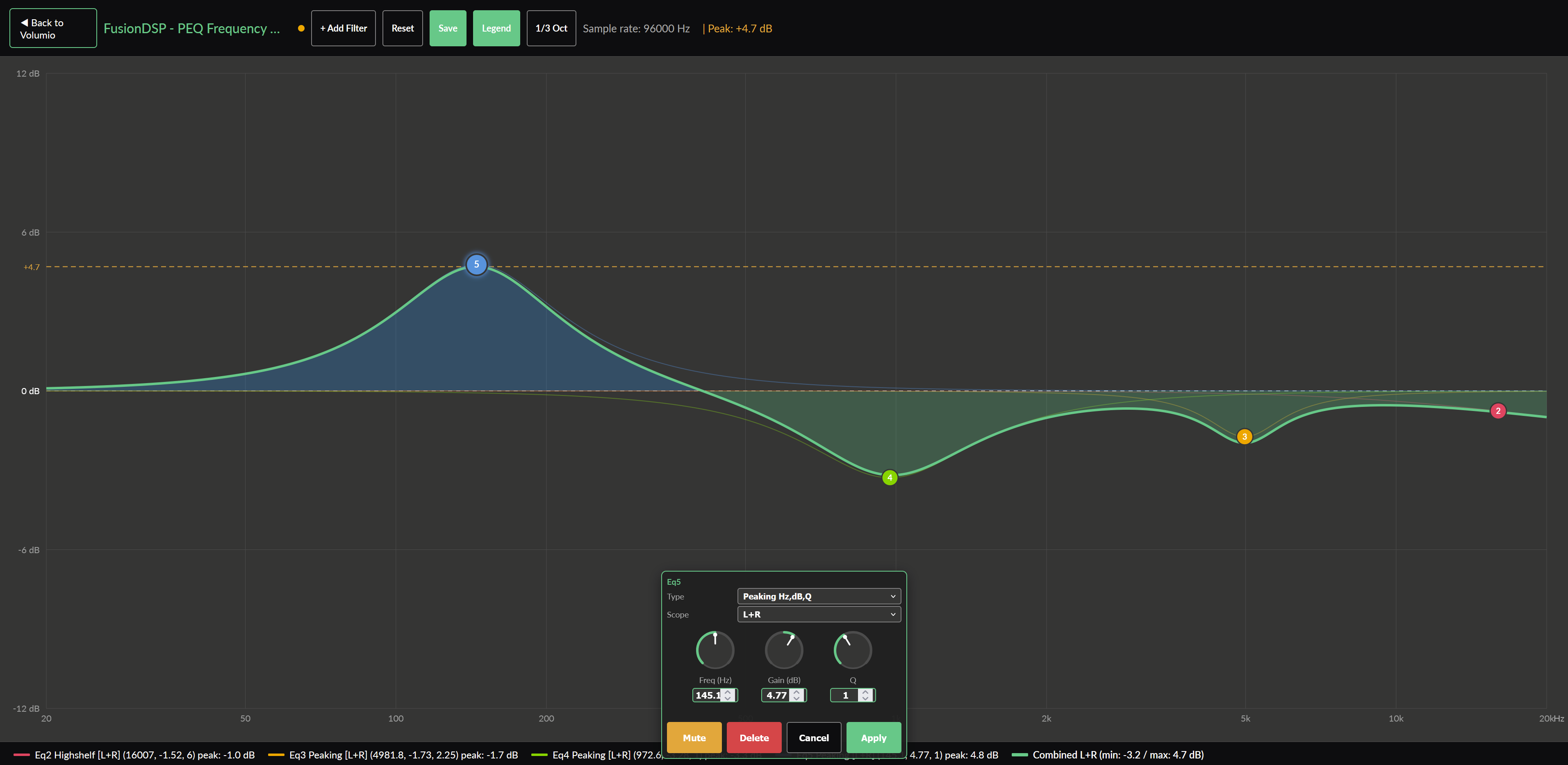
Well, that was the case before, but just as I was typing this, I tried again, and it gave me a point. A bit confusing, since it has the number 2 on it, not 1 (perhaps that’s on purpose, I don’t know, but it doesn’t really matter). Then I added more points, and it’s great, but I see a couple of issues that I would like to report as feedback.
One is that for some strange reason, when I click and move the first point I created, the #2, and I move it up or down, it doesn’t stay with the mouse pointer. As soon as I move the mouse 1 mm, suddenly it goes down to about half the dB it was. Then if I move the mouse pointer upwards, the hand that is the mouse pointer, moves faster than the EQ point, or filter, if you prefer. If I move it downwards, it does the same. They meet at 0 dB, but if you go either up or down, the EQ point doesn’t go as fast as the hand, or mouse pointer. However, if I move it left or right, it follows it perfectly.
Also very strange is that this only happens with that #2 point, not the other 4 I created afterwards. For those, once I click on them, I can drag them all around the spectrum and it’s stuck to the hand pointer like it should.
The other thing that is a bit of a pain is the small dialog to configure the type, Q factor and fine tune frequency and gain. It would be better if it appeared closer to the point that you’re editing, but the main issue is that once you made an edit to one of its parameters, it disappears right away. Usually those type of dialogs disappear once you move the mouse pointer out of the dialog. That’s what I’m used to in GUIs of many audio and video editing programs I have used over the years.
Take it or leave it, I’m still extremely grateful that you added this feature to an already excellent plugin.
Thanks for your detailed feedback! There’s so few comments like that!
To answer…
It seems you are not using the last version v3.0.4
It fixes the issue when creating first point EQ.
It displays only “show graphic EQ” by default.
For other points, you are right.
The double question to open the EQ page is something I tried to remove. But due to a volumio limitation, in this case, the button back to volumio can’t work. I’m thinking of an other way by opening a new tab instead of replacing the opened.
And for the parameters box, it is designed to not hide the curve.
To set value, if you click on the number in the box, it should open the keyboard
I’ll have a look though.
Thanks again and enjoy the music 
Actually I am, I installed it yesterday. I realized that I was on a version 2, and I saw that there was a new version than the betas I had been seeing until recently, so I installed it, and I just confirmed that it’s 3.0.4
But I will uninstall it, then install it again in case there were some leftovers from the v2 install. One thing I noticed is that it didn’t preserve my only preset from the old version, and I would like to start making a lot of presets for different albums, especially when you compare '80s pop, which lacks a lot of bass and has excessive mid-highs, to anything in the last 15 years, which has overblown bass. But if those presets are going to be gone updating to a new version, I’m not going to bother with that. Is there a way to save them to files?
Well, if it’s a limitation, it’s not the end of the world anyway. It’s just another fast click.
Oh, I realize I didn’t mention that I’m using Volumio mostly through the browser on my PC, specifically Firefox. I can definitely try Chrome or Brave and see if that changes.
FusionDsp stable v3.0.5
@PluggedIn I fixed most point you wrote.
But please, follow this:
Remove previous
Reboot
Install beta.
Enjoy!
Will do, thanks!
If i enable FusionDSP on my Rivo+ the Resampling to 768kHz doesn’t work.
Disabling FusionDSP the 768kHz upsampler of the Rivo+ works.
What goes wrong ?
Hello,
We need more information.
Do you enable the resampling in playback settings or in FusionDsp? It can’t be both.
What is the value you set?
In FusionDsp, what is the mod you use? (Eq15, parametric, fir).
Thanks you for the details.
I disable resampler in the Rivo+.
I enable FusionDSP and EQ15.
That works fine.
The resampler in FusionDSP works until 192kHz not above.
It plays but no sound.
Also my DAC didn’t lock it on higher samplerate.
Tested also on the Rivo.
- Resample in playback option off
- Topping E50 DAC (768kHz)
- FusionDSP V2.079 (BW)
I can up sample till 384kHz, with Quality “+”, higher it starts to stutter or audio dies.
DAC however does show the correct sample rate, like 768.
Same here.
nothing else than a cpu overloaded!
IMHO, such high resampling is nonsense…
1 Like
FusionDsp v3.0.6 stable
- To make convolution filters naming compatible with DecayCore a very powerful tool to measure your system and generates multiple sample-rate filters, I made some ajustements.
Now, a set of filters generated by DecayCore can be used just by dropping them in the shared folder

/data/INTERNAL/FusionDsp/filters/
And FusionDsp will see it as one filter and switch to the correct sample rate according to what is being played.
I really invite you to try it for high quality room correction!
-
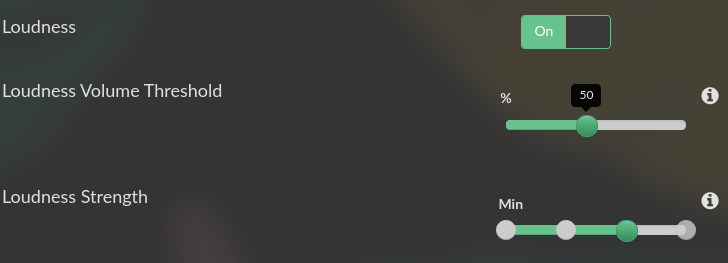
Loudness strength is now with 4 levels
-
better translation
Enjoy!
1 Like
But it could and should work IMHO, right?
Maybe on a powerful Cpu (x86?)… But I never tested it.
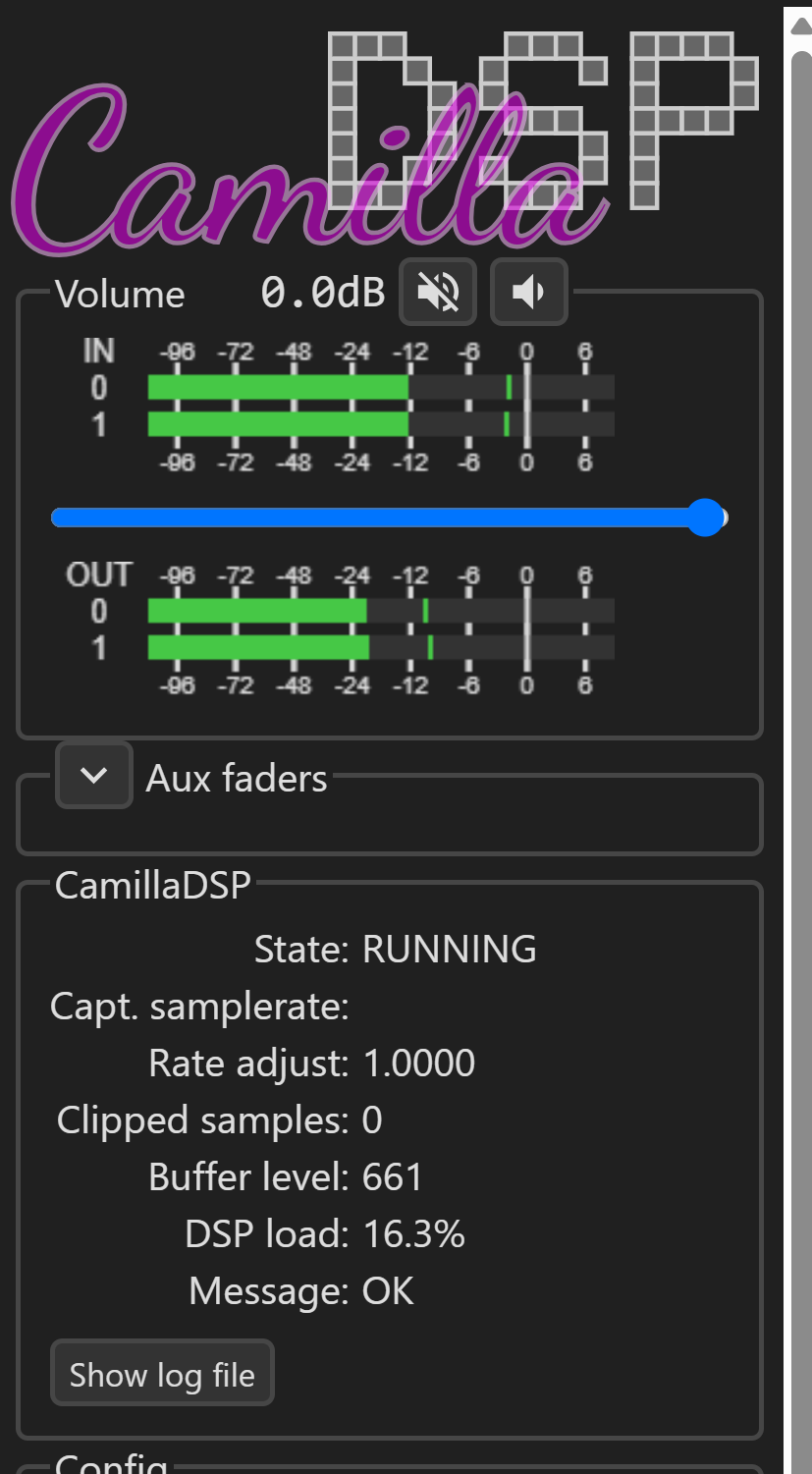
When you use FusionDsp, open a new tab in your browser with the same address than volumio and add the port for Camilladsp Gui, liké that
http ://IP:5011
When playing, you ll see the Dsp load.
1 Like
Just up sampled to 384kHz, Q:++. Load stays below 20%, Sound goes silent.
(For me up sampling has zero benefits, just loaded for info)
Some DACs will bypass filtering when send at higher bitrate.
Hello
I am using Rasp pi3 with 1Go of Ram and Qobuz.
I tried to use Fusion DSP several time and also the latest version 3.06 with parametric filter with no re-sampling.
Each time I have stuttered sound. And it take a while to startup.
I assume that my Rasp pi is not enough powerful to manage Fusion DSP.
Could be better with Rasp pi 4 with more memory ?
Thanks in advance for your advice.