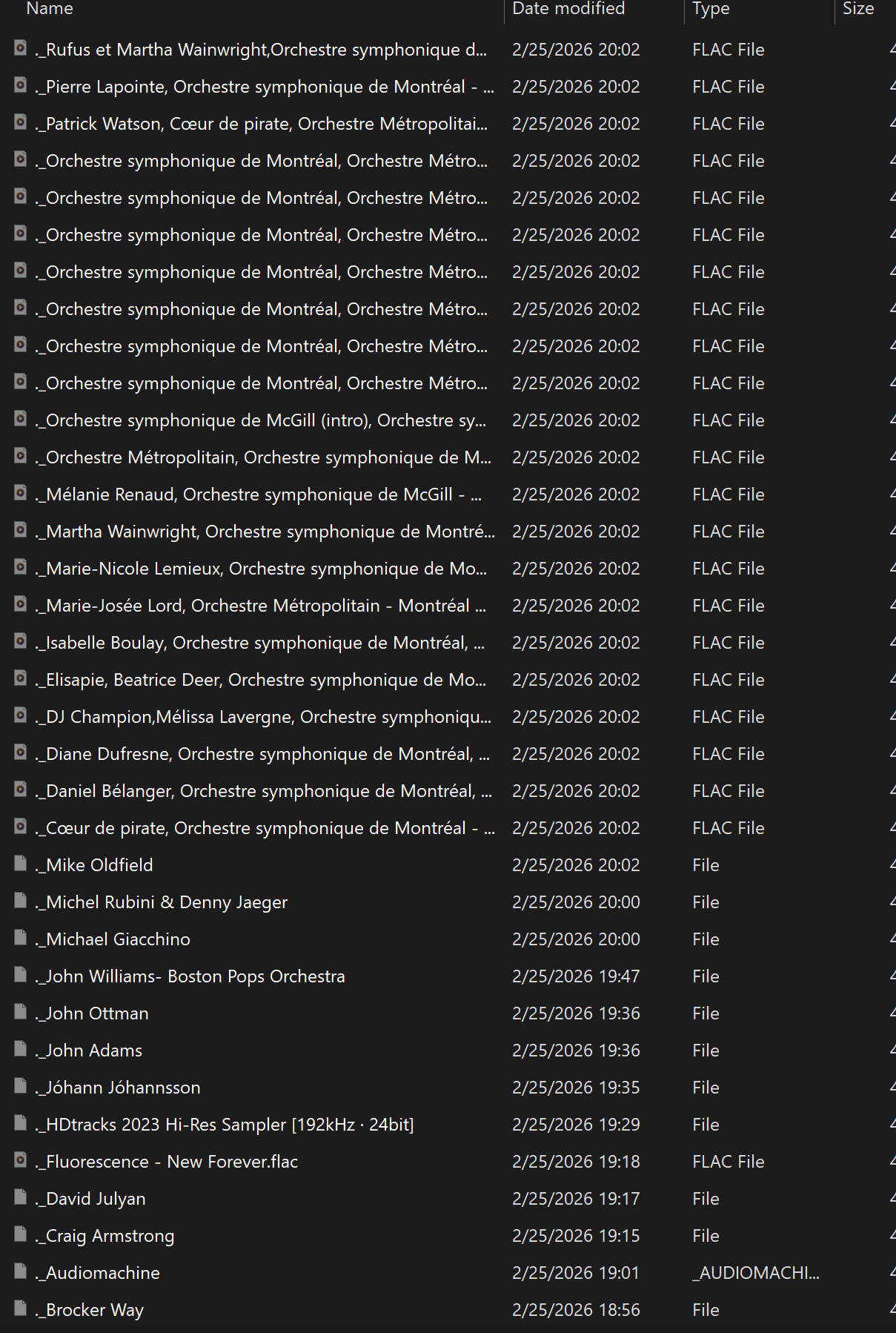
I opened the internal storage share from my Windows PC and I saw a bunch of files starting with “._”, which is a common annoyance in macOS, so I did a search for that and got tons of files starting like that:
I was going to just select them all and delete them, but then I thought, what if macOS didn’t create these, but Volumio has a similar thing for some reason? I did copy the bulk of these folders and files from macOS, but I’d rather be cautious.
A quick google suggests they contain additional file attributes that can’t be stored in the main file. So if you copy files from a specific file system which contains special attributes and the destination file system cannot contain those attributes within the files, these additional files are created.
Why don’t you copy the extra ._ files off to a different computer, delete them from Volumio, then restart volumio and see if everything works normally?
Then you’ll know if they are superfluous (I suspect they are) on Volumio.
On my own volumio, I don’t have those files, the files on volumio are added from a Windows PC using NTFS file system.
This is residue from accessing a Linux share from a MAC system.
It can contain data like finder info etc.
It’s not added by Volumio and safe to delete.