Hi all,
I wasn’t entirely sure whether to post this, but I thought it might be interesting for some of you.
Background
I’m still running a setup based on a Raspberry Pi 4 with a 2.42" OLED display. For years, I’ve been using the MPD_OLED plugin, which has been a fantastic contribution to the community.
With Volumio’s ongoing development, I started running into compatibility issues though. Since many users have moved to color displays, the demand for a simple OLED plugin seems to have faded so I decided to try solving it myself.
Disclaimer
Before going further, a few important notes:
- This project is experimental and may not comply with Volumio’s plugin guidelines.
- I have very limited programming experience (basic Java ~15 years ago, never used since).
- I’m not able of fully reviewing or validating the code in terms of quality, robustness, or security.
- I’m aware that AI is not a substitute for experienced developers this is more of an experiment than a production-ready solution.
The Idea
I challenged myself to create an OLED plugin without writing a single line of code manually, using AI tools.
The process started with defining a clear prompt describing what I wanted:
- No interference with the MPD service
- Display:
- Title & artist
- Clock
- Volume
- Progress bar
- Current position (mm:ss)
- Total track time
- Bit depth & sample rate
I used ChatGPT to refine the prompt into a structured specification.
Development Process
I then used Claude (Opus 4.6) to actually generate the plugin.
- First iteration took ~5–10 minutes
- Output included:
- Complete plugin code
- Installation guide
- SSD1309 display driver integration
Claude seemed to:
- Understand Volumio’s documentation
- Use the socket.io API to read playback data (no MPD interference)
- Follow Volumio’s plugin structure conventions
First Test
Skeptical but curious, I installed it and surprisingly:
- Volumio recognized the plugin
- The OLED displayed a flickering “Volumio” logo
So… it actually worked… kind of. 
Initial Issues
The first version had several problems:
- Display flickering (wrong communication parameters)
- Blank plugin configuration page
- Plugin enable/disable state not handled correctly
- Display stayed on after shutdown instead of turning off
Iteration & Fixes
After 2–3 iterations (~2 hours total), I had:
- A working OLED plugin using socket.io
- Idle screen:
- Large digital clock
- Date
- Volume (%)
- Playback screen:
- Title & artist
- Clock
- Volume
- Progress bar
- Position + total time
- Bit depth & sample rate
Additional Features
Further iterations focused on usability and polish:
- Automatic I2C address detection upon plugin installation
- Boot/loading screen until Volumio UI is available
- Multiple playback layouts available (classic, minimal, clock focus)
- Volume overlay (shown for 2 seconds on change)
- Auto-dimming after 2 minutes of inactivity
- Screensaver after 5 minutes (to prevent burn-in):
- Moving clock
- Moving Volumio logo
- Moving pixel
- Blank screen
- Configurable parameters:
- Timeouts
- Display rotation
- Various behaviour settings
Current State
- ~2’500 lines of code (generated by Claude)
- Additional AI-based code reviews applied
- ~15-page PDF documentation generated by AI
Mockups and Pictures
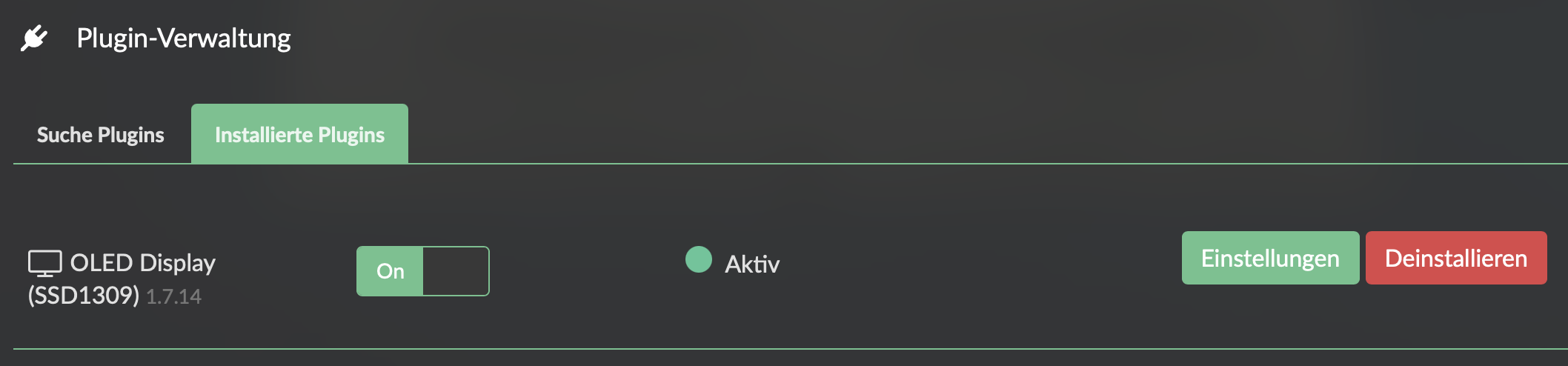
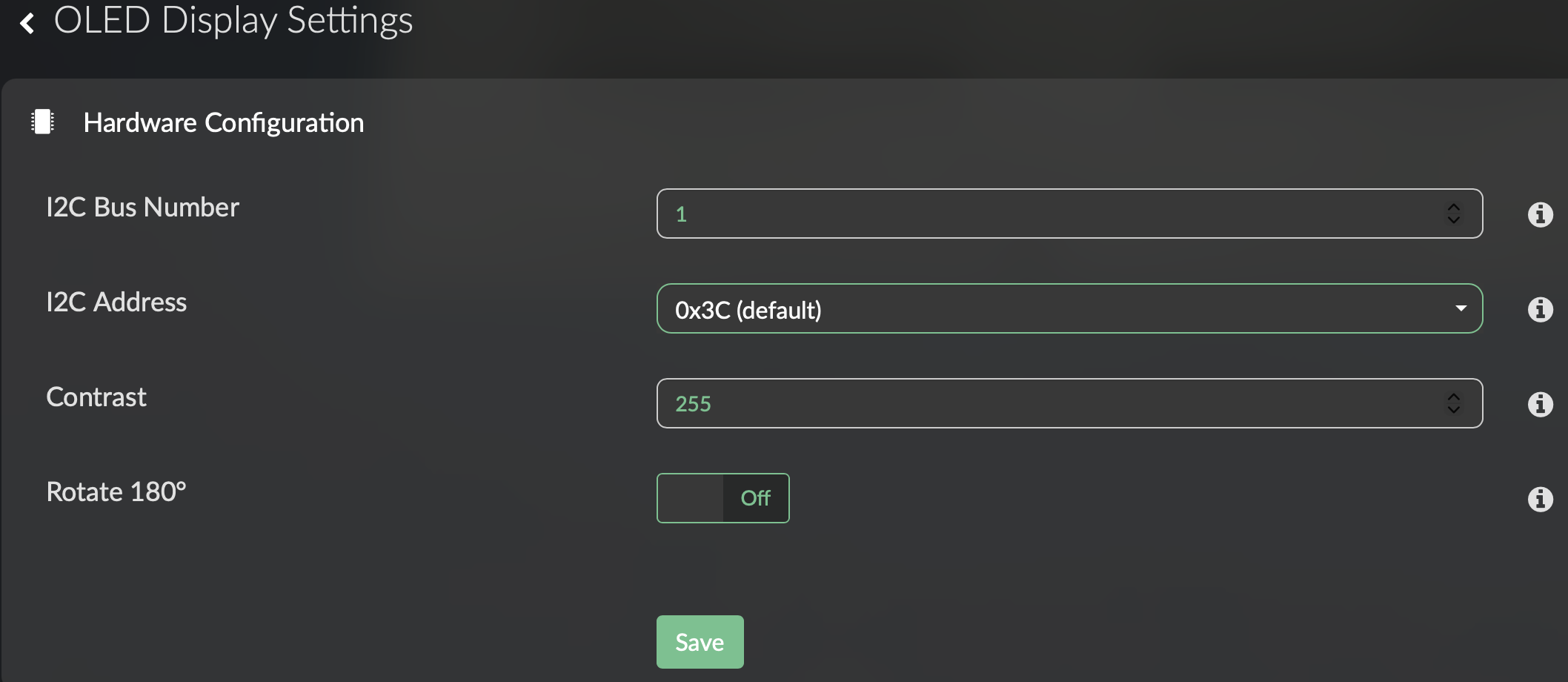
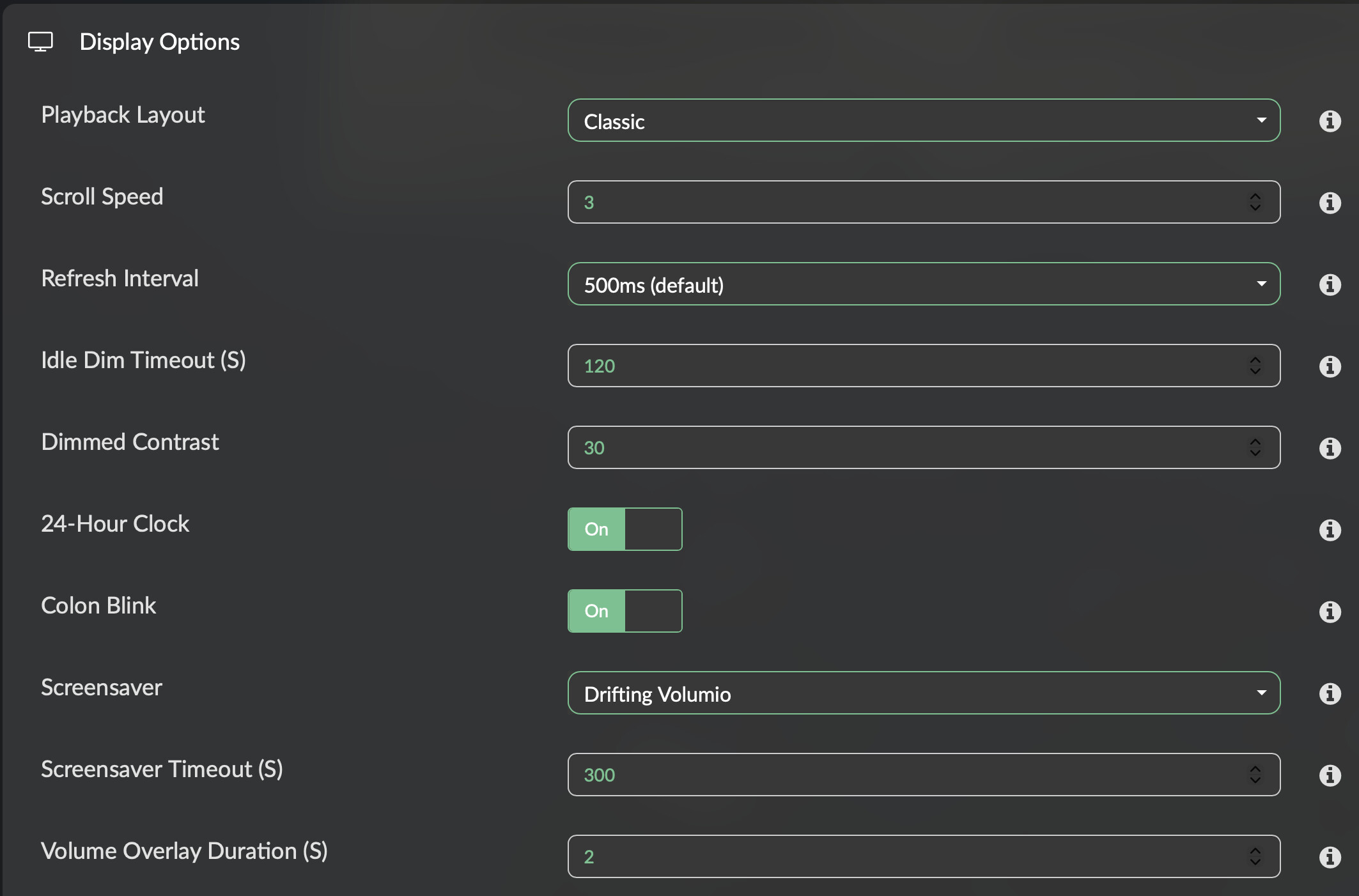
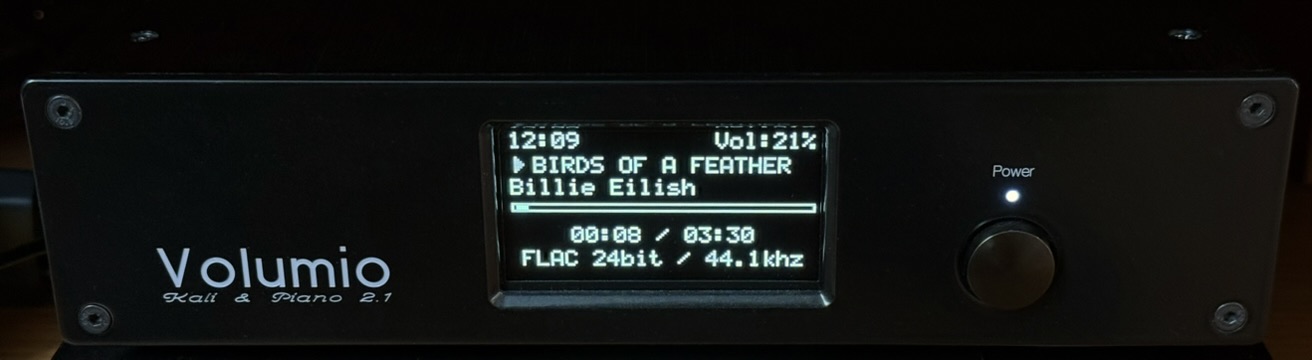
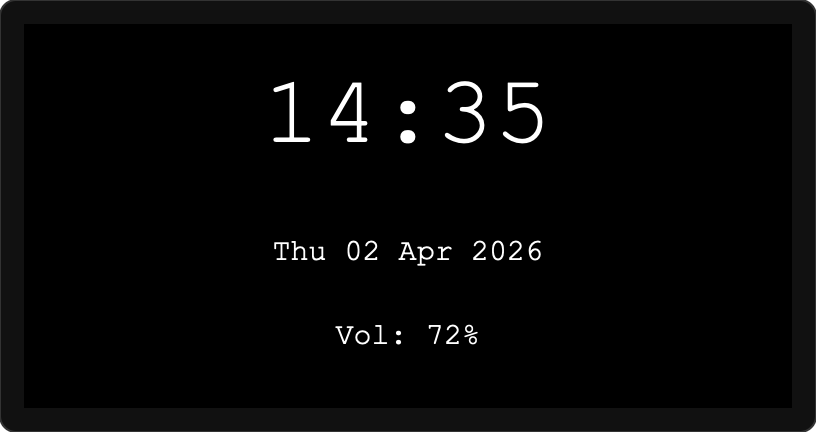
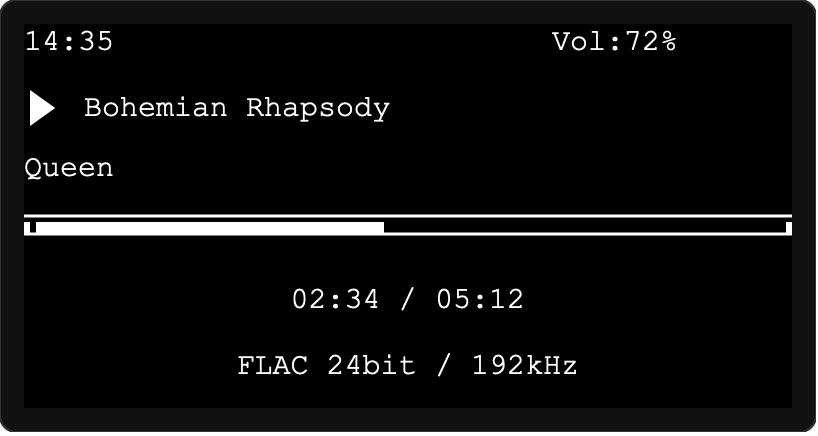
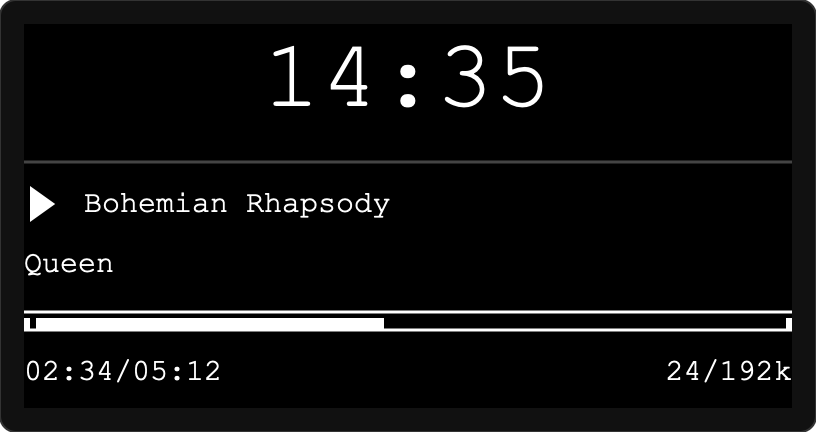
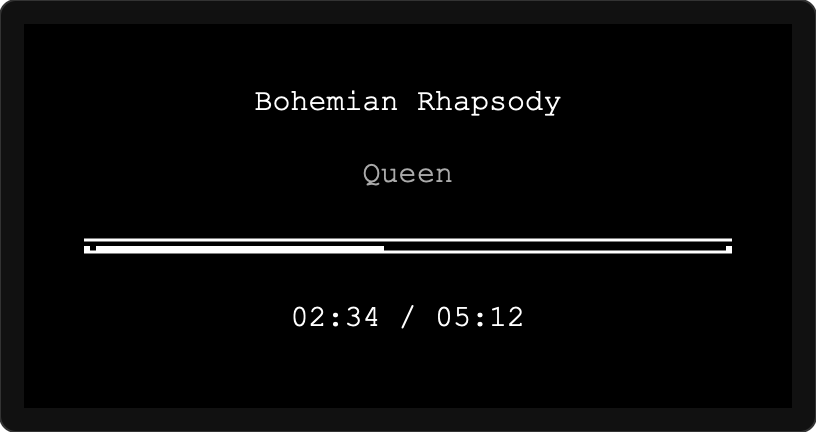
Reflection
I honestly didn’t expect it to be this easy to get a working piece of software without writing code myself.
What surprised me most:
- Debugging required mostly user-level feedback, not technical analysis.
- AI was often able to identify root causes on its own, occasionally gave clear instructions to extract logs.
- The interaction felt more like a client ↔ developer workflow.
I suspect this worked particularly well because Volumio is well-documented so credit to the Volumio team for that.
Final Thoughts
This is definitely not meant as a replacement for properly developed plugins but more as an experiment showing what’s already possible with AI-assisted development.
If there’s interest/positive resonance, I’m happy to share more details or the plugin code itself.
Curious to hear your thoughts. 