A simple streamer

Hi.

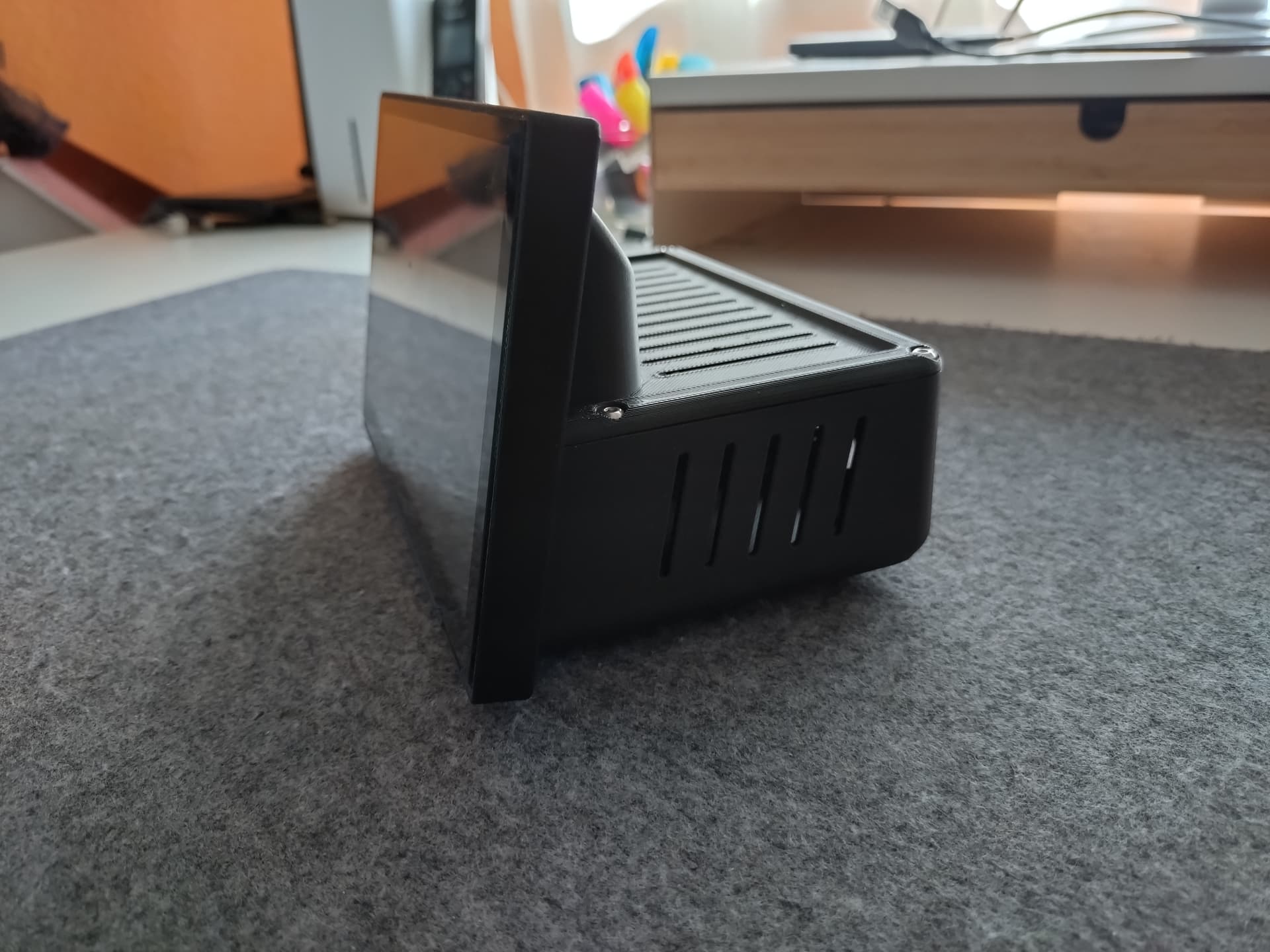
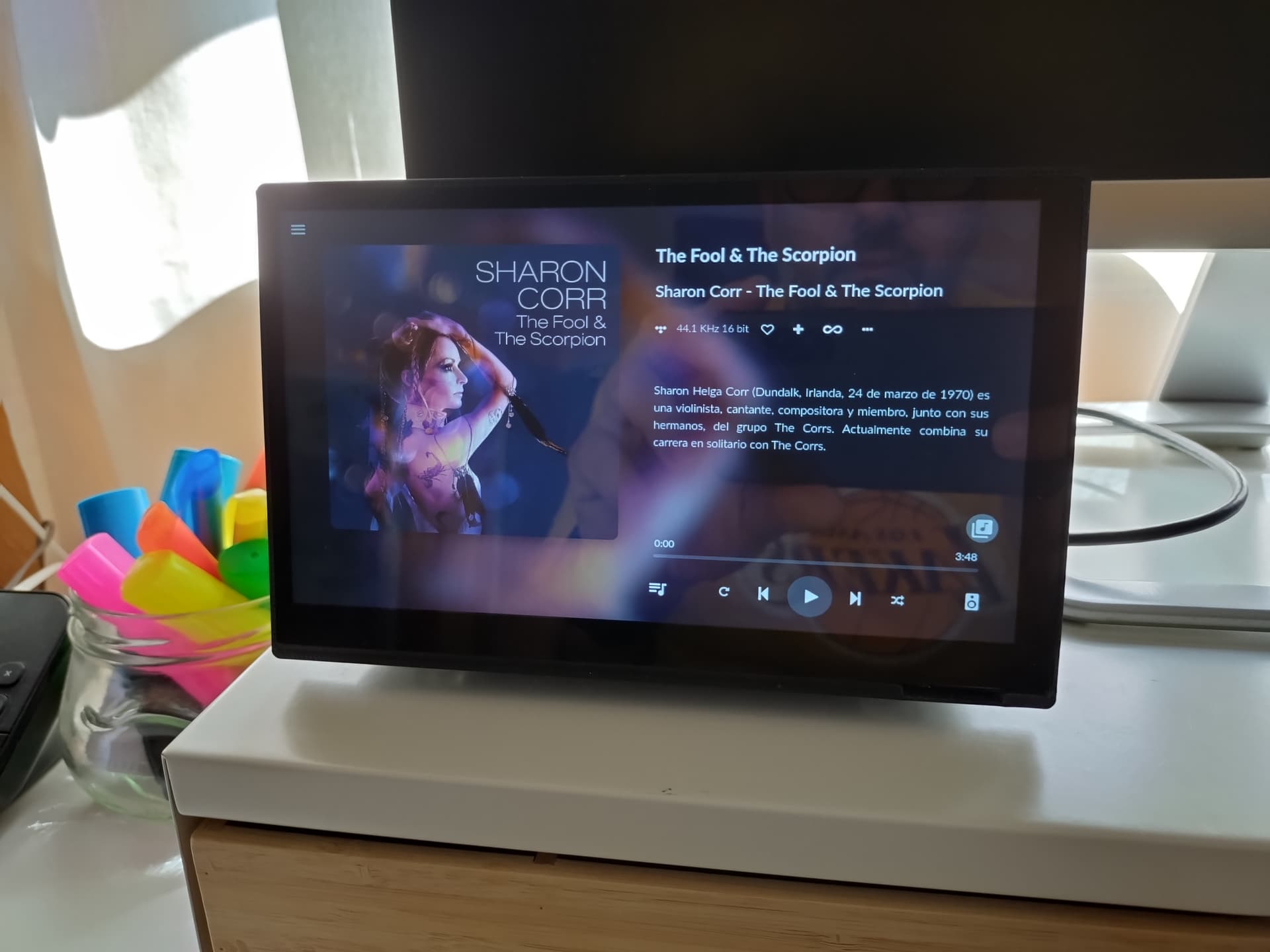
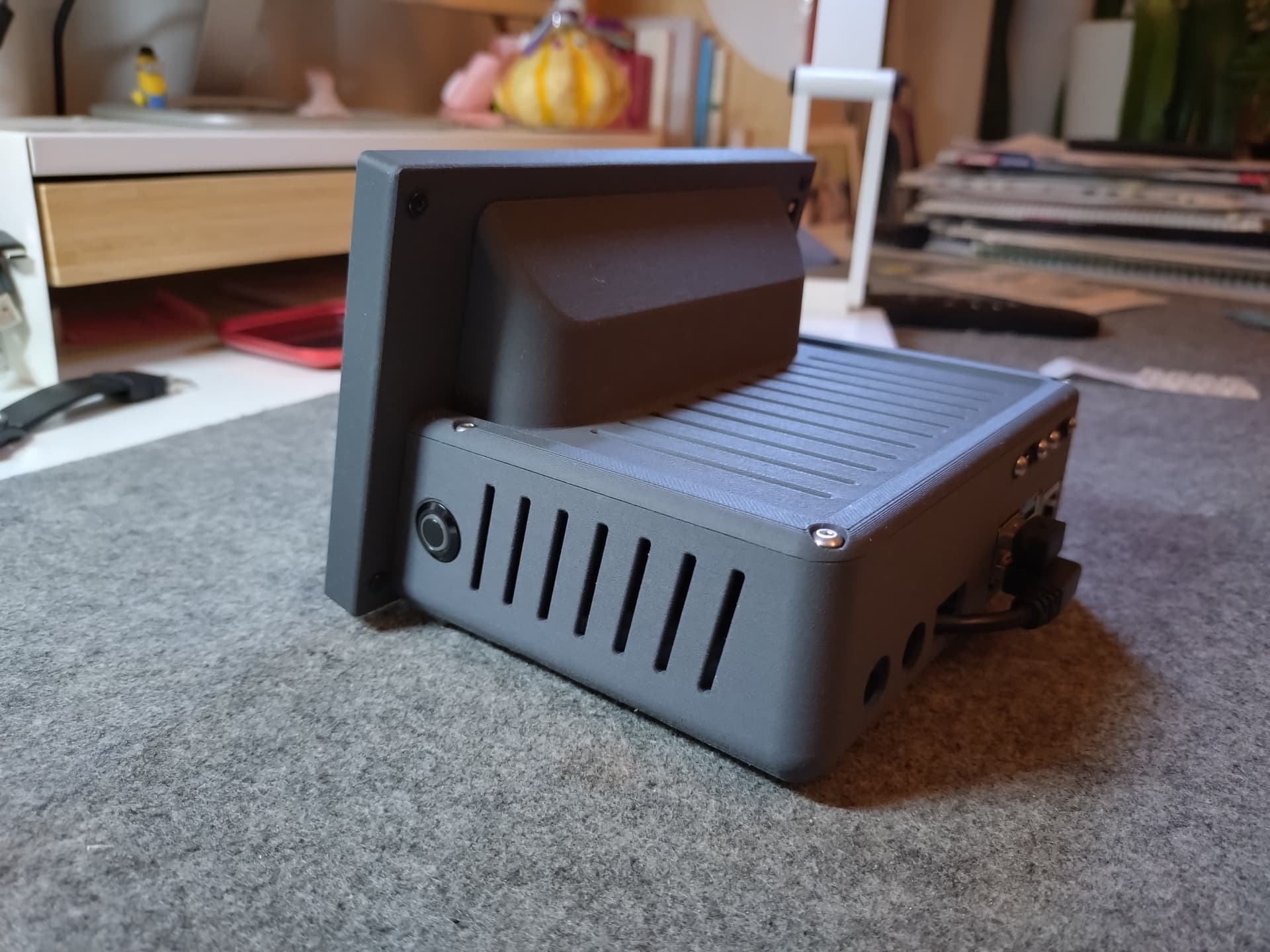
Here is the streamer that I have just made. Is just a first prototype to check if all fits fine. I just wanted a device that allow me to stream music from Tidal or online radio from my desk to my music system at the other side of the room (About 7 meters). I’m using a Senheiser USB Bluetooth adapter that allow Aptx HD.

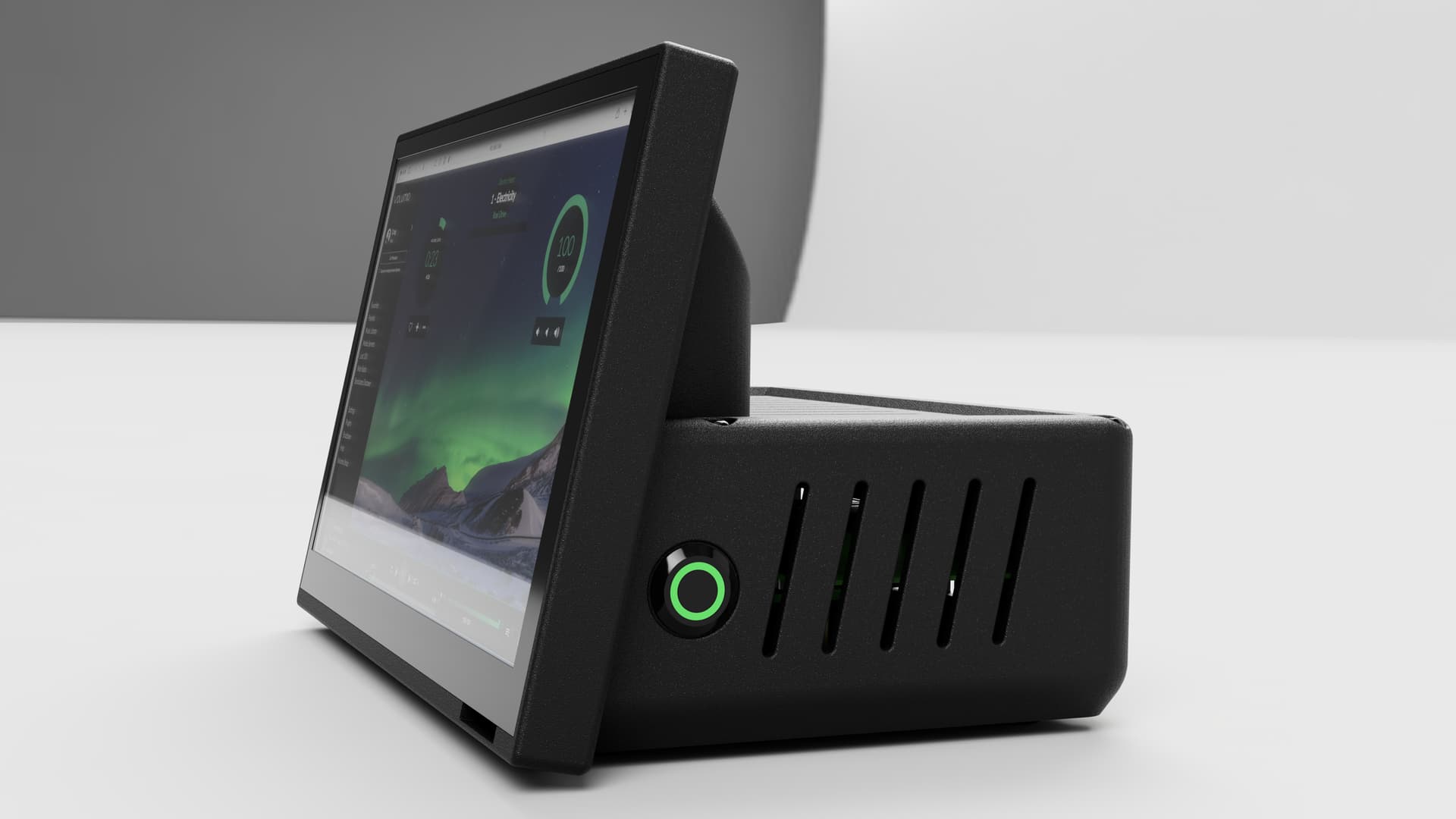
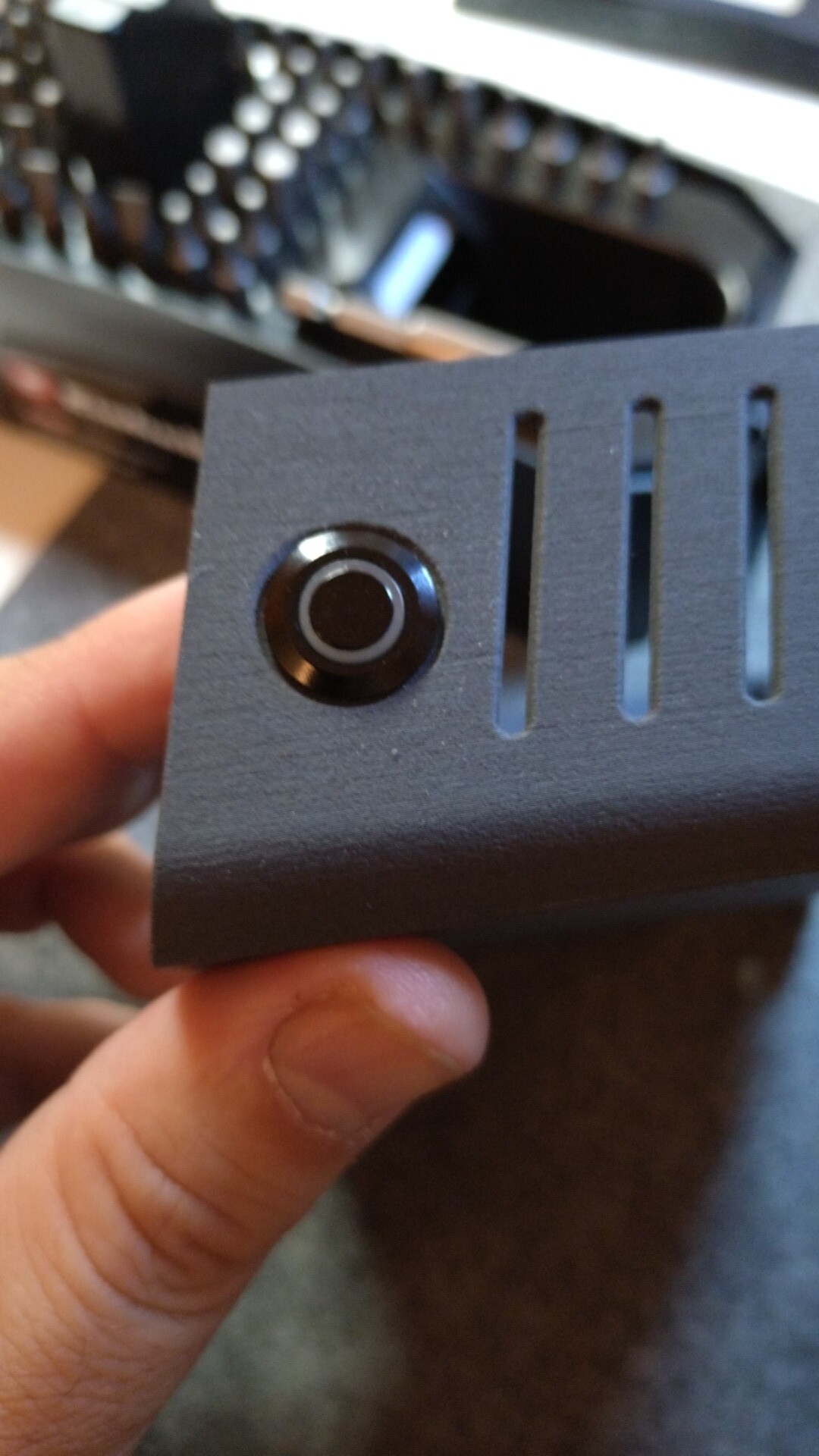
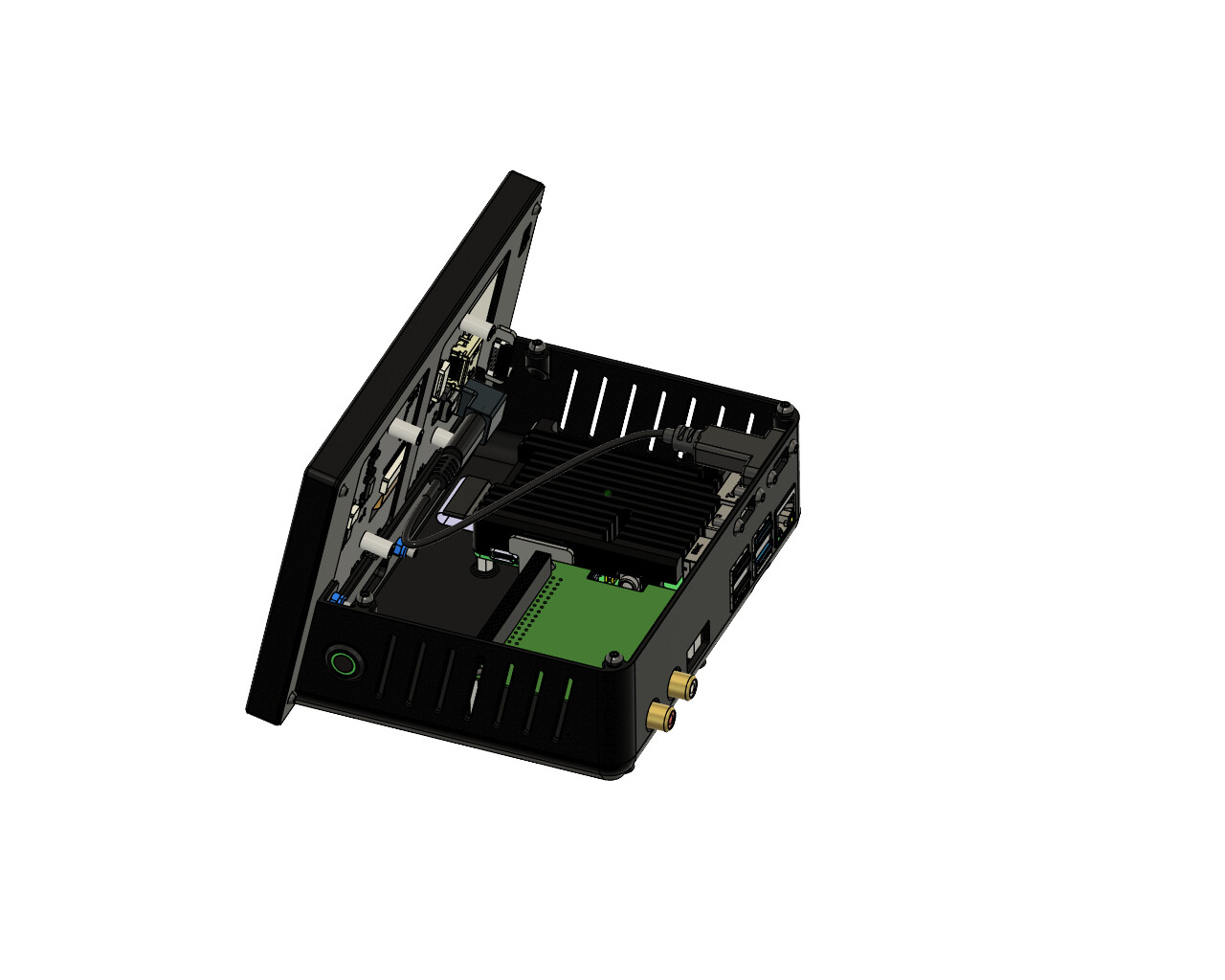
A new 3D printed body will come with a better and nicer material. Also with a couple of improvements, like an start monetary switch like in the next render, and provably a power management board to simplify all the internal cable management.

I hope you like it.

9 Likes

I love it!

yes I like it

Super!

I really like the design layout, with the larger screen panel.

1 Like

Is a 7 inch Luckfox touchscreen. I have to say that this company have a great customer service. When I asked for some dimensions of the screen, they sent me the full CAD of it. And they also made the config.txt and user config.txt files when I had problems to get Image from the RPI. By the way, is a RPI 4 with 2 GB of RAM.

1 Like

Hi,
that looks great. My prototype is still mounted on a piece of an old shelf. Do you have the 3d print files published somewhere (thingiserve for example)? I would also like to use this case for my installation.
Beste Grüße
M.

Hallo,

noch nicht. Not jet. As I say, I´m going to make a second case with a couple of improvements. For example the screen frame in the CAD was fine, but the printed part in PLA was a little bit small in X, and I had to sand it a bit to fit the screen. But once is done, I will share the files and a bill of materials needed for the assembly.

1 Like

Great! I can hardly wait!

I´m still working in the modifications in the case before asking my friend to print me the part. I want to include a Micro SD card extension cable. Now the SD card reader of the Pi is not accessible, and the PI should be disassembled to operate it. I didn´t touch it since I build the prototype, but I think is good “nice to have”. It means that I will have to make the rear of the case about 20mm longer (Or include a M.2 SSD board and let the case like it is now).
But the main change in my concept is removing the Bluetooth of the equation. I bought a second Raspberry Pi 4 2Gb to use it as slave unit next to my DAC. With an Argon One V2 case.
I hope to have the slave unit in working in a couple of weeks. Now come the most complicate part of the project for me, the scrips for the Argon One fan and on of button.

love the model, do you have the step/stl files?

Hi.

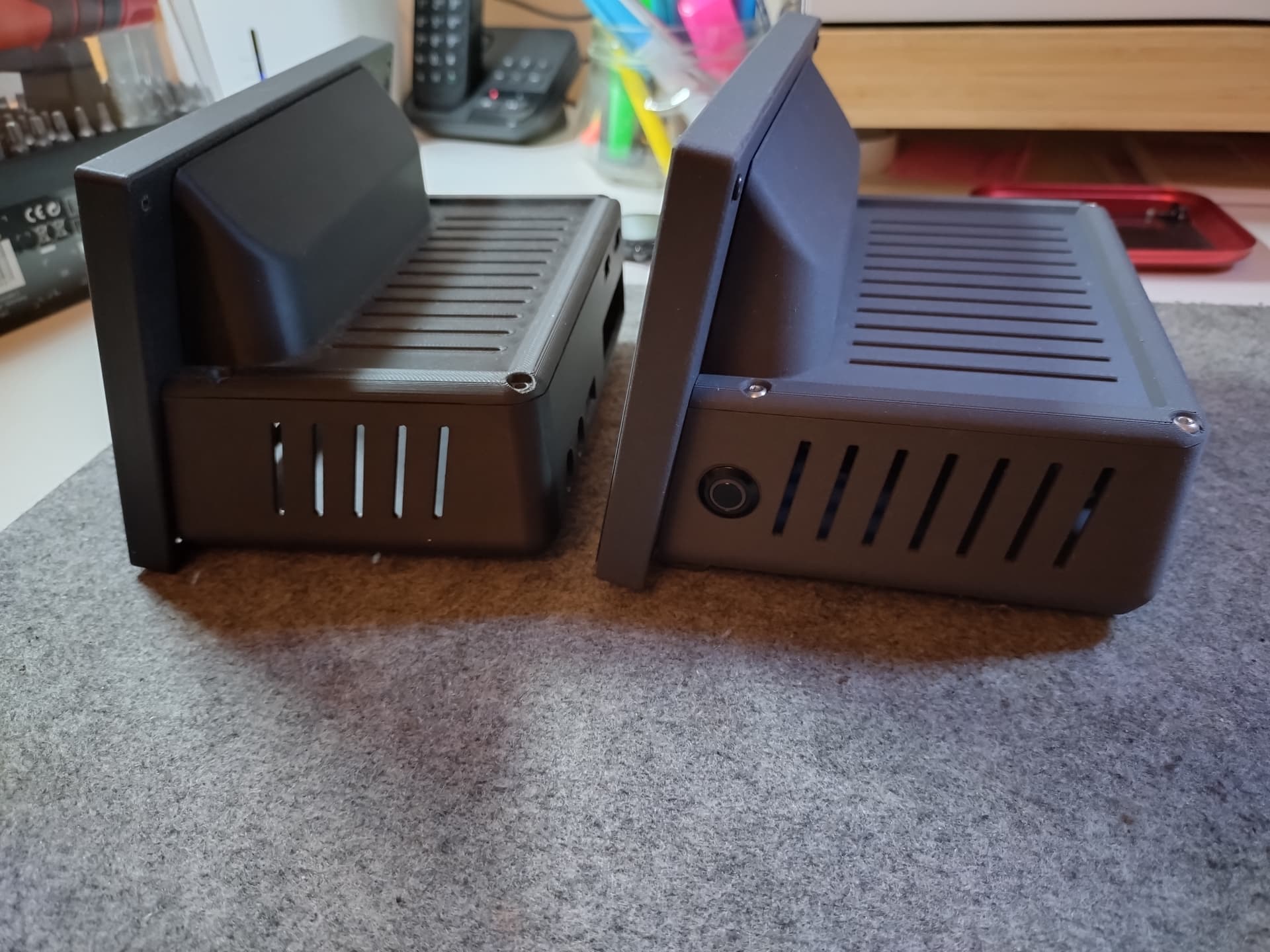
Sorry for so long time since my last update. Not many free time for hobbys. Here are some pictures of the second case prototype I get a couple of weeks ago. Is made in PLA+CF, lava gray color. Looks good, but I liked more the first black one. I’m making some renders with the case printed in aluminion color. With this material, the screen frame don’t fit perfectly, so I will have to sand it a bit or get a second one printed a little bit larger. Depending of each material, the contraction is going to be diffferent.

The rear of the case is 15mm longer, in order to get place for a card reader extender. Now is possible to remove the SD card trough one slot bellow the Pi. I didn’t coment it before, but next to the Pi, there is place to install a Hifiberry DAC (Or similar adapting the holes possition).

I also have pending to solder the wiring of the on off switch. It have the green LED like in the renders.

About the switch. To simplify all the internal wiring, now I’m powering the Pi from the screen (I’m using a 5V 5A power supply). So now I’m using the 2 5V pins of the PI’s GPIO and the groung next to them. The one just in front of the GPIO 3. The plan is to use the GPIO 3 to turn on/off the PI, so can I use any other ground pin with it? Witch PINs are recomended to power the LED?

About publishing the STL files. I will probably do it when I have the final design. In the first prototype the screws have been threadted directly into the plastic. In the second one, it has threaded inserts.
And is not bad to add a please after the request. :wink:

3 Likes

Hi. I see it has been long time since your update. Are you willing to share the step files for your case? My radio at home has start to die and this is one of the designs that i like the most. I am also willing to pay for it if you put it on cults. I assume touch screen is this one https://www.luckfox.com/EN-7-HD-Touchscreen

Tnx.

Hi all.

Thanks very much for the interest. I have been really busy the last time. So busy that I still haven’t been able to solder the power button wires. I will check how works the “Cult” portal you say and I will load there the STL files as soon as I can. I will try this week, but Please, have a little patience in case I don’t manage it.

And yes, it is the right screen. I will publish also a bill of materials with all the adapters, stand offs, etc I use to connect the screen to the PI.

Best regards.

Hi all.

The STL files are uploaded here:

The Display Frame may need some adjunsting afterwork to fit the screen properly. All is designed to be printed without supports. Only the windows of the main body need some support. The main body will need also afterwork to fit the countersunk screws from bellow and I tapped the holes to secure the cover using an M3 tap.

The Bill of materials for the base model only with the Rasberry Pi 4:

1x Screen Luckfox 7”

3x Screws M3x8mm Allen flat head or button head (To fix the screen frame to the main body).

3x Nuts M3. (To fix the screen frame to the main body).

4x M3x6mm allen button head screws (To fix the top deck with the main body).

4x Standoffs 6x2.5mm male to female threaded.

6x M2.5x6mm Allen countersunk screw.(To fix the standoff for the PI to the main body and the SD extension).

4x M2.5x4mm Allen Button head screws. (To fix the screen to the screen frame).

2x M2.5mm nuts. (To fix the micro SD extension).

1x TF micro SD male to TF micro SD FeMale (TF to TF)Flexible Memory Card Extension cable.

1x MicroHDMI to HDMI 90º flat flexible cable. Take care of the direction of the adapters.

1x 12mm Monetary switch.

4x Dupont Line Cable 200mm. (For the switch).

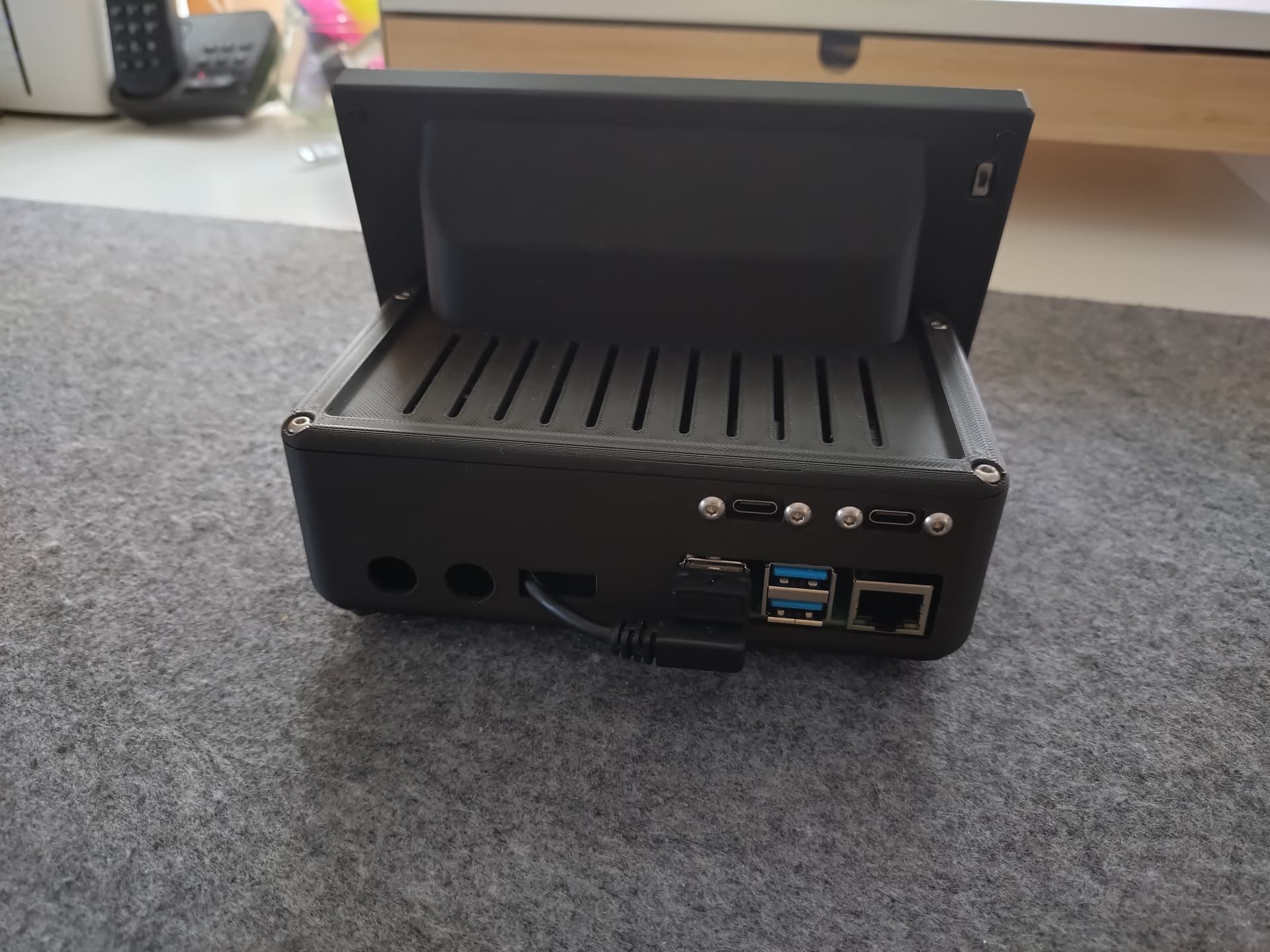
1x U Shape 180 Degree Angled USB 3.1 Type C Gen 2 Male to C Female.

1x (Or 2x) 200mm Panel Mount Type-C USB-C Male To Female Extension Cable With Screw Hole Lock Connector Cable Spacing 18mm

1x Raspberry Pi 4 Aluminum Case (I use only the top part).

1x 5cm USB A male to female extension cable.(For the touchscreen cable to the back of the PI. Use the square window of the back to take it out.

In this picture you can see the distribution of the elements inside the case. I will load more detailed pictures allong the week.

One last thing. In the parts list, I have specified only one USB panel cable, but the main body actually has windows for two. This is because I am powering the Raspberry Pi directly from the display. For this configuration, a power supply of at least 5A is required. You can power the Raspberry Pi and the display separately, but in that case, you will need two USB-C panel cables.

Enjoy it and post here pictures of your devices. Especially to see the color combinations.
4 Likes

@eotz

Thanks for the efforts taken, people will appreciate it!!!

As said before, really nice design.

1 Like

This is fantastic. Thanks. Can you please provide links to the case and if possible all parts in BOM? Which parts are already included in the Luckfox screen?

Hi.

I leave here some of the links.:

As I mentioned in the previous post, depending on the printing tolerances for the screen frame—influenced by the material, the printer, etc.—you may need to file and sand the inside of the frame until it fits properly. The parts shown in the photos were produced using PA-CF for the first set and PLA-CF for the second, as the latter are more dimensionally stable.

One last thing. I’m using this remote with the Streamer. Not all functions work—like the touchpad—but play, pause, track forward/back, volume, back/menu, and the keyboard work without any issues.

1 Like