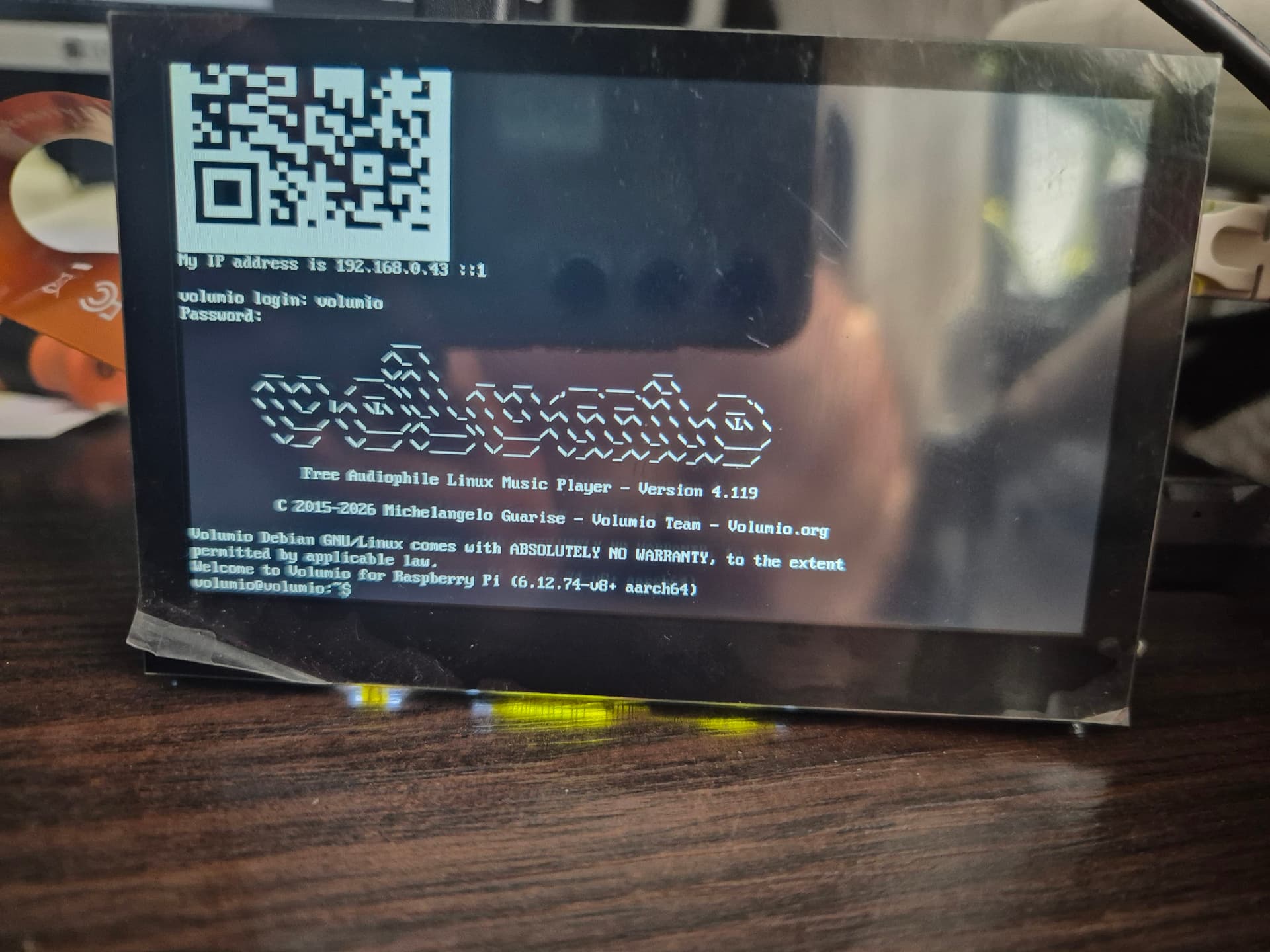
Hi, I just installed volumio on my rpi5 and 4.3 waveshare dsi. it boots and ask for login and pass, after entering “volumio , volumio” it stucks at this screen and do not move forward. I can enter some commands. on PC it works I can acces volumio. I use eth cable connection.

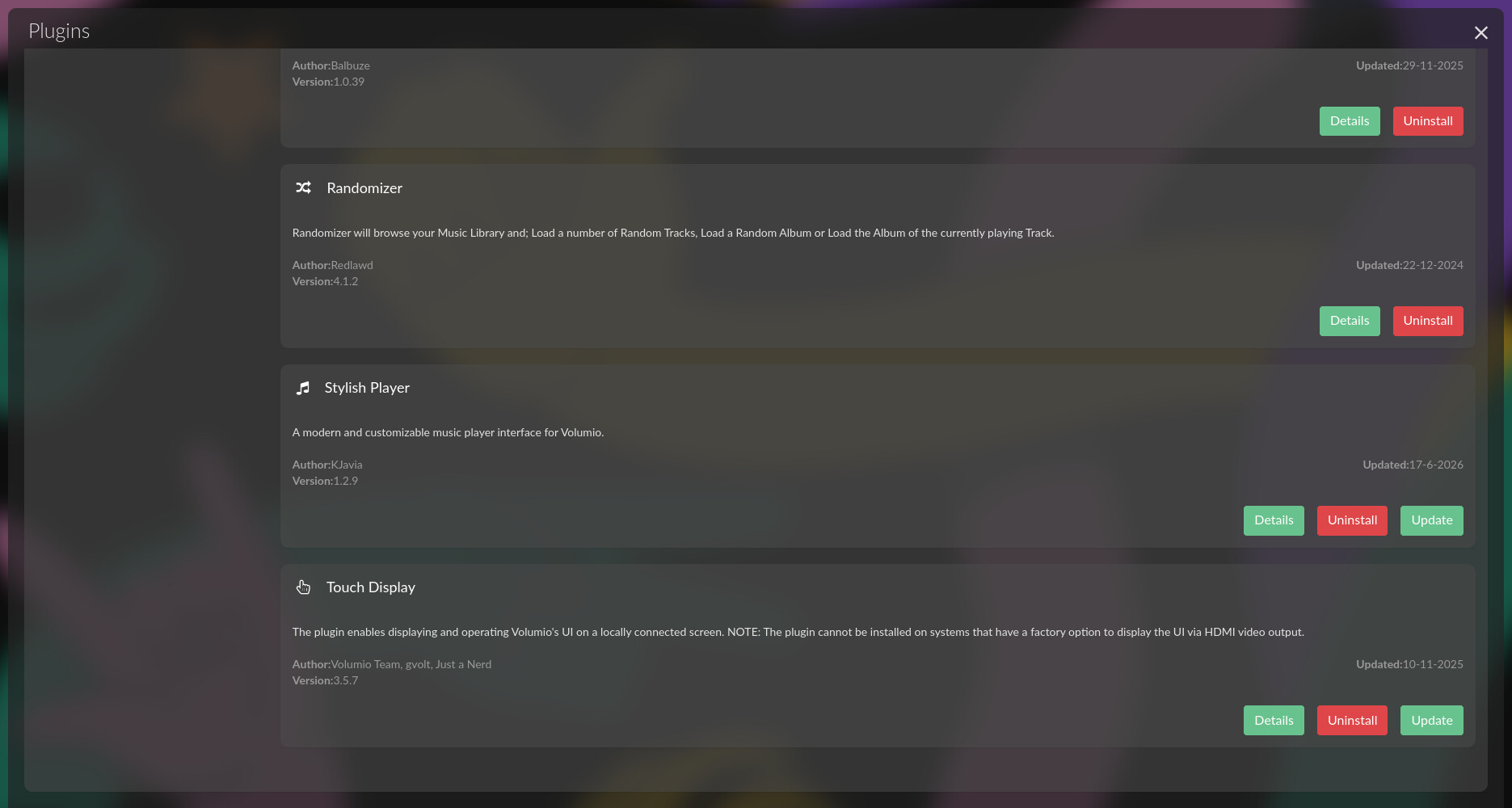
I do not see this plugin in my plugin list
Enter the IP of your device 192.168.0.43 in your browser, create a free or use your paid account and login.
Go to plugins => User Interface => Touch Display.
Now I have this option but first I had to manualy install this plugin as described in this post
but it stucks at 70%, I must leave now but let it power on and see what will happen when I returm back home. Thanks for now
Please do not install plugin “by hand” especially when available on the store.
The manual installation must be reserved for advanced user.
You may have broke your system.