My phone, laptop & tablet can’t connect to my Volimio player but I can see the player on my network - pasting the IP address in to my browser results in: this site cant be reached & the app shows that the device is online but the app cant connect - how can I find out what is causing this. I’m using the internal Pi wi-fi module
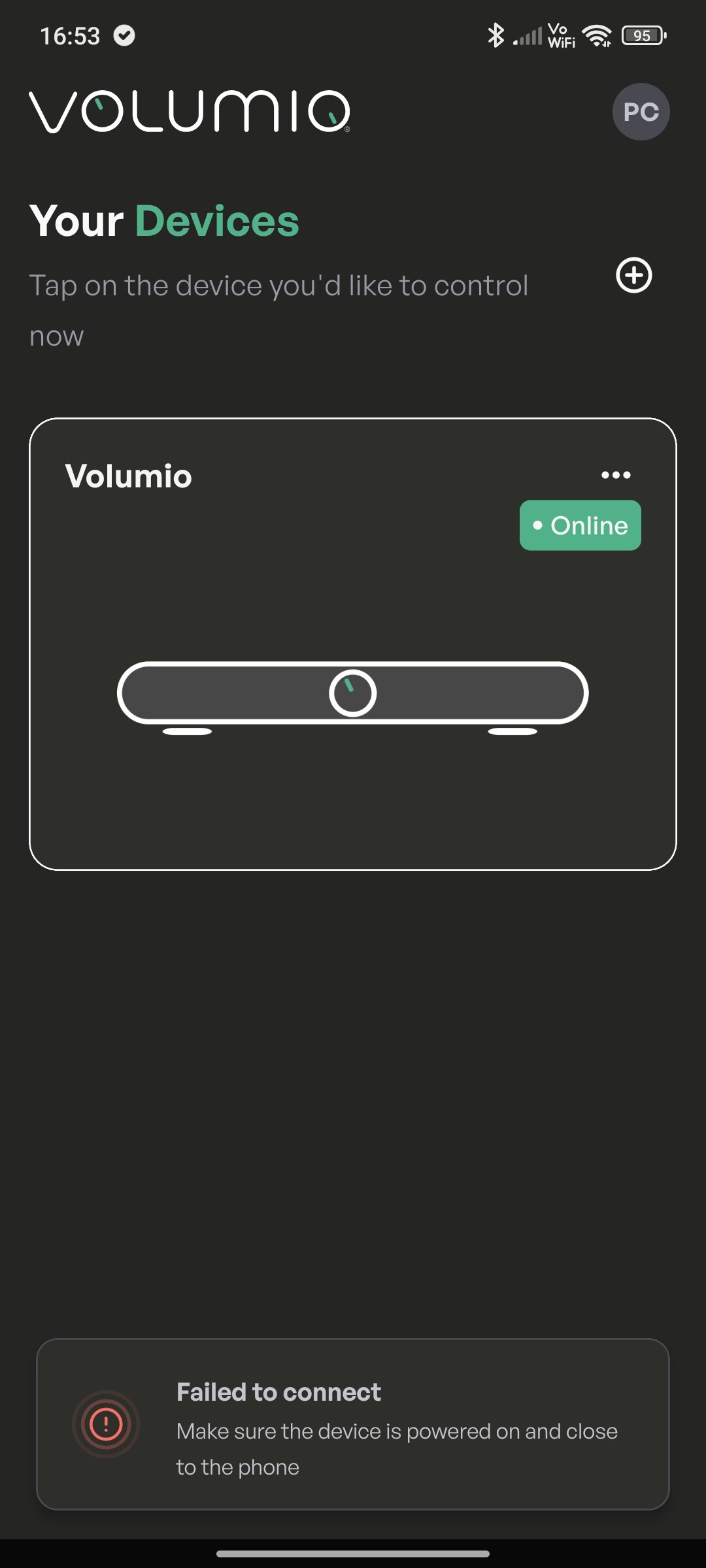
You might try to delete the device from the app and scan again. Maybe the ip-address has changed on your device?
Thanks - I’ve tried that a few times without success. I need to carry out longer tests but removing the digital audio out card fixes the issue.
I put the link for my Volumio log in to the Google AI search and asked it to look for issues - this is what it concluded:
The iFi iPower Elite 5V / 5A is an exceptional, ultra-low-noise audiophile power supply, but it is uniquely prone to triggering undervoltage warnings on a Raspberry Pi 5 due to a fundamental mismatch in how they handle power distribution. [1, 2, 3]
 Why an Audiophile 5A Supply Fails on the Pi 5
The Raspberry Pi 5 does not look at how many Amps a power supply can theoretically output. Instead, it requires a USB-C Power Delivery (PD) handshake to explicitly negotiate its power profile. [1, 2]
- The PD Negotiation Problem: Because the iFi iPower Elite is a static DC power supply adapted to a USB-C tip rather than a native smart USB-C PD supply, the Raspberry Pi 5 cannot complete the digital handshake. [1]
- The 3A Safe-Mode Lock: When the Pi 5 fails to detect a 5A USB-PD profile via the data lines, it defaults into a “safe mode,” capping total peripheral power delivery and treating the supply as a generic 3A adapter. [1, 2]
- Transient Voltage Drops: The iFi Elite outputs exactly 5.0V. The official Raspberry Pi power supply is specifically engineered to output 5.1V to intentionally compensate for the physical voltage drop across the USB cable under heavy load. When your high-draw NVMe SSD or the attached Cambridge Audio CXN100 streamer pulls sudden spikes of power, the 5.0V rail instantly dips below the Pi’s critical safety threshold of 4.65V, triggering the kernel undervoltage warning you see in your log. [1, 2, 3]
 How to Fix the System Sluggishness
To enjoy the clean sound of your iFi Elite without the power drop crashes and aggressively skipped tracks, you have three options:
- Add
psu_max_current_enable=1to your Configuration
You can explicitly force Volumio to override the 3A safe mode lock and draw the full 5A available from the iFi unit. [1, 2]
- Use an SSH client or a network terminal to access your Volumio files.
- Open your user configuration file:
sudo nano /boot/userconfig.txt. - Add the following command on a new line:
psu_max_current_enable=1 - Save and exit (
Ctrl+O, thenCtrl+X), and reboot your system.
Note: While this unlocks the current limit, it does not change the physical wire resistance or baseline 5.0V cap of the supply. If the cable length from the iFi to the Pi is too long or thin, transient dips may still occur under massive NVMe load. [1, 2, 3, 4]
- Power the Pi 5 Electronically via GPIO Pins
If you are comfortable with hardware tinkering, you can cut out the restrictive USB-C connector bottleneck entirely. By attaching the 5V output wires of the iFi Elite directly to GPIO Pin 2 or 4 (5V Power) and Pin 6 (Ground), you bypass the USB power negotiation circuitry entirely. This drastically reduces trace resistance and maintains a stable voltage to the core components. [1, 2]
Option 2 is dangerous, as it bypasses all protection.
You said 3, but left the 3rd out:
sudo rpi-eeprom-config --edit
add to the bottom:
PSU_MAX_CURRENT=5000
Save and reboot.
Key difference (the important bit)
| Setting | Layer | What it actually changes |
|---|---|---|
usb_max_current_enable=1 |
config.txt | Raises USB/peripheral current limit |
PSU_MAX_CURRENT=5000 |
EEPROM | Overrides PSU capability detection |
- Without EEPROM tweak:
- Pi thinks PSU = ~3A → limits USB + shows warning
- Adding config.txt only:
- USB allowed more current → but still limited by PSU detection
- Adding EEPROM setting:
- Pi “believes” it has 5A → removes restriction entirely
So the best way is using them both:
# userconfig.txt
usb_max_current_enable=1
# EEPROM
PSU_MAX_CURRENT=5000
Thanks but for me Volumio has become so appallingly that it’s all going on eBay or in the bin.
if you try with a recommended (by Raspberry Pi) power-supply, most probably all your problems with your setup will be gone
Volumio cannot solve a hardware problem caused by the combination of that PSU with a RPi5
If the player shows up on the network but neither the app nor a browser can connect, it sounds like the network is fine but the Volumio web service may not be responding. start by rebooting the Pi and checking whether the IP address has changed. If you have a monitor and keyboard connected, see if Volumio is running normally and check the logs for any errors. Also, make sure AP/client isolation is not enabled on your Wi-Fi, as that can prevent devices on the same network from communicating.