Introducing Nova: a new UI built with you

Hey everyone,

We promised you new and exciting goodies coming out for Volumio 4, and today is the day you have the chance to experience a first glance of what is coming. This will be the first of many exciting updates of our beloved system, and it’s probably the most significant.

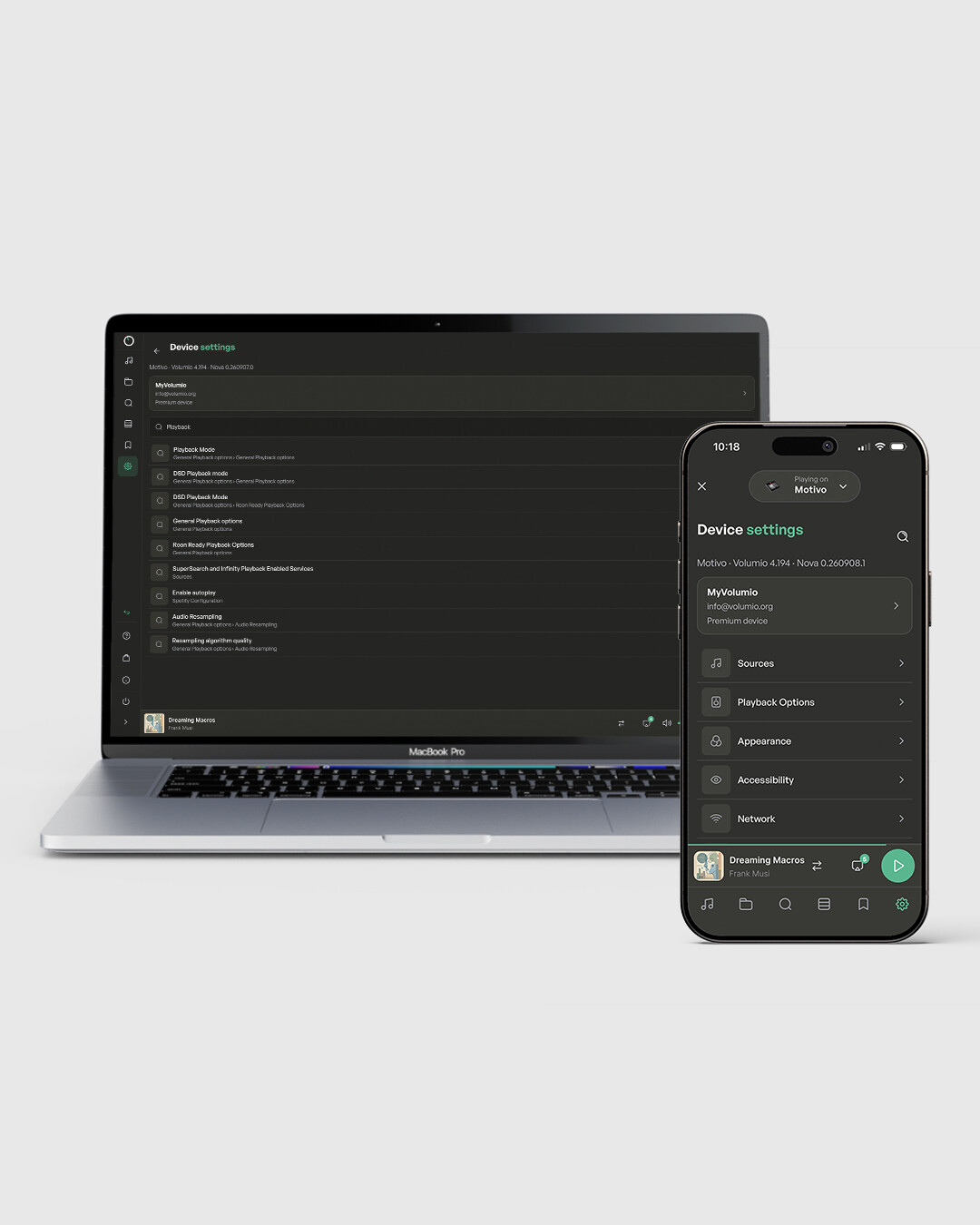
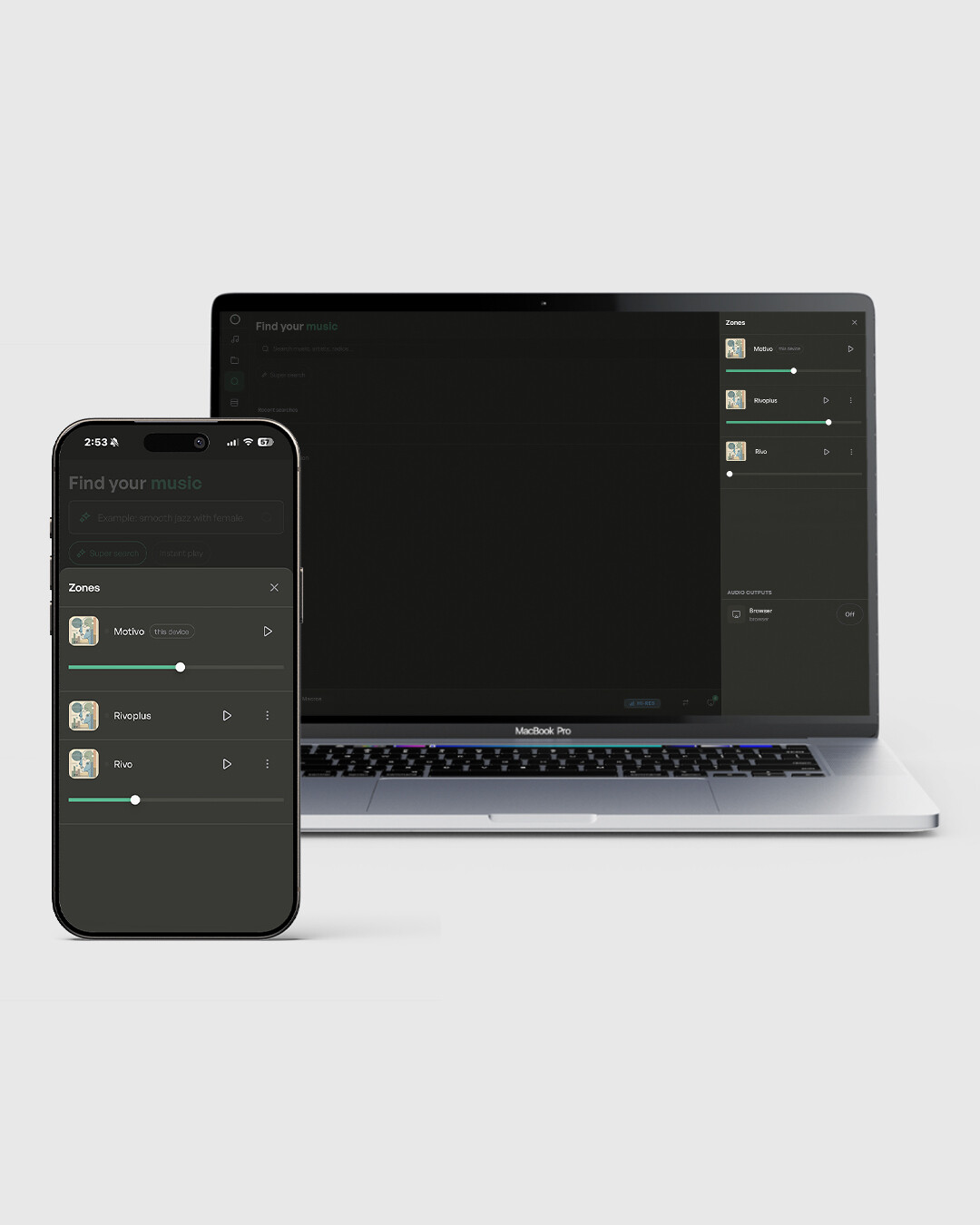
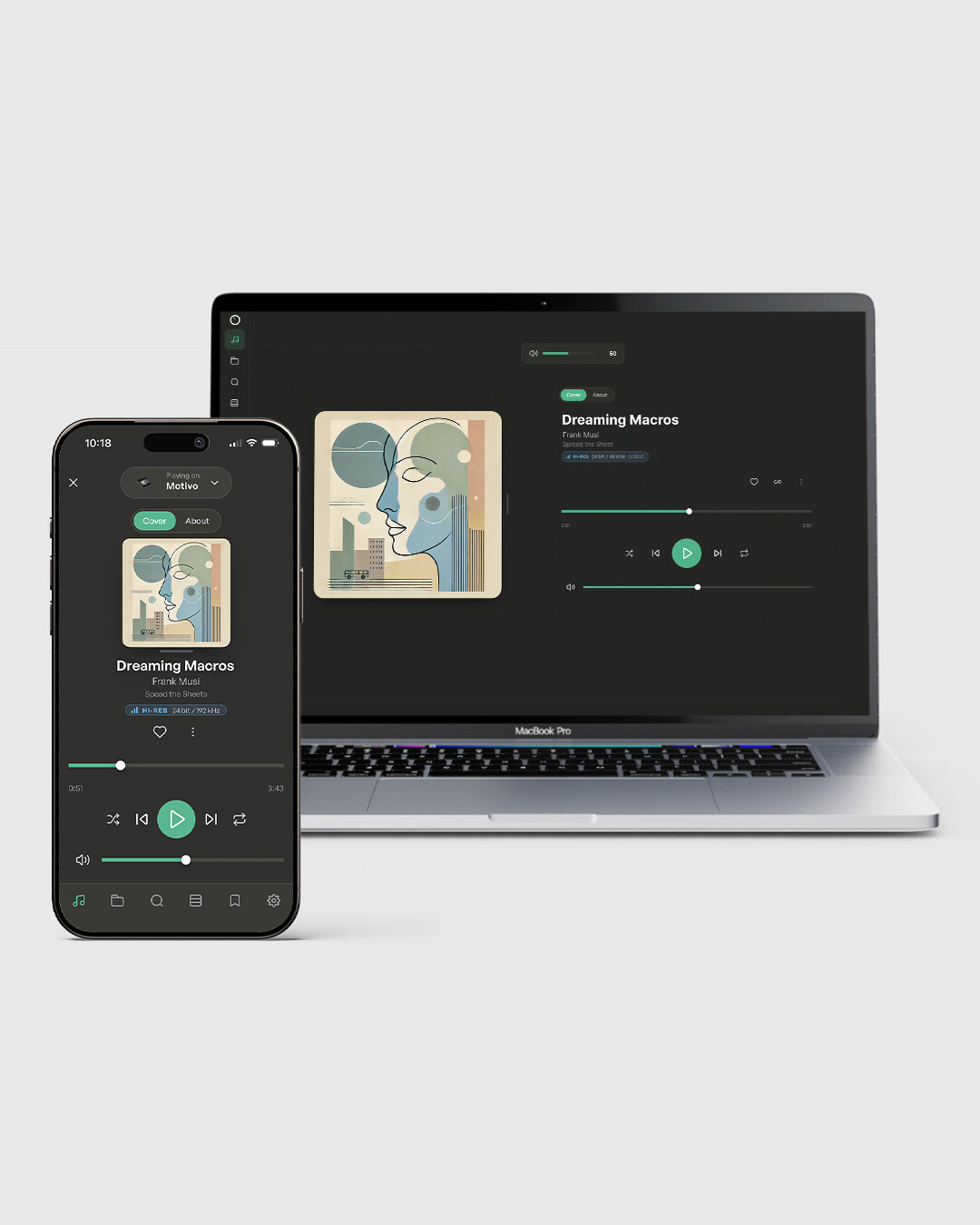
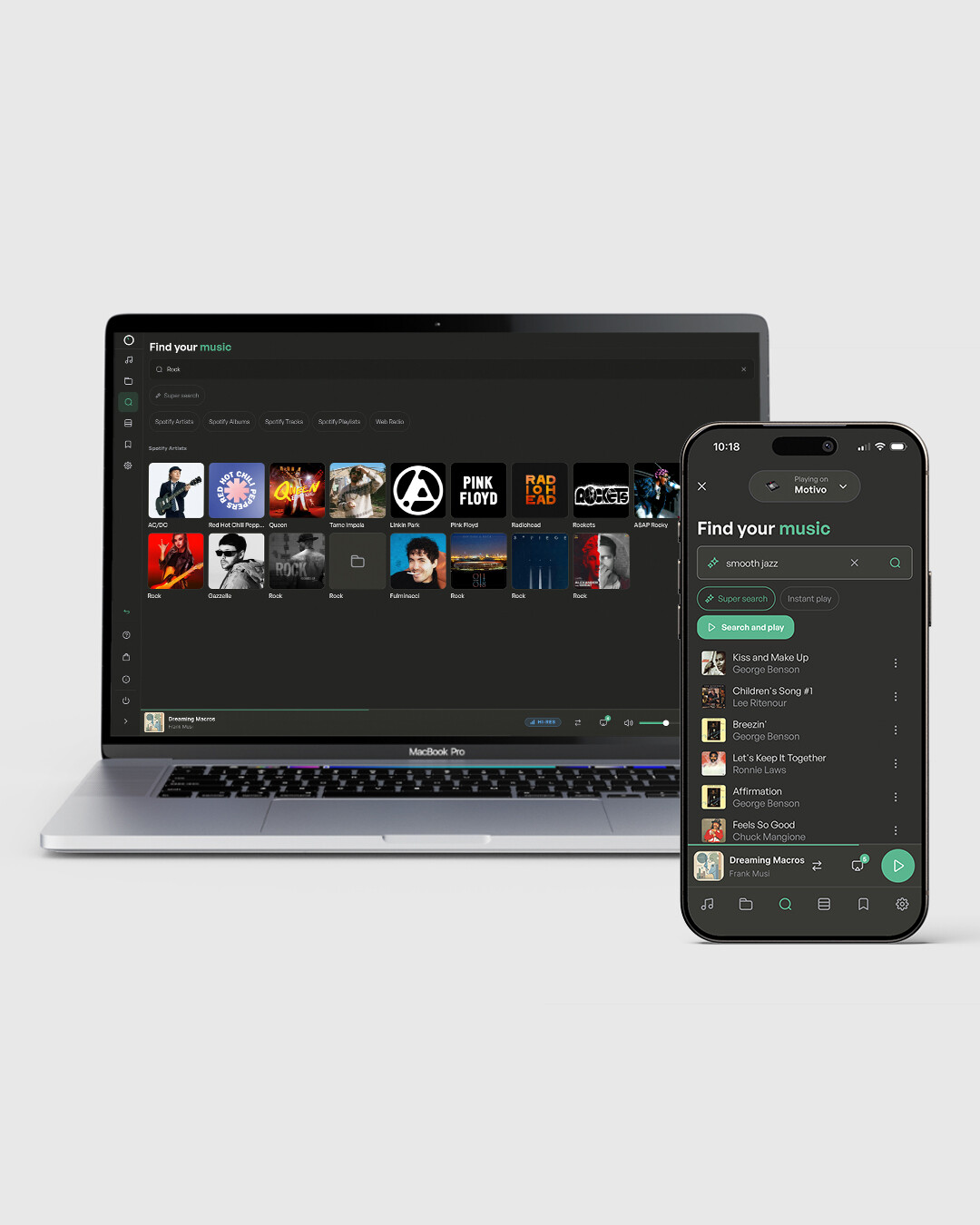
Let me introduce to you: Nova, a new theme, unified across desktop, mobile, and devices, built directly from your feedback.

Nova is a cleaner, more intuitive interface designed to extract the maximum pleasure from your listening sessions. Volumio Nova is available to all subscribers to Volumio Premium, Premium lifetime, and to Volumiophiles who use the Volumio OS via our dedicated streamers.

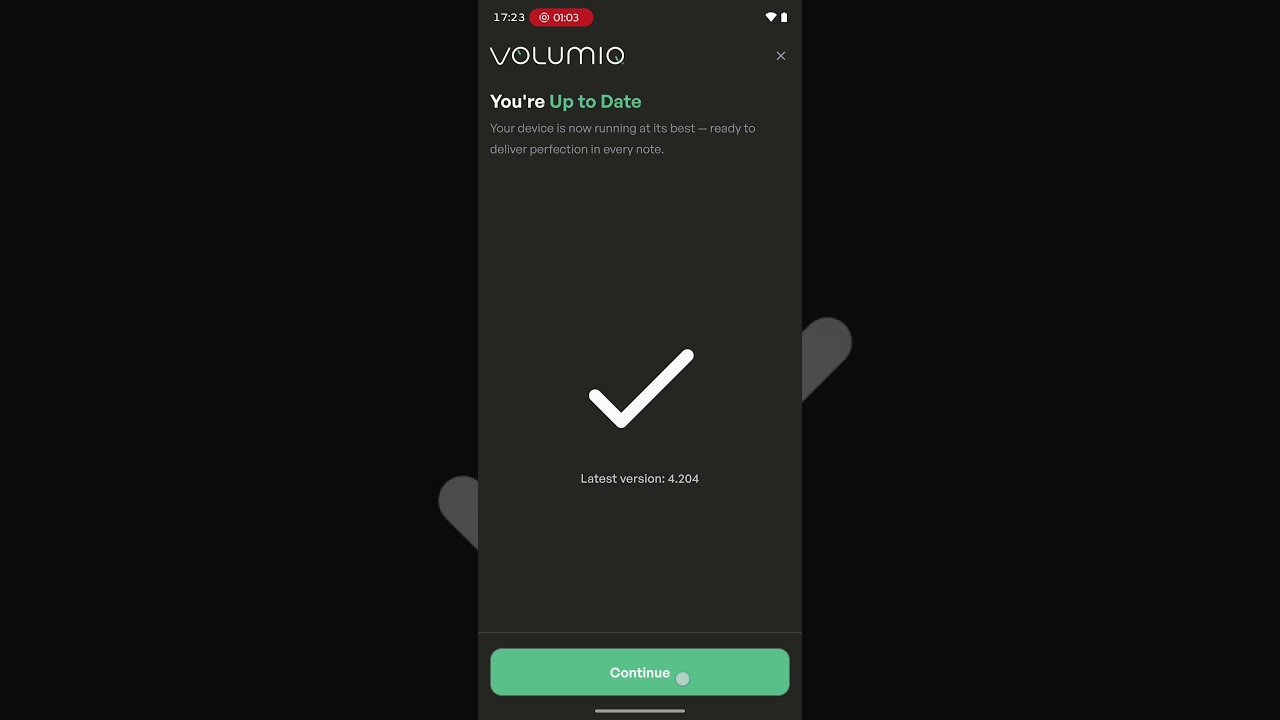
Nova is available from today in Volumio 4 (from version 4.204 onwards), it is not compatible with V3 or previous versions of Volumio OS. If you would like to take part in beta-testing please update the current OS on your device.

Note: We’re starting the rollout with Raspberry Pi (out already). Other Volumio products will follow gradually. We’ll keep this thread updated as that happens, so keep an eye on it.
How to join the beta
  1. Open a browser on any device connected to the same network as your Volumio device
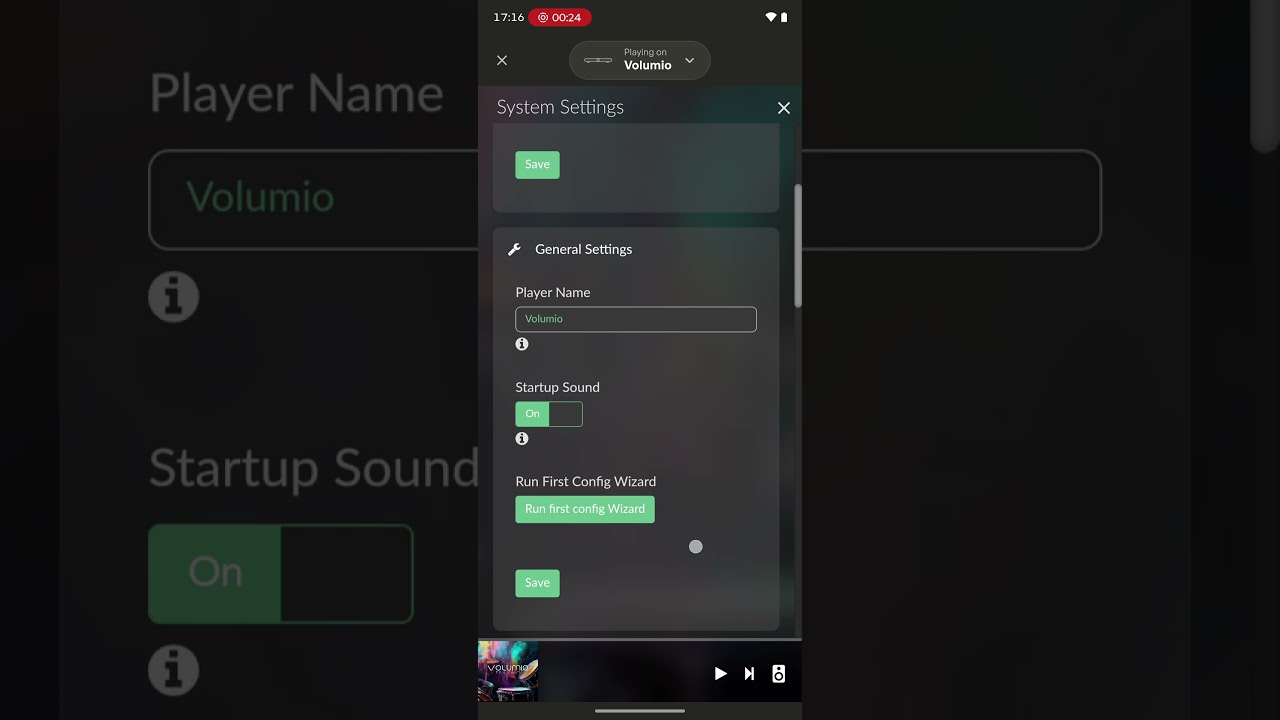
  2. Go to http://[your-device-name].local/dev — find your device name under Settings → System → Player Name, or use your device’s IP address instead
  3. Select the Test update channel
  4. Go back to your Volumio device, then System → System Updates → Check Updates
  5. Update and wait for the full reboot
  6. Go to Settings → System → User Interface Style/Layout → Select Nova

Not yet on Volumio 4?

That’s your chance to move, just flash this image to your SD Card (OTA from V3 to V4 is not possible).

Volumio 4 Nova: https://updates2.volumio.org/pi/volumio/4.204/Volumio-4.204-2026-09-14-pi.zip

How you can Help

Found a bug, have a suggestion, or need a hand? Use the Help button inside Nova. It’ll route you to the right place automatically.

Go ahead, try it, break it, and tell us what you think. We can’t wait to hear it.

One more thing

One more thing before we go. The past few months have been mostly heads down for us: rebuilding, fixing, getting things in shape behind the scenes. Volumio is evolving, the team is growing and so is our ambition. So did our internal organizational challenges and the groundwork required to do things better.

If it felt quiet around here, that’s why. Things are starting to ship now, and there’s more coming in the short term.

Volumio started as a community project, and it still is one. Going forward, expect to be pulled into the process earlier, and more often.

UPDATE:
Sept 21st: Motivo, Integro, and Primo Plus can update and find Nova waiting for them on TEST version 4.209.
Rivo, Rivo Plus, Primo3 and Primo2 are scheduled for Sept 28th (assuming no blocking issues come up during rollout).

18 Likes

Job well done. The Nova GUI successfully upgrades Volumio from the Stone Age to the Space Age. Modern, responsive, and much better at dynamically resizing.

Side effects observed during development:
• Blisters
• Dirty screens
• Questionable life choices
• Several square metres of screen-cleaning cloth

Benefits:
• Totally worth it.

11 Likes

AHAHAHAHAHAHAH I am going to print this comment and hang it!

1 Like

Awesome update - new UI previews look great!

2 Likes

Ooh! Just spotted the sizing bar in the playback view - fancy!

More feedback later.

1 Like

Done a Factory Reset and updated after it.

All without an hassle.

The interface is really more modern/stylish (IMHO).

The menus are much more ergonomic and I specially love the new “Plugins” configuration/instalation/settings view.

Later I’ll use it more on the listening to music side but, for now, 100% approved :wink:

3 Likes

Until now I’ve only detected one bug:

In my external monitor (HDMI) this welcome to nova screen don’t disappear, even I reboot or change to Manifest and back to Nova again…

In the PC web browser interface it disappears when we click on the buttons (and only appears once).

Edited:
Don’t know if it is related with the fact that the message won’t go away but the screensaver of “Touch Screen” plugin never triggers. Image is always on. Log:

http://logs.volumio.org/volumio/T112tQk.html

2 Likes

Just updated. Installation of the update went well. As it is a bit late in the evening, I’ll check the new Nova UI more thoroughly tomorrow. But at first glance: BRAVO!

4 Likes

Trying it out now. Very clean, will report with any findings. Liking it so far!

Why does it have a recurrent “checking subscription…” status every time the system is accessed from a different browser or device?

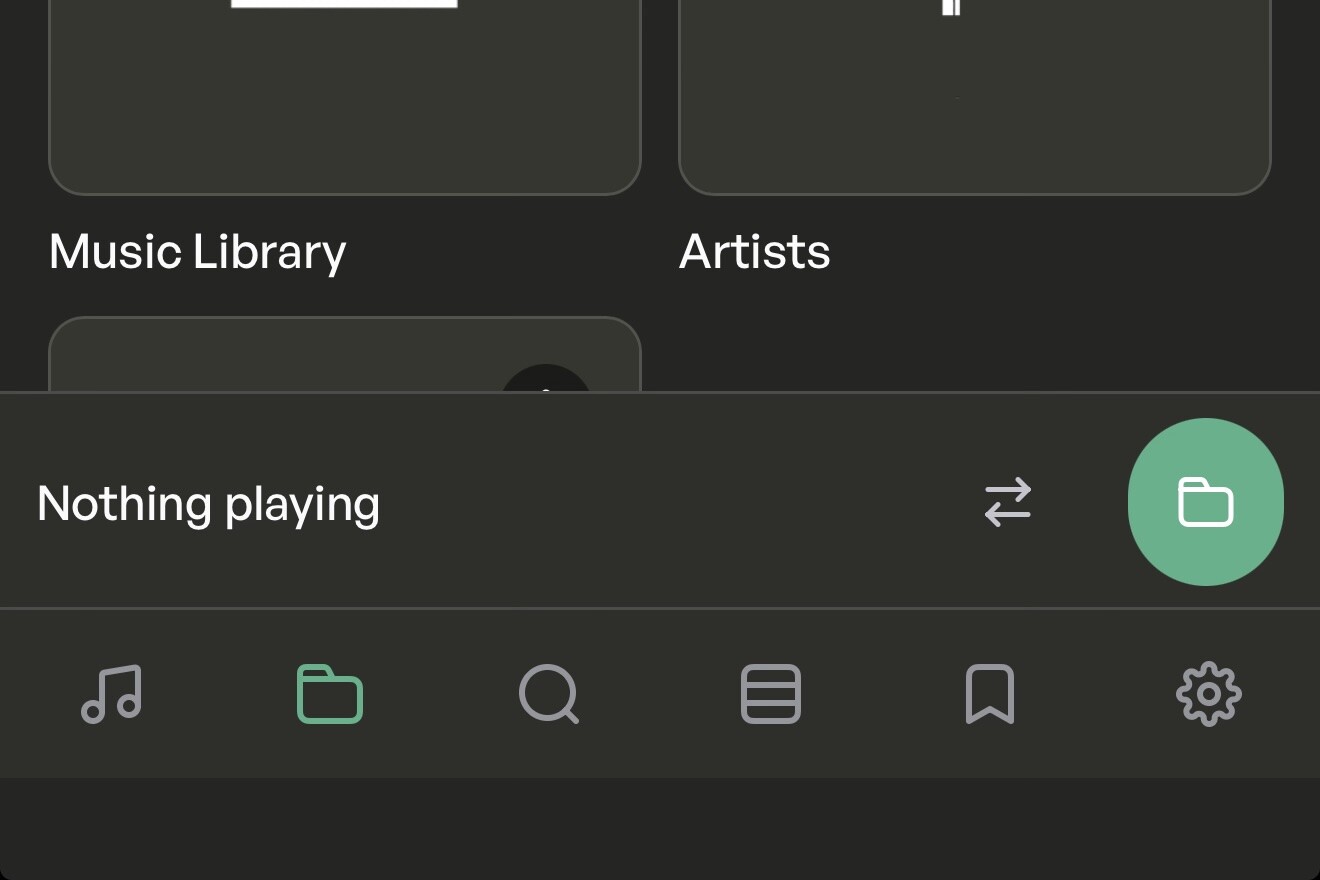
Also, on native app access, it seems it doesn’t fully take advantage of mobile screen real estate (check Apple or Android devices for this, bottom controls aren’t flush with the screen limits):

Hope this helps!

EDIT: more details:

Search Bar: upon further testing, the search bar being gone from the Browse section took some time getting used to. I think it should still be there - if not as a bar, as a card element / icon. Search needs to be accesible always, as it was.

Search Results: Why are local albums displayed as “Playlists” in search results, when they’re displayed correctly as albums under “Albums”? It’s slightly confusing.

File/Stream Quality Indicator & Color-Scheme: The quality indicator color scheme surprised me, with lossless in gray but hi-res (anything above CD Quality) on blue. On desktop/browser instances, this information disappears from playback after browsing and only reappears after switching tracks manually.

2 Likes

Hi everyone, thanks a lot for the feedback! :raised_hands:

I’m the UX designer behind Nova, and we really appreciate everyone taking the time to try it out and share their thoughts.

We’re already working on fixes and improvements based on the feedback coming in. Nova is something we’ll keep refining every day, so please keep the feedback coming, it’s genuinely helping us shape the experience.

Stay tuned for what’s next!

11 Likes

When will this be available for Volumio hw devices such as the Rivo? This is still in 4.185. I hope we won’t have to wait for months again.

1 Like

No ETA yet. We will be rolling out gradually for the Volumio Products during the next weeks. It won’t be as long as the switch to V4. Our approach is to be more careful with products as we want to offer the smoothest experience when it is absolutely ready for prime time.

1 Like

I do hope that the new UI is to be faster/ more responsive, better looking etc. But the major !!!upgrade would be to enable saving tracks/ albums… from search/ play directly to different places, like i.e. in Roon
Play/ search album/ track/ artist etc. open window with options: save to/ select > Qobuz/ Tidal etc. playlist/ folder/library…

Hi. Are you planning on adding additional QOL finishes to this after the testing phase? Things like using the album as a blurred image for the background and quick fade transitions/animations?

Also, regarding the file quality color scheme: will these differ between different sample rates and DSD? If so, will there be a legend?

In the Browse section, why are Playlists under “Quick Access” and not under “My Music”?

I like the Pin feature. To that effect, if you pin your regular sources (local, streaming, playlists), it creates a “Pinned” section that feels closer to a Quick Access menu, and removes them from the other sections.

I’m mostly very pleased with the new UI.

What I like:

  • Modern feel, fast and logical layouts
  • The menus are way better, especially the organisation of plugins
  • Looks great on my laptop (Windows) and phone, both via browser and the Android app
  • Play/queue/search all good
  • Resizing and hide menu options

Comments/suggestions:

  • Layout still looks poor on my Raspberry Pi 7" screen - well below what Now Playing offers in terms of functionality and layout flexibility. For me not a problem as I can still use Now Playing
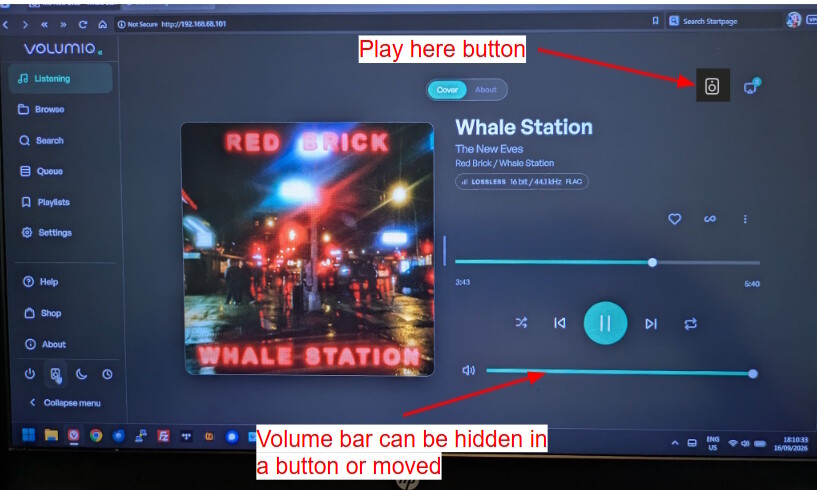
  • The volume bar on the playback screen (laptop) it very big. I always have volume on max as I control this via my amp. I’d prefer it to possible to hide it, or be less prominent.
  • Add a button for Play Here on the play screen, it’s hard to find the option with the 3 dots.
3 Likes

Yes, we’re here to hear what you would like to see. Plenty of QOL before release. So let us know specifically what you would like to see. Then @leorigna will do his magic!

1 Like

@volumio, just to know, do we need to read this whole thread constantly to find out which platforms are supported, or is there a specific thread post where we can read the actual progress?

2 Likes

I am running Volumio on my MacBook Air M5 and it works flawlessly so far. I like the UI very much, it’s responsive and nice looking.

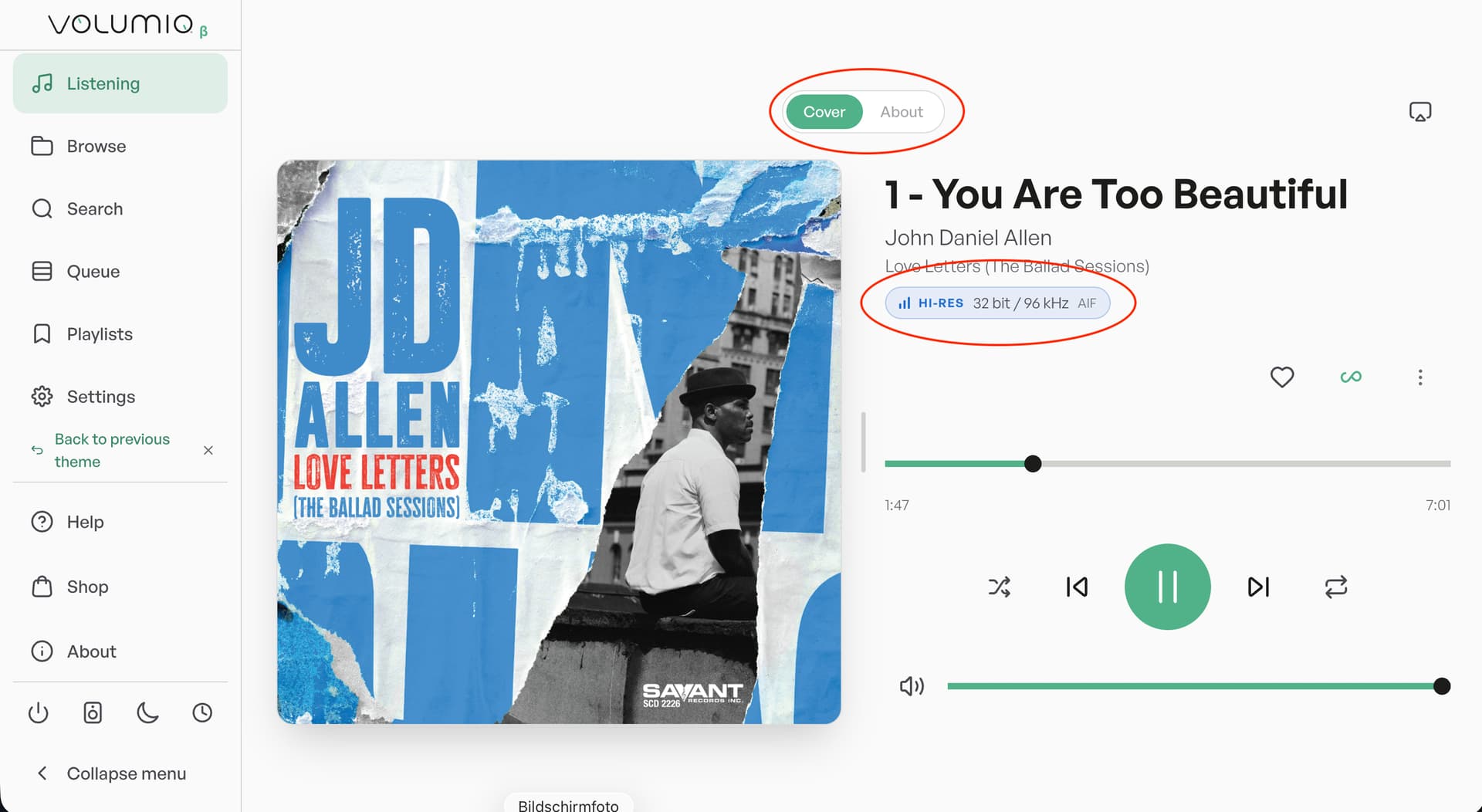
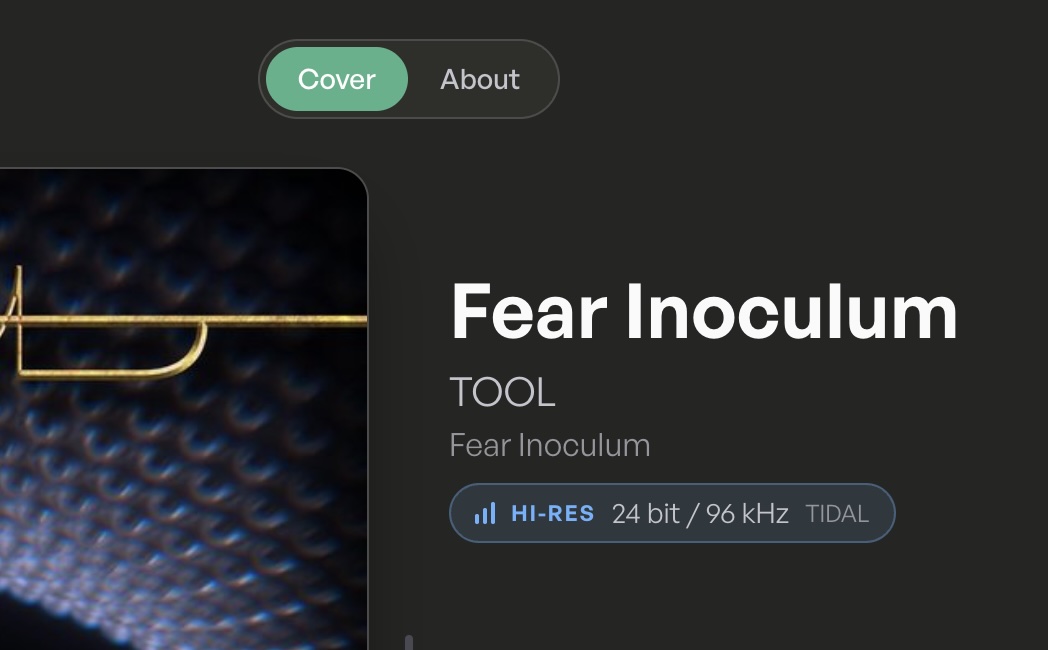
One thing, though: in the pane there is a slider for ‘Cover/About’ that cannot be moved to ‘About’. Also, it tells me that I listen to a HI-RES file with 32 bit/96 kHz. All hi-res files are denoted as 32 bit, which clearly can’t be the case.

1 Like

Hi @Sailor ! Is this from a local source (hard drive, thumb drive, etc.), or streaming? Just in case, do you have any oversampling settings turned on?

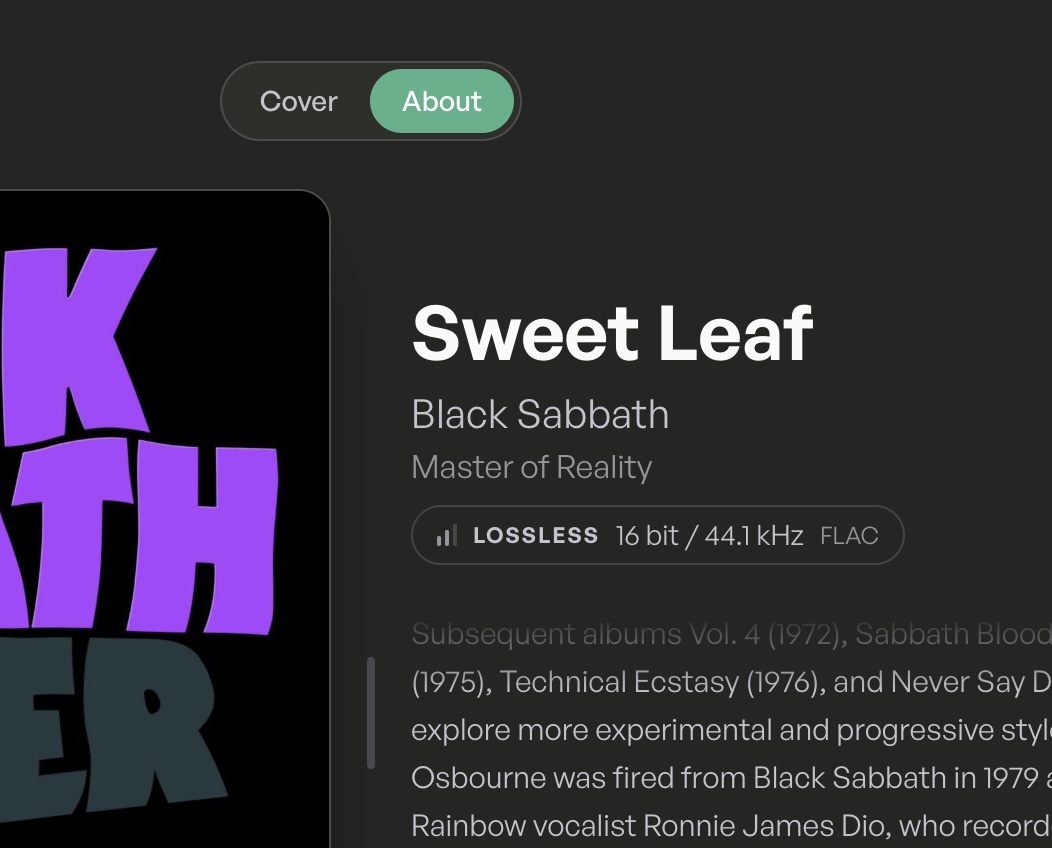
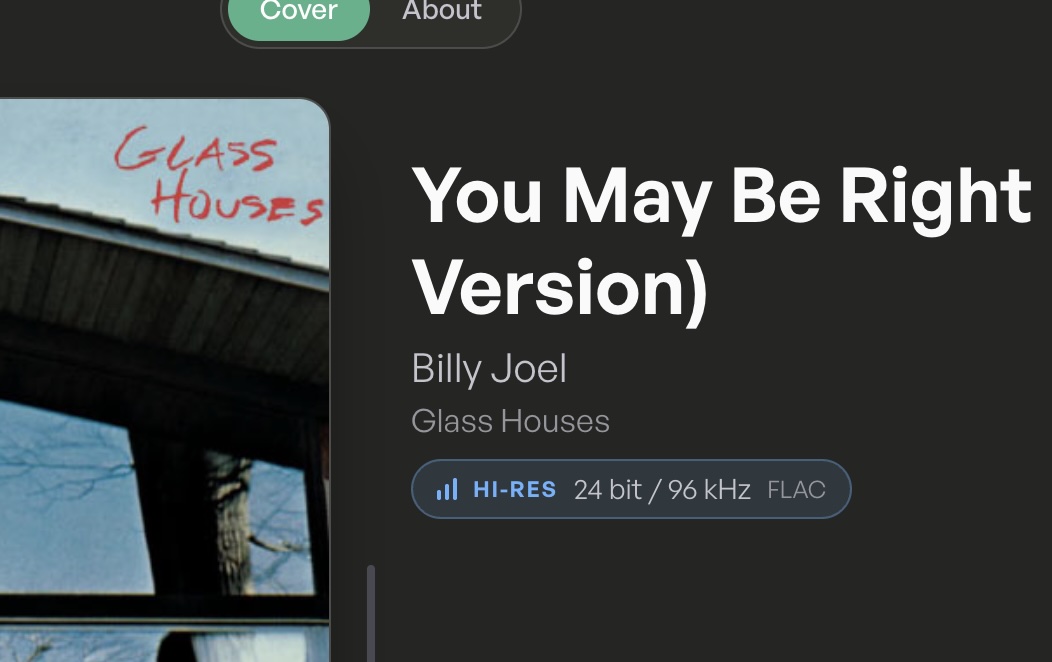
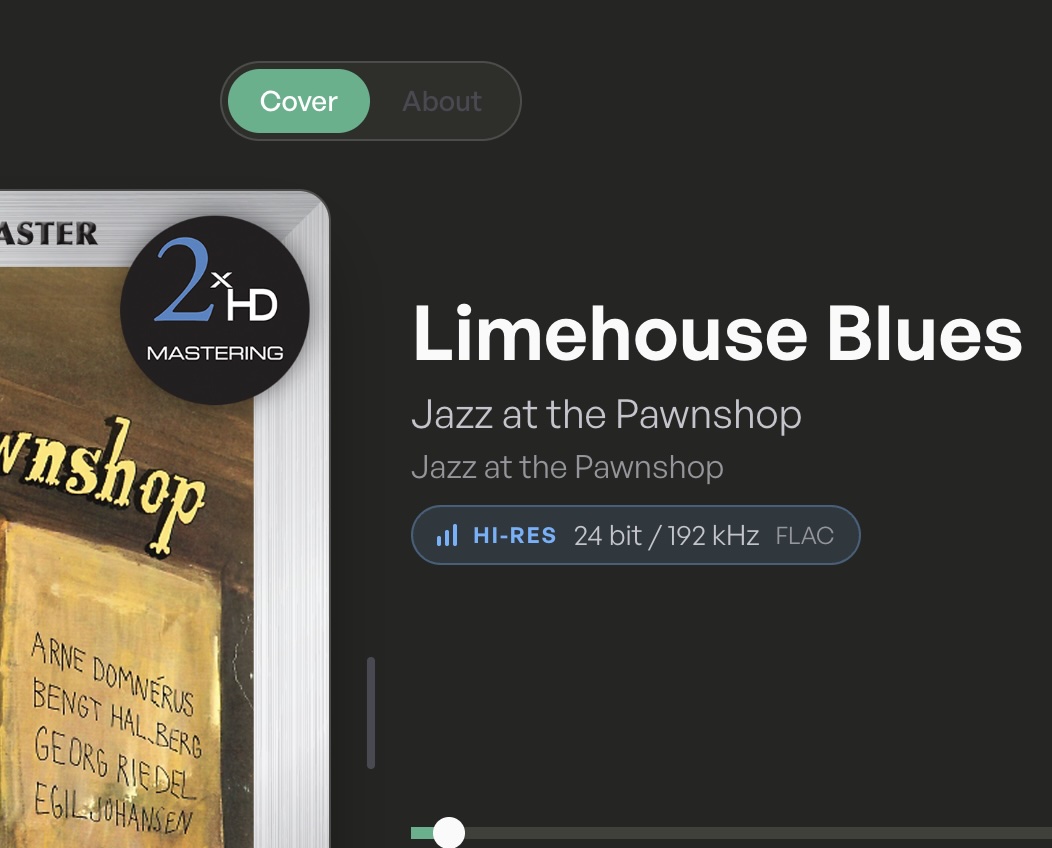
I’ve tested different formats just now from a local library and streaming via Tidal. All indicators switch accordingly, and so does the Cover/About toggle. Running Nova 0.260915.4 on Vol. 4.204. Some examples:

About Toggle:

Sample Variations:

DSD also displays properly; and Tidal streams appear as follows: