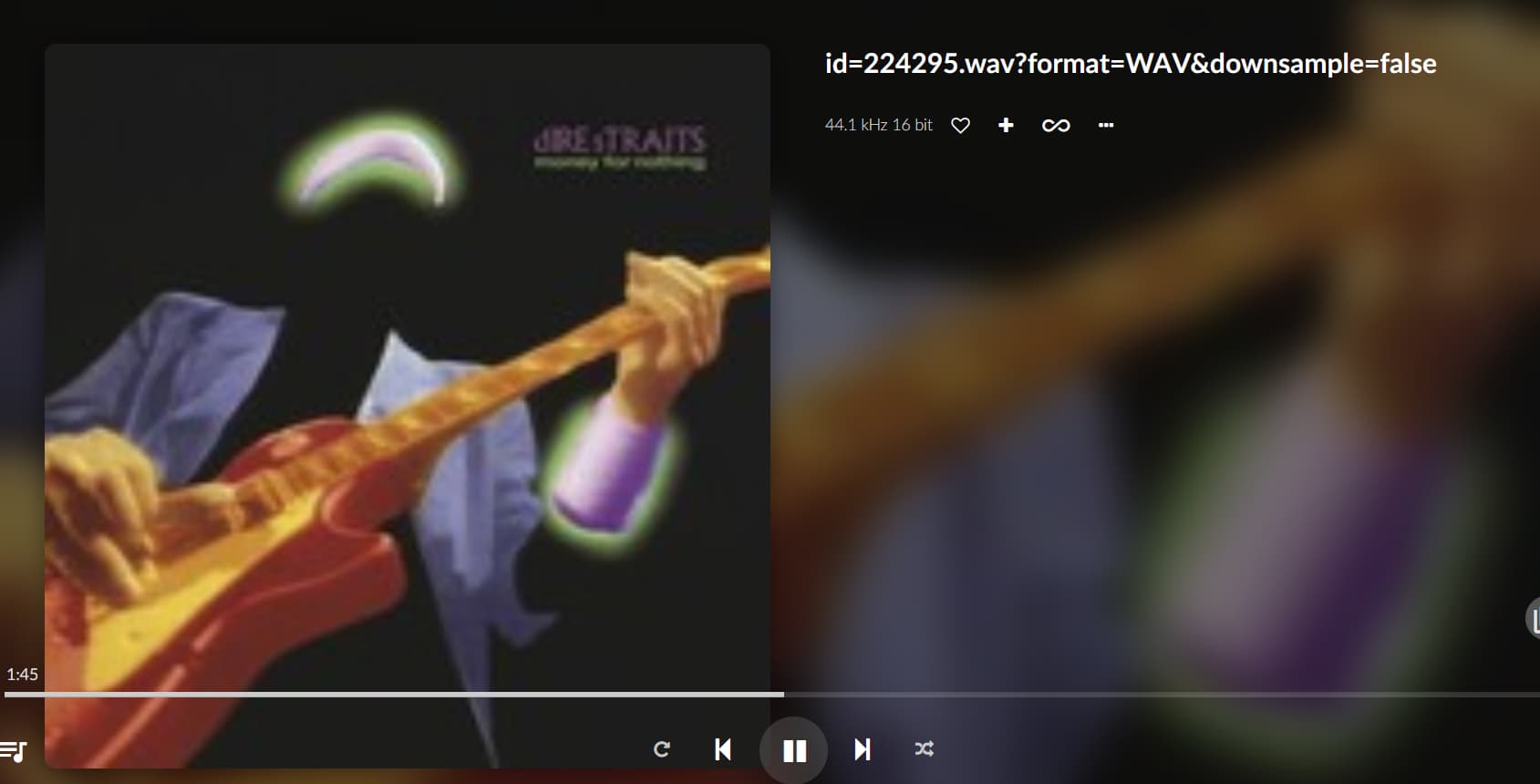
Hi, I’m not sure if this is the right place to ask!
When playing music from my library, I often get this title description. What does it mean?
Hi, I’m not sure if this is the right place to ask!
When playing music from my library, I often get this title description. What does it mean?
Looking at your screenshot, you not playing the track local , but push it from a mediaserver?
Yes, the file is located on a Synologic NAS.
let me rephrase.
Did you mount the share of the NAS to Volumio, or are you using the media server feature of the NAS. The screenshot imply the latter.
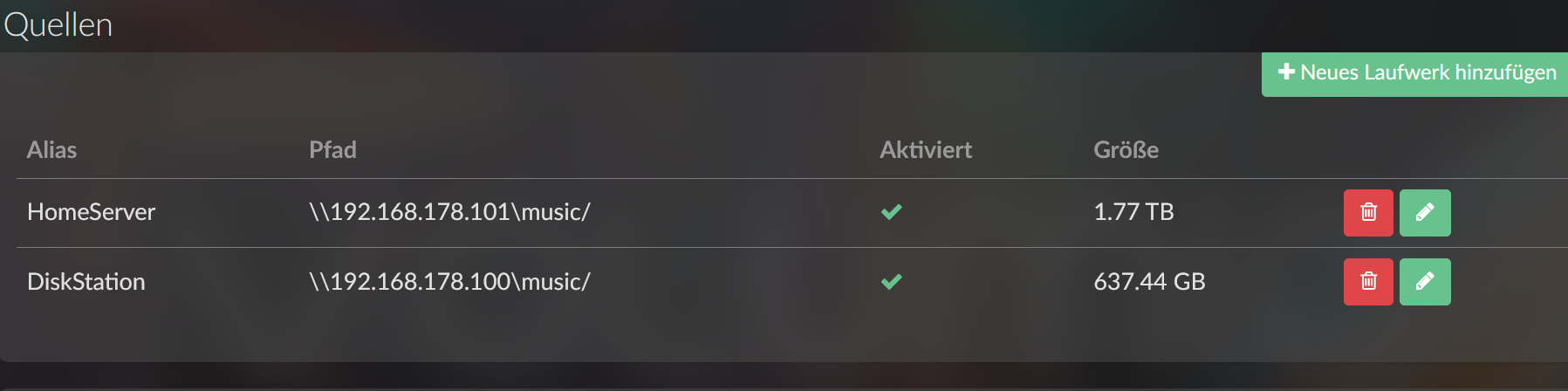
I added the NAS with the music directory under sources. Then I selected the title under "Browse Media Server (myNAS directory).
Go via “Music Library” to select your tracks.
Now you’re using the media server over upnp, and you get the info as provided by your NAS. Hence the weird file names.
Thanks, but that still doesn’t explain the displayed title.
The mediaserver running on your NAS, is pushing the media information to your Volumio device over uPnP. So in these cases Volumio receives this info from your Mediaserver:

Ist das Problem gelöst?
Ich fische mal im Trüben. Das NAS ist richtig eingebunden. Die Musiktitel (ne ganze Menge) sind in Volumio eingelesen. Beim Abspielen erscheint der Hinweis auf ein wav-Format. Handelt es sich bei den abgespielten Dateien um wav-Dateien? Auf welchem Laufwerk liegen die?
Please post in English if you need support. There are many tools available to translate your message into English. Do not expect others to translate your post for you.
Is the problem solved?
I’m just guessing here. The NAS is properly connected. The music tracks (a whole lot of them) are imported into Volumio. When playing, a message about a wav format appears. Are the files being played wav files? Which drive are they located on?