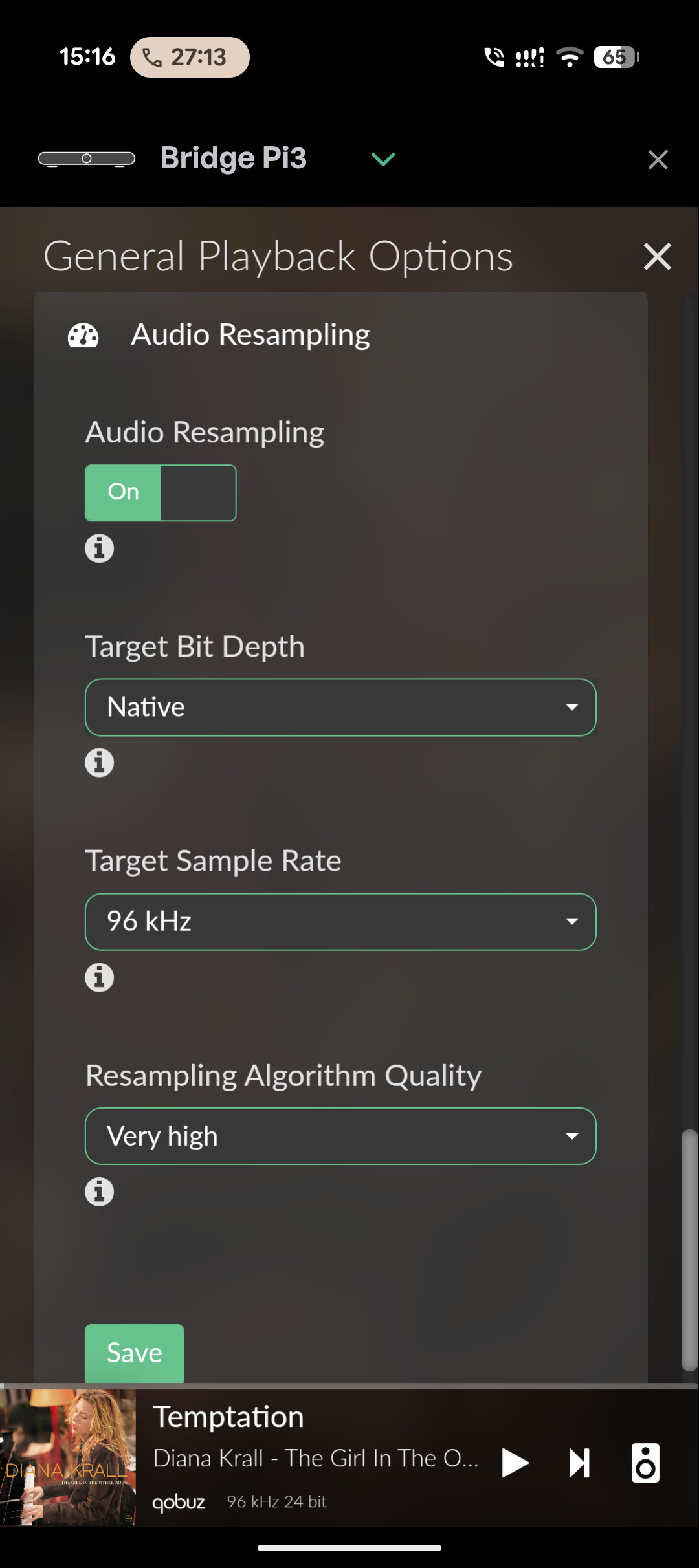
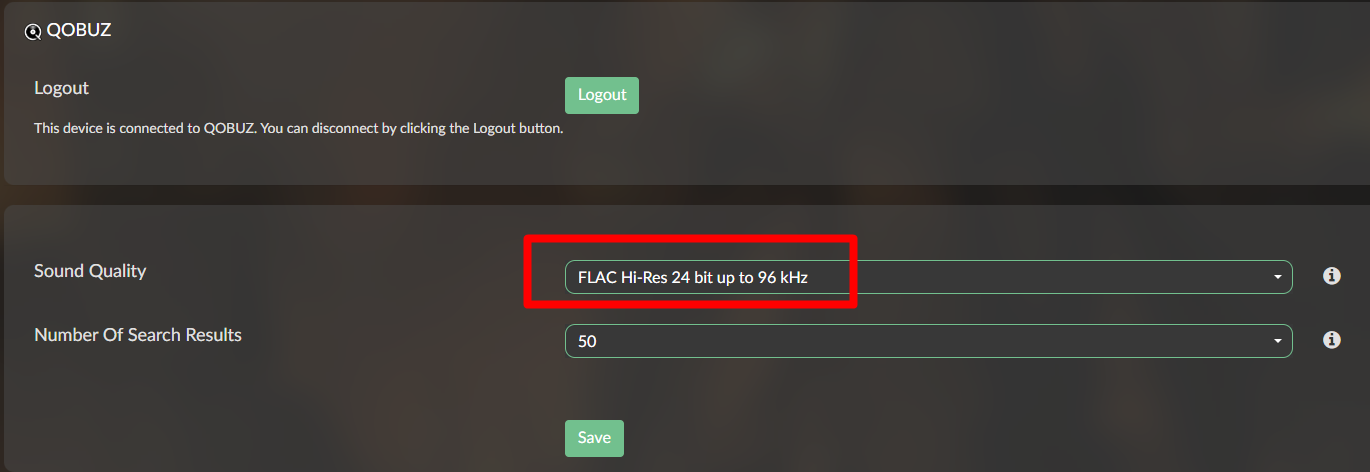
Dear Volumio community, I have been gifted an Audio Note DAC2 Signature and I connected it to a Volumio Streamer with Allo DigiOne HAT. The DAC does not play 192 kHz content so I need to limit the output of music to 96 kHz. I know that there is a drop down menu for Sound Quality under Sources section but it didnt work for me. I chose Sound Quality to FLAC Hi-Res 24bit up to 96 kHz but Qobuz still sends 192 kHz data. How can I limit Qobuz output ? (I also tried Audio Resampling under Playback Options but no result)
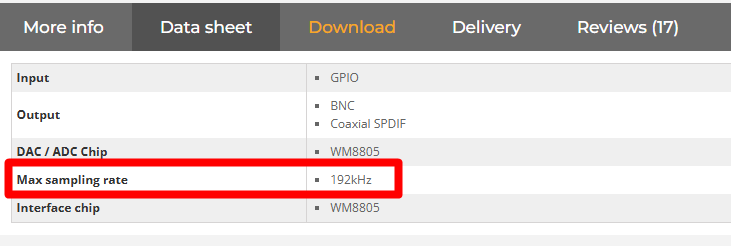
yes, there is no problem with streaming 192 kHz, my problem is to limit it to 96 kHz.
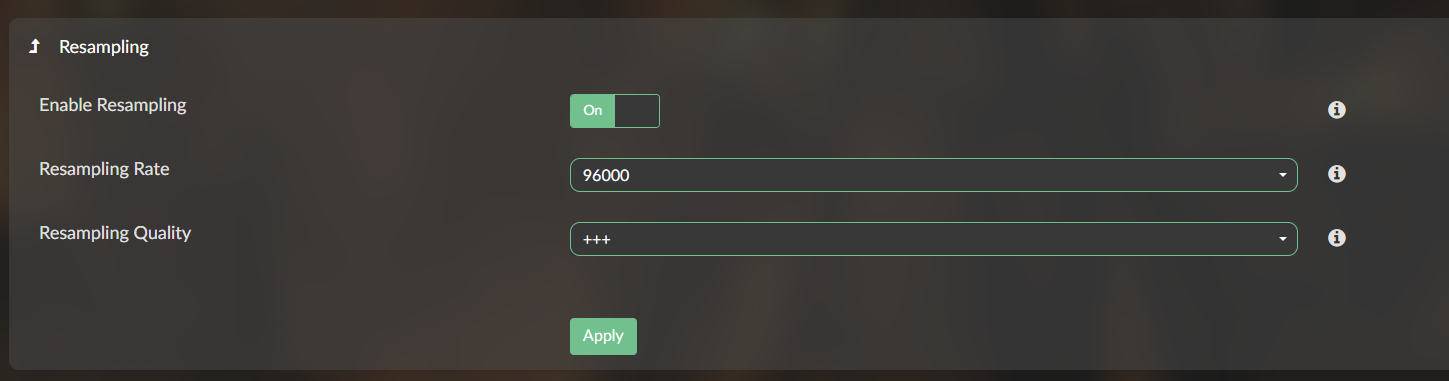
Although it is installed, I dont want to activate Fusion DSP but for sure it is an option. Will give it a try if I have no other option.
This thing didnt work for me. But I searched that I need to set Volume Options - Mixer Type to Software. Mine was set to None… I will try this now