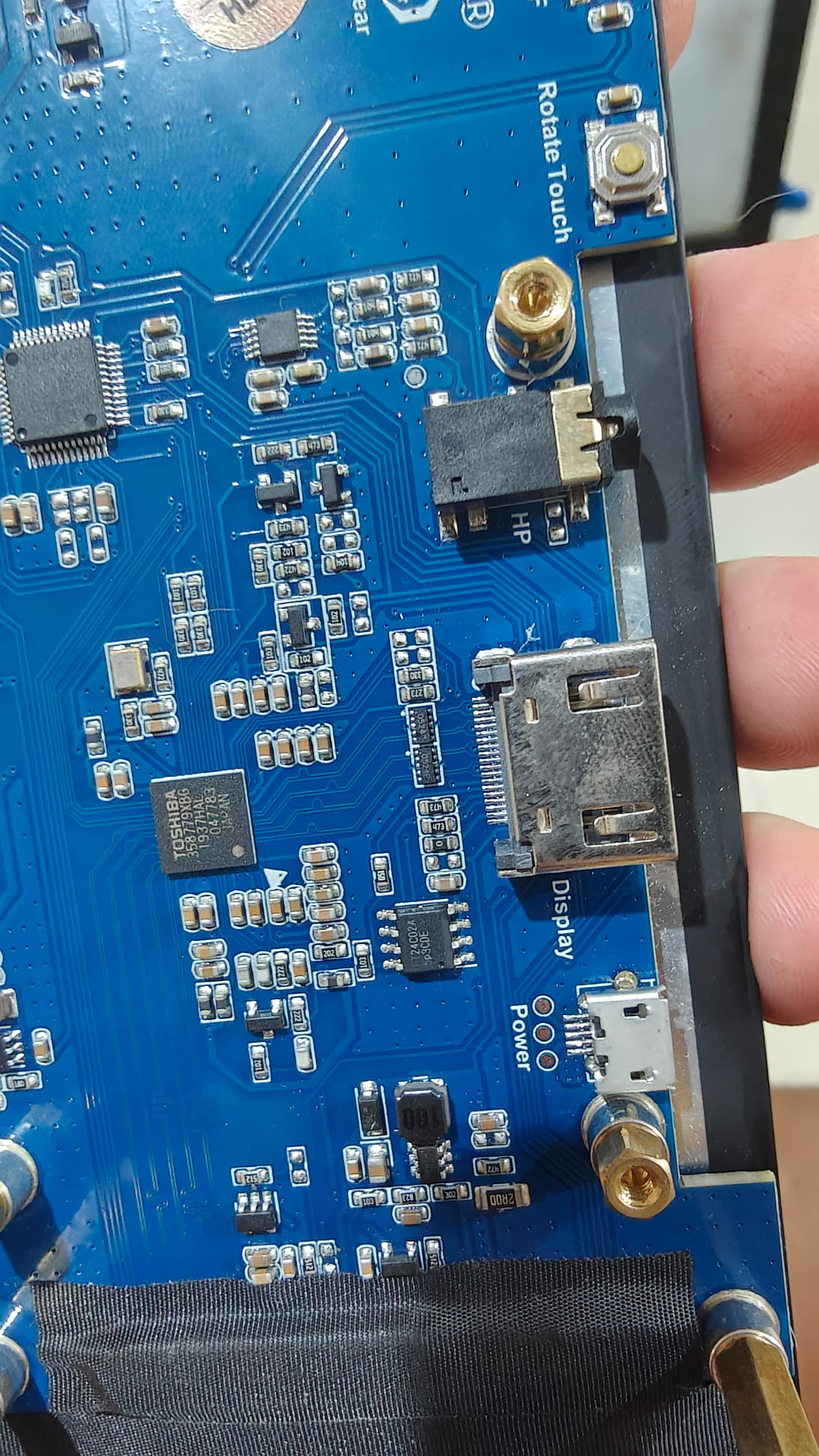
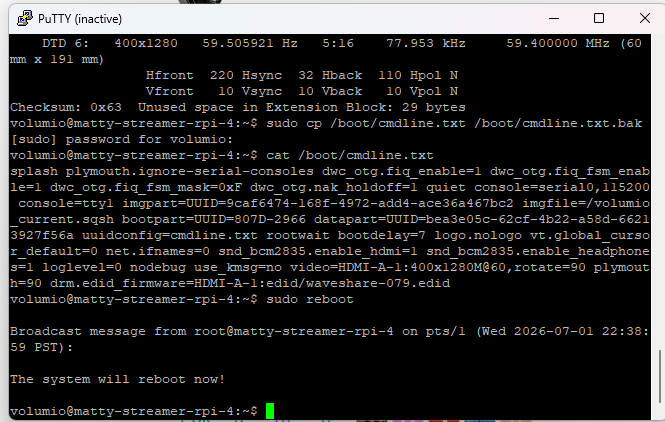
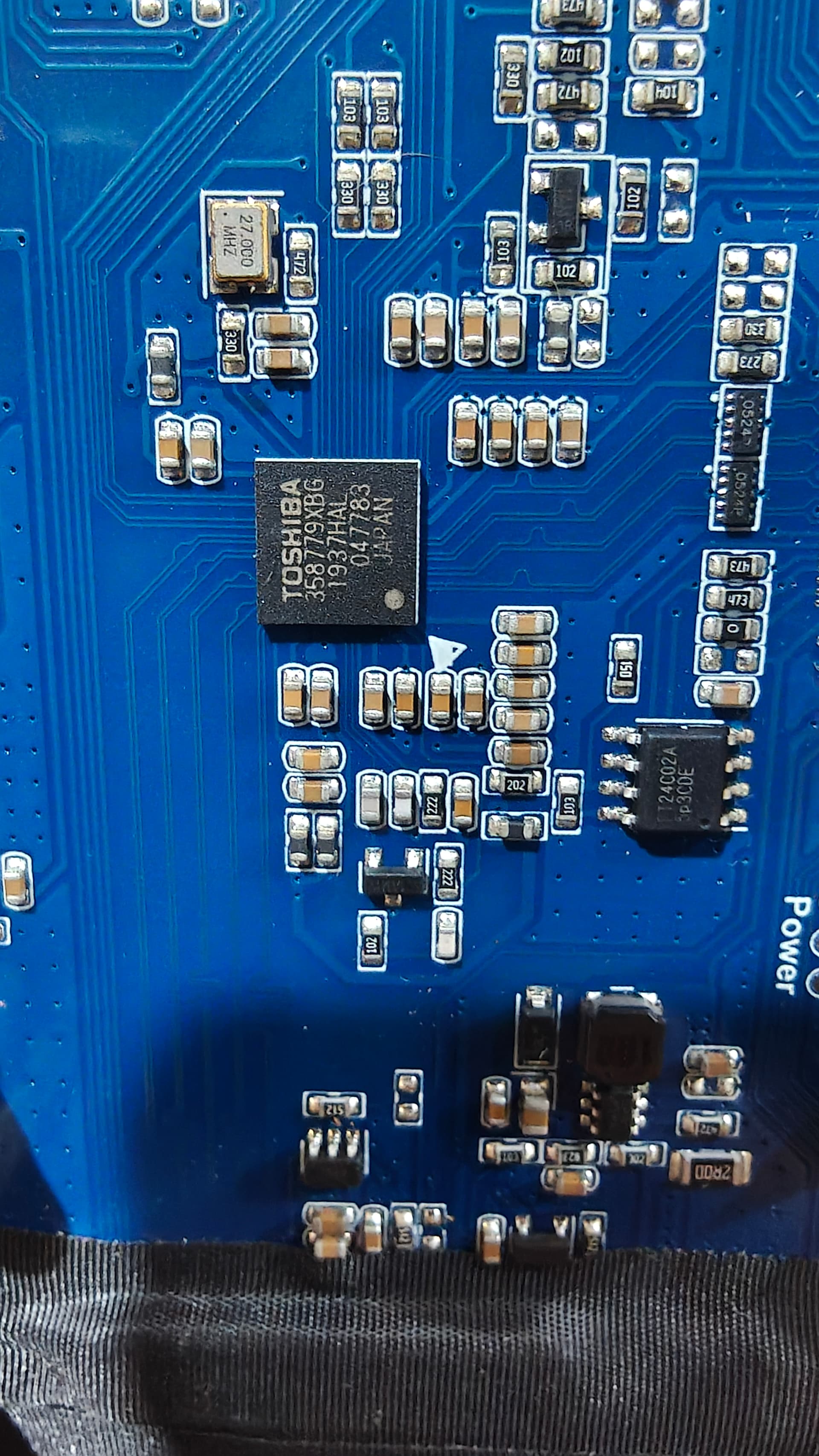
Hey @matmatth95,
Next step, one change only. We take the Touch Display plugin out of the picture entirely so nothing starts the graphical interface, and we look at what the bare console does on the panel.
-
In the WebUI, go to Plugins, then Installed Plugins, find Touch Display, and uninstall it. Uninstall, not just disable or stop. Stopping or disabling leaves it installed, and it will start again on the next boot, which would defeat this test. It has to be removed.
-
Once it is uninstalled, do a full power cycle: shut down, remove power, restore power.
-
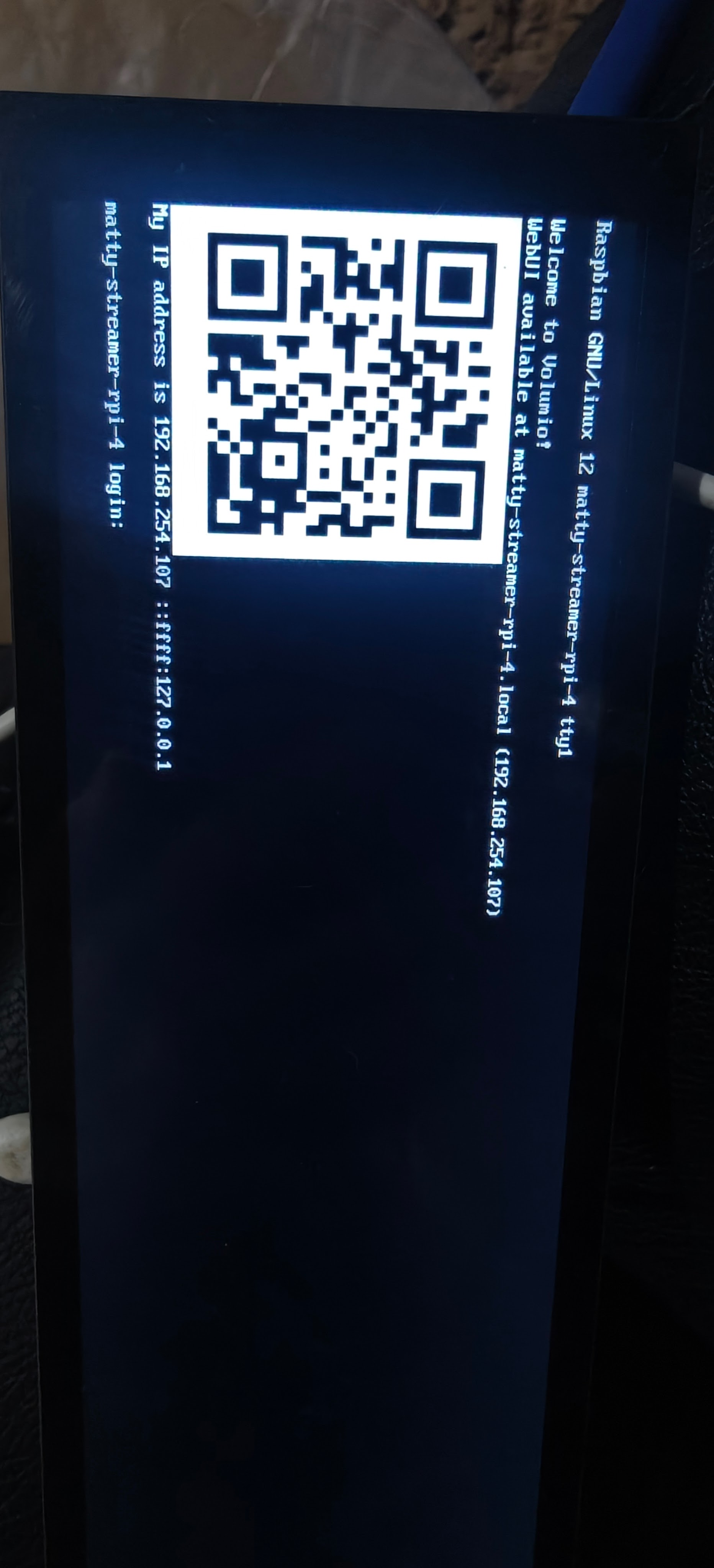
Let it boot fully. With the plugin gone, no Volumio interface will load. That is expected and correct for this test. What should appear on the screen instead is the plain text console (tty1) showing the Volumio onboarding screen, with a QR code and the device local IP address.
-
Two things to capture:
First, photograph the screen. If it shows that console QR and IP, take a photo of it. If the screen is black with no text at all, tell me that instead, because that is also a result.
Second, over SSH while it is running:
fbset
Paste the fbset output in triple backticks and attach the photo.
This shows whether the panel is being driven at the console level once the graphical layer is removed. Send the photo and the fbset output and we go from there.
Kind Regards,