I would be surprised if this would work with audio taking that CEC is overridden with 7" HDMI screen parameters. This is expected behaviour and there is no point spending time on it.
Let’s focus on this one only without Touch Plugin installed first.
The hdmi_drive command allows you to choose between HDMI and DVI output modes.
hdmi_drive
result
1
Normal DVI mode (no sound)
2
Normal HDMI mode (sound will be sent if supported and enabled)
As such, we use hdmi_drive=2 (normal HDMI mode), however Aliexpress link shows use of hdmi_drive=1
config_hdmi_boost
Configures the signal strength of the HDMI interface. The default value is 0 and the maximum is 11.
The default value for the original Model B and A is 2. The default value for the Model B+ and all later models is 5.
If you are seeing HDMI issues (speckling, interference) then try 7. Very long HDMI cables may need up to 11, but values this high should not be used unless absolutely necessary.
Aliexpress link shows use of config_hdmi_boost=7
hdmi_force_edid_audio
Setting hdmi_force_edid_audio to 1 pretends that all audio formats are supported by the display, allowing passthrough of DTS/AC3 even when this is not reported as supported.
Perhaps we should include.
TEST
Update your /boot/userconfig.txt as follows (comment out or remove everything else):
With dtoverlay=vc4-kms-v3d screen and soubd via HDMI does not works,
without dtoverlay=vc4-kms-v3d WiFi is unable to connect, but screen (and probabbly sound i think - no possibility to play without net connection) works.
Have one idea more: this is how my screen looks now and works…(with userinfo.txt empty). Thin black stripes of inactive display area are surrounding the on-screen view.
Long story short no one likes to be lied to by subpar electronics. Modeset presented by EDID:
[    50.335] (II) modeset(0): Supported established timings:
[    50.335] (II) modeset(0): 720x400@70Hz
[    50.335] (II) modeset(0): 640x480@60Hz
[    50.335] (II) modeset(0): 640x480@72Hz
[    50.335] (II) modeset(0): 640x480@75Hz
[    50.335] (II) modeset(0): 800x600@56Hz
[    50.335] (II) modeset(0): 800x600@60Hz
[    50.335] (II) modeset(0): 800x600@72Hz
[    50.335] (II) modeset(0): 800x600@75Hz
[    50.335] (II) modeset(0): 832x624@75Hz
[    50.335] (II) modeset(0): 1024x768@60Hz
[    50.335] (II) modeset(0): 1024x768@70Hz
[    50.335] (II) modeset(0): 1024x768@75Hz
[    50.335] (II) modeset(0): 1280x1024@75Hz
[    50.335] (II) modeset(0): Manufacturer's mask: 0
[    50.335] (II) modeset(0): Supported detailed timing:
[    50.335] (II) modeset(0): clock: 50.4 MHz   Image Size:  476 x 268 mm
[    50.335] (II) modeset(0): h_active: 1024  h_sync: 1068  h_sync_end 1156 h_blank_end 1344 h_border: 0
[    50.335] (II) modeset(0): v_active: 600  v_sync: 603  v_sync_end 609 v_blanking: 625 v_border: 0
[    50.335] (II) modeset(0): Serial No: 0
[    50.335] (II) modeset(0): Ranges: V min: 56 V max: 75 Hz, H min: 30 H max: 83 kHz, PixClock max 215 MHz
[    50.335] (II) modeset(0): Monitor name: HDMI
[    50.335] (II) modeset(0): Supported detailed timing:
[    50.335] (II) modeset(0): clock: 27.0 MHz   Image Size:  697 x 392 mm
[    50.335] (II) modeset(0): h_active: 720  h_sync: 732  h_sync_end 796 h_blank_end 864 h_border: 0
[    50.335] (II) modeset(0): v_active: 576  v_sync: 581  v_sync_end 586 v_blanking: 625 v_border: 0
[    50.335] (II) modeset(0): Supported detailed timing:
[    50.335] (II) modeset(0): clock: 74.2 MHz   Image Size:  697 x 392 mm
[    50.335] (II) modeset(0): h_active: 1920  h_sync: 2008  h_sync_end 2052 h_blank_end 2200 h_border: 0
[    50.335] (II) modeset(0): v_active: 540  v_sync: 542  v_sync_end 547 v_blanking: 562 v_border: 0
[    50.335] (II) modeset(0): Supported detailed timing:
[    50.335] (II) modeset(0): clock: 74.2 MHz   Image Size:  697 x 392 mm
[    50.335] (II) modeset(0): h_active: 1920  h_sync: 2448  h_sync_end 2492 h_blank_end 2640 h_border: 0
[    50.335] (II) modeset(0): v_active: 540  v_sync: 542  v_sync_end 547 v_blanking: 562 v_border: 0
[    50.335] (II) modeset(0): Supported detailed timing:
[    50.335] (II) modeset(0): clock: 74.2 MHz   Image Size:  697 x 392 mm
[    50.335] (II) modeset(0): h_active: 1280  h_sync: 1720  h_sync_end 1760 h_blank_end 1980 h_border: 0
[    50.335] (II) modeset(0): v_active: 720  v_sync: 725  v_sync_end 730 v_blanking: 750 v_border: 0
[    50.335] (II) modeset(0): Supported detailed timing:
[    50.335] (II) modeset(0): clock: 148.5 MHz   Image Size:  697 x 392 mm
[    50.335] (II) modeset(0): h_active: 1920  h_sync: 2448  h_sync_end 2492 h_blank_end 2640 h_border: 0
[    50.335] (II) modeset(0): v_active: 1080  v_sync: 1084  v_sync_end 1089 v_blanking: 1125 v_border: 0
The vc4-kms-v3d overlay is consistent and kernel evicts vc4 with printing what it thinks the screen should be:
[    51.246] (II) modeset(0): EDID vendor "DWE", prod id 8448
[    51.246] (II) modeset(0): Using EDID range info for horizontal sync
[    51.246] (II) modeset(0): Using EDID range info for vertical refresh
[    51.246] (II) modeset(0): Printing DDC gathered Modelines:
As such it needs to be pushed to Modeline “FIXED_MODE” with vc4-fkms-v3d.
# Add your custom config.txt options to this file, which will be preserved during updates
[all]
max_framebuffers=2

dtoverlay=vc4-fkms-v3d
hdmi_force_mode=1
hdmi_group=2
hdmi_mode=87
hdmi_cvt 1024 600 60 6 0 0 0
hdmi_drive=2
config_hdmi_boost=7

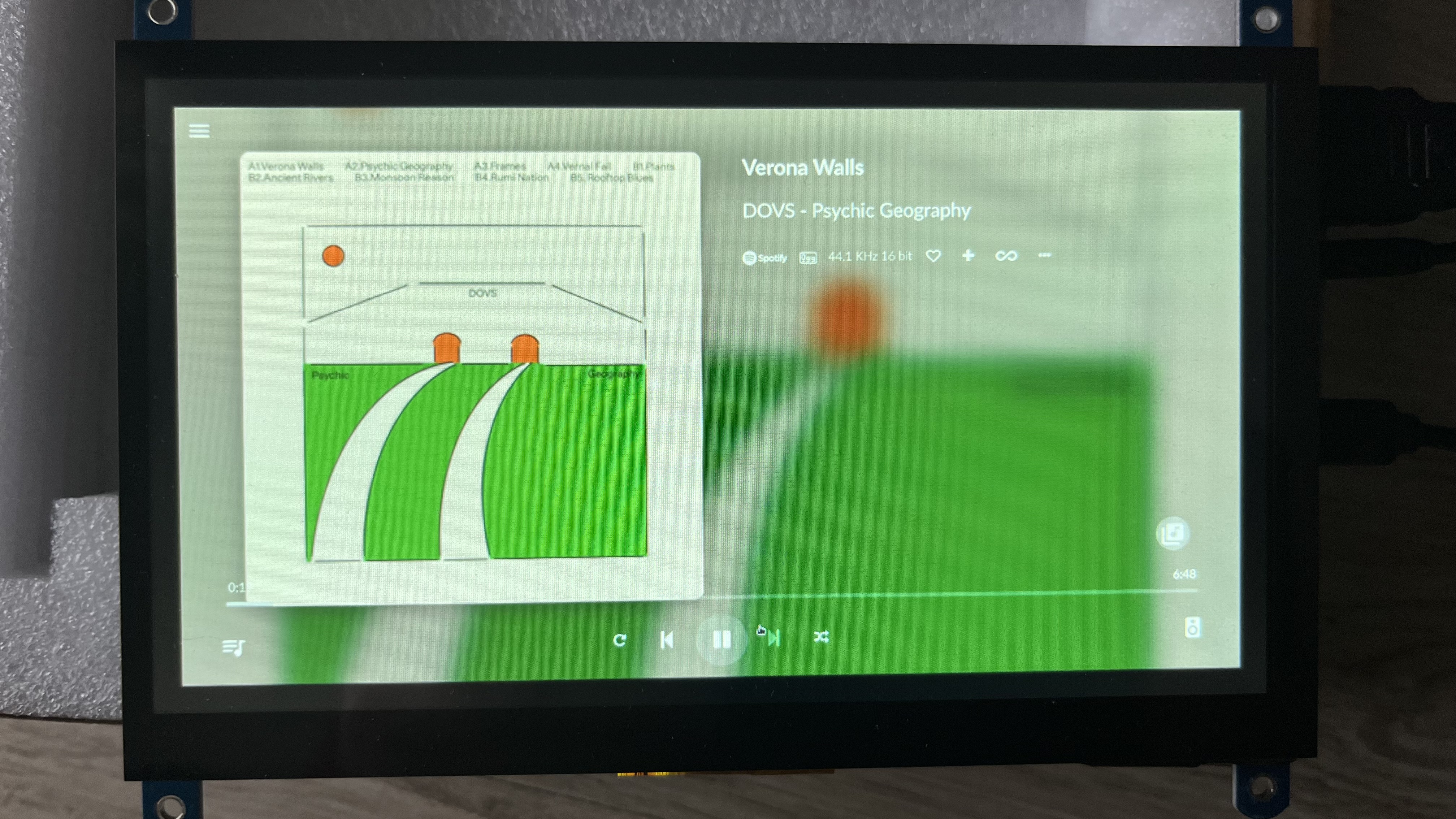 https://zapodaj.net/plik-7JH271Lx5v
 no one likes to be lied to by subpar electronics. Modeset presented by EDID: